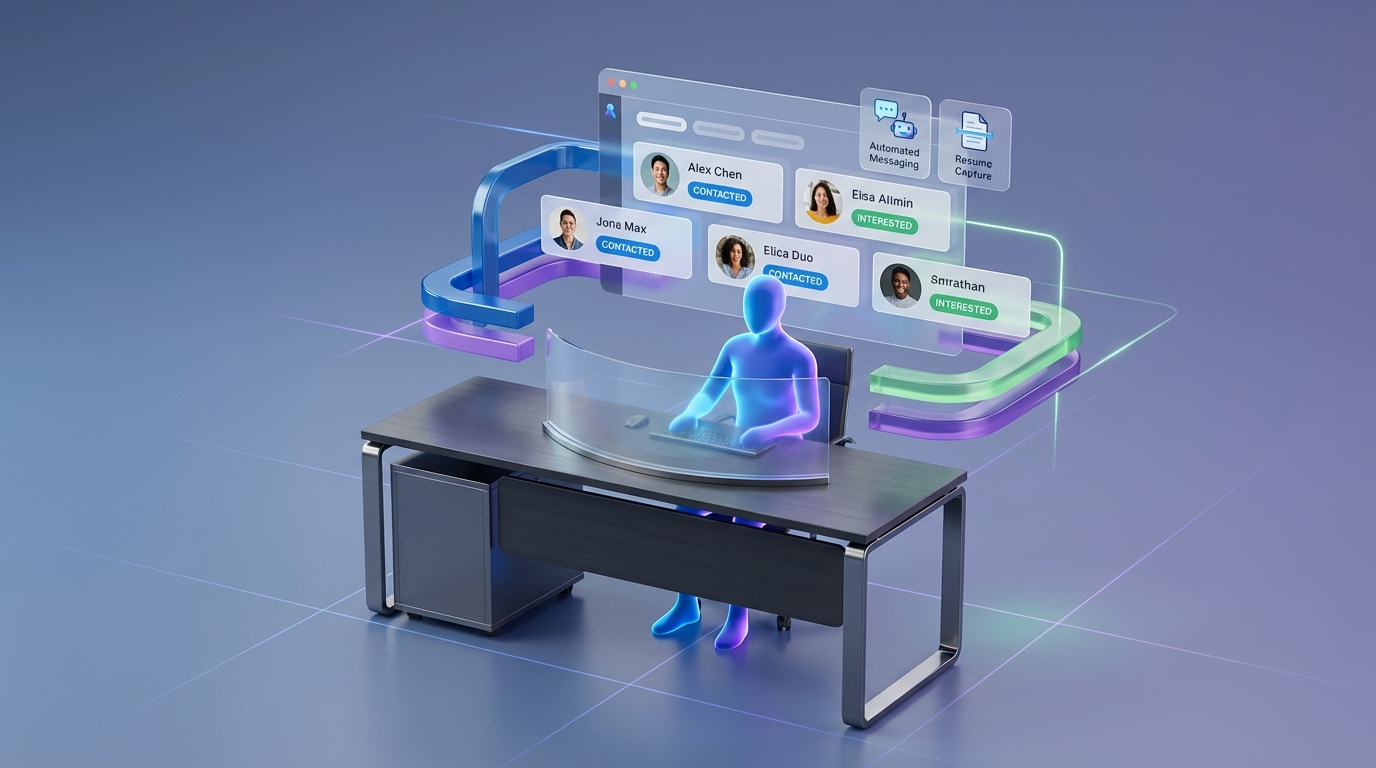
A candidate database for recruiters is most effective when AI and automation handle the repetitive, high-volume work and recruiters keep control of the judgment calls. In other words, there is a big difference between understanding which parts of recruiting can be replaced by AI and which parts should be replaced. If you automate the wrong steps, you do not get a better candidate database, you get noise, compliance risk, and damaged employer brand. This guide shows a practical split of responsibilities, plus how StrategyBrain AI Recruiter can automate LinkedIn outreach, follow-up, and data capture to keep your database fresh while you stay in charge of qualification and hiring decisions.
What a candidate database is (and what it is not)
A candidate database is a structured system that stores candidate records so recruiters can search, segment, and re-engage talent over time. In practice, it can be an ATS database, a recruiting CRM, or a controlled spreadsheet, as long as it has consistent fields and a repeatable process for updates.
What it is not is a pile of profiles you never contact again. A database only becomes an asset when it stays current and when the data is collected and used responsibly.
Minimum fields that make a database usable
- Identity: name, location, role title, seniority
- Contact: email and phone when provided by the candidate
- Source: where the candidate came from (for example LinkedIn outreach)
- Status: contacted, replied, interested, not interested, do not contact
- Evidence: resume received, portfolio link text, notes from conversation
- Consent signals: what the candidate agreed to share and when
The “can vs should” rule for AI in recruiting
Many recruiting tasks can be automated. The harder question is whether they should be automated. The difference matters because a candidate database for recruiters is not just a productivity tool. It is also a relationship system and a compliance surface.
In our internal process reviews with recruiting teams, the failures usually come from one of two mistakes. First, automating decisions that require context and accountability. Second, automating outreach without a clear definition of “good data,” which floods the database with low-intent contacts.
A simple decision test you can apply
- Automate it if the task is repetitive, rules-based, and measurable.
- Keep it human if the task changes the candidate’s outcome, requires nuanced judgment, or creates legal or ethical risk.
- Hybrid if AI can draft, summarize, or route work but a recruiter must approve the final action.
What AI should replace in a recruiter candidate database workflow
These are the areas where AI typically improves speed and consistency without taking away recruiter accountability, as long as you set clear guardrails.
1) High-volume outreach and follow-up
Outreach is often the biggest time sink in building a candidate database. StrategyBrain AI Recruiter is designed to automate LinkedIn connecting, initial messaging, and follow-up conversations so your database does not depend on a recruiter remembering to chase replies.
- What gets better: response handling, follow-up timing, and coverage across time zones.
- What to measure: reply rate, interested rate, and resume capture rate per role.
2) Capturing resumes and contact details into the database
A database is only as good as its records. StrategyBrain AI Recruiter can request resumes and contact details from candidates who express interest, then mark resumes as received and capture contact details shared in messages. This reduces the common failure mode where interest is expressed but the record never becomes actionable.
3) 24/7 multilingual candidate communication
If you recruit globally, delays and language friction reduce conversion. StrategyBrain AI Recruiter supports always-on messaging and can communicate in the candidate’s native language, which helps keep conversations moving and reduces misunderstandings that lead to drop-off.
4) Multi-account operations for scalable database building
When teams run multiple LinkedIn seats, coordination becomes a bottleneck. StrategyBrain AI Recruiter supports managing more than 100 LinkedIn accounts so organizations can scale outreach while keeping a consistent workflow for data capture and handoff to recruiters.
What AI should not replace (keep human control)
This is the part many “revolutionary AI recruiting” claims gloss over. Yes, AI can do a lot. No, it should not do everything.
1) Final qualification and role fit decisions
StrategyBrain AI Recruiter can identify willingness to communicate or interview, but it does not determine whether a resume fully matches job requirements. That final qualification step should remain with the recruiter or hiring manager because it requires domain context and accountability.
2) Compensation nuance and sensitive negotiation
AI can answer structured questions about compensation when you provide the details, but negotiation is not just information exchange. It is trust, trade-offs, and context. Keep the final negotiation and exceptions human-led.
3) Edge cases that affect fairness and compliance
Any workflow that could create disparate impact, mishandle sensitive data, or violate platform rules should be reviewed by humans and legal or compliance partners. Automation should support consistency, not replace governance.
4) Relationship repair and candidate experience recovery
When a candidate is frustrated, confused, or has had a poor experience, a human response is usually the fastest way to rebuild trust. AI can summarize the thread and suggest a reply, but a recruiter should own the message.
A practical LinkedIn-first workflow using StrategyBrain AI Recruiter
This workflow is designed to build a candidate database for recruiters without turning automation into indiscriminate blasting. We have used versions of this structure to reduce manual messaging load while keeping recruiter control over quality.
Steps
- Define your database acceptance criteria: decide what counts as a “database-worthy” record for this role. For example, must have location, target title, and a clear yes or no on interest.
- Provide role context to StrategyBrain AI Recruiter: include company details, compensation, benefits, and candidate search criteria so the AI can answer questions accurately and consistently.
- Run automated connection and intro messaging: the AI connects with candidates within your targeted criteria and introduces the opportunity.
- Let the AI handle Q&A and follow-up: the AI learns the candidate’s situation, answers questions about the role and company, and confirms interview interest.
- Capture resumes and contact details: when the candidate is interested, the AI requests a resume and contact information and records what is received.
- Recruiter reviews and qualifies: you review the collected resumes and conversation summaries, then decide who moves forward.
- Tag and segment the database: mark outcomes such as interested, future fit, not interested, and do not contact. This is what makes the database reusable.
Common pain points we see (and how to handle them)
- Pain point: candidates ask detailed questions you did not provide. Fix: expand the role brief you give the AI, especially compensation, benefits, and interview process.
- Pain point: too many low-intent replies clutter the candidate database. Fix: tighten search criteria and require an explicit interest confirmation before a record is marked “active.”
- Pain point: recruiters worry automation will make messaging feel generic. Fix: standardize a few approved message styles and require human review for senior or sensitive roles.
Database quality checklist you can copy
- Every record has a source and date of first contact
- Every record has a clear status (contacted, replied, interested, not interested, do not contact)
- Interested candidates have a resume received flag and a next step owner
- Follow-up rules are defined (who, when, how many attempts)
- Sensitive data is minimized and access is role-based
- Candidates who opt out are tagged and excluded from future outreach
Quick comparison: manual vs AI-assisted database building
| Approach | Speed | Consistency | Best for |
|---|---|---|---|
| Manual LinkedIn outreach + manual data entry | Low for high-volume roles | Varies by recruiter | Very senior roles, highly bespoke messaging |
| Hybrid: AI outreach + recruiter qualification | High | High when templates and rules are defined | Most teams building a reusable candidate database |
| Over-automated: AI decides fit and advances candidates | High | High but risky | Not recommended for accountable hiring decisions |
FAQ
What is the fastest way to build a candidate database for recruiters?
The fastest approach is to automate repetitive outreach and follow-up, then capture resumes and contact details only after a candidate confirms interest. StrategyBrain AI Recruiter is built for this LinkedIn-first workflow so recruiters can focus on reviewing resumes and scheduling interviews.
Is a free candidate database realistic for a recruiting team?
A “free candidate database” is realistic only at small scale, for example a spreadsheet with strict fields and tagging rules. As volume grows, the cost usually shifts from software to recruiter time spent on outreach, follow-up, and data cleanup.
What should I store in a candidate database?
Store only what you need to recruit responsibly: role-relevant profile data, contact details provided by the candidate, conversation notes, status, and consent signals. Avoid collecting sensitive data that is not required for hiring decisions.
Can AI replace recruiters in the database workflow?
AI can replace large portions of repetitive work such as connecting, messaging, follow-up, and capturing resumes and contact details. It should not replace final qualification, negotiation nuance, or accountable hiring decisions.
How does StrategyBrain AI Recruiter help with LinkedIn recruiting?
It automates connecting with candidates in your target criteria, introduces the role, answers questions using the information you provide, confirms interview interest, and collects resumes and contact details from interested candidates. Recruiters then review and decide who advances.
Does StrategyBrain AI Recruiter decide whether a resume matches the job?
No. It identifies willingness to communicate or interview, but it does not determine full resume-to-requirements fit. Recruiters complete that final qualification step after reviewing the resume.
How does it handle multilingual candidates?
StrategyBrain AI Recruiter supports multilingual communication so candidates can interact in their native language. This is useful for global hiring where time zones and language differences slow down manual workflows.
How do I prevent automation from creating spammy outreach?
Set strict search criteria, limit outreach volume per role, require an explicit interest confirmation before marking a record active, and keep human review for sensitive roles. Automation should increase consistency, not reduce standards.
What is a safe way to measure database quality?
Track measurable outcomes such as reply rate, interested rate, and the percentage of interested candidates with a resume received flag. Also track database hygiene metrics such as the share of records with a clear status and opt-out compliance.
Conclusion
A candidate database for recruiters becomes a competitive advantage when it stays current, searchable, and permission-aware. The most reliable way to get there is to automate what is repetitive and measurable, then keep humans responsible for judgment-heavy decisions. If you want a LinkedIn-first workflow that reduces manual messaging while improving database completeness, use StrategyBrain AI Recruiter to automate connecting, Q&A, follow-up, and resume and contact capture, then have recruiters focus on qualification and closing. Next step: define your acceptance criteria for “database-worthy” records and implement the checklist above for your next role.