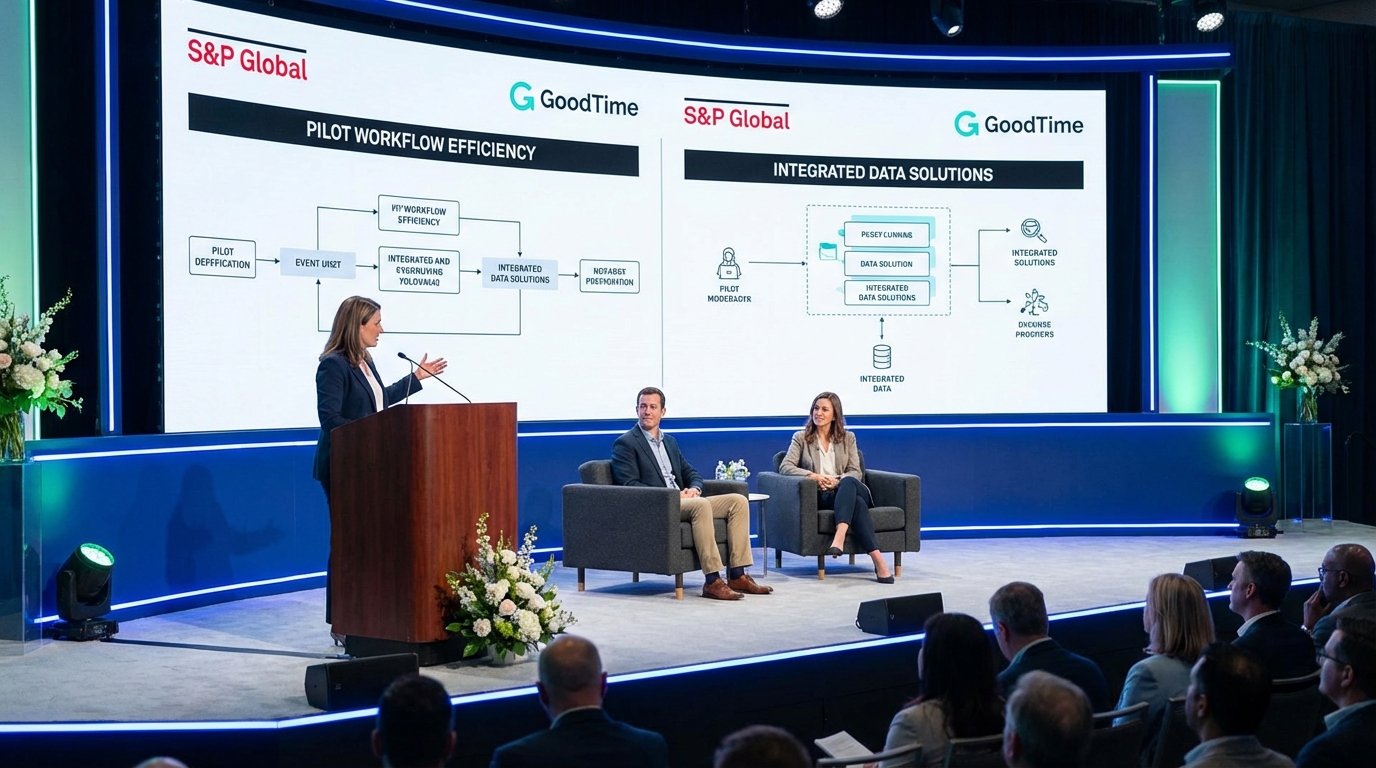
AI agents in hiring are now showing tangible impact when they are applied to specific recruiter workflows such as sourcing, first outreach, follow up, and early interest qualification. If you are evaluating an ai recruiting tool, the fastest path to value is to pick one workflow, define success metrics, and run a controlled pilot with clear compliance and messaging guardrails. In this post, I share an upcoming conversation I am moderating with S&P Global and GoodTime, then I outline the exact questions I would ask, plus a practical evaluation checklist for talent sourcing software and recruitment online for recruiters. I also explain how StrategyBrain AI Recruiter fits into LinkedIn recruiting by automating initial outreach and multilingual follow up while keeping recruiters responsible for final qualification.
Table of Contents
- Where AI agents are working in hiring right now
- The conversation I am moderating with S&P Global and GoodTime
- A question slate you can reuse for any ai recruiting tool
- How to evaluate talent sourcing software in a pilot
- Where StrategyBrain AI Recruiter fits in LinkedIn recruiting
- Implementation playbook for recruitment online for recruiters
- FAQ
- Conclusion and next steps
Where AI agents are working in hiring right now
When people say “AI agents in hiring,” they often mean software that can take actions across a workflow, not just generate text. In recruiting, the workflows that tend to show impact first are the ones with high repetition and clear decision boundaries. That is why sourcing and early outreach are common starting points.
In my experience reviewing how teams deploy automation, the pattern is consistent. AI works best when it is responsible for speed and consistency, while recruiters remain responsible for judgment calls such as final qualification and offer alignment.
Workflows that are easiest to automate safely
- Candidate discovery and list building using defined search criteria and role requirements.
- Initial outreach that introduces the opportunity and checks basic interest.
- Follow up that keeps conversations moving without recruiters manually chasing replies.
- Early qualification focused on willingness to talk and logistics, not deep skills assessment.
Workflows that still need careful human control
- Final fit assessment against job requirements and team context.
- Compensation negotiation and sensitive discussions.
- Adverse impact risk areas where policy and legal review are required.
The conversation I am moderating with S&P Global and GoodTime
Friends, we are starting to see case studies on where AI has really had an impact on hiring. I was planning on collecting 101 of these into an e book, and I still might, but in the meanwhile I am going to surface case studies as and when I discover them.
I am excited to moderate a conversation next month with S&P Global, along with my friends at GoodTime, on how they have deployed AI to tangible impact on hiring. I am also looking forward to seeing Charles Mah and Ahryun Moon.
Registration is available via the original event post. I am not including the link here, but if you saw the announcement you will recognize it.
Why this matters for ai recruiting tool buyers
Panels like this are useful because they move the conversation away from generic claims and toward operational details. If you are evaluating an ai recruiting tool, you want to hear what changed in the workflow, what was measured, and what broke during rollout.
A question slate you can reuse for any ai recruiting tool
You asked what questions you should push for in sessions like this. Below is the question slate I would bring if the goal is to understand real impact, not just a demo. If you are using recruitment online for recruiters across time zones, I would prioritize questions about follow up coverage and multilingual communication.
Impact and measurement
- What was the baseline? Which metrics were tracked before rollout, such as reply rate, time to first response, and recruiter hours per hire.
- What changed in the workflow? Which steps were automated, which steps stayed human, and where handoffs happen.
- What is the unit of value? Is success defined as qualified conversations, interviews scheduled, or résumés collected.
Quality, risk, and governance
- What guardrails were required? Messaging policy, tone guidelines, and escalation rules for sensitive topics.
- How do you audit outcomes? Sampling strategy, review cadence, and who signs off on changes.
- What did not work at first? Where the AI produced wrong assumptions, awkward phrasing, or missed context, and how the team fixed it.
Scale and operations
- How did you handle volume? What happens when inbound replies spike or multiple roles run in parallel.
- How did you support global hiring? Time zone coverage and language support for candidate messaging.
- What is the recruiter experience now? What recruiters do more of, and what they do less of, after deployment.
How to evaluate talent sourcing software in a pilot
Most teams fail pilots because they try to evaluate everything at once. A better approach is to run a narrow pilot that isolates one workflow and produces comparable data. This is especially important when comparing talent sourcing software options that claim automation, personalization, and scale.
Our practical pilot framework (copy and reuse)
I use the following framework to keep pilots honest and comparable across tools and teams.
- Define the workflow boundary: for example, LinkedIn connect plus first message plus two follow ups.
- Define the human decision points: for example, recruiter approves the role pitch and reviews interested candidates.
- Define success metrics with units: reply rate in %, time to first response in hours, and number of résumés collected per week.
- Define failure conditions: for example, policy violations, candidate complaints, or unacceptable message quality.
- Run a fixed test period: 14 days is usually enough to see early signal without overfitting.
What to document during the pilot
- Message templates and prompts used for outreach and follow up.
- Escalation rules for compensation questions, visa topics, and sensitive personal data.
- Recruiter time saved recorded as hours per week, not just “felt faster.”
Where StrategyBrain AI Recruiter fits in LinkedIn recruiting
StrategyBrain AI Recruiter is designed for LinkedIn hiring workflows where speed and consistency matter. In practical terms, it automates the repetitive parts of outreach and early conversation so recruiters can spend more time on role calibration, interviewing, and closing.
What it automates in the LinkedIn workflow
- Connecting with candidates who match recruiter defined search criteria.
- Introducing the opportunity and learning about the candidate’s current situation.
- Answering common questions about the role, company, compensation, and benefits using recruiter provided information.
- Confirming interview interest and collecting résumés and contact details from interested candidates.
Why this matters for recruitment online for recruiters
Online recruiting is increasingly global. StrategyBrain AI Recruiter supports always on messaging and can communicate in the candidate’s native language, which reduces delays and misunderstandings when your team is hiring across time zones.
Scope boundary (what it does not do)
StrategyBrain AI Recruiter can identify willingness to proceed, but it does not decide whether a résumé fully matches job requirements. Recruiters still own final qualification and selection decisions.
Security and privacy posture (as stated by the product)
- Customer provided data is not used to train AI models.
- LinkedIn credentials are encrypted and used only with explicit authorization.
- Candidate data is encrypted and isolated using customer specific keys.
Implementation playbook for recruitment online for recruiters
If you want to deploy an ai recruiting tool without creating chaos, treat it like a workflow change, not a software install. The goal is to protect candidate experience while increasing throughput.
Step by step rollout
- Start with one role family and one geography so you can standardize messaging and expectations.
- Write a messaging policy that covers tone, response time, and escalation triggers.
- Load role facts including company details, compensation, benefits, and must have requirements so the AI can answer consistently.
- Define handoff criteria such as “candidate confirms interest and shares résumé and contact details.”
- Review transcripts weekly and update templates based on real candidate questions.
Common pitfalls I watch for
- Over automating qualification and letting the system decide fit instead of interest and logistics.
- Unclear ownership where nobody is accountable for message quality and compliance review.
- Measuring the wrong thing such as number of messages sent instead of qualified conversations and résumés collected.
FAQ
What is an ai recruiting tool in practical terms?
An ai recruiting tool is software that uses machine learning to automate parts of recruiting workflows such as sourcing, outreach, follow up, and early interest qualification. The best deployments keep recruiters responsible for final fit decisions and use AI for speed and consistency.
Where do AI agents in hiring create the fastest impact?
The fastest impact usually comes from repetitive, high volume steps such as initial outreach and follow up. These steps have clear boundaries and can be measured with metrics like reply rate in % and time to first response in hours.
How does StrategyBrain AI Recruiter support LinkedIn recruiting?
StrategyBrain AI Recruiter automates connecting with candidates, introducing roles, answering common questions, and following up. When candidates are interested, it collects résumés and contact details so recruiters can move to interviews.
Can StrategyBrain AI Recruiter replace recruiters?
No. It is designed to replace repetitive LinkedIn tasks such as outreach and early conversation handling. Recruiters still review résumés, assess fit, and run interviews.
Does it support multilingual recruiting?
Yes. StrategyBrain AI Recruiter is positioned as supporting global multilingual communication so candidates can interact in their native language, which is useful for recruitment online for recruiters operating across time zones.
How many LinkedIn accounts can it manage?
StrategyBrain AI Recruiter is described as supporting management of more than 100 LinkedIn accounts for organizations that want to scale outreach through an AI powered recruiting team.
What should I ask vendors during an evaluation?
Ask what workflow steps are automated, what guardrails exist, how outcomes are audited, and what failure modes they have seen in real deployments. Also ask what data is stored, how it is encrypted, and whether customer data is used to train models.
Is candidate data used to train AI models?
StrategyBrain states that customer provided data and candidate information are not used to train AI models. If you are evaluating any talent sourcing software, confirm this in writing and review the vendor’s security documentation.
Conclusion and next steps
AI agents in hiring are no longer just a concept. They are producing tangible impact when teams apply an ai recruiting tool to a narrow workflow, measure outcomes with clear units, and keep recruiters accountable for final decisions. If you are attending the upcoming conversation with S&P Global and GoodTime, bring the question slate above and push for operational details.
Next steps: pick one role family, run a 14 day pilot, and track reply rate, time to first response, and résumés collected. If LinkedIn outreach and follow up are your bottleneck, evaluate whether StrategyBrain AI Recruiter’s automation and multilingual coverage match your recruiting motion.