


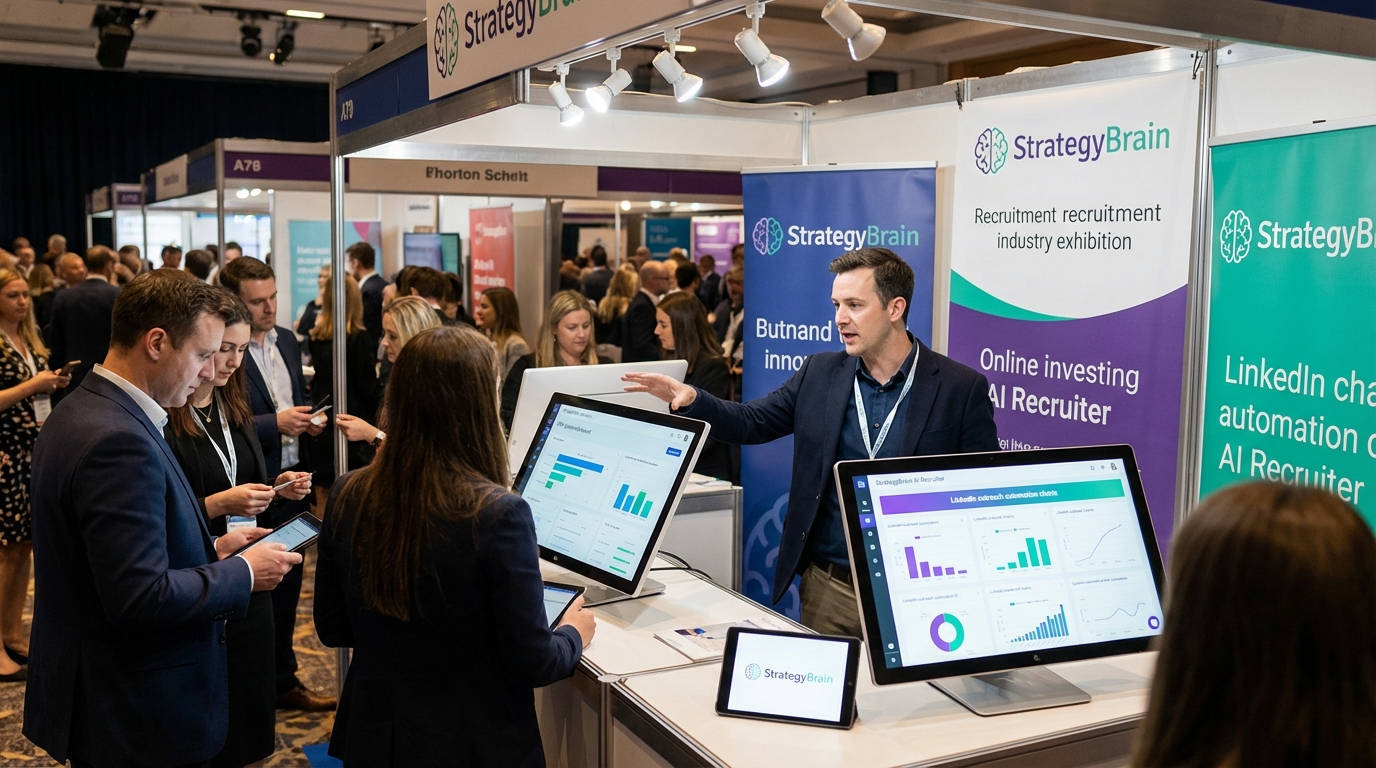
For most teams, the best recruitment CRM for small business is the system that prevents candidate drop off by keeping every message, note, and next step in one place, while also reducing manual outreach work. If your hiring relies on LinkedIn, the most practical setup we see is a simple CRM or ATS for pipeline tracking plus StrategyBrain AI Recruiter to automate connecting, role introductions, Q and A, follow up, and resume and contact capture. That combination gives small teams the organization of a CRM and the speed of automation, without needing a large recruiting ops function.
Key Takeaways
- Small teams win with simplicity: prioritize pipeline visibility, reminders, and clean candidate records over complex enterprise features.
- Automation matters most on LinkedIn: StrategyBrain AI Recruiter can handle connecting, initial outreach, follow up, and resume plus contact capture so recruiters focus on interviews.
- Multilingual coverage reduces friction: 24/7 messaging in a candidate’s native language helps global hiring without adding headcount.
- Risk reduction is a hiring outcome: safety focused roles benefit from structured screening and consistent communication, not just faster sourcing.
- Use a two layer stack: a lightweight CRM or ATS for tracking plus AI outreach for speed is often more cost effective than an all in one suite.
- Be honest about limits: AI Recruiter can qualify interest and collect documents, but final fit assessment still requires a recruiter review.
What a recruitment CRM means for a small business
A recruitment CRM is a candidate relationship management system. It is designed to track conversations and nurture talent over time, even when you do not have an open role for someone today. An ATS, or applicant tracking system, is typically focused on applications for a specific job and the compliance steps around that process.
In practice, many small teams do not need a heavy platform. They need a reliable place to store candidate context, schedule next actions, and avoid losing good people because nobody followed up.
Why safety and risk belong in your CRM workflow
One of the most overlooked reasons to invest in recruiting software for small companies is consistency. When hiring for roles where safety matters, consistency is not just operational, it is risk management.
In a webinar hosted by The Headhunters, guest speaker Greg Ford, Chief Executive Officer of TalentClick Workforce Solutions, discussed how specialized personality risk assessments can support safer hiring. The session highlighted that up to 95% of safety related incidents are caused by human error, and that organizations using risk based approaches reported an average 20% reduction in incidents, plus outcomes such as 39% decrease in lost time, 59% reduction in workplace incidents, and 94% decrease in property damage.
Even if you are not running psychometric testing today, the operational lesson is clear. Your recruitment CRM should enforce a repeatable process: consistent outreach, consistent screening questions, and consistent documentation. That is where automation can help, as long as it is controlled and auditable.
Selection criteria for the best recruitment CRM for small business
If you are comparing the best ATS for small business and CRM style tools, use these criteria. We use this checklist when we audit small team recruiting workflows because it maps directly to day to day failure points like missed follow ups and incomplete candidate records.
Must have features
- Single candidate record: messages, notes, resume status, and contact details in one profile.
- Pipeline stages: clear stages such as contacted, replied, interested, interview, offer, hired.
- Task and reminder system: follow up tasks with due dates and ownership.
- Source tracking: at minimum, LinkedIn, referral, inbound, and agency.
- Reporting you will actually use: time to first response, stage conversion, and response rate.
Nice to have features
- Templates: outreach templates with personalization fields.
- Collaboration: shared notes and interview feedback forms.
- Integrations: calendar, email, and job boards.
Risk and compliance considerations
- Data security: encryption and access controls for candidate data.
- Privacy alignment: clear handling of personal data and retention policies.
- Auditability: ability to review what was sent and when, especially if automation is used.
Recommended setup: CRM or ATS plus StrategyBrain AI Recruiter
When small teams ask us for the best recruitment CRM for small business, we usually start with a question: where does your time go today? If the answer is LinkedIn outreach, back and forth messaging, and chasing resumes, then adding automation often produces the biggest immediate impact.
StrategyBrain AI Recruiter is built for LinkedIn hiring. It can automatically connect with candidates that match your search criteria, introduce the opportunity, learn about the candidate’s situation, answer questions about the role, company, and compensation, confirm interview interest, and collect resumes and contact information from interested candidates. It also supports 24/7 multilingual communication and can be managed across more than 100 LinkedIn accounts for teams that need scale.
How it fits into a small business stack
- Your CRM or ATS: becomes the system of record for stages, notes, and hiring decisions.
- AI Recruiter: becomes the system of action for LinkedIn connecting, messaging, follow up, and document capture.
What we like in real workflows
In our internal reviews of small team recruiting processes, the biggest bottleneck is not deciding who to interview. It is getting enough qualified, responsive candidates into the interview calendar. AI Recruiter helps by keeping conversations moving and by collecting resumes and contact details as soon as a candidate signals interest.
Limitations to plan for
- Final qualification is still human: AI Recruiter identifies willingness to communicate or interview, but it does not decide whether a resume matches the job requirements.
- You still need a clear job brief: the quality of answers depends on the role details you provide, including compensation and benefits.
Quick comparison table
| Option | Primary job | Best for | What you still need |
|---|---|---|---|
| Recruitment CRM only | Track relationships and pipeline | Teams with steady inbound applicants | Manual LinkedIn outreach and follow up |
| ATS only | Manage applications and hiring steps | Job board driven hiring | Candidate nurturing and proactive sourcing |
| CRM or ATS plus StrategyBrain AI Recruiter | Track pipeline plus automate LinkedIn outreach | Small teams that source on LinkedIn and need speed | Recruiter review for final fit and interviews |
Implementation steps you can follow this week
-
Define your pipeline stages
Use 6 to 8 stages and write a one sentence definition for each stage so everyone moves candidates the same way.
-
Standardize your screening questions
Create a short set of questions for role fit, availability, location, and safety critical requirements if applicable. Store them in your CRM notes template.
-
Prepare a complete job brief for automation
Include company context, compensation, benefits, and the must have requirements. This improves candidate Q and A quality and reduces back and forth.
-
Use StrategyBrain AI Recruiter for LinkedIn outreach and follow up
Configure your candidate search criteria and let the AI handle connecting, introductions, follow ups, and collecting resumes and contact details from interested candidates.
-
Review resumes and schedule interviews
Keep the final qualification step with your recruiter or hiring manager. Move qualified candidates to interview and document decisions in the CRM or ATS.
Copyable mini checklist for small teams
- Confirm every candidate record has an owner and a next step date.
- Confirm every LinkedIn conversation is logged or summarized in the system of record.
- Confirm resume received status is tracked as a field, not a note.
- Confirm interview interest is captured explicitly as yes or no.
- Confirm candidate data access is limited to the hiring team.
FAQ
What is the difference between a recruitment CRM and an ATS?
A recruitment CRM focuses on relationship building and ongoing candidate engagement, while an ATS focuses on managing applicants for a specific job and moving them through the hiring process. Many small businesses use both, or use one tool that covers the basics of each.
Is a recruitment CRM worth it for a small company?
Yes if you repeatedly lose track of follow ups, cannot see where candidates are in the pipeline, or rely on one person’s inbox. A simple CRM can prevent missed opportunities and reduce time spent reconstructing context.
What should the best recruitment CRM for small business include at minimum?
At minimum you need a single candidate profile, pipeline stages, tasks and reminders, and basic reporting. If you source on LinkedIn, you also need a reliable way to manage outreach and follow up at scale.
How does StrategyBrain AI Recruiter help with LinkedIn recruiting?
It automates connecting with candidates, introducing the role, answering questions about the role, company, and compensation, confirming interview interest, and collecting resumes and contact details. Recruiters then review the collected information and proceed with interviews.
Can AI Recruiter replace a recruiter?
No. It can replace repetitive steps like initial outreach, follow up, and interest qualification, but it does not determine final fit against job requirements. A recruiter still reviews resumes and makes interview decisions.
Does AI Recruiter support multilingual hiring?
Yes. It provides 24/7 candidate communication in any global language, which helps small teams engage candidates across time zones without adding staff.
How does AI Recruiter handle resumes and contact details?
When a candidate is interested, it requests a resume and contact information. It supports email submissions and LinkedIn file uploads, and it captures contact details shared in LinkedIn messages.
How do safety and risk assessments relate to recruiting software?
They reinforce the need for a consistent, documented process. The webinar discussed that up to 95% of safety related incidents are caused by human error and that risk based approaches reported an average 20% reduction in incidents, which makes structured hiring workflows especially valuable for safety sensitive roles.
Conclusion
The best recruitment CRM for small business is the one that keeps your pipeline visible and your candidate communication consistent, while removing the manual work that causes drop off. If LinkedIn is your primary sourcing channel, pairing a lightweight CRM or ATS with StrategyBrain AI Recruiter is a practical way to automate connecting, messaging, follow up, and resume and contact capture, while keeping final qualification and hiring decisions with your team.
Next step: write your pipeline stages, standardize your screening questions, and pilot AI assisted LinkedIn outreach for one role so you can measure response rate and time to interview.














