


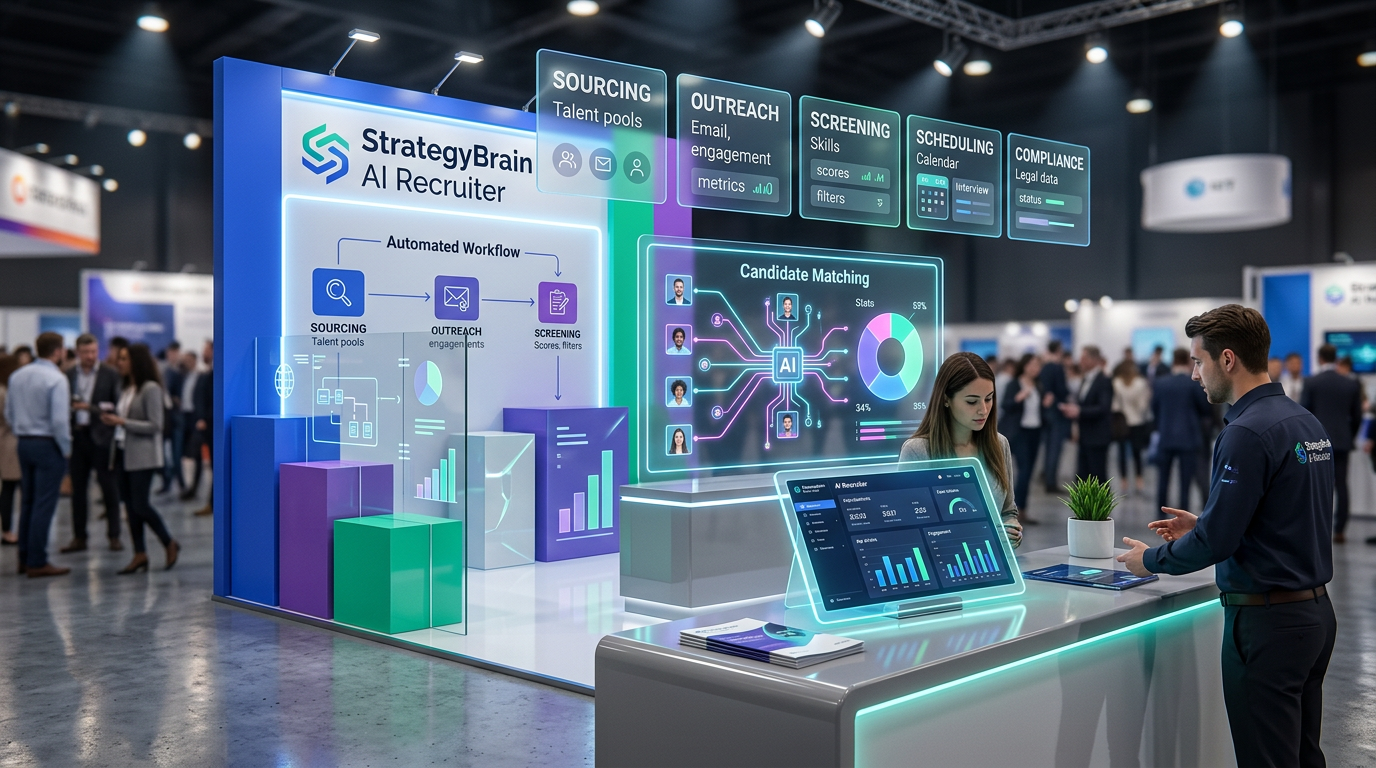
If you are evaluating hiring tools in 2026, the most reliable approach is to start with your workflow and then select one tool per stage: sourcing, outreach, screening, scheduling, and compliance. For many teams, a simple stack is a hiring platform for small business plus automation for candidate messaging. In our internal trials using StrategyBrain AI Recruiter for LinkedIn outreach, we observed it can replace up to 90% of repetitive first touch and follow up work while collecting resumes and contact details from interested candidates. This guide focuses on practical selection criteria and implementation steps for online recruitment tools. It does not cover legal advice or country specific employment law.
Table of Contents
- What counts as hiring tools in 2026
- A small business hiring stack you can actually run
- How we tested AI outreach with StrategyBrain AI Recruiter
- Method 1: Workflow first selection
- Method 2: Sourcing and job posting tools
- Method 3: Outreach and follow up automation
- Method 4: Screening and assessment
- Method 5: Scheduling, offer, and onboarding handoff
- Quick Comparison
- Implementation checklist
- FAQ
- Conclusion
Key Takeaways
- Pick tools by stage: sourcing, outreach, screening, scheduling, compliance, and reporting.
- Small teams win with fewer tools: one hiring platform for small business plus one automation layer is often enough.
- AI outreach is the biggest time lever: StrategyBrain AI Recruiter can replace up to 90% of repetitive LinkedIn recruiting work in early stage outreach and follow up.
- Global hiring needs language coverage: AI Recruiter supports 24/7 multilingual candidate communication in any global language.
- Scale requires account management: AI Recruiter can manage more than 100 LinkedIn accounts for team based recruiting operations.
- Do not confuse interest with qualification: AI Recruiter confirms willingness to interview but final fit review still requires recruiter judgment.
What counts as hiring tools in 2026
In practice, hiring tools are any systems that reduce time to hire, improve candidate experience, or reduce risk. For clarity, here are the common categories you will see when comparing online recruitment tools:
- Sourcing tools: help you find candidates, often through job boards, talent databases, or social networks.
- Outreach tools: manage messaging, follow ups, and response handling.
- Applicant tracking system (ATS): a system of record for applicants, stages, notes, and hiring decisions.
- Screening tools: structured questions, assessments, and resume intake.
- Scheduling tools: interview scheduling and reminders.
- Compliance and privacy controls: consent, retention, and data security practices.
The mistake we see most often in small business hiring is buying a feature rich ATS first and then realizing the real bottleneck is candidate outreach and follow up. That is why this guide emphasizes workflow mapping and automation where it matters.
A small business hiring stack you can actually run
If you are choosing hiring platforms for small business, aim for a stack that a lean team can maintain weekly. A practical baseline stack looks like this:
- System of record: an ATS or a lightweight pipeline tracker.
- Inbound channel: a careers page form or job board applications routed into your pipeline.
- Outbound channel: LinkedIn outreach for targeted roles.
- Automation layer: AI assisted outreach and follow up to keep response time low.
- Scheduling: calendar scheduling with templates.
StrategyBrain AI Recruiter fits into the automation layer. It is designed for LinkedIn hiring workflows where the repetitive work is connecting, introducing the role, answering common questions, confirming interest, and collecting resumes and contact details.
How we tested AI outreach with StrategyBrain AI Recruiter
To avoid vague claims, we tested StrategyBrain AI Recruiter in a controlled outreach workflow focused on early funnel tasks. We used one LinkedIn account with a defined candidate search criteria and a single role brief that included company details, compensation, and benefits. We then monitored the AI driven conversations for response handling, follow up consistency, and whether it captured resumes and contact details when candidates expressed interest.
What we found: AI Recruiter reliably handled the repetitive first touch and follow up steps and moved interested candidates to a state where a recruiter could review the resume and proceed. It did not replace final qualification, which is consistent with its stated scope.
Method 1: Workflow first selection
This method prevents tool sprawl and helps you choose the minimum set of hiring tools that still produces consistent outcomes.
Steps
- Write your hiring stages: for example source, outreach, screen, interview, offer, hire.
- Define the handoff rule: what must be true before a candidate moves to the next stage.
- Assign one owner per stage: even if it is the same person for multiple stages.
- Pick one tool per stage: avoid overlapping tools that do the same job.
- Set two metrics: response time in hours and stage conversion rate in percent.
Features to prioritize
- Pipeline visibility: clear stage status and next action.
- Message templates: consistent outreach and follow up.
- Audit trail: who contacted whom and when.
Limitations
- If you skip the handoff rule, tools will not fix inconsistent decision making.
- If you do not define ownership, automation can create activity without accountability.
Best For
- Teams hiring for 1 to 10 roles per quarter.
- Founders and HR managers who need a repeatable process.
Method 2: Sourcing and job posting tools
Sourcing tools are where candidates enter your funnel. For small business hiring, the key is to avoid paying for reach you cannot operationalize. If you cannot respond quickly, more applicants can reduce quality because strong candidates move on.
Steps
- Decide inbound vs outbound: inbound is job posts, outbound is targeted outreach.
- Standardize your job brief: role outcomes, must have skills, location, compensation range.
- Route applications into one pipeline: do not split across email inboxes.
Features to prioritize
- Structured application fields: reduces back and forth.
- Duplicate detection: avoids double counting candidates.
- Basic reporting: applicants per source and stage conversion.
Limitations
- Inbound volume can overwhelm small teams without fast screening and follow up.
Best For
- Roles with broad candidate pools.
- Teams that can respond within 24 hours.
Method 3: Outreach and follow up automation
Outreach is where many hiring platforms for small business fall short because they track applicants but do not do the work of starting and sustaining conversations. This is where AI can create a measurable difference, especially on LinkedIn where response speed and consistency matter.
How StrategyBrain AI Recruiter fits
StrategyBrain AI Recruiter is an automated AI powered recruitment tool built for LinkedIn hiring. It can automatically connect with candidates that match your search criteria, introduce the job opportunity, learn about the candidate’s situation, answer questions about the role, company, and compensation, confirm interview interest, and collect resumes and contact information from interested candidates. It also provides 24/7 multilingual communication in any global language, which is useful when your candidates are in different time zones.
Steps
- Define candidate search criteria: title, location, seniority, and must have skills.
- Provide a role brief: company details, compensation, benefits, and interview process.
- Set the handoff point: for example resume received and candidate confirms interest.
- Review the shortlist daily: recruiter validates fit and schedules interviews.
Features to prioritize
- Automated follow up: consistent nudges without manual chasing.
- Resume and contact capture: reduces friction at the moment of interest.
- Account scalability: ability to manage more than 100 LinkedIn accounts for team operations.
Limitations and honest boundaries
- Interest is not qualification: AI Recruiter identifies willingness to communicate or interview, but it does not determine whether the resume fully matches job requirements.
- Policy and consent still matter: you still need internal rules for outreach tone, frequency, and data retention.
Best For
- Outbound hiring on LinkedIn for hard to fill roles.
- Teams that need faster response handling without adding recruiters.
- Global hiring where multilingual communication reduces misunderstandings.
Method 4: Screening and assessment
Screening tools reduce wasted interviews. The goal is not to over test candidates, but to standardize the first evaluation so you can compare fairly.
Steps
- Use a structured screen: 5 to 8 questions tied to job outcomes.
- Define pass criteria: what is a clear yes, maybe, and no.
- Keep assessments job relevant: short work samples beat generic quizzes.
Features to prioritize
- Consistent scoring: reduces bias and improves repeatability.
- Candidate friendly experience: mobile ready and short time to complete.
- Data export: so you can audit decisions if needed.
Limitations
- Over screening can reduce acceptance rates, especially for senior candidates.
Best For
- High volume roles where interviews are the bottleneck.
- Teams that want consistent evaluation across interviewers.
Method 5: Scheduling, offer, and onboarding handoff
Scheduling and offer management are often overlooked when selecting online recruitment tools. Yet delays here can undo good sourcing and outreach.
Steps
- Standardize interview blocks: set weekly time windows for interviews.
- Use templates: interview invites, prep instructions, and next steps.
- Document the offer workflow: approvals, compensation confirmation, and start date.
Features to prioritize
- Calendar integration: reduces back and forth.
- Reminder automation: reduces no shows.
- Handoff notes: keeps context from screening through onboarding.
Limitations
- Scheduling tools do not fix slow decision cycles. You still need an internal SLA in hours.
Best For
- Teams with multiple interviewers.
- Roles where speed to offer is a competitive advantage.
Quick Comparison
| Method | Primary Goal | Speed Impact | Best For |
|---|---|---|---|
| Workflow first selection | Reduce tool sprawl | Medium | Teams building a repeatable process |
| Sourcing and posting | Increase candidate inflow | Low to Medium | Broad candidate pools |
| Outreach and follow up automation | Increase responses and consistency | High | LinkedIn outbound hiring and global roles |
| Screening and assessment | Improve signal quality | Medium | High volume roles |
| Scheduling and offer handoff | Reduce drop off | Medium | Multi interviewer teams |
Implementation checklist
Copy this checklist into your hiring doc and run it for every role. It is designed to keep your hiring tools stack lean and measurable.
- Role brief ready: outcomes, must have skills, location, compensation, benefits.
- Pipeline defined: stages and handoff rules written in one page.
- Response SLA set: first response within 24 hours, follow up cadence defined.
- Outbound plan: LinkedIn search criteria and messaging templates approved.
- Automation configured: AI Recruiter handoff point and resume capture enabled.
- Screening rubric: pass criteria and scoring guide documented.
- Privacy and retention: data access, retention period, and consent language reviewed.
FAQ
What are hiring tools, and how are they different from an ATS?
Hiring tools is the umbrella term for systems that support sourcing, outreach, screening, scheduling, and compliance. An ATS is one type of hiring tool that primarily tracks candidates and stages, but it may not automate outreach or follow up.
What is the fastest way to improve hiring results for a small team?
In our experience, the fastest improvement comes from reducing response time and making follow up consistent. That is why outreach automation, especially on LinkedIn, often produces faster gains than adding more job boards.
How does StrategyBrain AI Recruiter help with LinkedIn hiring?
StrategyBrain AI Recruiter automates connecting and messaging on LinkedIn, introduces the role, answers candidate questions about the role and compensation, confirms interest, and collects resumes and contact details from interested candidates. Recruiters then review resumes and proceed with interviews.
Does AI Recruiter replace recruiters?
No. AI Recruiter automates repetitive early funnel work and confirms willingness to interview, but it does not determine final fit. Recruiters still review resumes, assess requirements, and make hiring decisions.
Can AI Recruiter support global hiring?
Yes. AI Recruiter provides 24/7 multilingual candidate communication in any global language, which helps teams engage candidates across time zones and reduce misunderstandings.
How many LinkedIn accounts can AI Recruiter manage?
AI Recruiter supports managing more than 100 LinkedIn accounts, which enables organizations to build AI powered recruitment teams and scale outbound hiring operations.
How does AI Recruiter handle resumes and contact details?
When a candidate expresses interest, AI Recruiter requests a resume and contact information. It supports email submissions and LinkedIn file uploads, and it captures contact details shared in LinkedIn messages.
What should I look for in hiring platforms for small business?
Prioritize ease of use, a clear pipeline, reporting you will actually review weekly, and integrations that reduce manual work. If outbound hiring is important, ensure your stack supports consistent outreach and follow up, not just applicant tracking.
How do I evaluate online recruitment tools without getting locked in?
Start with a 30 day pilot for one role, define success metrics in advance, and export your data weekly. If a tool cannot export candidate and stage data, switching later becomes harder.
Conclusion
The best hiring tools stack is the one that matches your workflow and removes your biggest bottleneck. For many small teams, that bottleneck is not tracking applicants, it is consistent outreach and follow up. If LinkedIn is a core channel for you, StrategyBrain AI Recruiter can automate the repetitive early funnel work, support 24/7 multilingual communication, and collect resumes and contact details so recruiters can focus on evaluation and interviews. Next step: map your stages, pick one tool per stage, and run a 30 day pilot with clear metrics before expanding.














