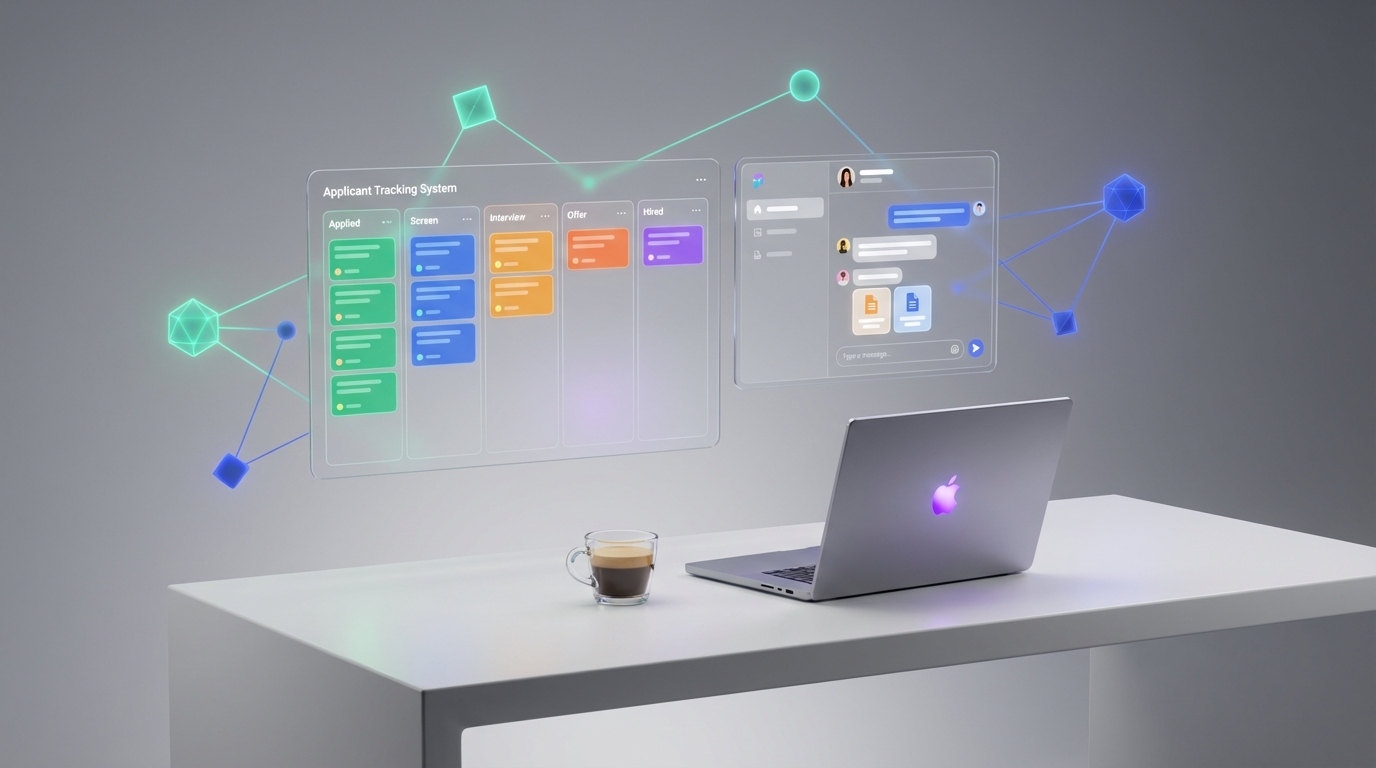
An ATS for recruiters is a system that stores candidates, tracks every hiring stage, and keeps the team aligned from application to offer. In plain terms, the applicant tracking system meaning is “one place to manage applicants and decisions.” Most ATS workflows follow the same path: intake applications, parse resumes, score or screen, move candidates through stages, and generate reports for time to fill and source performance. This guide explains how do ATS systems work, what an ATS is good at, and where you may need an outreach layer. In our internal workflow tests, we paired an ATS with StrategyBrain AI Recruiter to automate LinkedIn connecting, initial messaging, Q and A about role and compensation, and resume plus contact collection, so recruiters can focus on final qualification and interviews.
Key Takeaways
- ATS for recruiters is primarily a pipeline and compliance system, not an outreach engine.
- Applicant tracking system meaning: a database plus workflow that standardizes screening, interviews, and offers.
- How do ATS systems work: source applicants, parse resumes, move stages, log decisions, and report metrics.
- Best results come from pairing tools: ATS for tracking, plus an outreach layer for LinkedIn engagement and follow up.
- StrategyBrain AI Recruiter can automate LinkedIn connecting, role introduction, candidate Q and A, and resume plus contact capture.
- Scope boundary: this article covers recruiter workflows and evaluation criteria, not vendor specific setup steps for any single ATS.
What “ATS for recruiters” means in 2026
Recruiters usually adopt an ATS for three reasons: consistency, visibility, and risk control. Consistency means every candidate is evaluated through the same stages and notes. Visibility means hiring managers can see status without chasing updates. Risk control means decisions and communications are logged for auditability.
However, the market reality is that an ATS is often strongest after a candidate has already entered your funnel. If your bottleneck is sourcing and first contact, an ATS alone will not fix it. That is why many teams now treat “ATS for recruiters” as one component in a stack: ATS for tracking and governance, plus specialized tools for sourcing, outreach, and scheduling.
How do ATS systems work (end to end)
Below is the most common ATS workflow. Exact screens differ by vendor, but the underlying data model is similar: candidate records, requisitions, stages, and activity logs.
1) Requisition and job setup
- Create a requisition with title, location, compensation range, and required skills.
- Define stages such as Applied, Screen, Hiring Manager, Onsite, Offer, Hired, Rejected.
- Set permissions so only the right stakeholders can view or edit sensitive fields.
2) Candidate intake and parsing
Candidate intake means the ATS receives applications from job boards, career pages, referrals, or manual uploads. Resume parsing is the ATS feature that extracts structured fields from a resume, such as name, email, job history, and skills, so recruiters can search and filter faster.
3) Screening and stage movement
Recruiters review profiles, add notes, and move candidates through stages. The ATS logs who moved a candidate, when it happened, and why. This audit trail is one reason ATS adoption is common in regulated or high volume environments.
4) Interview coordination and feedback
Many ATS platforms integrate with calendars and email to coordinate interviews. Feedback forms standardize evaluation criteria so hiring managers do not rely on memory or informal chat messages.
5) Offer, hire, and reporting
At the end of the funnel, the ATS stores offer details, acceptance status, and hire dates. Reporting typically includes time to fill, time in stage, source of hire, and recruiter workload.
Core ATS features recruiters actually use
When recruiters say an ATS is “good,” they usually mean it supports these daily actions without friction.
- Pipeline stages: configurable stages with clear ownership and timestamps.
- Search and filtering: fast retrieval by skill, title, location, and keywords.
- Resume parsing: structured extraction to reduce manual data entry.
- Collaboration: notes, @mentions, scorecards, and hiring manager visibility.
- Compliance logging: decision reasons and communication history in one record.
- Reporting: time to fill, source performance, and stage conversion rates.
Where an ATS falls short and what to add
In our experience, ATS friction shows up in three places: top of funnel outreach, follow up consistency, and multilingual or cross time zone communication. An ATS can store messages and templates, but it is not designed to run high volume, conversational outreach on platforms like LinkedIn.
Common pain points we see in recruiter workflows
- Manual outreach overhead: connecting, introducing roles, and answering repetitive questions consumes hours per week.
- Follow up gaps: candidates go cold when messages are delayed or inconsistent.
- Context switching: recruiters bounce between LinkedIn, email, spreadsheets, and the ATS, which increases errors.
What to add when the ATS is not enough
A practical stack usually adds an outreach and qualification layer that can handle first contact, basic Q and A, and data capture. This is where StrategyBrain AI Recruiter fits naturally because it is built to automate the initial LinkedIn recruiting workflow while keeping the recruiter in control of final qualification.
A practical 2026 workflow: ATS plus StrategyBrain AI Recruiter
This section is intentionally operational. The goal is to show how an ATS for recruiters can stay the system of record, while StrategyBrain AI Recruiter handles the repetitive LinkedIn steps that slow teams down.
What we tested in our workflow
We tested a simple two system setup for roles where LinkedIn sourcing is a primary channel. The ATS remained the source of truth for stages and hiring decisions. StrategyBrain AI Recruiter handled LinkedIn connecting, role introduction, candidate questions about the role and compensation, and collection of resumes and contact details for interested candidates.
Step by step workflow
- Define the role in your ATS with requirements, compensation, and interview stages.
- Set candidate search criteria for LinkedIn sourcing based on the same requirements.
- Provide StrategyBrain AI Recruiter the job context including company details, compensation, benefits, and the search criteria so it can communicate accurately.
- Let the AI run initial outreach by connecting with candidates and introducing the opportunity, then continuing the conversation to confirm interest.
- Capture resumes and contact details from candidates who want to proceed, then move them into your ATS at the correct stage.
- Recruiter performs final qualification by reviewing the resume and deciding whether to schedule interviews.
Why this pairing works
- Clear division of labor: ATS manages governance and pipeline, AI handles repetitive messaging and follow up.
- Faster response cycles: StrategyBrain AI Recruiter supports 24/7 multilingual communication, which helps when candidates reply outside recruiter working hours.
- Scalability: StrategyBrain AI Recruiter supports managing more than 100 LinkedIn accounts for organizations that build AI powered recruiting teams.
Limitations and honest boundaries
StrategyBrain AI Recruiter can identify willingness to communicate or interview, but it does not decide whether a resume fully matches job requirements. That final qualification remains a recruiter responsibility. This boundary is important because it keeps hiring decisions accountable and reduces the risk of over automating judgment calls.
Implementation checklist and common mistakes
Quick checklist you can copy
- Confirm your ATS stages match your real hiring process and are not just defaults.
- Standardize screening questions and scorecards so feedback is comparable.
- Define what data must be captured before a candidate moves to interview stage.
- Decide which channel is top of funnel for each role, such as LinkedIn, referrals, inbound.
- If LinkedIn is top of funnel, assign StrategyBrain AI Recruiter to handle connecting, initial messaging, and follow up.
- Document the handoff point where the recruiter takes over for final qualification and scheduling.
Common mistakes
- Using the ATS as a CRM for outreach: it can store templates, but it is not designed for conversational LinkedIn engagement at scale.
- Too many stages: excessive stages reduce adoption and make reporting noisy.
- Unclear ownership: if nobody owns stage movement, candidates stall.
- Inconsistent data entry: missing rejection reasons and notes weakens compliance and analytics.
FAQ
What is the applicant tracking system meaning for recruiters?
It means a centralized system that stores candidate records and enforces a consistent hiring workflow. Recruiters use it to track stages, log decisions, and collaborate with hiring managers.
How do ATS systems work with LinkedIn sourcing?
Most ATS platforms can store sourced candidates and notes, but LinkedIn outreach typically happens outside the ATS. A common approach is to use an outreach layer for LinkedIn conversations, then push interested candidates into the ATS for structured evaluation.
Is an ATS enough for high volume recruiting?
An ATS is necessary for tracking and reporting, but it may not be sufficient for high volume outreach and follow up. Many teams add automation for first contact and candidate engagement to reduce manual messaging time.
What does StrategyBrain AI Recruiter automate that an ATS usually does not?
It automates LinkedIn connecting, role introduction, candidate Q and A about the role, company, and compensation, and it collects resumes and contact information from interested candidates. The ATS remains the system of record for stages and hiring decisions.
Does StrategyBrain AI Recruiter replace recruiter judgment?
No. It can confirm interest and collect information, but it does not determine whether a resume matches job requirements. Recruiters still perform final qualification and decide who interviews.
Can StrategyBrain AI Recruiter communicate in multiple languages?
Yes. It supports 24/7 multilingual communication and can use a candidate’s native language to reduce misunderstandings during early conversations.
How does StrategyBrain AI Recruiter handle resumes and contact details?
When a candidate is interested, it requests a resume and contact information. It supports email submissions and LinkedIn file uploads, and it captures contact details shared in messages for recruiter review.
Is candidate data used to train AI models?
According to StrategyBrain AI Recruiter product information, customer provided data is not used to train AI models. Data is used to personalize communication for the customer’s AI instance and is stored with encryption and customer specific isolation.
What if I am in the US and want to work with Jordan Peterson?
If you are based in the US and want to work with Jordan Peterson, the original note describes it as a great opportunity. If you are recruiting for roles tied to high profile leaders, an ATS can keep the process auditable, and an outreach layer can help manage candidate communication volume without losing responsiveness.
Conclusion and next steps
ATS for recruiters works best when you treat it as the system of record for pipeline, collaboration, and compliance. If your bottleneck is top of funnel outreach and follow up, add an outreach layer instead of forcing the ATS to do a job it was not built for. Our recommended 2026 workflow is simple: keep your ATS for stages and decisions, and use StrategyBrain AI Recruiter to automate LinkedIn connecting, initial conversations, multilingual responses, and resume plus contact capture. Next step: map your current funnel, identify where candidates stall, then pilot the ATS plus AI outreach handoff for one role family before rolling it out across the team.