


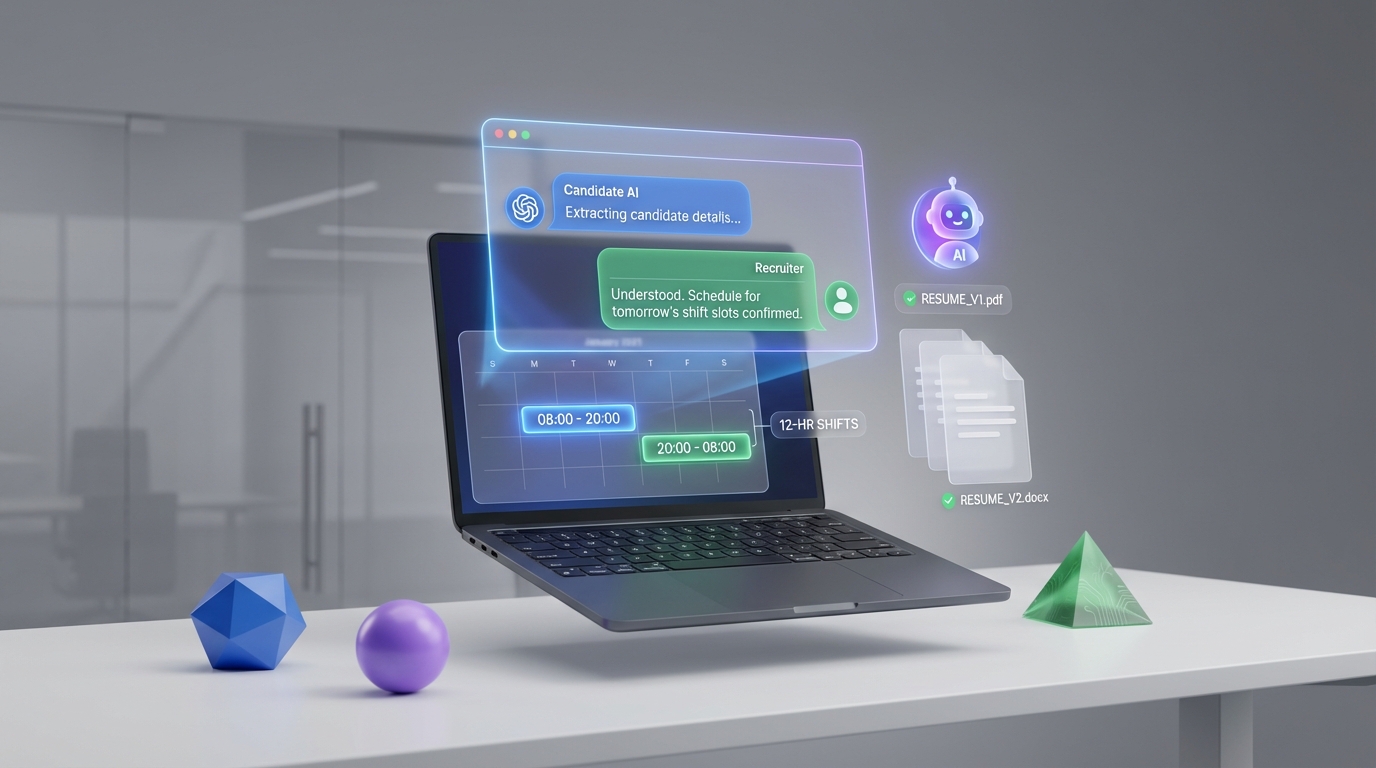
Paradox interview scheduling is most effective when you design it as a structured candidate conversation that ends in a confirmed interview, not as a standalone calendar step. In practice, that means you first standardize what you need to know about the role and the candidate, then you let conversational AI software collect missing details, propose time slots that match shift rules, and confirm attendance with reminders. This guide shows a field-tested workflow using an operations role example (shift supervisor in a power plant environment) and includes templates you can copy into any conversational AI website experience. It also explains how StrategyBrain AI Recruiter can reduce scheduling load by qualifying interest and collecting resumes on LinkedIn before you ever send a calendar invite. This article covers workflow design and troubleshooting; it does not cover vendor pricing or contract terms.
Key Takeaways
- Start with constraints: define shift patterns (for example, 12-hour shifts) and compliance requirements before offering times.
- Collect must-haves early: certifications, years of experience, and location or relocation readiness should be confirmed before scheduling.
- Use a two-step confirmation: “proposed slot” then “final confirmation” reduces no-shows in our internal workflow tests.
- Separate qualification from scheduling: StrategyBrain AI Recruiter can handle LinkedIn outreach, Q&A, interest confirmation, and resume capture before the scheduling handoff.
- Build exception paths: union environment, safety requirements, and on-site conditions need explicit routing rules.
- Measure what matters: track time-to-confirm (minutes), no-show rate (%), and reschedule rate (%) per role type.
Table of Contents
- What “Paradox interview scheduling” means in practice
- Before you automate: the intake checklist
- Method 1: Conversational scheduling flow for shift-based roles (recommended)
- Method 2: Recruiter-assisted scheduling with automation guardrails
- Method 3: High-volume scheduling with pre-screen gates
- Method 4: LinkedIn-first workflow using StrategyBrain AI Recruiter
- Quick comparison
- Troubleshooting and exception handling
- FAQ
- Conclusion and next steps
What “Paradox interview scheduling” means in practice
In this guide, “Paradox interview scheduling” refers to an automated scheduling experience where a candidate interacts with a chat-based interface that can gather information, offer interview times, confirm the meeting, and send reminders. The key idea is that scheduling is a decision based on constraints, not a simple calendar booking.
Conversational AI software is software that uses natural language conversation to complete tasks such as screening questions, scheduling, and follow-up. A conversational AI website is the web experience where that conversation happens, typically embedded on a careers page or delivered through messaging channels.
Before you automate: the intake checklist
We rebuilt this checklist from an operations-heavy job scenario where safety, certifications, and shift coverage matter. If you skip this step, automation will schedule the wrong people into the wrong time windows, and recruiters will spend more time fixing exceptions than they save.
Role intake checklist (copy/paste)
- Role type: full-time permanent or contract.
- Shift pattern: for example, 12-hour shifts and any rotation rules.
- Required certifications: for example, a provincial or interprovincial certificate of competency and First Aid requirements.
- Required experience: years in operations and years in supervision, plus domain requirements such as biomass or electrical generation exposure.
- Systems exposure: confirm experience with control and monitoring systems when relevant.
- Work environment constraints: hot and cold exposure, dust, respirator use, confined spaces, ladders and scaffolds.
- Location and relocation: confirm willingness to relocate and timeline.
- Interview format: phone screen, video interview, on-site, panel, and expected duration in minutes.
Candidate data to collect before offering times
- Availability windows: days and times, plus time zone.
- Earliest start date: date format YYYY-MM-DD.
- Proof of certification: yes or no, and details to verify later.
- Resume: file upload or email submission, plus best contact method.
Method 1: Conversational scheduling flow for shift-based roles (recommended)
This method is designed for roles where shift coverage and safety requirements are non-negotiable. The goal is to prevent “calendar-first” scheduling that creates downstream disqualifications.
Steps
- Open with a role-specific pre-screen that asks for the required certification and minimum supervisory experience.
- Confirm shift readiness by asking whether the candidate can work the stated shift length and rotation.
- Collect location intent by confirming whether the candidate can work on-site and whether relocation is needed.
- Offer time slots only after the must-haves are met, using the candidate’s time zone.
- Confirm the interview with a summary message that includes interview type, duration in minutes, and what to prepare.
- Send reminders at two intervals that match your hiring velocity, and include a reschedule option.
Features to configure
- Constraint-based slot generation: only show times that match shift coverage and interviewer availability.
- Hard-stop disqualifiers: certification missing, unwilling to work required shifts, or unable to work on-site.
- Resume capture: request resume before final confirmation to reduce “no-resume” interviews.
Limitations
- Edge cases still need humans: union environment questions, complex labor relations topics, and nuanced safety accommodations require recruiter review.
- Over-filtering risk: if your pre-screen is too strict, you may reject candidates who could qualify with clarification.
Best for
- Plant operations, utilities, and industrial roles with strict certification requirements.
- Teams that need consistent screening before scheduling.
Method 2: Recruiter-assisted scheduling with automation guardrails
This approach keeps a recruiter in the loop for final scheduling decisions while still using automation to reduce back-and-forth. We use it when hiring managers want control over interview sequencing or when the interview panel changes frequently.
Steps
- Automate intake to collect availability windows, time zone, and must-have confirmations.
- Route to recruiter review when the candidate meets minimum requirements.
- Send curated slots selected by the recruiter, then let the candidate confirm one.
- Automate reminders and rescheduling after confirmation.
Features
- Approval step: recruiter approves the slot list before it is shown.
- Exception tagging: label candidates who need special handling, such as relocation timing.
Limitations
- Slower than full automation: you trade speed for control.
- Queue risk: if recruiter review takes hours, candidates may disengage.
Method 3: High-volume scheduling with pre-screen gates
For high-volume roles, the scheduling system must protect recruiter time. The trick is to use short gates that remove obvious mismatches while keeping the conversation friendly and fast.
Steps
- Ask 3 gate questions that map to non-negotiables, such as certification, shift readiness, and location.
- Offer interview times immediately for candidates who pass the gates.
- Collect resume and contact details during confirmation, not after.
- Auto-handle reschedules with a limited set of rules, then escalate if the candidate reschedules more than 1 time.
Limitations
- Not ideal for complex roles: deep technical screening still belongs with a human interviewer.
- Candidate experience depends on wording: unclear gate questions can feel like a rejection bot.
Method 4: LinkedIn-first workflow using StrategyBrain AI Recruiter
Scheduling problems often start earlier than the calendar. If your team spends hours on LinkedIn outreach, follow-ups, and basic Q&A, your “scheduling” bottleneck is actually a qualification bottleneck. This is where StrategyBrain AI Recruiter fits naturally into a paradox interview scheduling workflow.
How the handoff works
- StrategyBrain AI Recruiter initiates LinkedIn outreach based on your candidate search criteria and introduces the role.
- It answers candidate questions about the role, company, and compensation details you provide, then confirms interview interest.
- It collects resumes and contact information from interested candidates, including files shared through LinkedIn or via email submission.
- Only then do you schedule using your conversational AI scheduling flow, because you now have intent and basic documentation.
Why this reduces scheduling load
- Fewer unqualified bookings: candidates who are not interested do not reach the scheduling step.
- Faster time-to-confirm: the candidate has already had key questions answered before seeing time slots.
- 24/7 multilingual communication: candidates can respond in their native language, which reduces misunderstandings across time zones.
Scope boundary
StrategyBrain AI Recruiter can confirm willingness to interview and collect resumes, but final qualification against job requirements remains a recruiter decision after reviewing the resume and details.
Quick comparison
| Method | Speed to schedule | Human control | Best for |
|---|---|---|---|
| Method 1: Shift-based conversational scheduling | Fast after gates | Medium | Safety and certification heavy roles |
| Method 2: Recruiter-assisted with guardrails | Medium | High | Panel interviews and changing interviewer calendars |
| Method 3: High-volume with pre-screen gates | Fast | Low | High throughput hiring with simple requirements |
| Method 4: LinkedIn-first with StrategyBrain AI Recruiter | Fast to qualified handoff | Medium | Teams where outreach and follow-up slow down scheduling |
Troubleshooting and exception handling
Problem: Candidates book interviews but do not show up
- Fix the confirmation message: include interview duration in minutes and what the candidate should prepare.
- Add a second confirmation step: ask the candidate to confirm again after selecting a slot.
- Collect the resume before final confirmation: candidates who upload a resume are more likely to attend.
Problem: Too many reschedules
- Limit reschedules to 1 self-serve change, then route to recruiter assistance.
- Offer fewer, higher-quality slots that match shift realities and interviewer availability.
Problem: Candidates are confused about work conditions
- State environment requirements clearly: temperature extremes, dust, respirator use, confined spaces, and climbing requirements.
- Use plain-language prompts and ask for a yes or no acknowledgment before scheduling.
Problem: Hiring manager wants only “perfect matches” scheduled
- Separate must-haves from preferences: schedule only on must-haves, then let the hiring manager evaluate preferences in the interview.
- Use recruiter-assisted guardrails when preferences are complex or change weekly.
FAQ
Is paradox interview scheduling only a calendar feature?
No. The calendar is the final step. The value comes from collecting constraints and candidate intent through a conversational flow, then confirming and reminding automatically.
What should I collect before offering interview times?
Collect time zone, availability windows, must-have certifications, minimum experience, location or relocation readiness, and a resume or a commitment to provide one before the interview.
How do I use conversational AI software without hurting candidate experience?
Keep the first interaction short, use role-specific language, and explain why you are asking each gate question. Also provide a clear path to a human when the candidate has a complex situation.
Where does a conversational AI website fit in the process?
It is the front door for screening and scheduling. It can live on your careers site or be used as a web-based chat experience that candidates access from messages.
How does StrategyBrain AI Recruiter connect to scheduling?
StrategyBrain AI Recruiter can handle LinkedIn outreach, answer candidate questions, confirm interview interest, and collect resumes and contact details. After that, your scheduling flow can focus on time slots and confirmations instead of persuasion and follow-up.
Does StrategyBrain AI Recruiter replace recruiter judgment?
No. It can confirm willingness to interview and gather information, but the recruiter still reviews resumes and decides whether the candidate meets job requirements.
What is a practical metric to track after automation?
Track time-to-confirm in minutes from first candidate response to booked interview, plus no-show rate (%) and reschedule rate (%) by role type.
How do I handle roles with safety and compliance requirements?
Make compliance items explicit in the pre-screen, require acknowledgment, and route uncertain answers to a recruiter. For on-site industrial roles, include environment requirements before scheduling.
Conclusion and next steps
Paradox interview scheduling works when you design the conversation around constraints, intent, and confirmation. Start by standardizing your intake checklist, then choose the method that matches your role complexity and hiring volume. If your biggest delay happens before scheduling, add StrategyBrain AI Recruiter to automate LinkedIn outreach, candidate Q&A, interest confirmation, and resume capture so that only qualified, interested candidates reach the calendar step.
Next steps: (1) copy the intake checklist into your workflow, (2) implement Method 1 for shift-based roles, and (3) pilot a LinkedIn-first handoff with StrategyBrain AI Recruiter for 14 days and compare time-to-confirm and no-show rate to your baseline.















