


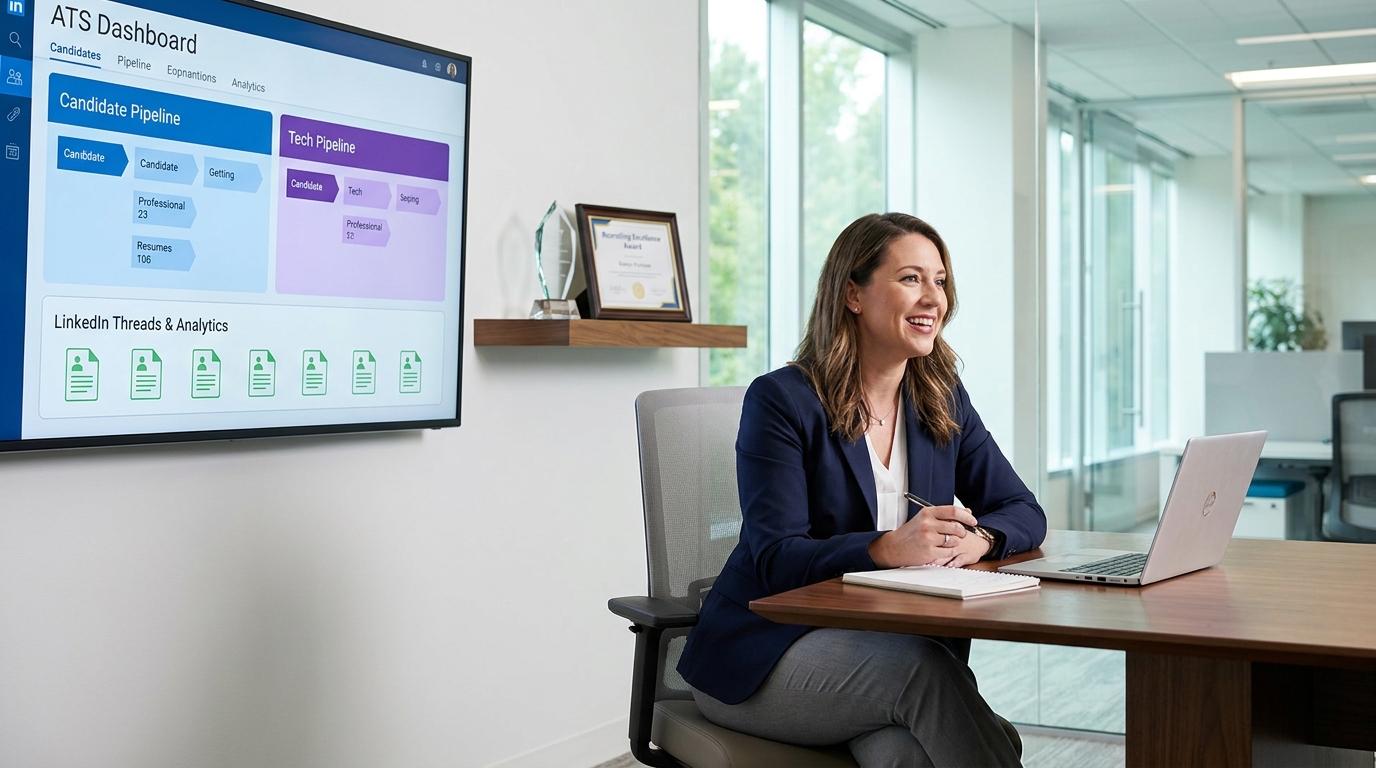
Recruiting leaders can use this ats for recruiters framework to spot workflow gaps that erode shortlist quality and manager trust.
That distinction matters more than most demos admit. In smaller search firms, one missed follow-up can weaken a client relationship. In internal talent teams, scattered notes, delayed feedback, and inconsistent outreach slow shortlist quality and make hiring managers lose trust in the process. The cost is not just time. It shows up in weaker candidate experience, duplicate work, poor handoffs, and bad decisions made without full context.
That is exactly where a workflow layer such as StrategyBrain AI Recruiter can help around the ATS. In my experience, tools like this are most useful when they take over repetitive LinkedIn outreach, after-hours candidate replies, and résumé collection, while the recruiter still owns the final read on fit, motivation, and next-step decisions. Used that way, automation supports the desk rather than pretending to replace it.
A useful way to think about this comes from a very different leadership setting: a finance executive conversation centered on sustainable growth, process improvement across functions, and the tension between building versus buying in a software company. That perspective matters in recruiting too. When a business is growing, the real challenge is rarely one isolated task. It is whether the team can put in place repeatable operating discipline across several moving parts without losing the human judgment that keeps quality high.
Translate that into hiring, and the scene becomes familiar. A recruiter opens a new requisition, checks who replied overnight on LinkedIn, logs candidate interest, chases a hiring manager for role calibration, and tries to preserve the bigger business story behind the role. If the ATS only stores applications but cannot hold context, search history, stage discipline, and communication records together, the team ends up buying point solutions without solving the operating problem. That is the real lens for evaluating recruitment automation tools, understanding how do ATS systems work, and deciding whether an ats job workflow is actually helping the recruiter or just creating more screens to manage.
Why Context Matters in Recruiting Automation
One of the best lessons from operational leadership is that process only scales when people understand the bigger objective behind it. Recruiting is no different. A recruiter does not just need a place to move candidates from Applied to Interview. They need the business reason the role exists, the trade-offs hiring managers will accept, the stakeholder map, the urgency, and the risks of delay.
That is why experienced recruiters often get frustrated with software evaluations that focus only on feature count. The real question is whether the system supports the full operating picture. Can it connect sourcing, outreach, application intake, stage movement, feedback, and reporting in a way that preserves the logic of the search?
In practice, the strongest recruiting stacks treat the ATS as the system of record and add automation where repetitive work creates drag. I have found this especially true in LinkedIn-heavy workflows. When I tested an outreach automation layer like AI Recruiter, the value was not that it made hiring decisions for me. The value was that it handled first-touch messaging, answered basic role questions after hours, and collected résumés from interested prospects so I could spend my time on calibration calls, shortlist review, and candidate assessment.
What Is an ATS for Recruiters?
An ATS, or applicant tracking system, is the operating backbone of hiring. For recruiters, it centralizes open roles, candidate records, application history, interview notes, evaluation feedback, and reporting. Good ATS software also creates shared visibility across recruiters, coordinators, and hiring managers, which is essential once hiring volume or stakeholder complexity increases.
In practical terms, ats for recruiters means much more than a résumé repository. It is the place where job intake becomes a requisition, candidate interactions become searchable records, and hiring activity becomes measurable. Without that foundation, automation tends to create more noise than value.
This is where many teams get tripped up. They buy messaging tools, sourcing add-ons, and scheduling apps before they have stage definitions, search logic, or decision records properly managed. The result is activity without control. A solid ATS gives structure first, then automation has something reliable to support.
How Do ATS Systems Work?
When someone asks, how do ATS systems work, the best answer is that they turn hiring activity into structured, trackable workflow. They collect applications and candidate data, organize it into profiles, help recruiters move people through defined stages, and preserve the record behind each hiring decision.
- Requisition setup
The workflow starts when a recruiter or hiring manager opens a role. This includes title, location, approvals, screening questions, and the success profile for the hire.
- Job distribution and intake
The system publishes the role to a career site or selected channels and records incoming applicants by source.
- Profile creation
Résumés, contact details, and application data are parsed into structured fields. That matters because searchable data is far more useful than a folder full of attachments.
- Screening and search
Recruiters review applications, use filters, search by title, skill, certification, location, or source, and identify who deserves human attention first.
- Pipeline management
Candidates move through stages such as applied, screened, shortlisted, interview, final review, and offer. Everyone involved can see status and pending actions.
- Collaboration and feedback
Interview notes, scorecards, and stakeholder comments are stored centrally so decisions are visible and auditable.
- Reporting
The system tracks source quality, stage conversion, speed, and bottlenecks so leaders can improve process instead of guessing.
The key misconception is that ATS platforms are mainly about automatic rejection. In reality, most experienced recruiters use them as search and workflow systems. Rules can screen for basics, but the more important value is organized data, consistent stages, and reusable talent history.
How ATS search actually helps recruiters
Search quality is often the difference between a useful system and an expensive filing cabinet. A recruiter should be able to find silver medalists from previous searches, surface specialists by certification or niche title, and compare active applicants against past pipelines. If search is weak, the database loses long-term value.
This is also where external automation can complement the ATS. For example, if a recruiter uses LinkedIn heavily to create top-of-funnel activity, a tool like AI Recruiter can keep candidate conversations moving, capture contact details, and surface interested people for review, while the ATS remains the place where final screening records and stage decisions live.
Build vs Buy in Recruitment Automation
The build-versus-buy question comes up in every serious software discussion, and recruiting should treat it as an operating decision rather than a technical slogan. The finance leadership perspective from high-growth software is useful here: process improvement matters across functions, but not every workflow should be built internally.
For recruiting teams, building custom workflow can make sense when you have unusual compliance needs, highly specialized internal systems, or enterprise engineering support. But most teams do not fail because they lack custom code. They fail because daily execution breaks across too many handoffs.
Buying established ATS and automation components usually makes more sense when the business need is straightforward: centralize candidate records, standardize stages, improve search, automate repetitive outreach, and make reporting reliable. The test is not whether software can do everything. The test is whether it reduces operational friction without hiding decision logic.
In my own workflow, I would much rather buy stable process infrastructure and spend my time refining recruiter behavior. That means keeping the ATS as the control center while using targeted automation for sourcing communication, interview coordination, and status follow-up. It is a more practical way to scale than trying to engineer every moving piece from scratch.
ATS vs Recruitment Automation vs Recruiting CRM
These categories overlap, but they solve different problems.
| Category | Main Purpose | Best Use Case | Recruiter View |
|---|---|---|---|
| ATS | Tracks jobs, applicants, stages, feedback, and reporting | Managing active hiring processes | The system of record |
| Recruitment automation | Handles repetitive actions such as outreach, reminders, scheduling, and follow-up | Reducing manual admin | The execution support layer |
| Recruiting CRM | Builds talent pools before formal application | Relationship-driven or repeat hiring | The long-term pipeline layer |
For most teams, the ATS should come first because it gives the hiring process structure. Automation then removes friction around repetitive tasks. CRM becomes more important when the organization hires repeatedly into the same skill areas or depends on warm talent communities.
If your sourcing mix leans heavily on LinkedIn, automation can be particularly helpful before the ATS stage. That is where a recruiter may use a tool such as StrategyBrain AI Recruiter to open conversations, gauge interest, and gather résumés, then push the serious candidates into the core ATS workflow for structured review.
Benefits for Recruiting Teams
The main value of recruitment automation tools is not novelty. It is cleaner execution under pressure.
1. Better control over the full search
When everything sits in one operating flow, recruiters are less likely to lose context between sourcing, application review, interviews, and offers.
2. Stronger stakeholder alignment
Hiring managers can see where candidates are, what feedback is missing, and why a search is moving or stalling.
3. Less repetitive admin
Posting jobs, sending reminders, coordinating interviews, and responding to standard candidate questions can take a surprising amount of time. Automation reduces that burden.
4. More reusable candidate data
Searchable history lets recruiters return to previous applicants, referrals, and near-miss finalists instead of restarting every role from zero.
5. More consistent candidate communication
Reply speed and follow-up consistency shape employer brand more than many teams realize, especially in competitive markets.
6. Clearer reporting
Once stage movement and source data are clean, leaders can identify bottlenecks and make better staffing or process decisions.
The deeper benefit, though, is the same lesson that strong operators repeat in any function: sustainable growth comes from repeatable systems, not heroics. That applies just as much to recruiting as it does to finance or operations.
Features to Prioritize
If you are evaluating the best recruiting software, prioritize the features that support recruiter judgment and process discipline.
Structured parsing and usable profiles
If the system cannot turn incoming data into clean, searchable records, everything downstream gets harder.
Search depth
This is one of the biggest tests for ats for recruiters. Search by title, skill, certification, employer, location, source, and stage should be fast and reliable.
Flexible workflows
Recruiting processes differ by business model. Agency desks, executive search, campus hiring, and high-volume operations do not move candidates the same way.
Communication and scheduling support
Automation should reduce manual coordination without creating robotic candidate experiences.
Reporting that answers operational questions
Good reporting should show where the process breaks, not just how many candidates entered the funnel.
Integration quality
The ATS should connect cleanly with the rest of your hiring stack, including job distribution, calendars, assessments, and sourcing workflows.
Transparency in AI-assisted actions
Recruiters should be able to see what is being automated, what rules are applied, and where human review remains essential.
Practical takeaway: If a platform promises speed but makes it harder to explain why a candidate moved forward, it is probably weakening the process rather than improving it.
Implementation Advice
Even the best software underperforms when the operating model is vague. A few implementation habits matter more than feature depth.
- Define stage meaning clearly. If recruiters use stages differently, reports become unreliable fast.
- Document intake context. Capture why the role exists, what trade-offs are acceptable, and what success looks like beyond the job description.
- Standardize feedback. Keep scorecards simple enough that hiring managers will actually complete them.
- Set outreach ownership. Decide what belongs in the ATS, what belongs in LinkedIn workflows, and when a candidate should move from one system to the other.
- Review automation rules monthly. Old triggers and stale templates quietly damage candidate experience.
- Test the flow yourself. Apply, reply, upload a résumé, reschedule, and review what the record looks like end to end.
When I have introduced sourcing automation into a recruiter workflow, the best results came from narrow deployment first. I started with repetitive LinkedIn outreach and candidate response handling, used AI Recruiter to keep conversations active across time zones, and only expanded once the handoff into the ATS felt reliable. That approach kept quality control with the recruiter while still removing obvious admin drag.
Common Buying Mistakes
Confusing storage with workflow
An ATS that stores records but does not help the team search, collaborate, and decide is not enough.
Buying automation before fixing process
If intake is weak and hiring manager feedback is late, automation will scale the confusion.
Ignoring build-versus-buy discipline
Custom solutions can sound strategic, but many teams simply need reliable operating infrastructure they can adopt quickly.
Overtrusting AI claims
Automation is useful for repetitive work. It is less trustworthy when vendors imply it can replace nuanced assessment.
Forgetting the bigger business goal
The system should support hiring outcomes tied to business growth, not just improve dashboard activity.
This last point is where the opening operational lens matters most. Good recruiting systems support sustainable execution across functions. They do not just help recruiters move faster; they help the organization make better decisions with clearer context.
FAQ
What does ATS mean in an ATS job application?
An ats job application usually means the candidate applied through an applicant tracking system. Their profile enters a structured hiring workflow where recruiters can review, search, communicate, and track progress.
How do ATS systems work for recruiters every day?
Recruiters use ATS software to open roles, collect applications, review parsed profiles, search candidate records, move people through stages, gather feedback, and report on pipeline progress.
Do ATS platforms automatically reject most applicants?
Not necessarily. Some use knockout questions or workflow rules, but many recruiter teams still rely heavily on manual search, filtering, and review.
Where do recruitment automation tools fit?
They usually sit around the ATS and handle repetitive tasks such as outreach, reminders, scheduling, and follow-up communication.
Can LinkedIn automation replace an ATS?
No. LinkedIn automation can help generate and engage top-of-funnel candidates, but the ATS remains the structured system of record for active hiring decisions.
What should recruiters test before buying?
Test search quality, profile accuracy, pipeline usability, stage discipline, reporting clarity, and handoff from sourcing workflows into the ATS. A polished demo matters less than a live process test.
Conclusion
The strongest ats for recruiters setups are not the ones with the loudest automation claims. They are the ones that keep the full hiring story intact: why the role matters, what the team needs, where candidates stand, and what decisions still require recruiter judgment.
If you evaluate recruitment automation tools through that lens, the buying process gets clearer. Start with process control, searchable data, and business context. Add automation where repetitive work is draining recruiter time. And keep the final decision-making where it belongs: with people who understand both the candidate and the role.














