


When growth feels safer in spreadsheets, this article helps agency leaders judge recruitment agency software free options before weak records cost placements.
That matters because most agency software decisions do not fail at the demo stage. They fail later, when a recruiter is juggling live jobs, candidate replies, client follow-up, and notes that should have been logged two days ago. For a solo biller, that creates missed callbacks and inconsistent shortlists. For a small staffing firm, it leads to duplicate outreach, weak reporting, and a database nobody fully trusts. For internal hiring teams borrowing agency-style sourcing methods, it can also damage candidate experience and stakeholder confidence.
One practical way I have reduced that pressure is by pairing a core ATS or CRM with StrategyBrain AI Recruiter for the repetitive top-of-funnel work that usually clogs recruiter time. In my experience, its strongest use is not replacing recruiter judgment, but helping with first outreach, after-hours candidate replies, and résumé or contact collection when sourcing on LinkedIn starts spilling outside the workday. The recruiter still decides fit, reviews the résumé, and owns the next step, but the workflow gets far less fragile.
A useful way to think about software selection comes from a career story, not a product pitch. In a profile about Greg Powell, the striking point was not a perfect career plan, but the moment he realized he had never consciously chosen his direction. He moved through accounting roles, left a routine retail job for a contract in mining, took on staff management because he knew that skill would move him forward, and learned that career progress usually required risk, not comfort. That same logic shows up in recruiting operations more often than people admit.
An agency often starts with spreadsheets, inbox folders, and a few free recruiting websites because that feels practical and safe. Then the team grows, job orders stack up, candidate conversations spread across channels, and the old setup becomes the equivalent of staying in the routine role with limited upside. The real question is no longer whether a tool is free. It is whether a recruitment agency software free stack gives you enough confidence to take on more clients, switch desk models, or build a searchable talent pool without later asking, "What if we had chosen a proper system sooner?"
If you are comparing the best recruiting software, that is the lens worth using. Agencies need more than a place to store applicants. They need a system that can support opportunity evaluation, controlled risk, and daily execution at the same time. That is why this article focuses on recruitment agency software free options, where free recruiting websites actually fit, and how to judge staffing agency software free tools before they slow the desk you are trying to grow.
Table of Contents
- Why Agencies Outgrow Free Tools Faster Than Expected
- What Recruitment Agency Software Free Really Covers
- Use the Career-Risk Lens When Choosing Software
- ATS vs CRM vs Full Staffing Workflow Software
- Comparison Table: What to Test Before You Commit
- Must-Have Features for Agency Recruiting
- Where Free Recruiting Websites Help and Where They Do Not
- How I Use AI Support Without Giving Up Recruiter Control
- Signals That a Free Plan Is Already Costing You Money
- A Better 90-Day Selection Process
- FAQ
Why Agencies Outgrow Free Tools Faster Than Expected
Most agencies do not outgrow software because they suddenly become large. They outgrow it because agency work is structurally messy from day one. You are not just moving applicants from stage to stage. You are reopening old candidates, managing client relationships, tracking submissions, responding to late candidate messages, and trying to preserve commercial context while delivery work is happening in parallel.
That is why software that looks acceptable in a simple ATS demo can become restrictive in live use. A recruiter can survive with a lightweight workflow for a while, but once the desk starts taking on risk in the form of more vacancies, more outreach, or a move into a new industry, the system needs to support that stretch. Otherwise the team becomes more cautious than the market requires, simply because the operating layer is unreliable.
Key takeaway: the best recruiting software for agencies is not the one with the longest feature list. It is the one that lets recruiters take on more opportunity without losing control of records, follow-up, and client visibility.
What Recruitment Agency Software Free Really Covers
Recruitment agency software free can mean a forever-free plan, a short free trial, a single-user starter account, or a no-cost tool that handles only one part of the process. Those are not the same thing, and agencies often get into trouble by treating them as if they are.
In practice, free options usually break down into five categories:
- Forever-free ATS: good for basic applicant stage tracking.
- Freemium CRM: useful for relationship notes and reminders, but often light on job delivery.
- Free trial of a full platform: helpful for evaluation, but not a long-term setup.
- Free sourcing or outreach tool: supports top-of-funnel activity only.
- Hybrid stack: several free tools combined to mimic an agency workflow.
The problem is that many agencies believe they are testing software, when they are really testing only access. The operational limits usually show up in record caps, user caps, reporting depth, automation rules, email sync, parsing quality, and export restrictions.
If you are assessing staffing agency software free options, label each tool honestly before you compare it. That one discipline will save a lot of wasted time.
Use the Career-Risk Lens When Choosing Software
The Greg Powell story is relevant here because it highlights a pattern experienced recruiters know well: progress often comes after a deliberate move away from routine. He did not describe a perfect long-term blueprint. He described recognizing that limited growth and excessive caution were holding him in place, then choosing roles that expanded responsibility, confidence, and range.
Agency software decisions work the same way. A free setup is not bad by default. In early-stage recruiting, it can be the right move. But a free stack becomes a problem when it keeps you trapped in low-visibility process habits. If your recruiters cannot confidently reopen an old candidate record, trace account history, or see which recruiter owns a live relationship, the business becomes risk averse in the wrong way.
Good software should support three kinds of growth decisions:
- Taking on more live work without losing follow-up discipline.
- Changing desk model or industry focus without rebuilding the entire operating process.
- Building recruiter confidence through clean data, visible pipeline movement, and searchable history.
That is one of the most overlooked applicant tracking system benefits. The value is not just administration. It is the confidence to act because the system reflects reality.
ATS vs CRM vs Full Staffing Workflow Software
Many software discussions collapse these terms together, but they are not interchangeable.
- ATS: tracks applicants through hiring stages such as applied, screened, interviewed, submitted, and hired.
- Recruiting CRM: manages longer-term relationships with candidates, clients, leads, and prospects.
- Staffing agency software: usually combines ATS and CRM functions with job orders, submissions, recruiter ownership, and reporting.
For agencies, an applicant tracking system for recruiters is necessary but often not sufficient. If your work includes business development, candidate reactivation, and multiple client accounts, ATS-only logic will create gaps quickly.
The biggest advantages of applicant tracking system use are consistency, visibility, and stage control. The limitation is that applicant tracking alone does not fully capture agency relationships. That is why the best recruiting software for agencies tends to combine process tracking with CRM-style context.
Practical test: ask whether the system can handle a candidate who was sourced six months ago, submitted to one client, rejected, requalified for a new role, and then discussed with a different account manager. If that journey becomes messy, the system is not agency-ready.
Comparison Table: What to Test Before You Commit
When you compare recruitment agency software free or staffing agency software free tools, ignore polished feature names at first. Test operating limits.
| Evaluation Area | Why It Matters | Common Free-Plan Risk |
|---|---|---|
| Users | Agencies need shared access across recruiters and managers | Single-user or very low seat caps |
| Candidate records | Searchable talent pools drive repeat placements | Low record limits or archive restrictions |
| Client records | Essential for account history and BD follow-up | CRM locked behind paid tiers |
| Job orders | Agencies run multiple reqs at once | Open job limits or weak pipeline control |
| Automation | Reduces forgotten follow-up and admin drag | No workflows, triggers, or reminders |
| Email and calendar sync | Critical for keeping records current | Integration unavailable on free plans |
| Parsing and imports | Important for database growth and cleanup | Weak import quality or manual formatting |
| Reporting | Needed for recruiter oversight and client reviews | Basic dashboards only, limited exports |
A free tool is useful when it supports your actual desk behavior. If it only demonstrates the idea of software, you will still be operating in spreadsheets, just with extra steps.
Must-Have Features for Agency Recruiting
If you want a practical shortlist, start with the features that affect recruiter execution every day.
- Searchable candidate records: if nobody can find people quickly, the database has little value.
- Resume parsing: reduces manual admin and improves record consistency.
- Custom pipeline stages: agencies often need stages beyond a standard internal hiring flow.
- Client and contact management: essential if recruiters also manage accounts or leads.
- Submission tracking: helps monitor quality and repeat candidate movement.
- Collaboration controls: useful for ownership, visibility, and handoffs.
- Automation and reminders: valuable for follow-up discipline.
- Reporting and exports: needed once delivery performance is reviewed seriously.
The real applicant tracking system benefits show up when these features work together. Better handoffs, fewer duplicate records, faster shortlists, and cleaner reporting all come from workflow integrity, not from one flashy feature.
Practical advice: rank every feature as must-have, useful later, or noise. Most agencies should prioritize search, records, ownership, and follow-up before anything else.
Where Free Recruiting Websites Help and Where They Do Not
Free recruiting websites can be useful, but agencies often ask them to do jobs they were never meant to do. A free site may help with posting, attraction, or candidate inflow. It may even support lightweight employer branding or inbound application capture. What it usually does not do well is preserve the relationship history agencies need across clients and repeat searches.
That distinction matters because funnel volume without workflow control creates more work, not better recruiting. A posting channel can bring in candidates, but an applicant tracking system for recruiters is what keeps those candidates tied to stages, recruiters, client accounts, and next steps.
Treat free recruiting websites as inputs. Then ask whether your core software can parse, route, tag, deduplicate, and search the people who come through those channels.
How I Use AI Support Without Giving Up Recruiter Control
In practice, one of the hardest parts of agency recruiting is not final assessment. It is the repetitive communication that happens before final assessment. Candidate replies come in late, interest has to be confirmed quickly, and sourcing momentum disappears when recruiters are buried under manual first-touch tasks.
That is where I have found AI Recruiter useful as a supporting layer rather than a replacement system. For LinkedIn-heavy searches, it can keep candidate conversations moving, introduce openings, collect résumés or contact details from interested prospects, and handle multilingual communication when geography expands the search. I still review the profile, judge the résumé, and decide whether the person moves into the shortlist, but the early-stage outreach burden is lighter.
I also like that this approach fits the growth logic raised earlier. If an agency wants to pursue more opportunity without immediately adding headcount, using StrategyBrain AI Recruiter for repetitive outreach can reduce bottlenecks while the core ATS or CRM remains the source of record. In other words, software does not have to do everything by itself. The smarter question is whether the stack keeps recruiters responsive without weakening judgment.
That said, AI support is not a substitute for clean agency operations. If your core platform cannot manage ownership, stages, and searchable records, no outreach layer will fix the deeper problem.
Signals That a Free Plan Is Already Costing You Money
Agencies often wait too long to upgrade because the free plan still appears to function. The better question is whether it still protects time, data quality, and recruiter confidence.
Common upgrade signals include:
- Your team is hitting user limits.
- You cannot keep enough candidate or client records active.
- Recruiters are maintaining side spreadsheets to track reality.
- You need stronger reporting by recruiter, account, or job order.
- You need automation for reminders and follow-up.
- Email, calendar, or sourcing workflows do not sync properly.
- Search quality is too weak to support database reuse.
Once those signs appear, the hidden cost is already in the business. Recruiters lose trust in the system, hiring managers receive slower updates, and commercial opportunities are avoided because the desk does not feel operationally ready.
That is very close to the lesson in the opening career story. Waiting for certainty can become its own form of risk.
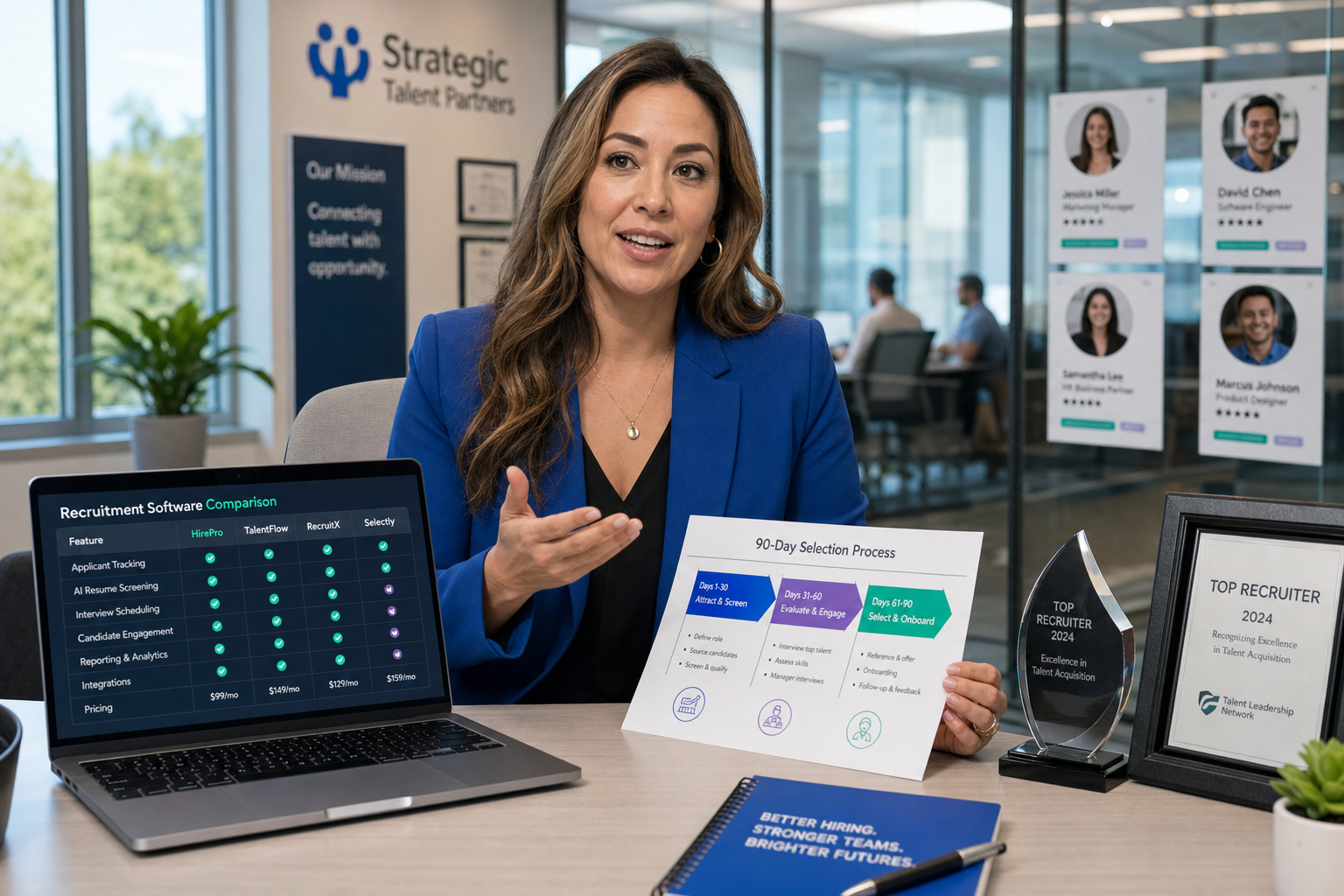
A Better 90-Day Selection Process
If you want to choose software without regretting it in three months, use a workflow-first process.
- Define the desk model. Contingency, retained, contract, executive search, or mixed desks have different needs.
- Clarify the growth move. Are you trying to improve control, increase sourcing capacity, or expand client handling?
- Separate free plan from free trial. One is an operating model, the other is an evaluation window.
- Run one real workflow. Open a job, add candidates, log outreach, move stages, create a shortlist, and review reporting.
- Test relationship continuity. Reopen an old candidate and attach them to a new role and client context.
- Check sourcing support. Review how the tool works with free recruiting websites and LinkedIn-heavy searches.
- Assess AI-assisted workflow where relevant. If your top-of-funnel is manual and slow, test whether AI Recruiter support can reduce repetitive messaging while the recruiter keeps decision control.
- Set upgrade triggers in advance. Decide what user count, record count, or admin burden will force reassessment.
This process is more reliable because it measures execution, not marketing language. The best recruiting software is the one recruiters will actually use when the desk is busy, not the one that looks tidy in a feature grid.
FAQ
Is free recruiting software enough for a small agency?
It can be enough for a solo recruiter or early-stage boutique if workflows are simple and record volumes are still manageable. But once multiple recruiters, active client accounts, and repeat sourcing are involved, free plans often become restrictive quickly.
What is the difference between ATS and staffing agency software?
An ATS mainly tracks candidates through hiring stages. Staffing agency software usually combines ATS functions with CRM, job orders, account history, submissions, and reporting, which makes it more suitable for agency operations.
How do free recruiting websites fit into an agency tech stack?
They are usually best treated as sourcing or posting inputs. They can support top-of-funnel activity, but they rarely replace a proper system for candidate history, client context, and pipeline control.
When should a team move beyond recruitment agency software free options?
Usually when workarounds start replacing the system itself. If spreadsheets return, follow-up gets inconsistent, reporting is weak, or user and record caps are affecting delivery, the free plan is already slowing the business.
Can AI tools help without replacing recruiter judgment?
Yes. Used well, AI can support repetitive outreach, candidate response handling, and résumé collection while the recruiter still evaluates fit, reviews the CV, and decides who moves forward.
For most agencies, the right answer is not simply finding software that costs nothing. It is building a system that supports recruiter confidence, preserves data quality, and gives the desk room to take smart risks. If you evaluate recruitment agency software free options through that lens, you will make a much stronger choice than by chasing feature lists alone.















