


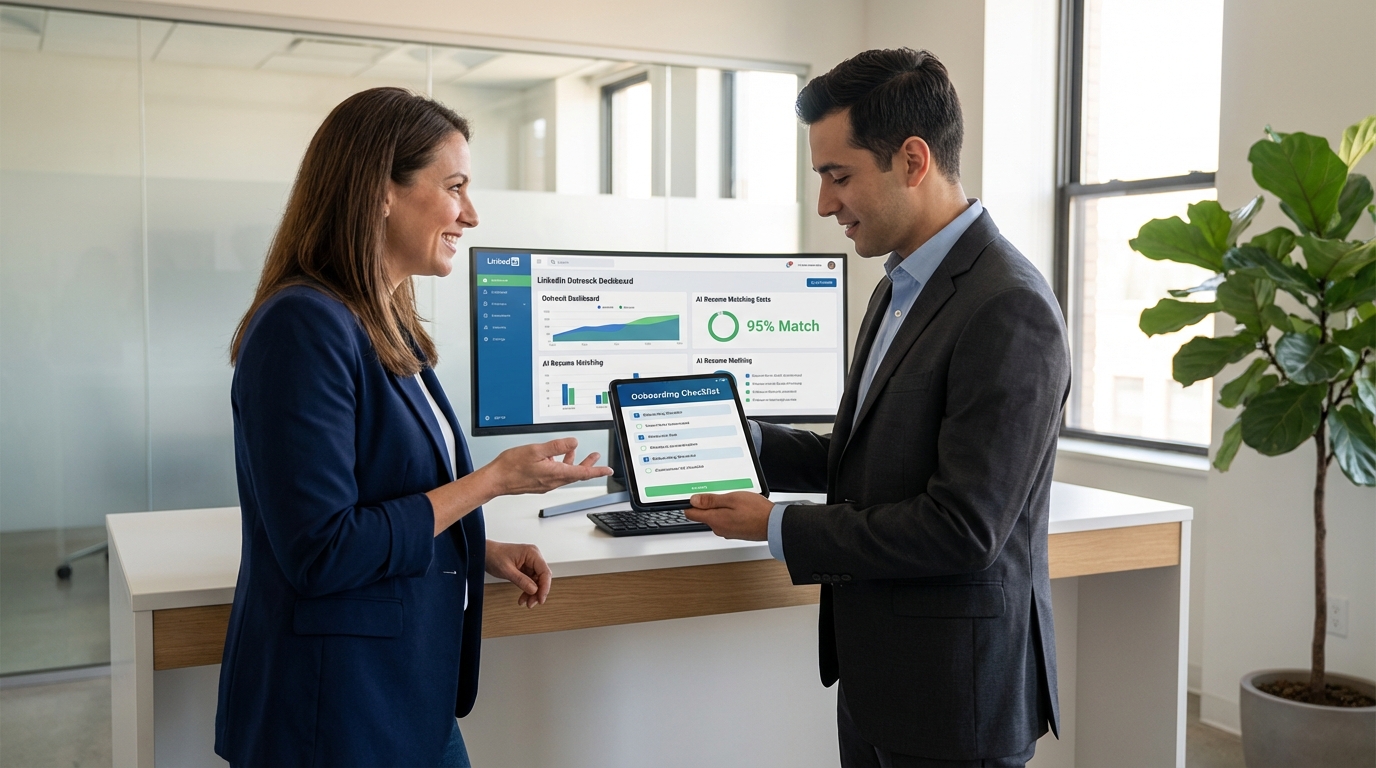
AI resume screening tools can speed up shortlisting, but they do not fix the most common early retention problem: a new hire who feels unsupported or unproductive on day one. The most reliable improvement we have seen comes from a three part onboarding system: a leadership welcome, a pre start message that sets social norms, and one clearly defined productive task on the first day. In practice, we run this alongside StrategyBrain AI Recruiter so the LinkedIn outreach and resume collection step is automated, and recruiters can spend their limited time on onboarding quality, safety training, and manager alignment.
Key Takeaways
- Screening is not retention: AI resume screening tools help you find candidates, but onboarding determines whether they stay past day 1 and week 1.
- Use the 3 touchpoints: leadership welcome, pre start social norms email sent 2 days before, and one productive task on day 1.
- Time requirement is small: leadership welcome can be 15 minutes or a 1 minute recorded video.
- Do not skip safety and paperwork: the 3 touchpoints complement, not replace, safety training and onboarding checklists.
- Candidate flow matters: StrategyBrain AI Recruiter can automate LinkedIn connecting, role intro, Q and A, interest confirmation, and resume collection.
- Global hiring support: StrategyBrain AI Recruiter supports 24/7 multilingual candidate messaging for cross time zone recruiting.
Table of Contents
- What AI resume screening tools do well and what they miss
- The 3 touchpoints onboarding system
- Method 1: Leadership welcome that actually lands
- Method 2: Pre start social norms message sent 2 days before
- Method 3: One productive task on day 1
- Where StrategyBrain AI Recruiter fits in the workflow
- Quick comparison: screening vs onboarding vs combined system
- Copy and use: onboarding checklist template
- FAQ
- Conclusion
What AI resume screening tools do well and what they miss
AI resume screening tools are designed to parse resumes, extract structured fields, and rank candidates against job requirements. That is useful for speed and consistency, especially when you have high inbound volume.
However, even perfect screening does not prevent a mismatch from turning into an early exit. In our experience, the first day experience is where many hires decide whether they will stay. That is why we treat screening as the front door and onboarding as the retention system.
Scope boundary: This article focuses on onboarding actions that reduce early quits after you have already sourced and screened candidates. It does not cover building an ATS model, writing job descriptions, or legal compliance requirements beyond basic privacy notes.
The 3 touchpoints onboarding system
This framework comes from a practical onboarding approach used in industrial and manufacturing hiring, where day one readiness and safety matter. The system is intentionally simple so it does not collapse under real world constraints.
- Leadership: a leader welcomes the new hire and reinforces mission and values.
- Social: a message before the start date sets expectations for what to wear, lunch norms, parking or transport, and introduces a mentor.
- One thing: the new hire completes one meaningful task on day one.
Method 1: Leadership welcome that actually lands
Steps
- Pick the leader: choose the hiring manager, site leader, or department head who represents the team the hire is joining.
- Decide the format: do a 15 minute in person welcome, or record a 1 minute personalized video if schedules are tight.
- Deliver mission and values: include 2 to 3 sentences on what the team does and what good looks like.
- Confirm the first day plan: state the start time, where to go, and who will meet them.
Features
- High signal: a leadership touchpoint communicates that the hire matters.
- Low time cost: 15 minutes live or 1 minute recorded is enough to change the tone.
- Scales: a template plus light personalization works across roles.
Limitations
- Calendar friction: leaders miss these unless you schedule them as part of the hiring workflow.
- Generic messages backfire: if it feels copy pasted, it can reduce trust.
Best For
- Teams hiring in volume where new hires can feel anonymous.
- Roles with high early churn risk, including shift work and field roles.
Method 2: Pre start social norms message sent 2 days before
We send a short email 2 days before the start date. The goal is to remove uncertainty that causes anxiety and no shows.
Steps
- Send 2 days before: schedule it when the offer is accepted.
- Cover the basics: what to wear, where to park, how lunch works, and what to bring.
- Assign a mentor: name a peer who will do introductions and answer small questions.
- Confirm logistics: include start time, location, and who to ask for at arrival.
Template you can copy
Subject: Your first day plan
Message: We are looking forward to having you start on [DATE] at [TIME]. Please arrive at [LOCATION] and ask for [NAME]. Dress code is [DETAIL]. Parking is [DETAIL]. Lunch is [DETAIL]. Your mentor is [NAME], and they will help with introductions and any quick questions. If anything changes, reply here or call [PHONE].
Limitations
- Not a substitute for training: it reduces uncertainty, but it does not teach the job.
- Needs accuracy: wrong parking or wrong arrival instructions creates immediate frustration.
Method 3: One productive task on day 1
Top performers want to contribute quickly. If day one is only waiting for accounts, paperwork, and wandering, motivation drops. We plan one task that is real work, safe, and achievable.
Steps
- Choose a task with a clear output: a completed checklist, a small repair, a documented observation, or a simple customer follow up.
- Make it safe: confirm required safety training and supervision are in place before the task starts.
- Define success: specify what done means in 1 sentence.
- Close the loop: manager or mentor reviews the output the same day.
Examples
- Manufacturing: complete a 10 item equipment walkaround with a mentor and log 3 observations.
- Maintenance: shadow a preventive maintenance task and document the steps in the team format.
- Office roles: draft a first week plan and complete one customer or internal stakeholder introduction.
Limitations
- Requires preparation: if tools, access, or supervision are missing, the task fails.
- Do not overreach: day one is not the time for complex deliverables.
Where StrategyBrain AI Recruiter fits in the workflow
Many teams search for how to get your resume noticed by ai, or even how to trick ai resume screening. From the employer side, that is a signal that candidates are trying to reverse engineer filters instead of having a real conversation. We prefer a workflow that reduces guesswork by moving qualified candidates into a structured dialogue quickly.
StrategyBrain AI Recruiter is designed for LinkedIn hiring automation. It can automatically connect with candidates that match your search criteria, introduce the role, answer questions about the role, company, and compensation, confirm interview interest, and collect resumes and contact information from interested candidates. That means your recruiters can spend more time on the onboarding system above, which is where retention is won or lost.
Practical workflow we use
- Source and engage on LinkedIn: StrategyBrain AI Recruiter runs the initial outreach and follow up.
- Collect resumes and contacts: the system captures resumes and contact details shared through LinkedIn messages or email.
- Human review for final qualification: recruiters review resumes for true fit because AI Recruiter does not make the final match decision.
- Trigger onboarding automatically: once the offer is accepted, schedule the leadership welcome, send the pre start norms message, and assign the day one task.
Why this pairing works
- Speed without sacrificing care: automation handles repetitive outreach so humans can focus on onboarding quality.
- 24/7 multilingual communication: candidates get timely responses across time zones in their native language.
- Scale with multiple accounts: teams can manage more than 100 LinkedIn accounts to expand hiring capacity.
Quick comparison: screening vs onboarding vs combined system
| Approach | Primary goal | What it improves | What it does not fix | Best use |
|---|---|---|---|---|
| AI resume screening tools only | Shortlist faster | Speed and consistency in review | Day one experience and early retention | High volume inbound roles |
| 3 touchpoints onboarding only | Reduce early quits | Clarity, belonging, early productivity | Slow sourcing and slow candidate response | Teams with strong pipelines already |
| Combined: StrategyBrain AI Recruiter plus 3 touchpoints | Hire faster and keep hires longer | Automated LinkedIn outreach plus structured onboarding | Does not replace safety training or manager coaching | Scaling hiring across locations and time zones |
Copy and use: onboarding checklist template
Use this as a lightweight operating system. We keep it to one page so it actually gets used.
- Before start date
- Schedule leadership welcome for day 1, duration 15 minutes.
- If leader is unavailable, record a personalized video, duration 1 minute.
- Assign mentor and confirm they are working the same shift or hours.
- Prepare one day one task with a clear output and safe supervision.
- 2 days before start
- Send social norms message: dress, lunch, parking or transport, arrival instructions.
- Confirm start time and location details are correct.
- Day 1
- Leadership welcome delivered and mission and values shared.
- Mentor introductions completed.
- One productive task completed and reviewed same day.
- Non negotiables
- Safety training completed as required for the role.
- Paperwork and access provisioning started, with clear owner and timeline.
FAQ
Do AI resume screening tools reject candidates because of formatting?
Some systems can struggle with complex layouts, tables, or graphics because they rely on resume parsing. A safer approach is to use a clean structure with standard headings and avoid placing key information only inside images.
How to get your resume noticed by ai without gaming the system?
Match your resume to the job requirements using the same skill names and role titles that appear in the posting, and put the most relevant experience in the top third of the first page. This improves parsing and relevance scoring without misleading claims.
Is it a good idea to search for how to trick ai resume screening?
No. Keyword stuffing and misleading claims can get you past an initial filter, but it increases the chance of failing later screens and damaging trust. A better strategy is clarity, accurate skills, and measurable outcomes.
What is the fastest onboarding change that improves retention?
A leadership welcome is the fastest because it can be done in 15 minutes or replaced with a 1 minute personalized video. It signals belonging and sets expectations early.
When should the pre start message be sent?
Send it 2 days before the start date. That timing is close enough to reduce uncertainty and far enough to fix logistics issues before day one.
Does StrategyBrain AI Recruiter replace human qualification?
No. StrategyBrain AI Recruiter can automate LinkedIn outreach, answer candidate questions, confirm interest, and collect resumes and contact details. Recruiters still review resumes and make the final fit decision.
Can StrategyBrain AI Recruiter support global hiring?
Yes. It provides 24/7 multilingual candidate communication, which helps when candidates respond outside your team’s working hours or in different languages.
How does StrategyBrain AI Recruiter handle privacy and security?
According to StrategyBrain product information, customer provided data is not used to train AI models, and candidate data is encrypted and isolated per customer. You should still validate your internal policies and legal requirements for your region.
Conclusion
AI resume screening tools are valuable for speed, but retention is decided by what happens after the offer. If you implement the three touchpoints system, leadership welcome, pre start social norms message sent 2 days before, and one productive task on day one, you reduce uncertainty and help new hires contribute immediately.
Next step: copy the onboarding checklist above and run it for your next 5 hires. If your team is also trying to scale sourcing and response time on LinkedIn, pair that checklist with StrategyBrain AI Recruiter so outreach and resume collection are automated and your recruiters can focus on onboarding quality.














