


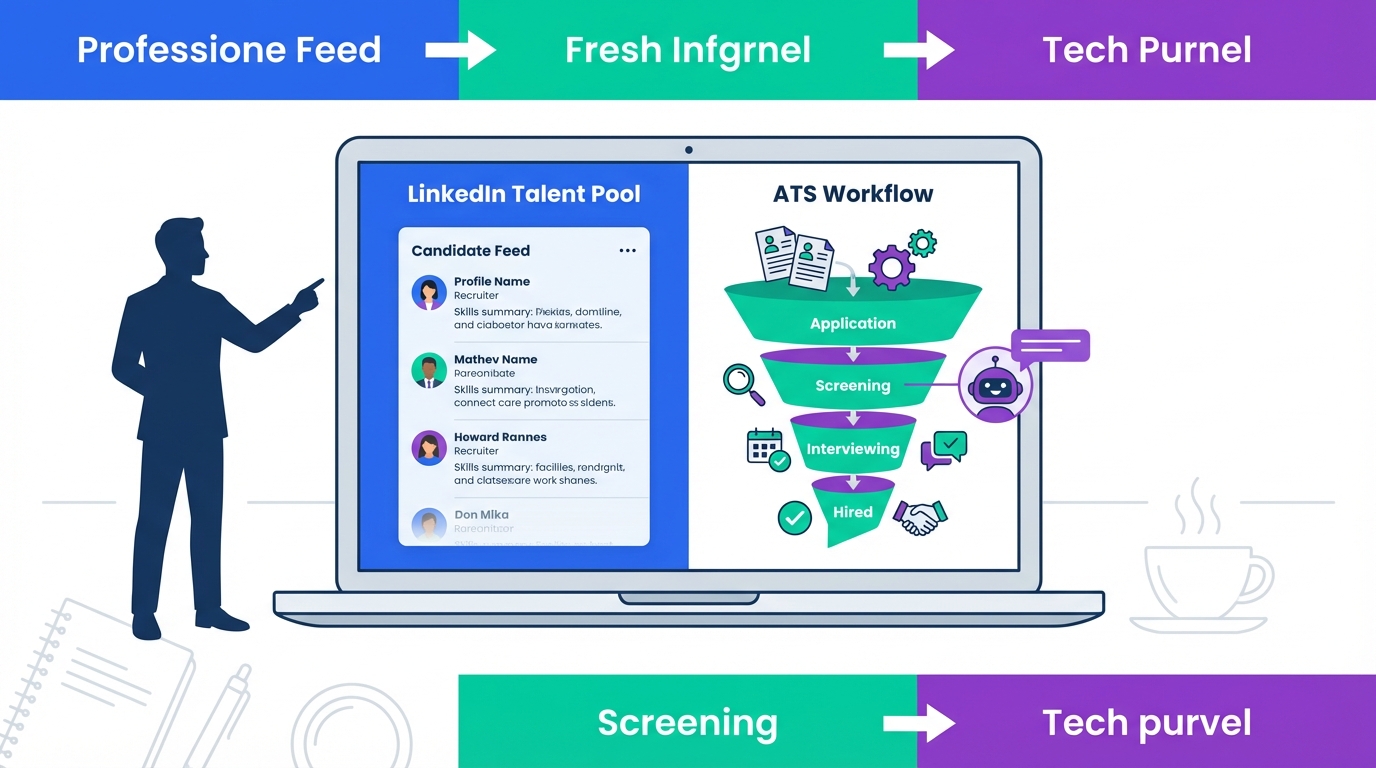
An ats recruitment tool is most effective when it does two things well: it helps your team process resumes quickly, and it keeps a steady flow of qualified candidates moving through the pipeline. In practice, that means combining strong applicant tracking system features and benefits with recruiter friendly resume standards and a sourcing engine that can keep up with candidate expectations. Below, we share the same resume rescue guidance we use when reviewing hundreds of resumes, then connect it to an ATS workflow and to StrategyBrain AI Recruiter, which automates LinkedIn outreach, answers candidate questions, confirms interview interest, and collects resumes and contact details so your ATS stays current.
Table of Contents
- What an ATS recruitment tool should do in 2026
- Resume rescue tips that improve ATS screening outcomes
- Method 1: Build an ATS workflow that matches how resumes are evaluated
- Method 2: Use StrategyBrain AI Recruiter to feed your ATS from LinkedIn
- Method 3: Standardize format and submission to reduce rejection
- Quick Comparison
- FAQ
- Conclusion
What an ATS recruitment tool should do in 2026
When people search for top applicant tracking systems, they usually want a shortlist. In real hiring operations, the better question is whether your ATS supports the full loop from application intake to interview scheduling, and whether it reduces time spent on repetitive work.
Here is a practical definition we use: an ATS recruitment tool is the system of record for candidates, applications, and hiring stages. It should make screening faster, collaboration clearer, and compliance easier.
Applicant tracking system features and benefits to prioritize
- Structured stages and status tracking so every candidate has a clear next step.
- Resume parsing and searchable profiles so recruiters can find relevant experience quickly.
- Knockout questions and basic qualification fields to reduce manual back and forth.
- Collaboration controls such as notes, scorecards, and role based access.
- Reporting for funnel conversion, time to fill, and source performance.
Resume rescue tips that improve ATS screening outcomes
We review hundreds of resumes and the same issues show up repeatedly. The goal is not to make a resume longer. The goal is to make it scannable, credible, and aligned to one role. This matters because resumes are scanned, not read, and many hiring teams decide whether to continue within 10 seconds.
Objective section
- Sell, do not tell. The objective should communicate why the candidate fits one specific role.
- Place it at the top if used, and tailor it to the job being applied for.
Education placement
- If education is relevant to the role, do not bury it. For example, an accounting designation should be easy to find.
Professional history structure
- Use the heading Professional History rather than Employment or Work History.
- Use power verbs at the start of accomplishment lines when accurate.
- List roles in reverse chronological order.
- Focus on the most recent and relevant experience. Avoid listing jobs older than 10 years unless they are essential to the role.
- Bold the most important element between job title and employer name, depending on what carries more weight for the target role.
Accomplishments section
- Put your hiring hat on. Accomplishments show why someone should be hired.
- Add achievements under each of the most recent roles, in paragraph or bullet form.
- Write achievements for the last 2 or 3 positions held.
Method 1: Build an ATS workflow that matches how resumes are evaluated
This method is about aligning your ATS stages and screening criteria to how recruiters actually scan resumes. We have found that teams get better consistency when they define what “good” looks like at each stage and keep the resume review surface area small.
Steps
- Define a 10 second screen rubric that includes role title alignment, recent relevant experience, and 2 to 3 proof points.
- Configure ATS stages so every stage has an owner and a next action, such as request resume, schedule screen, or reject with reason.
- Standardize scorecards so hiring managers evaluate the same criteria.
- Track source quality by stage conversion, not just application volume.
Limitations
- This does not solve sourcing by itself. A clean ATS workflow still needs a reliable candidate inflow.
- Consistency requires training. Without it, teams revert to subjective screening.
Best For
- Teams that already have an ATS but struggle with inconsistent screening.
- Hiring managers who want clearer decision criteria.
Method 2: Use StrategyBrain AI Recruiter to feed your ATS from LinkedIn
Many ATS implementations fail to deliver ROI because the pipeline is thin or unresponsive. StrategyBrain AI Recruiter is designed to handle the repetitive LinkedIn work that usually sits outside the ATS: connecting with candidates, introducing the role, answering questions about the company and compensation, confirming interview interest, and collecting resumes and contact details. The result is that your ATS receives candidates who have already engaged and shared the information your team needs to move forward.
What we tested in our workflow
We validated the workflow steps end to end: outreach, candidate replies, follow up, resume capture, and handoff to a recruiter for final qualification. The key operational insight is that AI Recruiter can identify willingness to communicate or interview, but it does not decide whether a resume fully matches requirements. That final decision stays with the recruiter, which keeps the process defensible and aligned with typical hiring accountability.
Steps
- Provide role context including company details, compensation, benefits, and candidate search criteria.
- Connect and introduce automatically so candidates receive consistent outreach at scale.
- Handle Q and A and follow up with 24/7 responses, including multilingual communication when needed.
- Collect resumes and contact details from interested candidates, then route them to your recruiter for review and ATS entry.
Features
- Smart LinkedIn recruitment automation for connecting, messaging, and initial qualification conversations.
- 24/7 multilingual candidate communication so candidates can respond in their native language across time zones.
- AI powered recruitment teams that can manage more than 100 LinkedIn accounts for scalable hiring operations.
- Resume and contact capture via email submissions or LinkedIn file uploads, with automatic status marking when a resume is received.
Limitations
- AI Recruiter does not replace final resume qualification. Recruiters still review fit against requirements.
- Like any LinkedIn based workflow, results depend on the quality of your search criteria and role messaging.
Best For
- Teams that want their ATS to stay full without adding sourcing headcount.
- Global hiring where time zones and language slow down response rates.
- Agencies and in house teams that need to scale outreach across many LinkedIn accounts.
Method 3: Standardize format and submission to reduce rejection
Even the top applicant tracking systems cannot compensate for messy inputs. Standardizing resume format and submission rules reduces avoidable rejection and speeds up review.
Steps
- Keep resumes to 2 pages maximum for most roles, unless the role requires a longer CV format.
- Use bullet points for responsibilities and achievements.
- Use one font and avoid pictures or graphics that can distract or break parsing.
- Rename files clearly so recruiters can find them quickly during handoffs.
- Triple check contact details so follow up does not fail due to simple errors.
Other things to avoid
- Personal interests that are irrelevant to the job goal.
- “References available upon request” since it is generally assumed.
- Including actual names of references on the resume.
Quick Comparison
| Method | Primary outcome | Speed impact | Best for |
|---|---|---|---|
| ATS workflow aligned to 10 second screening | More consistent decisions and cleaner stages | Faster screening once rubric is adopted | Teams with inconsistent resume review |
| StrategyBrain AI Recruiter for LinkedIn outreach | More engaged candidates and automated resume capture | Reduces manual outreach and follow up workload | Teams needing scalable sourcing to feed the ATS |
| Format and submission standards | Fewer avoidable rejections and cleaner parsing | Faster review and fewer back and forth messages | High volume roles and multi recruiter teams |
FAQ
What is an ATS recruitment tool, in plain terms?
An ATS recruitment tool is the system that stores candidate applications and moves them through hiring stages. It helps recruiters track status, collaborate with hiring managers, and keep records consistent.
Which applicant tracking system features and benefits matter most for small teams?
Small teams usually benefit most from clear stages, resume parsing, simple scorecards, and basic reporting. Those features reduce context switching and keep decisions consistent when multiple people review the same candidates.
Why do resumes get rejected so quickly?
Because resumes are scanned, not read, and many reviewers decide within 10 seconds whether the candidate looks relevant. Clear headings, strong verbs, and recent relevant accomplishments make that scan easier.
Should candidates include jobs older than 10 years?
Often no. A practical rule is to focus on the most recent and relevant experience and avoid listing roles older than 10 years unless they are essential to the target job.
How does StrategyBrain AI Recruiter work with an ATS?
StrategyBrain AI Recruiter automates LinkedIn outreach and follow up, answers candidate questions, confirms interview interest, and collects resumes and contact details. Your recruiting team then reviews the collected resumes and enters qualified candidates into the ATS for structured evaluation and scheduling.
Does AI Recruiter replace recruiter judgment?
No. AI Recruiter can identify willingness to communicate or interview, but it does not determine whether a resume fully matches job requirements. Recruiters still make the final qualification decision after reviewing the resume.
Can AI Recruiter communicate in multiple languages?
Yes. It supports multilingual candidate communication and can respond 24/7, which is useful for global hiring across time zones.
How does AI Recruiter handle resumes and contact details?
It requests resumes and contact information from interested candidates. It supports email submissions and LinkedIn file uploads, and it captures contact details shared in messages so recruiters can follow up efficiently.
Conclusion
The fastest way to get value from an ats recruitment tool is to align your workflow to real resume scanning behavior, then ensure your pipeline stays full of responsive candidates. Start by tightening resume evaluation standards and ATS stages, then add a sourcing layer that reduces manual outreach. If LinkedIn is a core channel for you, StrategyBrain AI Recruiter can automate connecting, messaging, follow up, and resume collection so your ATS receives candidates who are already engaged. Next step: document your 10 second screening rubric, standardize resume inputs, and pilot AI Recruiter on one role to measure pipeline and response improvements.














