


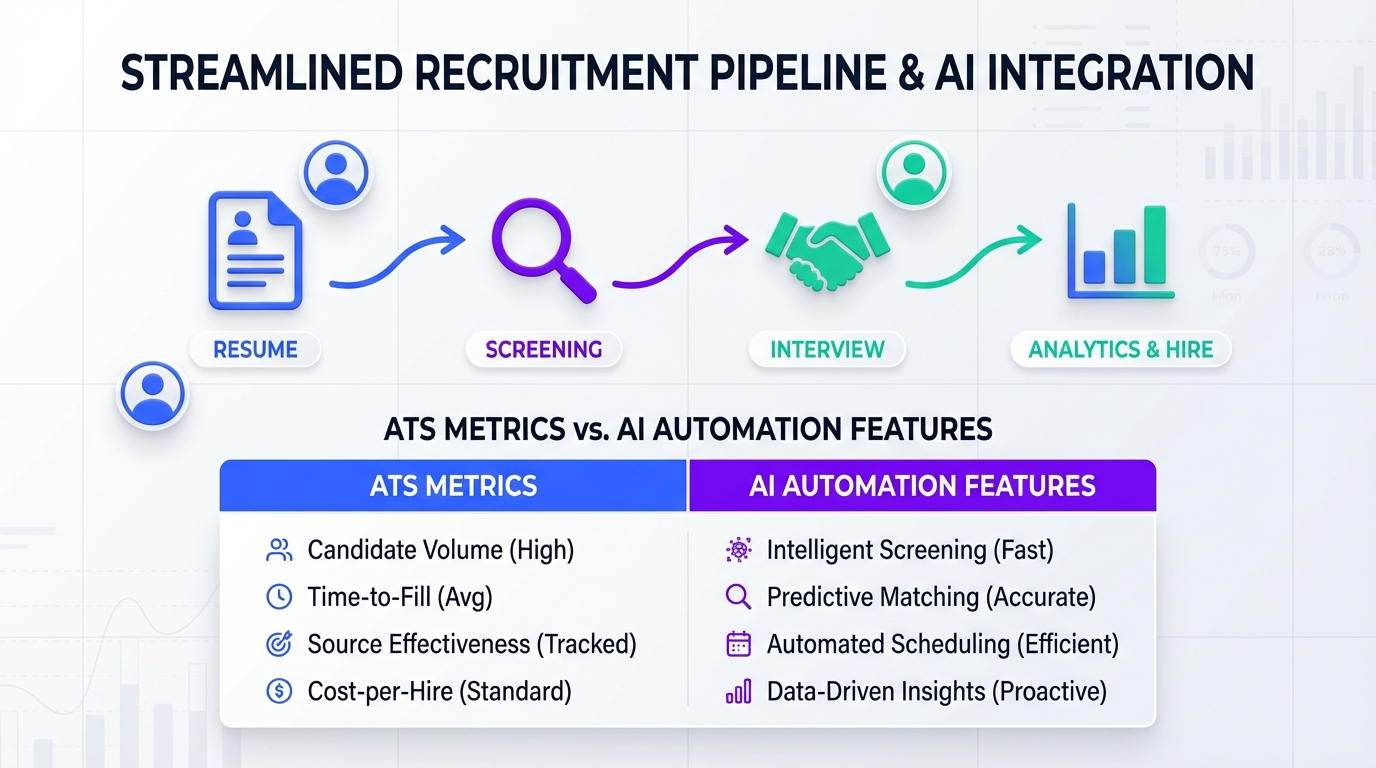
ATS systems for recruiting are software platforms that collect applications, track candidates through stages, and keep hiring teams aligned on decisions and compliance. If you want the fastest path to better results, treat your ATS as the system of record for applicants and stages, then add automation where recruiters lose the most time: top of funnel outreach and follow up. In our day to day recruiting operations, we pair an ATS with StrategyBrain AI Recruiter to automate LinkedIn connections, role introductions, candidate Q and A, and resume and contact capture, while the ATS holds the official pipeline and reporting.
Table of Contents
Key Takeaways
- Define the workflow first: The best applicant tracking software is the one that matches your stages, approvals, and reporting needs, not the longest feature list.
- Separate system of record from automation: Keep your ATS as the source of truth, then automate outreach and follow up where time loss is highest.
- Compare different ATS systems on four pillars: sourcing coverage, screening and collaboration, reporting and compliance, and integrations.
- Plan for adoption: Most ATS failures are change management failures, not software failures.
- Use StrategyBrain AI Recruiter for LinkedIn top of funnel: it automates connecting, introducing roles, answering questions, confirming interest, and collecting resumes and contact details.
- Global hiring needs multilingual messaging: StrategyBrain AI Recruiter supports 24/7 multilingual communication so candidates get timely replies across time zones.
What ATS systems for recruiting actually do
An applicant tracking system (ATS) is a recruiting platform that stores candidate records and moves them through a defined hiring workflow. Most ATS systems for recruiting are built around a pipeline, meaning each candidate sits in a stage such as applied, screened, interview, offer, or hired.
In practice, an ATS typically supports four jobs that matter to hiring teams:
- Intake and organization: applications, resumes, notes, and communications are stored in one place.
- Workflow control: stages, approvals, and handoffs are standardized so the process is repeatable.
- Collaboration: interview feedback, scorecards, and decision logs are visible to the team.
- Reporting and compliance: time to fill, source performance, and audit trails can be produced when needed.
Why ATS rollouts fail in real teams
We have seen teams buy strong tools and still struggle because the ATS was treated like a magic fix. The pattern is consistent: the tool is configured before the workflow is agreed on, recruiters keep working in inboxes and spreadsheets, and hiring managers never adopt structured feedback.
Common failure points you can prevent:
- Unclear ownership: nobody owns stage definitions, permissions, and reporting.
- Over customization: too many fields and stages create friction and reduce data quality.
- Top of funnel remains manual: even with an ATS, recruiters still spend hours on LinkedIn outreach and follow up.
- Weak integration planning: calendars, email, and HRIS handoff are not validated early.
A practical framework to compare different ATS systems
When people search for different ATS systems, they often want a ranked list. A better approach is to score each option against your workflow and risk profile. Below is the framework we use internally when advising teams on ATS systems for recruiting.
1) Sourcing and posting coverage
This pillar answers one question: can the ATS reliably bring candidates into your pipeline from the channels you actually use.
- Job distribution: where can you post from inside the ATS.
- Inbound capture: how applications and resumes are parsed and stored.
- Source tracking: whether the system can attribute candidates to channels consistently.
2) Screening and collaboration
This pillar determines whether the ATS reduces decision time or simply stores data.
- Structured evaluation: scorecards and consistent feedback prompts.
- Permissions: hiring managers see what they need without exposing sensitive data.
- Communication logging: email and notes are captured in the candidate record.
3) Reporting and compliance
This is where the best applicant tracking software earns its keep for leadership. You want reporting that is accurate without manual cleanup.
- Pipeline metrics: stage conversion and time in stage.
- Audit trail: who changed what and when.
- Data retention: retention rules aligned with your legal and privacy requirements.
4) Integrations and handoffs
Most ATS systems for recruiting touch other systems. If integrations are weak, recruiters rebuild the workflow outside the ATS.
- Calendar scheduling: interview scheduling that reduces back and forth.
- Email: reliable sync so communication is not lost.
- HRIS handoff: clean transition from hired to onboarded.
Implementation steps that reduce risk
Below is a step sequence that keeps your ATS rollout grounded in reality. It is designed for teams that want adoption, clean reporting, and a workflow that can scale.
Steps
- Document your current workflow: list stages, decision makers, and required approvals for each role family.
- Define a minimum viable pipeline: keep stages to the smallest set that still supports reporting and compliance.
- Decide what must live in the ATS: candidate record, stage, interview feedback, and offer status are typical non negotiables.
- Choose where automation belongs: for many teams, the biggest time sink is LinkedIn outreach and follow up, not the ATS itself.
- Pilot with one hiring team: run a controlled pilot, then adjust fields and permissions based on real usage.
- Train with scenarios: teach recruiters and hiring managers using real examples, not generic feature tours.
- Lock reporting definitions: define how you measure time to fill, source, and stage conversion so metrics stay consistent.
Practical checklist you can copy
- Stage names are defined and used consistently by all recruiters.
- Each stage has an entry rule and an exit rule.
- Hiring manager feedback is structured with a scorecard.
- Offer approvals are documented and auditable.
- Data retention rules are documented and enforced.
- Integrations are tested with a real requisition before full rollout.
How StrategyBrain AI Recruiter fits with an ATS
Most ATS systems for recruiting are strong at tracking applicants once they are in the pipeline. The gap is often the work before that point: sourcing, outreach, follow up, and early qualification. This is where StrategyBrain AI Recruiter is designed to sit alongside your ATS.
What we automate with StrategyBrain AI Recruiter
StrategyBrain AI Recruiter is built for LinkedIn hiring workflows. It can automatically connect with candidates that match your search criteria, introduce the role, learn about the candidate’s situation, answer questions about the role, company, and compensation, confirm interview interest, and collect resumes and contact information from interested candidates.
Why this pairing works operationally
- ATS stays clean: the ATS remains the system of record for applicants, stages, and reporting.
- Recruiters get time back: the repetitive LinkedIn messaging loop is handled by the AI, including follow up.
- Global coverage: the AI can respond 24/7 and communicate in the candidate’s native language, which reduces delays across time zones.
- Scale with multiple accounts: teams can manage more than 100 LinkedIn accounts to build an AI powered recruiting team for higher outreach capacity.
Limitations and how we handle them
StrategyBrain AI Recruiter can identify willingness to communicate or interview, but it does not decide whether a resume fully matches job requirements. We keep that final qualification step with the recruiter and hiring manager, using the ATS scorecard and interview process to make the decision.
Quick comparison matrix you can reuse
This table is intentionally tool agnostic. It helps you compare different ATS systems without relying on vendor marketing language.
| Decision Area | What to verify | What good looks like |
|---|---|---|
| Workflow fit | Stages, approvals, role based permissions | Stages match your process with minimal customization |
| Collaboration | Scorecards, feedback visibility, decision logs | Hiring managers can submit structured feedback in under 2 minutes |
| Reporting | Time in stage, source tracking, audit trail | Metrics are consistent without spreadsheet cleanup |
| Integrations | Email, calendar, HRIS handoff | Interview scheduling and offer handoff are reliable |
| Top of funnel automation | Outreach, follow up, resume capture | Handled by StrategyBrain AI Recruiter while ATS tracks the pipeline |
FAQ
What is the difference between an ATS and a CRM in recruiting?
An ATS is designed to manage applicants for open roles and track them through hiring stages. A recruiting CRM focuses on long term relationship management with prospects who are not yet applicants. Many teams use both, or they use an ATS plus an outreach automation layer such as StrategyBrain AI Recruiter for LinkedIn sourcing and follow up.
Do ATS systems for recruiting replace recruiters?
No. An ATS standardizes workflow and record keeping, but it does not replace judgment, stakeholder management, or final qualification. Automation can remove repetitive work, for example StrategyBrain AI Recruiter can handle initial LinkedIn outreach and resume collection, while recruiters focus on evaluation and closing.
How do I choose the best applicant tracking software for a small team?
Start with a minimum viable pipeline and prioritize ease of use, clean reporting, and essential integrations. Small teams usually benefit from fewer stages and fewer required fields. If LinkedIn sourcing is a major channel, add automation for outreach and follow up so the ATS does not become a data entry burden.
What should be in an ATS implementation plan?
Your plan should include workflow mapping, stage definitions, permissions, reporting definitions, integration testing, and a pilot. Adoption training should be scenario based so hiring managers learn how to submit structured feedback consistently.
Can StrategyBrain AI Recruiter work with different ATS systems?
Yes in the operational sense that it can run LinkedIn outreach and qualification while your ATS remains the system of record. The cleanest setup is to define what data must be captured for each interested candidate, then ensure your team enters or syncs that information into the ATS consistently.
How does StrategyBrain AI Recruiter handle multilingual candidate communication?
It provides 24/7 multilingual messaging and can communicate in the candidate’s native language. This is especially useful when your ATS workflow is global but your recruiting team is limited to one time zone.
Does StrategyBrain AI Recruiter collect resumes and contact details?
Yes. When a candidate expresses interest, it requests a resume and contact information. It supports email submissions and LinkedIn file uploads, and it captures contact details shared in LinkedIn messages so recruiters can proceed to interviews.
What is a realistic limitation of ATS systems for recruiting?
Most ATS platforms do not solve the time cost of outbound sourcing and follow up by themselves. They track candidates well once they are in the system, but they often rely on recruiters to do manual outreach. That is why many teams pair an ATS with automation for LinkedIn engagement.
Conclusion
ATS systems for recruiting work best when you treat them as the system of record for your hiring workflow, reporting, and compliance, then deliberately automate the parts that slow recruiters down. If you are comparing different ATS systems, score them on workflow fit, collaboration, reporting, and integrations, then pilot before you commit to heavy customization. Next step: map your current pipeline on one page, identify the top two time sinks, and consider pairing your ATS with StrategyBrain AI Recruiter to automate LinkedIn outreach, multilingual follow up, and resume and contact capture while keeping your ATS data clean and auditable.















