


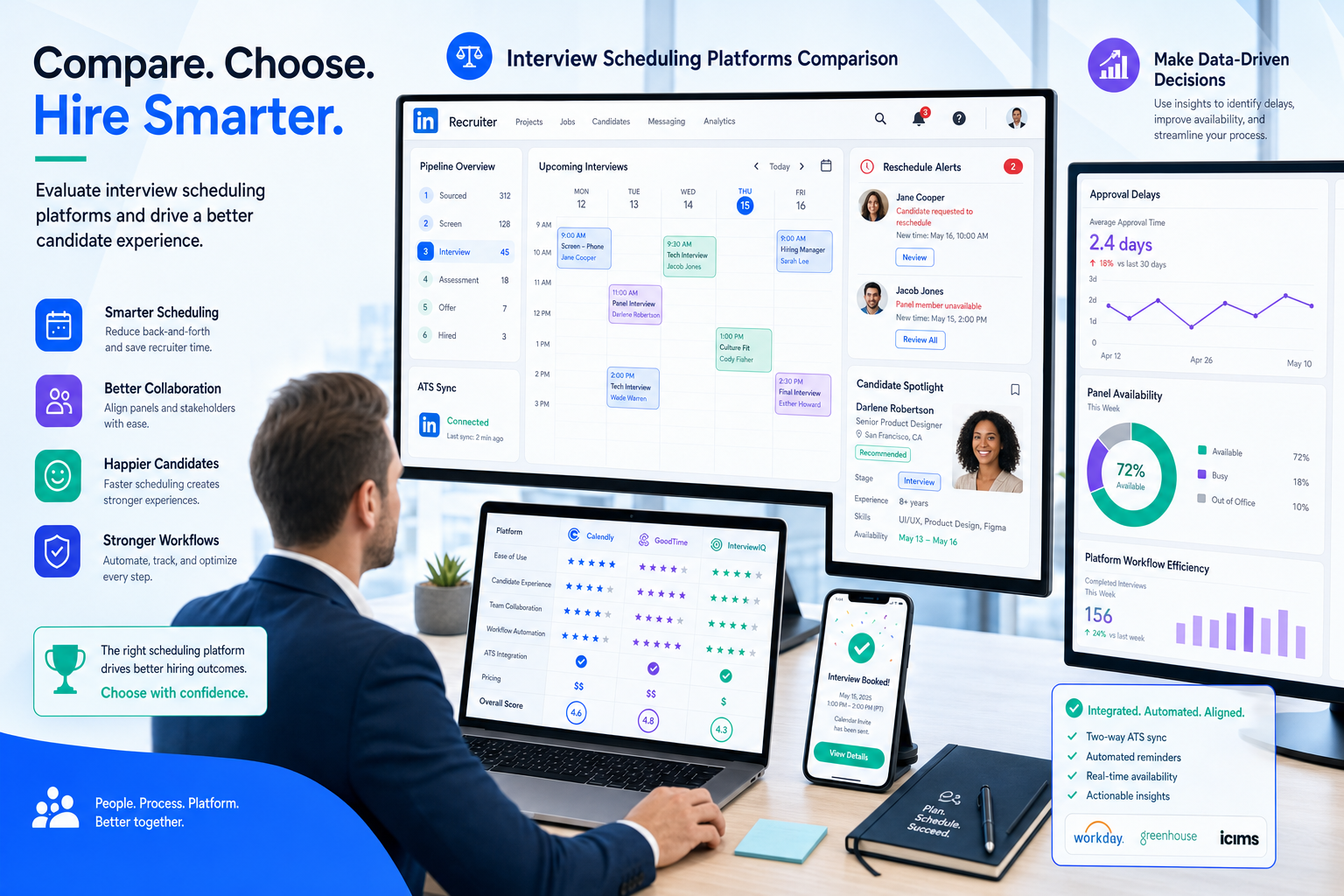
When schedules slip, this article helps recruiting leaders judge best interview scheduling software before candidate drop-off grows.
That standard matters most when hiring conditions tighten. As soon as recruiting teams face budget pressure, slower approvals, reduced interviewer availability, or role changes, scheduling stops being simple calendar work. Missed handoffs create candidate frustration, hiring manager friction, duplicated outreach, and in agency settings, unnecessary damage to client trust and recruiter credibility.
In my own workflow, I have found that StrategyBrain AI Recruiter is most useful before the scheduling step, especially when outreach volume rises and recruiters still need clean handoffs into interview coordination. Its always-on candidate messaging, multilingual follow-up, and résumé collection help keep interested candidates moving instead of going cold while calendars are being sorted out. The recruiter still owns shortlist judgment, résumé review, and the final decision on who should advance to interview.
A useful way to understand this is to look at what happens when an organization moves into cost pressure or downsizing discussions. In the legal guidance that many employers review during layoffs, two details stand out: temporary changes often require employee consent, and once reductions stretch past defined limits, a different obligation is triggered. In recruiting, a similar pattern shows up when headcount plans shift mid-process. Recruiters are asked to pause one search, reduce urgency on another, and keep candidates warm while hiring managers reconsider budgets, availability, or interview panels.
The work becomes messy in very specific ways. A recruiter checks which requisitions are still active, replies to a candidate who already shared interview availability, updates stage notes, and then has to re-confirm whether the hiring team still wants to proceed. Another stakeholder asks for a delay, panel members lose the original slot, and what looked like a simple booking task turns into a coordination problem with timing, consent, and communication risk built in.
That is why automated interview scheduling should be evaluated as an operational control, not just a booking convenience. If you are comparing the best interview scheduling software or the best interview scheduling tools, the real question is whether the system can support changing hiring conditions, protect candidate experience, and make scheduling interviews for candidates reliable even when internal decisions are still moving.
Quick answer: The best interview scheduling software helps recruiters manage candidate self-scheduling, live calendar syncing, reminders, rescheduling, and workflow visibility when hiring plans change. The strongest tools do more than book time; they reduce coordination risk across the full interview process.
Table of Contents
- Why interview scheduling breaks under hiring pressure
- What interview scheduling software should actually do
- Simple booking links vs full coordination platforms
- Features that matter most when scheduling interviews for candidates
- Why workflow visibility and ATS sync matter
- What the best interview scheduling tools look like by team type
- How to evaluate the best interview scheduling software
- Common mistakes recruiting teams make
- FAQ
Why interview scheduling breaks under hiring pressure
Interview scheduling problems rarely begin with the calendar itself. They usually begin with changing conditions around the interview: a hiring manager becomes unavailable, a role is re-scoped, approvals stall, or a candidate needs a faster answer than the internal team can provide.
The downsizing guidance many employers review offers a useful recruiting lesson here. In that context, consent, timing thresholds, and notice obligations determine when a manageable change turns into a more serious liability. In recruiting operations, the equivalent threshold is often candidate momentum. A one-day delay may be harmless. A week of unclear scheduling, repeated reschedules, or incomplete communication can trigger candidate withdrawal, internal confusion, or a loss of trust in the recruiter’s process.
That is why experienced recruiters do not treat scheduling as isolated admin. They treat it as a control point between candidate interest and interview completion. The best interview scheduling software keeps that control point stable even when the rest of the hiring process is less stable.
What interview scheduling software should actually do
At a basic level, interview scheduling software matches candidate availability with interviewer calendars and automates confirmations, reminders, and changes. But in practice, recruiting teams need more than calendar matching.
Good software should help with:
- Candidate self-scheduling from approved time slots
- Real-time interviewer availability
- Rescheduling without broken handoffs
- Reminder automation
- Multi-round and panel coordination
- Workflow visibility for recruiters and hiring managers
- Stage accuracy across the recruiting process
That broader scope matters because automated interview scheduling sits between sourcing, screening, stakeholder alignment, and final hiring decisions. If the system only solves the first click on a booking page, recruiters still end up doing the real coordination work by hand.
Simple booking links vs full coordination platforms
One of the clearest ways to compare the best interview scheduling tools is to separate lightweight scheduling tools from more complete coordination systems.
| Category | Best for | Strengths | Limitations |
|---|---|---|---|
| Basic self-scheduling tools | Solo recruiters, founder hiring, low-volume screening calls | Fast setup, easy candidate booking, simple reminders | Weak support for panels, round dependencies, and process changes |
| Interview coordination platforms | In-house teams, agencies, scaling companies, enterprise hiring | Multi-round logic, panel support, conflict handling, stronger workflow control | Requires more setup and clearer recruiting process design |
If your team only books introductory calls, a simple tool may be enough. But once interviews involve multiple stakeholders, changing approvals, or frequent reschedules, the difference becomes obvious. What looked like a calendar problem is actually a workflow problem.
I have seen this especially when using AI Recruiter for early candidate engagement. When outreach and follow-up are handled quickly, more qualified and interested candidates reach the interview-ready stage faster. That exposes weak scheduling processes immediately. In other words, better sourcing and messaging can increase the need for better scheduling discipline, not reduce it.
Features that matter most when scheduling interviews for candidates
Most vendors now offer syncing, booking links, and reminders. The better buying decision comes from testing how those features hold up in real hiring conditions.
1. Candidate self-scheduling with low friction
When scheduling interviews for candidates, every extra step creates unnecessary drop-off. Candidates should be able to pick a time quickly, on mobile if needed, without confusing redirects or account setup.
What to test: Count the steps from invite to confirmation. If the flow feels slow to a recruiter, it will feel slower to a candidate.
2. Availability control that reflects real calendars
Busy hiring managers rarely maintain perfect calendar hygiene. The tool should account for changing availability, not assume ideal conditions.
What to test: Check how the system handles blocked time, overlapping events, and last-minute changes.
3. Rescheduling that does not break the process
Reschedules are normal. The best interview scheduling software should preserve context, notify the right people, and avoid duplicate invites or hidden conflicts.
What to test: Run a candidate change, then an interviewer change, and see whether the workflow stays clean.
4. Communication automation that matches interview type
Screening calls, formal panels, and same-day interviews do not need the same reminder cadence. Flexibility matters.
What to test: Review reminder timing, location instructions, and whether communications can be adjusted by stage.
5. Panel and multi-round support
This is where many tools fail. Once an interview loop depends on several interviewers or sequential rounds, a simple calendar link often creates more work than it removes.
What to test: Ask vendors to demonstrate a real panel or loop from your process, not a one-person sample call.
6. Mobile access and fast response support
For hourly, frontline, or distributed hiring, desktop-first scheduling creates friction. Fast mobile flows and lightweight access are often more valuable than extra admin features.
What to test: Complete the candidate booking process on a phone from the initial invite.
Why workflow visibility and ATS sync matter
Scheduling is most valuable when it stays connected to the recruiting workflow. If interview status sits in email while candidate stage sits somewhere else, recruiters lose the visibility they need to move quickly.
This is where the lesson from legal downsizing guidance applies again. Once a change passes a threshold, new obligations appear. In recruiting, once interview volume rises or process complexity increases, disconnected systems create hidden costs: duplicate updates, missed stage changes, weak reporting, and confusion over ownership.
When comparing the best interview scheduling software, ask whether it supports:
- Automatic stage progression after booking
- Interview visibility in the core recruiting workflow
- Clear recruiter, coordinator, and hiring manager ownership
- Feedback task alignment after the interview
- Reliable syncing that reduces manual reconciliation
That is also why I prefer using StrategyBrain AI Recruiter as an upstream layer rather than pretending one tool should do everything. It can keep candidate communication moving, collect résumés and contact details, and maintain responsiveness across time zones. But once candidates are ready for interview, the scheduling system still needs to carry its own weight with clean stage movement and coordination logic.
What the best interview scheduling tools look like by team type
In-house recruiting teams
Internal talent teams usually need visibility, stakeholder coordination, and cleaner process compliance. They are often affected first when hiring plans change mid-quarter.
Best fit: Tools with panel support, reliable calendar sync, and workflow integration.
Agency and search firms
Agencies need speed, flexibility, and candidate protection across multiple clients. Rescheduling and communication clarity matter because every delay reflects directly on the recruiter.
Best fit: Tools with strong reschedule handling, simple candidate flows, and support for varied client processes.
High-volume hiring teams
High-volume teams need instant response and minimal friction. In this environment, scheduling interviews for candidates has to feel immediate.
Best fit: Mobile-friendly workflows, fast self-scheduling, and simple reminders.
Enterprise organizations
Large employers deal with interview loops, business-unit variation, and higher coordination risk. A lightweight tool may help at the first round but often breaks later.
Best fit: Advanced coordination logic, conflict management, reporting visibility, and standardization across teams.
How to evaluate the best interview scheduling software
The strongest evaluation process is workflow-first, not feature-first. Start with your real recruiting conditions and test from there.
- Map the process under normal conditions. Document screening calls, manager interviews, panels, and final rounds.
- Map the process under pressure. Include role pauses, delayed approvals, interviewer changes, and urgent reschedules.
- Test the candidate journey. Review the booking flow on desktop and mobile.
- Test the stakeholder journey. Include hiring managers with changing calendars and panel requirements.
- Check workflow visibility. Confirm whether interview status stays aligned with stage progress.
- Measure recruiter cleanup work. The less manual correction needed, the better the operational fit.
| Evaluation area | What to ask | Why it matters |
|---|---|---|
| Candidate booking | Can the candidate confirm quickly without friction? | Protects interview conversion |
| Interviewer coordination | Can the tool handle panels and changing availability? | Reduces manual back-and-forth |
| Rescheduling | What happens when the original time no longer works? | Shows true process resilience |
| Workflow sync | Does booking remain visible inside recruiting operations? | Prevents hidden admin and reporting gaps |
| Mobile experience | How easy is the booking flow on a phone? | Critical in many candidate markets |
| Recruiter effort | What still has to be fixed manually? | Reveals actual efficiency gains |
If your team also relies heavily on outbound sourcing, I recommend testing the transition from candidate interest to booked interview end to end. In my experience, once StrategyBrain AI Recruiter increases response continuity and collects contact details cleanly, any weakness in interview scheduling becomes easier to spot. That makes evaluation more honest.
Common mistakes recruiting teams make
- Buying for convenience only. Easy booking is useful, but complex hiring needs coordination, not just links.
- Ignoring process volatility. Many teams test only the ideal path and ignore pauses, changes, and approvals.
- Treating rescheduling as a minor issue. In practice, it is one of the biggest admin drains.
- Overlooking candidate communication timing. Slow updates can undo good sourcing work.
- Separating outreach speed from scheduling quality. Faster top-of-funnel activity can make weak scheduling more visible, not less.
A practical rule is simple: if recruiters still spend too much time checking calendars, confirming who is still available, and repairing broken handoffs, the software is not solving the real problem.
FAQ
What is automated interview scheduling?
Automated interview scheduling uses software to match candidate and interviewer availability, send confirmations and reminders, support rescheduling, and reduce manual back-and-forth during the hiring process.
What makes the best interview scheduling software different from a simple calendar tool?
The best interview scheduling software supports more than self-booking. It handles reschedules well, works for panels and multi-round interviews, and fits into the wider recruiting workflow.
Why is scheduling interviews for candidates so often a bottleneck?
Because the bottleneck is usually not the calendar alone. It is changing internal availability, slow approvals, poor communication handoffs, and lack of workflow visibility across recruiting teams.
Do the best interview scheduling tools matter for agencies as much as in-house teams?
Yes. Agencies often feel the impact even faster because every scheduling delay affects client confidence and candidate experience at the same time.
How can recruiters combine sourcing automation with scheduling discipline?
Use sourcing automation to keep outreach, follow-up, and résumé collection moving, then make sure your interview scheduling system can handle the resulting candidate flow without creating manual cleanup. The recruiter should still control qualification and final advancement decisions.
Conclusion
The best interview scheduling software is the system that still works when hiring conditions change. That is the real test.
If your process is simple, a lightweight booking tool may be enough. If your recruiters deal with shifting approvals, multi-round interviews, panel coordination, or high candidate volume, you need a platform built for operational reality, not just calendar convenience.
For teams comparing the best interview scheduling tools, the smartest path is to evaluate actual recruiter work: candidate communication, interviewer availability, rescheduling pressure, and workflow visibility. When those pieces connect well, automated interview scheduling becomes more than a time-saver. It becomes a stability layer for hiring.















