


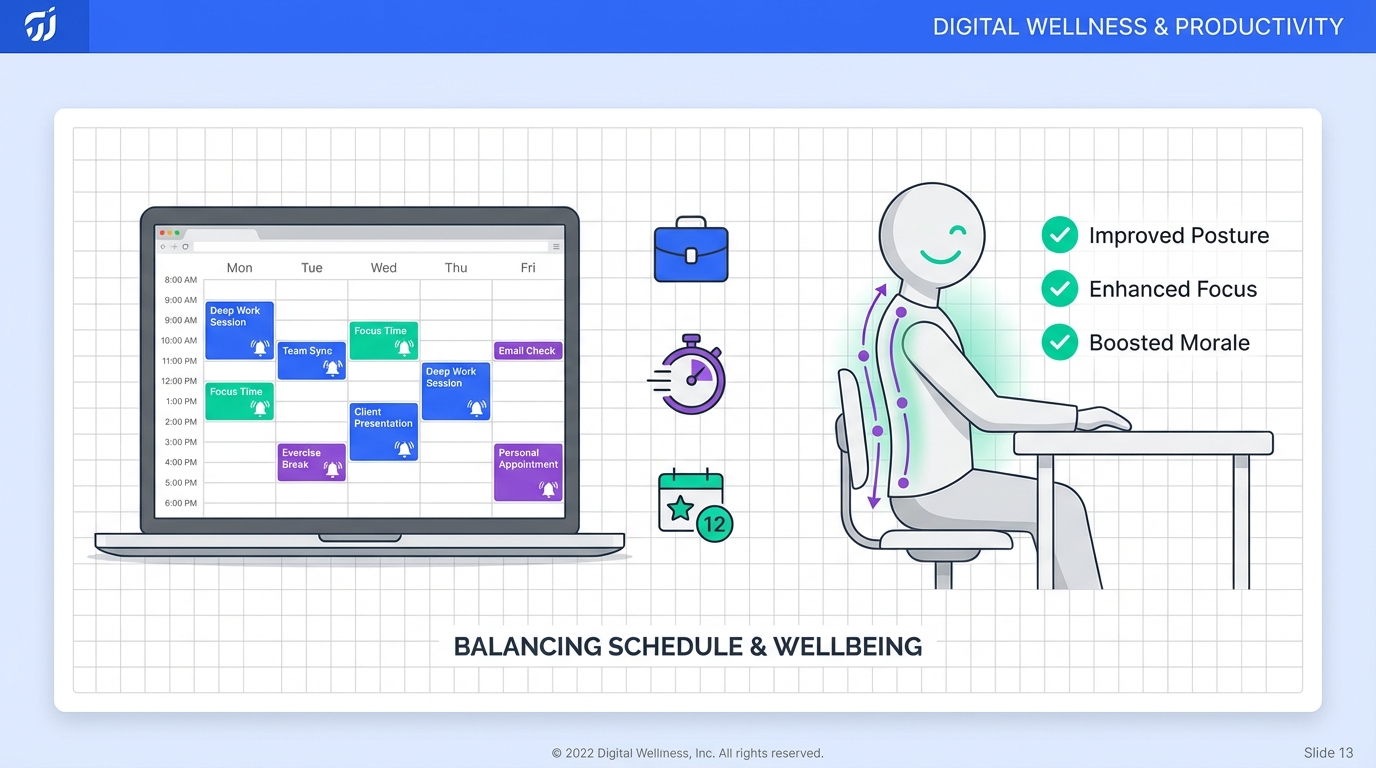
To prepare for interviews scheduled through an interview scheduling app, focus on two things before you confirm the time: your logistics and your nonverbal communication. Lock in a quiet location, camera and audio checks, and a simple setup so you can show confident body language from the first second. In our recruiting workflows, the candidates who perform best treat body language as a system: they reduce distractions, use a neutral posture, and match facial expressions to the conversation. This guide summarizes practical body language do’s and don’ts, then shows how to pair them with a web based calendar app or free online schedule maker so you arrive calm, on time, and consistent. We also explain how StrategyBrain AI Recruiter can reduce scheduling back and forth by handling early outreach and qualification on LinkedIn, so recruiters spend more time on high quality interviews.
Table of Contents
Key Takeaways
- Reduce “disorganized” signals: carry one bag and simplify what you bring to the interview.
- Control first impressions early: switch on professional nonverbal cues before you enter the building or join the call.
- Use posture intentionally: sit at a slight angle to signal collaboration rather than confrontation.
- Smile with purpose: smiling constantly can read as insincere, so match it to the moment.
- Pair prep with scheduling: use an interview scheduling app plus reminders to protect prep time and reduce late arrivals.
- Scale recruiter time: StrategyBrain AI Recruiter can automate early LinkedIn outreach and qualification so interviews are scheduled with higher intent candidates.
Why body language still decides first impressions
Many candidates prepare strong answers and still underperform because their nonverbal cues contradict what they say. The source material for this article highlights a commonly cited idea that 93% of communication is nonverbal, breaking it down as 7% words and the remainder tone and body language. Because that figure is debated in academic contexts, treat it as a reminder rather than a measurement. The practical takeaway remains reliable: interviewers notice posture, facial expressions, and how you manage space.
In our experience reviewing interview feedback, the most consistent pattern is not “perfect” body language. It is low friction body language that makes it easy for the interviewer to focus on your content. That is why scheduling and preparation matter together. If your web based calendar app blocks prep time and reduces last minute rushing, your body language improves automatically.
Key body language highlights you can apply today
The original source content included a short list of do’s and don’ts. Below is the same core guidance, rewritten with clearer intent and interview context.
1) Carry one bag only
Bring one item you can manage easily. Too many items can signal disorganization because you spend your first moments juggling, searching, and settling. If you are interviewing on site, keep your hands free for a confident greeting. If you are interviewing virtually, remove clutter from your desk so your movements look calm.
2) Check the back of your shoes
Small details can become distractions. Scuffed heels or worn soles can read as careless in roles where presentation matters. This is not about luxury. It is about showing you can manage basics under pressure.
3) Smile only when it fits the moment
Smiling is useful for warmth, but constant smiling can look performative. A better rule is to smile when greeting, when acknowledging a positive point, and when closing. During technical or serious questions, a neutral attentive expression often reads as more credible.
4) Sit at a slight angle
When you sit directly face to face, the interaction can feel like a debate. A slight angle can signal you are collaborating on the same problem. In a virtual interview, you can mimic this by positioning your camera slightly off center and keeping your shoulders relaxed.
5) Start your nonverbal cues before the interview begins
The source material recommends switching on your professional presence from the parking lot because you never know who you will meet. The same applies online. Join the call 2 minutes early, sit upright, and avoid looking down at your phone. Those first seconds often set the tone.
6) Use “power” body language to boost confidence
The original content references a well known TED talk by Amy Cuddy about posture and confidence. Whether or not you adopt the full concept, a simple practice works: stand tall for 60 seconds before you join, breathe slowly, and relax your shoulders. The goal is to reduce visible stress signals.
Before you confirm the time in an interview scheduling app
An interview scheduling app is only as good as the preparation it protects. If you accept a slot that forces you to rush, your body language will show it. Use these steps before you click confirm.
- Reserve a 30 minute buffer before the interview for setup and calm breathing.
- Reserve a 15 minute buffer after the interview for notes and follow up actions.
- Set 2 reminders in your calendar: one at 24 hours and one at 60 minutes.
- Confirm the format in the invite details: in person, phone, or video.
- Prepare your “first 20 seconds”: greeting, posture, and a short opening line.
If you are using a free online schedule maker, make sure it supports time zone handling and automatic confirmations. Time zone mistakes create stress, and stress shows up as fidgeting, rushed speech, and poor eye contact.
Virtual interview body language setup
Virtual interviews amplify small nonverbal issues because the camera crops your body and magnifies your face. A few adjustments can make you look more confident without changing who you are.
- Camera height: place the camera at eye level so you are not looking down or up.
- Lighting: light your face from the front, not from behind, to avoid shadows.
- Eye line: look at the camera when making key points, then return to the screen.
- Hands: keep gestures within frame and avoid repetitive movements.
- Posture reset: every time the interviewer speaks, relax shoulders and sit tall.
We recommend doing a 2 minute test call before the interview. If your web based calendar app supports notes, add a short checklist to the event so you do not rely on memory under pressure.
Recruiter workflow: scheduling at scale with StrategyBrain AI Recruiter
From the recruiter side, scheduling breaks down when outreach, qualification, and calendar coordination happen in separate tools with too much manual work. That is where an interview scheduling app helps, but it still depends on having candidates who are ready to book.
StrategyBrain AI Recruiter is designed to reduce the manual steps before scheduling. In practice, it can automatically connect with candidates on LinkedIn within your search criteria, introduce the role, answer common questions about the company and compensation, confirm interview interest, and collect résumés and contact details from interested candidates. When that early stage is automated, the scheduling stage becomes cleaner because you are inviting candidates who already expressed intent.
How we have seen it fit into a scheduling stack
- Automated outreach and follow up runs continuously, including 24/7 multilingual messaging for global pipelines.
- Interest confirmation is captured before a scheduling link is sent, reducing no show risk.
- Recruiter review focuses on résumé quality and role fit, not repetitive messaging.
- Scheduling handoff uses your existing interview scheduling app or a free online schedule maker to book the actual time.
One important limitation to be transparent about is that AI Recruiter can identify willingness to communicate or interview, but it does not decide final qualification against your full job requirements. Recruiters still make the final selection after reviewing the résumé.
Quick checklist
- I accepted an interview time that includes a 30 minute prep buffer.
- I reduced what I carry to one bag or one simple setup.
- My shoes and overall presentation are clean and interview appropriate.
- I will smile at greeting and closing, and stay neutral during serious questions.
- I will sit at a slight angle and keep shoulders relaxed.
- I will join early and maintain professional cues before the interview starts.
- For virtual interviews, camera is at eye level and lighting is front facing.
FAQ
What should an interview scheduling app include for candidates?
An interview scheduling app should handle time zones, send automatic confirmations, and support reminders. If it also lets you add notes to the event, you can attach a short body language and setup checklist to reduce last minute stress.
Is a free online schedule maker good enough for interviews?
Yes, a free online schedule maker can work if it reliably supports time zones and sends confirmations. If it does not, you may spend extra time clarifying details, which increases anxiety and can affect your nonverbal communication.
How early should I join a virtual interview?
Join 2 minutes early. Use that time to settle posture, relax shoulders, and make eye contact with the camera when the interviewer appears.
What is the fastest body language improvement I can make?
Stop multitasking with your hands. Put your phone away, keep one bag only, and reduce fidgeting. This immediately makes you look more organized and confident.
Can smiling too much hurt my interview?
It can. Smiling constantly may read as insincere in serious moments. A better approach is to smile at greeting and closing, and keep a neutral attentive expression during complex questions.
How does StrategyBrain AI Recruiter relate to interview scheduling?
StrategyBrain AI Recruiter helps before scheduling by automating LinkedIn outreach, answering candidate questions, confirming interest, and collecting résumés and contact details. That can reduce back and forth and make it easier to send scheduling options only to candidates who are ready to book.
Does StrategyBrain AI Recruiter replace recruiter judgment?
No. It can confirm willingness to communicate or interview, but it does not determine final fit against job requirements. Recruiters still review résumés and make the final shortlist decisions.
What if I feel nervous even with good preparation?
Nervousness is normal. Use a 60 second posture reset before you join, breathe slowly, and focus on listening. The goal is not to eliminate nerves, but to prevent them from showing as rushed speech and restless movement.
Conclusion
The most reliable way to look confident is to remove avoidable friction. Use your interview scheduling app to protect prep time, then apply the body language fundamentals: simplify what you carry, sit at a slight angle, smile with purpose, and switch on professional cues before the interview begins. If you are hiring at scale, consider pairing scheduling with earlier automation. StrategyBrain AI Recruiter can handle LinkedIn outreach, follow up, and interest confirmation so recruiters spend more time running strong interviews and less time coordinating them.














