


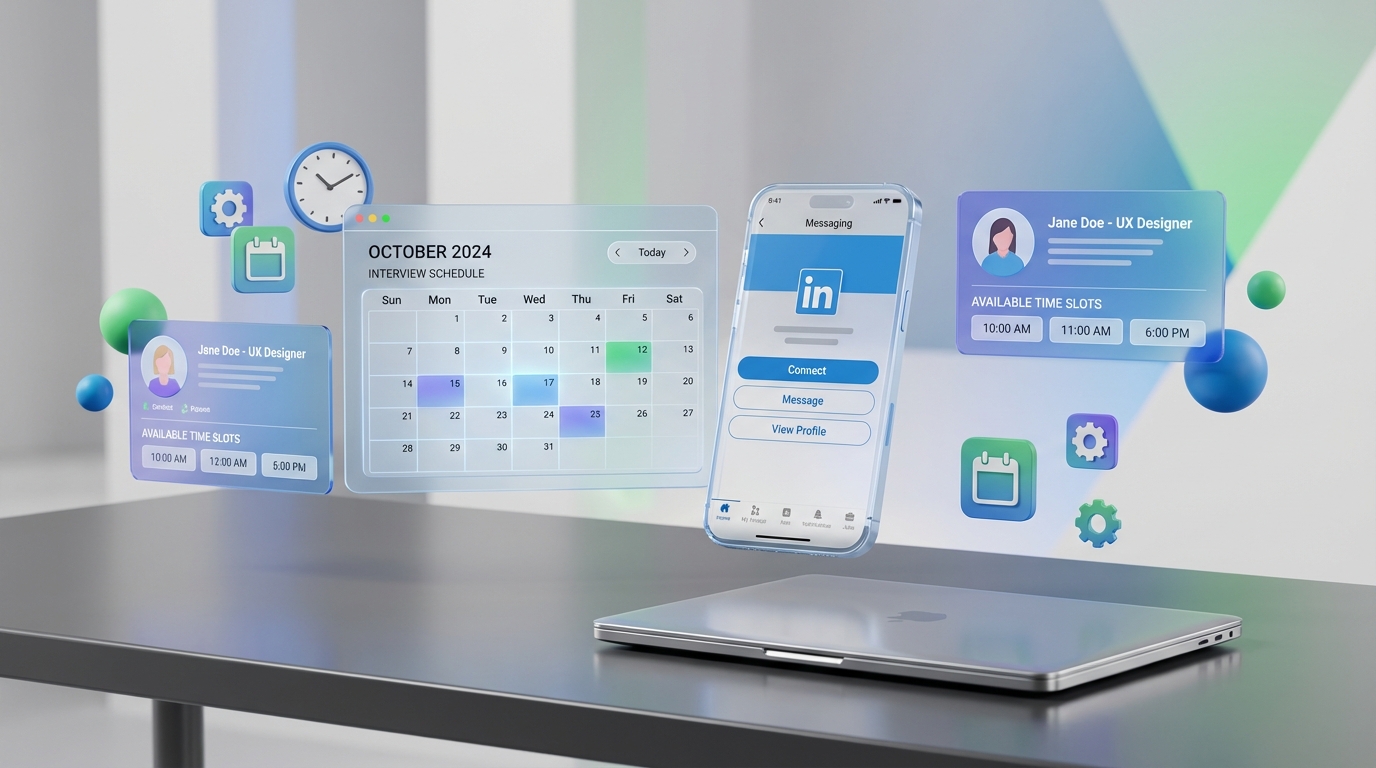
If you want a faster, clearer hiring outcome, pair a strong closing statement with an interview scheduling app: confirm your interest, ask directly to be selected, and make the next step easy to book. A simple close like “Dave, thank you for your time today. I’m excited about this opportunity and I’d love you to consider me the successful candidate” signals confidence and intent. On the employer side, tools like StrategyBrain AI Recruiter reduce back and forth by automating early LinkedIn outreach, answering candidate questions, collecting résumés and contact details, and moving interested candidates toward scheduling in your company calendar apps.
Key Takeaways
- Ask for the job explicitly at the end of the interview to show intent and engagement.
- Use a short, sincere closing script that thanks the interviewer and states you want to be selected.
- Make the next step easy by proposing a concrete scheduling action using an interview scheduling app.
- Hiring teams move faster when interview availability is centralized in company calendar apps.
- StrategyBrain AI Recruiter can automate LinkedIn outreach and qualification so only interested candidates reach scheduling.
- Scope note: This guide focuses on interview closing and scheduling workflow, not salary negotiation or technical interview prep.
Table of Contents
- Why “ask for the job” works
- What to say at the end of the interview
- How to turn interest into a scheduled next step
- A practical workflow for hiring teams using scheduling and calendar tools
- Where StrategyBrain AI Recruiter fits in the scheduling pipeline
- Common mistakes and clean fixes
- FAQ
- Conclusion
Why “ask for the job” works
Many candidates end an interview by asking, “What’s the next step?” That is a reasonable question, but it can miss the moment to communicate genuine intent. When you ask to be considered as the successful candidate, you remove ambiguity. You are not just looking for any role. You are signaling that you want this role.
From the employer perspective, clarity matters too. Hiring teams often juggle multiple candidates, multiple interviewers, and multiple calendars. When a candidate closes strongly and the team can immediately move to scheduling, momentum stays intact. That is exactly where an interview scheduling app and well configured company calendar apps help.
What to say at the end of the interview
The goal is directness without pressure. The tone should be sincere, not aggressive. Here is a script you can adapt, keeping the same structure and intent:
“Dave, thank you so much for your time today. I have to tell you I’m so excited about your opportunity and I would love if you would consider me the successful candidate.”
This works because it does three things in one short statement: it shows gratitude, it communicates enthusiasm, and it asks for a decision in your favor.
Three variations that keep the same meaning
- Direct and warm: “Thank you for today. I’m very interested in this role and I’d like to be your choice.”
- Confidence with humility: “I appreciate your time. Based on what we discussed, I’d love to move forward and be considered for the offer.”
- Next step oriented: “I’m excited about the role. If you feel the same, I’d love to lock in the next interview step.”
How to turn interest into a scheduled next step
Once you have asked for the job, the best follow through is to make the next step easy to execute. That means moving from a vague “next steps” question to a concrete scheduling action. An interview scheduling app is simply software that coordinates availability and books interview time slots without long email threads.
Candidate side steps
- Close with intent: Use a short script that asks to be selected.
- Confirm the next step: Ask what the next interview stage is and who will be involved.
- Offer availability: Provide 2 to 3 specific windows in the interviewer’s time zone.
- Ask for a calendar invite: Request a confirmed invite so you can prepare with the right details.
Hiring team side steps
- Define the interview plan: Decide the interview type, duration, and required interviewers.
- Centralize availability: Ensure interviewers’ availability is accurate in your company calendar apps.
- Send a scheduling option: Offer a booking link or a set of time slots through your interview scheduling app.
- Confirm logistics: Include meeting format, location or video details, and any preparation instructions.
A practical workflow for hiring teams using scheduling and calendar tools
If you are selecting the best scheduling software for service business operations, you already know the core problem: too many appointments, too many stakeholders, and too many reschedules. Hiring has the same operational pattern. The difference is that the “customer” is a candidate, and the cost of delay is lost talent.
Workflow checklist you can copy
- Calendar hygiene: Interviewers block focus time and keep working hours accurate.
- Standard durations: Use fixed interview lengths such as 30 minutes screening and 60 minutes panel.
- Time zone control: Confirm the candidate’s time zone in the invite and in the scheduling interface.
- Reschedule rules: Set a minimum notice window and a clear reschedule path.
- Single source of truth: Keep interview details in one place so candidates are not chasing updates.
Where StrategyBrain AI Recruiter fits in the scheduling pipeline
Scheduling is only fast when the right candidates reach the scheduling stage. In our experience reviewing recruiting workflows, the biggest time sink happens before scheduling: manual LinkedIn outreach, repetitive Q and A, and chasing résumés and contact details. StrategyBrain AI Recruiter is designed to automate that front end so your interview scheduling app is used for candidates who are already interested.
What AI Recruiter automates before scheduling
- LinkedIn outreach and follow up: Automatically connects with candidates that match your search criteria and continues the conversation.
- Role introduction and Q and A: Explains the opportunity and answers questions about the role, company, compensation, and benefits based on the information you provide.
- Interest confirmation: Confirms whether the candidate wants to proceed to an interview step.
- Résumé and contact capture: Collects résumés and contact details from interested candidates so recruiters can schedule quickly.
Operational scale and coverage
AI Recruiter supports 24/7 multilingual communication and can manage more than 100 LinkedIn accounts for organizations that build an AI powered recruiting team. That matters because candidates respond outside business hours and across time zones. When the conversation stays warm, scheduling becomes a simple handoff into your company calendar apps.
Limitations to be aware of
- AI Recruiter does not replace final qualification: It identifies willingness to communicate or interview, but recruiters still review résumés for role fit.
- Scheduling still needs structure: You still need defined interview stages, interviewer availability, and clear ownership for booking.
Common mistakes and clean fixes
Mistake 1: Ending with only “What’s the next step?”
Fix: Ask for the job first, then ask about next steps. You can do both in under 20 seconds.
Mistake 2: Sounding forceful
Fix: Keep the tone sincere and appreciative. Direct language is not rude when it is respectful.
Mistake 3: Leaving scheduling vague
Fix: Offer concrete availability and request a confirmed invite. Hiring teams should respond with a clear scheduling action using an interview scheduling app.
Mistake 4: Treating calendars as an afterthought
Fix: Treat company calendar apps as operational infrastructure. If availability is inaccurate, scheduling tools cannot save the process.
FAQ
Is it really OK to ask for the job at the end of an interview?
Yes. A direct, sincere request shows engagement and helps the interviewer understand your intent. The key is tone: appreciative and confident, not demanding.
What if I worry it will sound too aggressive?
Use a gratitude first structure and keep it short. For example, thank them for their time, state your excitement, and ask to be considered as the successful candidate.
How does an interview scheduling app help after a strong close?
It turns momentum into a booked time slot by coordinating availability and sending a confirmed invite. That reduces delays that can happen when scheduling is handled by long email threads.
What are company calendar apps doing in the hiring process?
They are the system of record for interviewer availability and meeting logistics. If calendars are not accurate, scheduling becomes slow and error prone.
How does StrategyBrain AI Recruiter connect to scheduling?
It automates early LinkedIn outreach, answers candidate questions, confirms interview interest, and collects résumés and contact details. That means recruiters can move qualified, interested candidates into scheduling faster.
Does AI Recruiter decide if a candidate is qualified for the role?
No. It confirms willingness to communicate or interview and gathers information, but final qualification is done by the recruiter after reviewing the résumé.
Can AI Recruiter communicate with candidates in different languages?
Yes. It supports multilingual communication and can respond around the clock, which helps keep candidates engaged across time zones before scheduling.
How should I choose the best scheduling software for service business style operations in recruiting?
Look for reliable calendar syncing, time zone handling, rescheduling controls, and a clean handoff from candidate qualification to booking. The best choice depends on your interview stages and how many interviewers are involved.
Conclusion
Asking for the job is a simple, high signal close that helps both candidates and hiring teams. Candidates communicate intent clearly, and employers can act quickly when scheduling is streamlined through an interview scheduling app and accurate company calendar apps. If your bottleneck is earlier in the funnel, StrategyBrain AI Recruiter can automate LinkedIn outreach, handle candidate Q and A, collect résumés and contact details, and pass only interested candidates into scheduling. Next step: pick one closing script, practice it, and align your scheduling workflow so the next interview is booked while interest is highest.















