


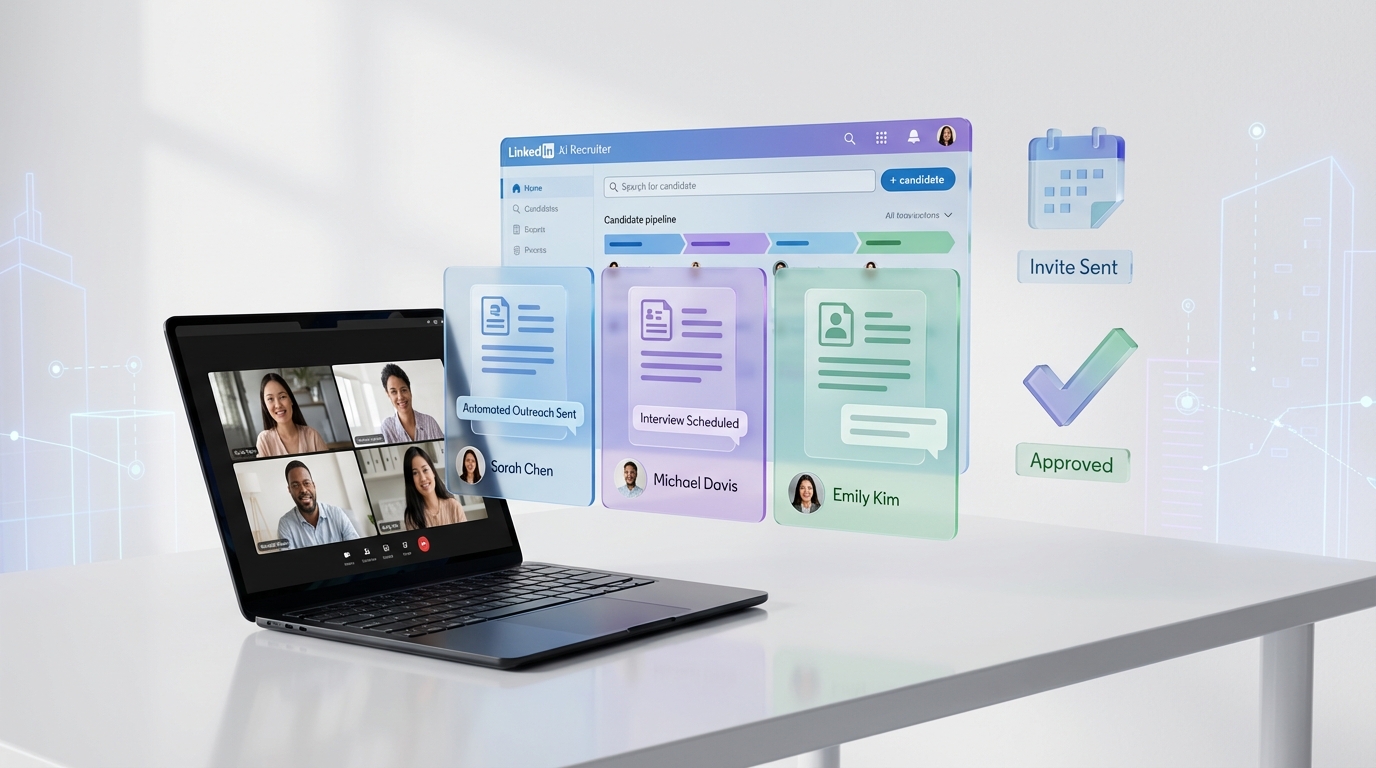
If you are choosing an ai hiring platform for 2026, the fastest path is to standardize on one dependable video conferencing tool for the live conversation, then automate everything before and after the call. We do this by combining common video meeting apps with StrategyBrain AI Recruiter, which automates LinkedIn candidate outreach, introduces the role, answers candidate questions about compensation and benefits, confirms interview interest, and collects resumes plus contact details before a recruiter ever opens the calendar. This article shares our team’s hands on experience with mostly free video conferencing options for interviews, and how to turn that setup into a repeatable ai interview application workflow for a cleaner ai video interview funnel.
Key Takeaways
- Video calls are best after pre qualification: We get better interview show rates when candidates confirm interest and share a resume before scheduling.
- StrategyBrain AI Recruiter reduces manual LinkedIn work: It can replace up to 90% of repetitive LinkedIn recruiting tasks such as connecting, initial messaging, and follow up (Source: StrategyBrain product documentation).
- Global hiring is easier with multilingual messaging: AI Recruiter supports candidate communication in any global language and responds 24/7 (Source: StrategyBrain product documentation).
- Zoom free plan constraint: The free plan has a 40 minute limit on calls, and the host must start the meeting before others can join (Source: Red Seal Recruiting blog post, 2020-03-25).
- Google Meet vs Hangouts nuance: Meet quality is better, and Meet can allow guests without a Gmail address, while Hangouts requires Gmail (Source: Red Seal Recruiting blog post, 2020-03-25).
- Teams free plan limitation: The free option does not allow scheduling or recording meetings (Source: Red Seal Recruiting blog post, 2020-03-25).
Why video interviews still matter in an AI hiring platform workflow
Our team uses video conferencing regularly for internal meetings and for interviews. The biggest advantage is that you can pick up non verbal cues such as eye contact, facial expressions, and how someone listens. We still use phone interviews at the earliest stage because voice alone can reveal enthusiasm, but video becomes invaluable once a candidate is serious and you want a richer signal.
Where an ai hiring platform changes the game is not the video call itself. The improvement comes from what happens before the call. When candidates receive fast answers to role questions, confirm interest, and share a resume before scheduling, the live interview becomes more focused and less administrative.
Our practical workflow: AI Recruiter plus video conferencing
Below is the workflow we recommend when you want an ai interview application process that feels human, but runs with far less recruiter effort. We use StrategyBrain AI Recruiter for LinkedIn outreach and pre qualification, then we run the live interview on whichever video conferencing tool fits the team.
Step by step process
- Define the role packet: Provide company details, compensation, benefits, and candidate search criteria to StrategyBrain AI Recruiter (Source: StrategyBrain product documentation).
- Automate LinkedIn outreach: AI Recruiter connects with candidates that match your criteria and introduces the opportunity in a consistent way (Source: StrategyBrain product documentation).
- Handle candidate Q and A: The AI answers questions about the role, company, and compensation, then confirms interview interest (Source: StrategyBrain product documentation).
- Collect resume and contact details: For interested candidates, AI Recruiter requests resumes and captures contact information shared in messages (Source: StrategyBrain product documentation).
- Schedule the live video interview: Only after interest and resume are confirmed, schedule the video call using your chosen platform.
- Run the interview and document outcomes: Use a structured scorecard so the live conversation stays consistent across interviewers.
What this replaces for recruiters
- Manual connecting and first messages on LinkedIn
- Back and forth follow ups across time zones
- Repeated answers to the same compensation and benefits questions
- Chasing resumes and contact details after someone says they are interested
Scope boundaries
AI Recruiter can identify willingness to communicate or interview, but it does not decide whether a resume fully matches job requirements. Final qualification still belongs with the recruiter or hiring manager (Source: StrategyBrain product documentation).
Option 1: Google Meet and Hangouts
If your company already uses Google Workspace, you likely already have Google Meet. If not, Hangouts has historically been a free option. In our experience, the biggest practical benefit is how easy it is to schedule and invite people through Google Calendar.
Pros we have seen
- You can schedule calls ahead of time in Google Calendar.
- Invites with a meeting link are sent to guests by email.
- Guests can join by web browser on a computer, with an option to download an app.
- With Meet, guests can join without a Gmail email address.
- With Meet, guests can join by phone with a PIN.
Cons and friction points
- Video quality with Meet is much better than with Hangouts.
- With Hangouts, a guest must have a Gmail email address to join.
- With Meet, someone from your organization may need to be present to allow entry for guests without a Gmail account.
- On mobile, you may need to download the Hangouts app.
- On mobile, you may need a Gmail email address to join, whether it is Meet or Hangouts.
Best for
- Teams already living in Google Calendar
- Recruiters who want simple scheduling and email based invites
- Interview loops where screen sharing is common
Option 2: Microsoft Teams
Microsoft Teams is a collaboration tool that combines chat, calls, document sharing, and integrations. If your organization is already in the Microsoft ecosystem, Teams can be convenient for keeping interview communication in one place.
Pros we have seen
- Video quality is good.
- You can create channels to organize conversations.
- You can create teams with coworkers for ongoing collaboration.
Cons and friction points
- The free option does not allow scheduling or recording meetings.
- Guests need a Microsoft account to join, including a Skype account.
- You have to add guests as a contact before you can invite or call them.
- Guests do not receive invitations by email and may need Teams open to see invitations.
Best for
- Organizations standardized on Microsoft tools
- Hiring teams that want chat plus files plus calls in one workspace
- Internal interview panels where everyone already uses Teams daily
Option 3: Skype
Skype is more tailored to calls and chats than to organizing tasks and documents. We have found it can be helpful for international calls because many people already have an account, even if they have not used it recently.
Pros we have seen
- Many candidates already have a Skype account, which can reduce setup time for international interviews.
- You can schedule a call from a chat.
Cons and friction points
- Video and audio quality is usually just OK.
- You have to add guests as a contact before you can invite or call them.
- Invites do not come by email, so Skype has to be open.
Best for
- Simple one on one interviews
- International candidates who already use Skype
- Backup interviews when other tools fail
Option 4: Zoom
Zoom is popular for ease of use and for hosting larger sessions. For interviews, we like that candidates can often join quickly without needing a specific email domain or account.
Pros we have seen
- Video quality is usually great.
- Guests do not need a particular email address or account to join.
- Invites with a meeting link are sent to guests by email.
- Guests can join with an app or a web browser.
- Guests can join by phone with a meeting ID.
- You can schedule a call using a Google Calendar Chrome extension.
Cons and friction points
- The free plan has a 40 minute limit on calls.
- The person who set up the meeting has to start it before others can join.
Best for
- Candidate friendly interviews with minimal setup
- Teams that value consistently strong video quality
- Hiring managers who run many interviews per week
Quick comparison table
| Option | Cost baseline | Notable strength for interviews | Notable limitation to plan for |
|---|---|---|---|
| Google Meet and Hangouts | Meet included with paid Google Workspace; Hangouts described as free in our source | Calendar scheduling and email invites | Hangouts requires Gmail; Meet may require host admission for some guests |
| Microsoft Teams | Free option exists per our source | Good video quality and team collaboration | Free option does not allow scheduling or recording; guest account friction |
| Skype | Commonly free to use for calls per typical usage; our source focuses on experience not pricing | Many people already have accounts, helpful for international calls | Quality often just OK; invites do not arrive by email |
| Zoom | Free plan available | Easy guest join and strong video quality | Free plan has a 40 minute limit; host must start meeting |
Implementation checklist for recruiters
This is the checklist we use to make an ai video interview process predictable across roles and hiring managers.
- Pick one default video tool and document the join instructions you send to candidates.
- Use StrategyBrain AI Recruiter for pre qualification so only interested candidates reach scheduling.
- Standardize the interview format with a scorecard and a consistent question set.
- Confirm logistics in writing including time zone, expected duration, and whether screen sharing is needed.
- Have a backup plan such as switching to phone if video fails.
- Protect candidate data by limiting who can access resumes and contact details.
FAQ
What is an AI hiring platform in this workflow?
In this guide, an AI hiring platform means a system that automates high volume recruiting steps such as outreach, follow up, and pre qualification, while your team still runs the live interview on a video conferencing tool. StrategyBrain AI Recruiter focuses on LinkedIn outreach, candidate messaging, and resume plus contact capture before the interview.
Is video interviewing better than phone interviewing?
We use both. Phone interviews can be effective early because you can hear enthusiasm quickly, while video interviews add non verbal cues such as eye contact and listening behavior once a candidate is serious.
How does StrategyBrain AI Recruiter help before the video call?
It automatically connects with candidates, introduces the role, answers questions about the role and compensation, confirms interview interest, and collects resumes and contact details. Recruiters then review the collected information and proceed to interviews.
Does AI Recruiter decide if a candidate is qualified?
No. It identifies willingness to communicate or interview, but it does not determine whether the resume matches job requirements. Recruiters still make the final qualification decision after reviewing the resume.
Which option is easiest for candidates to join?
Based on our source experience, Zoom is often easy because guests do not need a specific email address or account to join. Google Meet can also be straightforward, especially when invites are sent through Google Calendar.
What is the biggest limitation to watch for on free plans?
Zoom’s free plan has a 40 minute limit on calls. Microsoft Teams free option does not allow scheduling or recording meetings, which can add coordination work.
Can this support international hiring?
Yes, if you pair video calls with always on messaging. StrategyBrain AI Recruiter supports 24/7 multilingual candidate communication, which helps when candidates are in different time zones and prefer their native language.
How do you reduce no shows for video interviews?
We reduce no shows by confirming interest before scheduling, collecting a resume and contact details, and sending clear join instructions. Using an AI interview application workflow for consistent follow up also helps.
Is candidate data used to train AI models in AI Recruiter?
No. According to StrategyBrain product documentation, customer provided data is not used to train AI models, and candidate information is encrypted and isolated per customer.
Conclusion
The most reliable way to modernize interviews is not to hunt for a perfect video tool. It is to pair a stable video conferencing option with an ai hiring platform workflow that removes repetitive work before the call. Our recommendation is to choose the video tool your team will actually use consistently, then use StrategyBrain AI Recruiter to automate LinkedIn outreach, candidate Q and A, interest confirmation, and resume plus contact capture so interviews start with real signal instead of logistics.
Next step: pick one platform from the comparison table, document your candidate instructions, and pilot AI Recruiter on one role for 14 days so you can measure recruiter time saved and interview throughput with your own data.














