


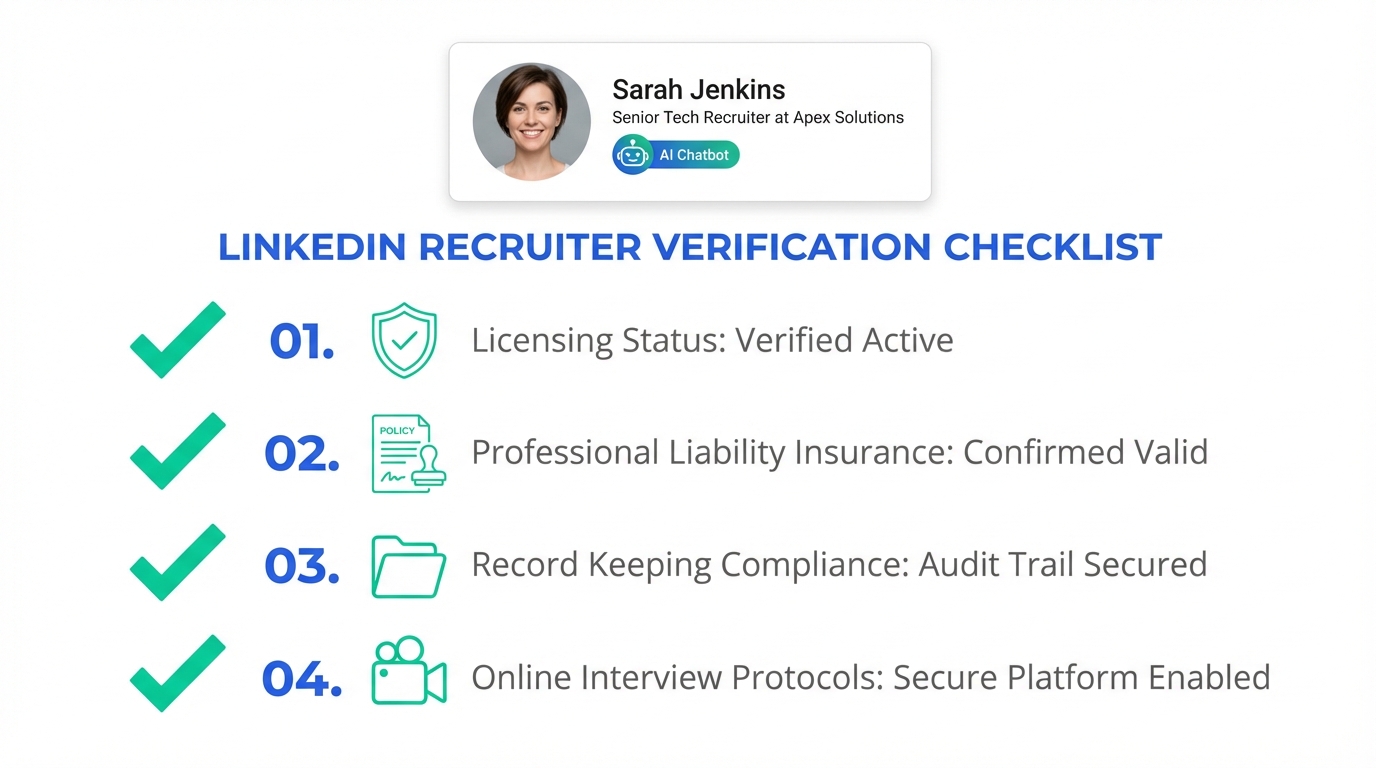
The safest way to use ai hiring software without increasing legal, financial, or brand risk is to verify that any recruiter or employment agency you work with is properly licensed where required, carries appropriate insurance, and follows record keeping rules that prevent false or misleading candidate information. Licensing and insurance are not “nice to have” items. They are baseline controls that reduce exposure if a hire goes wrong or if an employment standards complaint occurs. If your process includes an online video interview, your video interview software should also support consistent documentation and retention so your hiring decisions are defensible.
Table of Contents
- Why recruiter qualification still matters in an AI era
- What to verify before you engage a recruiter or agency
- How to run a verification in 15 minutes
- Where AI hiring software fits, and where it does not
- A practical LinkedIn workflow using StrategyBrain AI Recruiter
- How to align online video interview steps with compliance
- Common mistakes that create avoidable risk
- FAQ
- Conclusion and next steps
Why recruiter qualification still matters in an AI era
Most teams would not accept a safety critical service provider who lacks basic credentials. Recruiting is not usually life or death, but it can be expensive in a different way. A single non compliant recruiter can create downstream problems such as misrepresentation to candidates, missing records, and exposure during disputes.
In the source material we reviewed, the author describes an investigation involving an unlicensed recruiter and notes that consequences can include significant fines and employment standards complaints. The core point is simple. If someone will not meet minimum legal requirements, you should assume other parts of the process may also be weak.
What to verify before you engage a recruiter or agency
Below is a practical checklist you can use whether you hire through a traditional agency, through internal recruiters, or through ai hiring software that automates parts of sourcing and outreach.
1) Licensing in each jurisdiction
Licensing means the recruiter or employment agency is authorized to operate under the laws that govern them. The source material emphasizes that licensing is jurisdiction specific. A license in one province does not automatically allow operation in another province.
- Ask for the license number and the legal entity name it is issued to.
- Confirm the jurisdiction where the recruiting activity occurs, not just where the agency is headquartered.
- Document the verification date in your vendor file.
2) Insurance coverage that matches your risk
The source material highlights Errors and Omissions insurance as a common protection for employers if complaints or disputes arise. You should treat insurance as a control that complements licensing, not a substitute for it.
- Request proof of coverage and the coverage period dates.
- Confirm the policy type such as commercial liability and errors and omissions.
- Store the certificate in your procurement or vendor management system.
3) Record keeping and truthfulness controls
The source material states that employment standards rules can require agencies to keep candidate records and provide no false information. In practice, this is where many teams get exposed, because missing records make it harder to defend decisions later.
- Define what must be recorded such as outreach messages, candidate responses, and submitted documents.
- Set retention rules that match your legal and HR policies.
- Audit for completeness on a monthly or quarterly cadence.
How to run a verification in 15 minutes
- Collect identifiers: legal business name, recruiter name, and the jurisdictions where they recruit.
- Request documentation: license proof, insurance certificate, and a short description of their record keeping process.
- Validate internally: confirm the documents match the entity you are contracting with and that dates are current.
- Set a re verification schedule: at minimum, re verify on renewal dates and whenever the scope expands to a new region.
Copy and paste vendor intake checklist
You can paste this into your procurement form or HR ticket template.
- Legal entity name
- Primary recruiter contact
- Jurisdictions where recruiting will occur
- License number and issuing jurisdiction
- Insurance certificate received: Yes or No
- Insurance types listed: commercial liability, errors and omissions
- Record keeping description received: Yes or No
- Data retention period defined: Yes or No
- Last verification date
Where AI hiring software fits, and where it does not
AI hiring software can reduce manual work in sourcing, outreach, and early stage screening. It does not remove your obligation to ensure the humans and vendors involved are compliant. In other words, automation can improve throughput, but it cannot “paper over” missing licensing, missing insurance, or missing records.
This is also where teams often confuse capability with accountability. A tool can help you capture messages and candidate documents, but your organization still owns the policy decisions such as what to retain, who can access it, and how you respond to complaints.
A practical LinkedIn workflow using StrategyBrain AI Recruiter
When we tested LinkedIn based outreach workflows internally, the biggest bottleneck was not writing the first message. It was the repetitive follow up, answering basic questions consistently, and collecting resumes and contact details in a way that recruiters could review quickly. This is exactly where StrategyBrain AI Recruiter fits into a compliant process.
What StrategyBrain AI Recruiter does in the first mile
- Automates LinkedIn outreach and follow up based on your search criteria and job information.
- Handles candidate Q and A about role, company, compensation, and benefits using the information you provide.
- Confirms interview interest and collects resumes and contact details from interested candidates.
- Responds 24/7 in any global language to reduce delays across time zones.
Scope boundary you should keep clear
StrategyBrain AI Recruiter can identify willingness to proceed and can collect the information needed for next steps. It does not decide whether a resume fully matches job requirements. Your recruiter or hiring manager still performs final qualification and selection.
Why this supports compliance and defensibility
A compliant recruiting process is easier to defend when it is consistent. AI assisted outreach can help standardize what is said, when follow ups occur, and what information is collected. That consistency supports record keeping expectations, especially when you are hiring at scale or across multiple regions.
How to align online video interview steps with compliance
If your funnel includes an online video interview, treat it as part of your record trail. Your video interview software should support structured notes and consistent evaluation, even if you do not store recordings long term.
Recommended steps
- Define the interview format: live interview, one way interview, or hybrid.
- Standardize questions: use the same core questions for the same role level.
- Capture outcomes: store interviewer notes, decision, and rationale in your ATS or HRIS.
- Control access: limit who can view candidate materials and interview artifacts.
Common mistakes that create avoidable risk
- Assuming a license “travels” across provinces or regions without re verification.
- Skipping insurance review because the recruiter “seems reputable.”
- Letting records live in inboxes instead of a controlled system with retention rules.
- Over delegating to automation and failing to define who owns final qualification decisions.
- Inconsistent candidate communication that creates misunderstandings about role, pay, or process.
FAQ
Is ai hiring software a replacement for a licensed recruiter or agency?
No. AI hiring software can automate tasks such as outreach, follow up, and information collection, but licensing and compliance obligations still apply to the humans and entities conducting recruiting activities.
Do I need to verify licensing if I only recruit on LinkedIn?
Yes, if your jurisdiction requires licensing for employment agencies or recruiters. The channel does not remove the requirement. LinkedIn is simply where the communication happens.
What records should I keep from LinkedIn outreach?
At minimum, keep outreach messages, candidate responses, and any resumes or contact details provided. Also keep the dates of key steps such as interest confirmation and interview scheduling.
How does StrategyBrain AI Recruiter help with candidate follow up?
It provides always on messaging and follow up, answers common candidate questions using the job information you provide, and collects resumes and contact details from interested candidates for recruiter review.
Can StrategyBrain AI Recruiter qualify candidates for job fit?
It can confirm willingness to proceed and gather information, but it does not determine whether a resume fully matches job requirements. Recruiters still make the final qualification decision.
How should I use video interview software in a compliant workflow?
Use it with standardized questions and structured evaluation notes, then store outcomes in your system of record. Limit access to interview artifacts and apply a defined retention policy.
What is the biggest risk signal when evaluating a recruiter?
A refusal or inability to provide licensing and insurance documentation is a strong signal. If minimum requirements are ignored, other parts of the process may also be unreliable.
How often should I re verify recruiter compliance?
Re verify on renewal dates for licenses and insurance, and whenever you expand recruiting into a new jurisdiction. Also re verify after any material change in the vendor relationship.
Conclusion and next steps
If you want the upside of ai hiring software without the downside of avoidable risk, start with the basics. Verify licensing where required, confirm insurance coverage, and enforce record keeping that supports defensible hiring decisions. Then use automation to scale what is already compliant.
Next steps: run the 15 minute verification on every recruiting vendor you use, implement the copy and paste intake checklist, and consider a LinkedIn workflow where StrategyBrain AI Recruiter handles consistent outreach, multilingual follow up, and resume collection while your team focuses on final qualification and interviews.














