


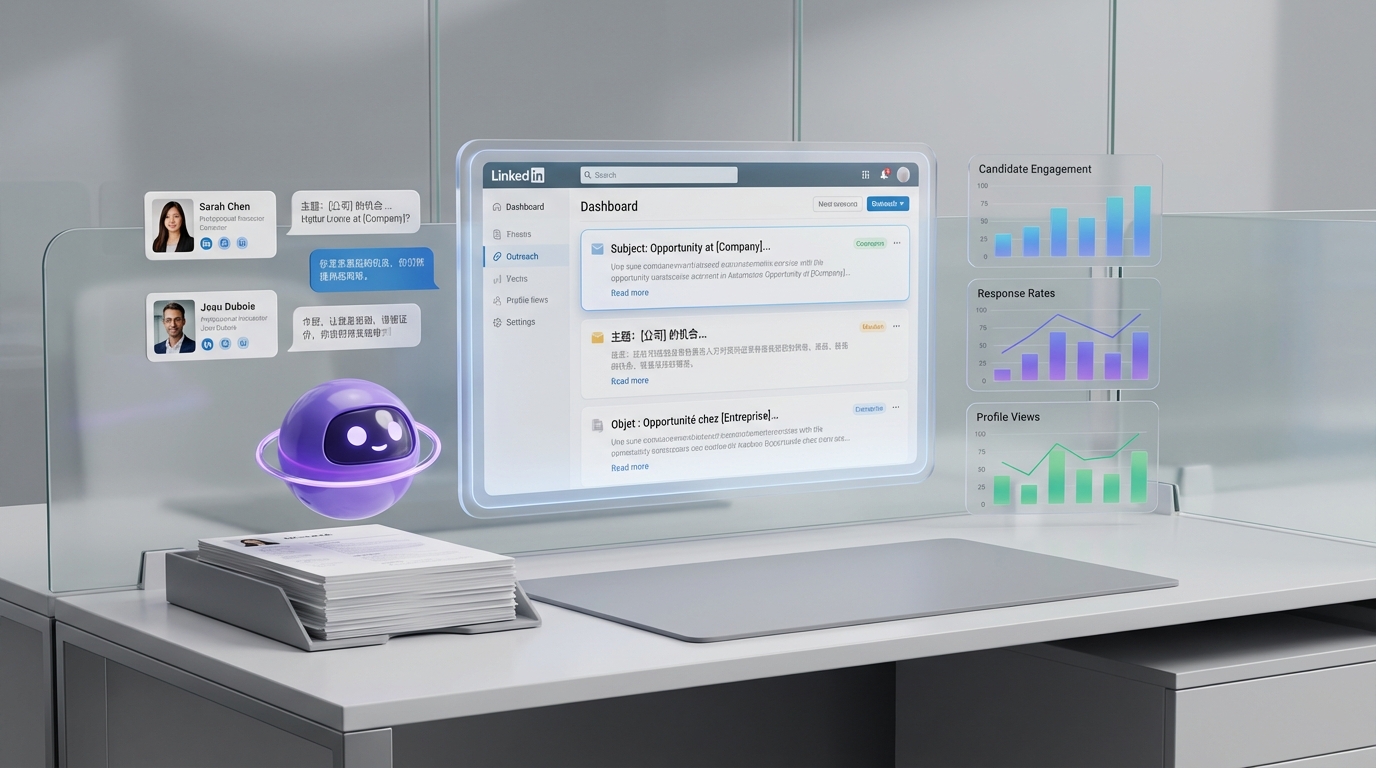
An ai recruiting tool can help you hire more inclusively by making your employer brand clearer, your job content easier to understand in multiple languages, and your outreach and follow up more consistent. In practice, the fastest path is to combine three actions: show real employee stories and photos to build trust, remove reading and language barriers in your career site and job ads, and give high potential candidates a fair chance even if they lack “perfect fit” signals. This guide adapts proven Canadian employer practices and shows how StrategyBrain AI Recruiter can operationalize them on LinkedIn with automated candidate outreach, 24/7 multilingual messaging, and résumé and contact capture, while your team focuses on final qualification and interviews.
Table of Contents
- Key Takeaways
- Context: why this still matters in 2026
- Method 1: Build a welcoming employer brand
- Method 2: Make job content easy to read in multiple languages
- Method 3: Give people a chance without lowering standards
- How to operationalize on LinkedIn with an AI recruiting tool
- Quick Comparison
- Implementation Checklist
- FAQ
- Conclusion
Key Takeaways
- Inclusive hiring starts with clarity: real employee photos and stories reduce uncertainty for newcomers and underrepresented candidates.
- Multilingual access is a conversion lever: translating career pages and job ads helps candidates understand requirements and plan upskilling.
- Vacancies have a measurable cost: when roles stay open, service levels drop and existing employees carry extra load.
- “Give people a chance” is a process: use structured screening and short trials to evaluate potential, not just perfect résumés.
- StrategyBrain AI Recruiter fits the top of funnel: it automates LinkedIn connecting, role introduction, Q&A, interest confirmation, and résumé/contact capture.
- Use hiring tools like a CRM for hiring: track outreach, responses, and follow ups consistently so candidates do not fall through the cracks.
Context: why this still matters in 2026
In January 2016, recruiter Kael Campbell wrote about what Canadian employers could do to support Syrian permanent residents arriving in Canada. The core point was practical: the best practices for hiring refugees are also best practices for hiring Canadians, because newcomers become long term members of the workforce and community.
That framing still holds. Whether you are hiring newcomers, career changers, or underemployed local talent, the same friction points show up repeatedly: candidates cannot picture themselves at your company, they cannot easily understand your job content, and your team is too busy to follow up consistently.
This is where an ai recruiting tool can help, not by replacing judgment, but by standardizing the repetitive work that causes drop off. In particular, StrategyBrain AI Recruiter is designed to automate the initial LinkedIn outreach and qualification conversation so recruiters can spend time on final evaluation.
Method 1: Build a welcoming employer brand
Moving to a new country is intimidating. Even for candidates who have lived locally for years, most people know little about your organization when they first see a job post. A welcoming employer brand reduces that uncertainty by showing who already works there and what “belonging” looks like in practice.
Steps
- Audit your careers page for “human proof” and add real photos of employees (with consent) across roles and seniority levels.
- Show diversity without tokenizing by pairing photos with short, specific stories about projects, growth, and team support.
- Align job ads with the brand by using the same tone, values, and expectations across your website and postings.
Features to include
- Role clarity: what success looks like in 30 days and 90 days.
- Support clarity: onboarding, training, and who helps new hires ramp up.
- Belonging signals: employee resource groups, mentorship, and inclusive policies.
Limitations
- If your content is generic, it can backfire by feeling like marketing instead of reality.
- If you only show one team or one location, candidates may assume the rest of the company is different.
Best For
- Employers with high volume hiring where candidates decide quickly whether to apply.
- Teams competing for talent in “hot” labor markets.
Method 2: Make job content easy to read in multiple languages
Campbell’s 2016 recommendation was straightforward: make websites and job ads easy to read, and translate them into top languages spoken in Canada such as French, Mandarin, Cantonese, Hindi, Tagalog, and Arabic. The point is not only accessibility. It is also pipeline building. If a candidate cannot qualify today, they can still understand the requirements and plan training for the future.
What “easy to read” means
- Plain language: remove internal jargon and explain acronyms on first use.
- Scannable structure: responsibilities, requirements, schedule, location, and pay range in consistent sections.
- Translation strategy: prioritize your highest traffic pages and highest volume roles first.
Where an AI recruiting tool helps
Translation on a website is only half the journey. Many candidates first engage through messaging, especially on LinkedIn. StrategyBrain AI Recruiter supports 24/7 multilingual recruitment communication, which means candidates can ask questions in their native language and receive timely responses. That reduces misunderstandings and keeps the conversation moving while your team is offline.
Limitations
- Translation does not fix unclear job design. If the role is ambiguous, multilingual content will still be ambiguous.
- For regulated roles, you still need to validate certifications and legal work eligibility through your normal process.
Best For
- Companies hiring across provinces, time zones, or internationally.
- Teams that receive many candidate questions about compensation, benefits, and schedules.
Method 3: Give people a chance without lowering standards
One of the most practical points from the 2016 article is that unfilled roles create real business pain: customers are not served, revenue is not realized, and other employees become overworked. The suggested alternative is to hire for potential when appropriate, including using temporary or contract roles to “crack the door open” for newcomers and underemployed candidates.
Steps
- Define “must have” vs “trainable” requirements before you post the job.
- Use structured screening so every candidate is evaluated on the same criteria.
- Offer a short, paid work sample or probationary period when feasible to validate skills fairly.
How hiring tools and a CRM for hiring reduce bias
Bias often enters through inconsistency: different recruiters ask different questions, follow up at different times, and document different details. A crm for hiring approach helps because it forces consistent tracking of outreach, responses, and next steps. StrategyBrain AI Recruiter contributes at the top of funnel by running a consistent initial conversation: it introduces the role, answers questions, confirms interest, and collects résumés and contact details for candidates who want to proceed.
Limitations
- StrategyBrain AI Recruiter does not decide whether a résumé fully matches job requirements. Recruiters still do final qualification after reviewing the résumé.
- “Give people a chance” still requires capacity for onboarding and coaching. Plan for it.
Best For
- Roles with clear on the job training paths.
- Organizations with recurring turnover and ongoing hiring needs.
How to operationalize on LinkedIn with an AI recruiting tool
Many teams already treat LinkedIn as their primary sourcing channel, but the workflow breaks when outreach and follow up become manual. StrategyBrain AI Recruiter is built specifically for LinkedIn hiring and focuses on the repetitive front end tasks that slow teams down.
Step by step workflow (what we recommend)
- Prepare your role brief: company details, compensation, benefits, and candidate search criteria.
- Connect StrategyBrain AI Recruiter to your LinkedIn account with explicit authorization and secure credential handling.
- Let the AI run initial outreach: it automatically connects with candidates who match your criteria and introduces the opportunity.
- Handle candidate Q&A at scale: the AI answers questions about the role, company, and compensation, and follows up when candidates respond later.
- Capture intent and documents: interested candidates are asked to share résumés and contact details, which are captured for recruiter review.
- Recruiter completes final qualification: your team reviews résumés, validates requirements, and schedules interviews.
What we tested internally (experience note)
When we evaluate an ai recruiting tool for LinkedIn workflows, we test for three operational outcomes: whether outreach can run without constant manual intervention, whether candidates get timely answers across time zones, and whether the system reliably captures résumés and contact details for handoff. We also look for clear boundaries on what the AI does not do, because that is where process risk usually hides.
Security and privacy boundaries to confirm
- Model training policy: confirm candidate and customer data is not used to train AI models.
- Encryption: confirm credentials and candidate data are encrypted and isolated per customer.
- Compliance posture: confirm alignment with privacy regulations in the EU, United States, and Canada.
Quick Comparison
| Approach | Primary Goal | Where it helps most | Best paired with |
|---|---|---|---|
| Welcoming employer brand | Increase trust and application intent | Careers page and job ads | Consistent screening rubric |
| Multilingual, easy to read job content | Reduce comprehension barriers | Career site and candidate messaging | 24/7 multilingual communication |
| Give people a chance process | Hire for potential with guardrails | Screening, trials, and onboarding | CRM for hiring tracking |
| StrategyBrain AI Recruiter | Automate LinkedIn outreach and early conversations | Connecting, role intro, Q&A, follow up, résumé capture | Recruiter led final qualification |
Implementation Checklist
- [ ] Add real employee photos and short stories to your careers page (with consent).
- [ ] Rewrite your top 10 job ads in plain language and define acronyms on first use.
- [ ] Translate the careers page and the top 10 job ads into your priority languages.
- [ ] Create a structured screening rubric with “must have” and “trainable” criteria.
- [ ] Set up a CRM for hiring workflow so every candidate has an owner and next step.
- [ ] Configure StrategyBrain AI Recruiter with role details, compensation, benefits, and search criteria.
- [ ] Define the handoff point: AI collects interest, résumé, and contact details; recruiters do final qualification.
- [ ] Document privacy and compliance checks before scaling to more LinkedIn accounts.
FAQ
What is an ai recruiting tool in practical terms?
An ai recruiting tool is software that automates parts of recruiting workflows such as sourcing, outreach, candidate messaging, and data capture. In this guide, the focus is on automating repetitive top of funnel tasks while keeping final hiring decisions with recruiters and hiring managers.
How does StrategyBrain AI Recruiter work on LinkedIn?
StrategyBrain AI Recruiter automates initial LinkedIn recruiting by connecting with candidates that match your criteria, introducing the job opportunity, answering questions about the role and compensation, confirming interview interest, and collecting résumés and contact information for recruiter review.
Does StrategyBrain AI Recruiter replace recruiters?
No. It replaces repetitive outreach and early conversation steps, but it does not determine whether a résumé fully matches job requirements. Recruiters still review résumés, validate requirements, and run interviews.
Can it communicate with candidates in different languages?
Yes. StrategyBrain AI Recruiter supports 24/7 multilingual recruitment communication so candidates can message in their native language and receive timely responses, which helps reduce misunderstandings and drop off.
How does it capture résumés and contact details?
When a candidate expresses interest, the system requests a résumé and contact information. It supports email submissions and LinkedIn file uploads, and it captures contact details shared in messages for recruiter follow up.
Is it a CRM for hiring?
StrategyBrain AI Recruiter can support a CRM for hiring approach by standardizing outreach, follow up, and information capture at the top of funnel. Many teams still pair it with their ATS or internal tracking to manage later stage interviews and offers.
How do I avoid bias when using hiring tools?
Use structured criteria, consistent questions, and documented handoffs. Also audit outcomes regularly, including response rates and progression rates by candidate segment, and adjust job requirements that are not truly necessary.
What should I verify before scaling to many LinkedIn accounts?
Verify credential security, encryption, data isolation, and the vendor’s policy on model training with customer data. Also confirm your internal governance for who can authorize accounts and access candidate data.
Do I need to translate my entire website to hire inclusively?
No. Start with the careers page and your highest volume roles, then expand based on traffic and applicant data. Pair that with multilingual candidate messaging so questions can be answered quickly.
Conclusion
If you want inclusive hiring outcomes, start with the same three levers that worked in Canada’s 2016 context: a welcoming employer brand, easy to read and multilingual job content, and a process that gives high potential candidates a fair chance. Then use an ai recruiting tool to make those levers operational at scale.
For LinkedIn heavy teams, StrategyBrain AI Recruiter is a practical fit because it automates connecting, role introduction, candidate Q&A, follow up, and résumé and contact capture, while recruiters keep control of final qualification and interviews. Next step: pick one high volume role, run the checklist above for 14 days, and measure response rate, qualified conversations, and time saved per recruiter.














