


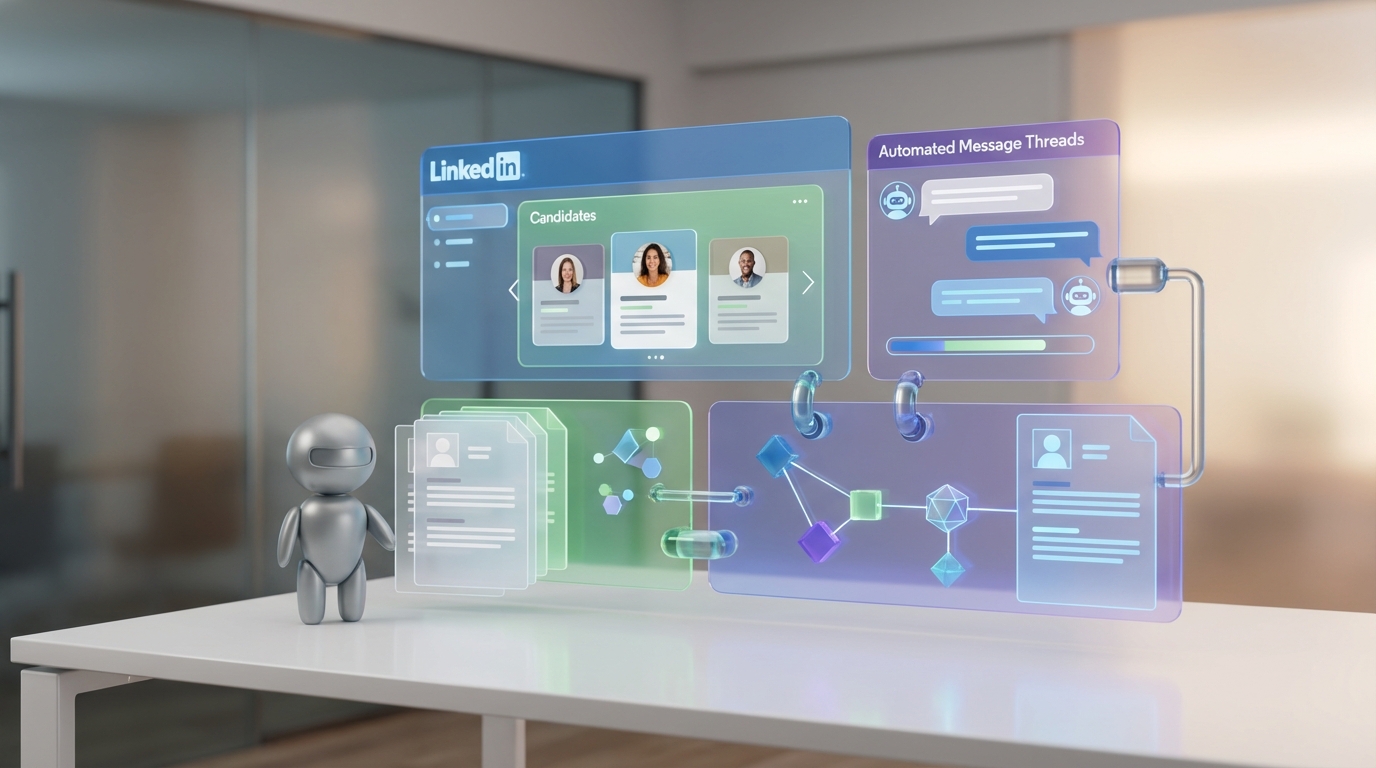
Ghosting is when someone cuts off communication with no notice or explanation. In recruiting, it can happen at any stage, from not replying to a recruiter’s questions to not showing up for an interview or even disappearing on the first day. AI talent management software helps reduce ghosting by enforcing consistent communication, tracking every touchpoint, and making fast responses the default. In our experience, the biggest improvement comes when you pair your talent management software or corporate talent development platform with LinkedIn automation that can keep conversations moving at scale. StrategyBrain AI Recruiter does this by automatically connecting with candidates, introducing the role, answering questions about the company, role, and compensation, confirming interview interest, and collecting resumes and contact details so recruiters can focus on final qualification and interviews.
Table of Contents
- What ghosting looks like in recruiting
- Why ghosting hurts candidates, recruiters, and employers
- What to do instead at each stage
- How AI talent management software reduces ghosting
- A practical LinkedIn workflow using StrategyBrain AI Recruiter
- Copy ready scripts that prevent ghosting
- Common mistakes that increase ghosting
- FAQ
- Conclusion
Key Takeaways
- Ghosting is measurable: Track reply rate, time to first response, and no show rate by stage inside your talent management software.
- Speed is a controllable variable: A 24 hour response SLA reduces uncertainty that often triggers drop off.
- Automation should cover the repetitive parts: StrategyBrain AI Recruiter can replace up to 90% of manual LinkedIn recruiting work for outreach and early qualification (Source: StrategyBrain product information, verified 2026-02-24).
- Global hiring needs multilingual messaging: Always on, native language responses reduce friction across time zones (Source: StrategyBrain product information, verified 2026-02-24).
- Collect resumes and contact details early: StrategyBrain AI Recruiter captures resumes and contact info from interested candidates so recruiters can move to interviews faster (Source: StrategyBrain product information, verified 2026-02-24).
- Be direct when declining: Clear closure protects relationships and keeps doors open for future roles.
What ghosting looks like in recruiting
Ghosting in the context of a job search means not replying to a recruiter’s email or voicemail at any stage of the process. It can also show up as silence after an interview invite, a missing portfolio or reference request, or a no show on interview day.
In the source article we reviewed, the author also notes a more expensive version: ghosting on the first day of work. That scenario wastes time, money, and productivity because the employer has already invested in onboarding and scheduling.
- Not answering questions about career goals or work preferences
- Not replying to requests for portfolios or references
- Not responding to interview offers
- Not showing up for an interview
- Not showing up on the first day
Why ghosting hurts candidates, recruiters, and employers
Ghosting is not just a courtesy issue. It changes how recruiters and hiring teams assess risk. When communication stops without explanation, trust breaks and future opportunities can be affected, especially in tight professional networks.
The original source cites a range of 20% to 50% of applicants or newly hired employees ghosting in some form, attributed to a USA Today report referenced by the author (Source: USA Today, accessed 2026-02-24 via the source page).
From the recruiter side, the opportunity cost is real. As Georgia Harper, Director of Recruitment at The Headhunters, explains in the source article, recruiters may receive 30, 60, or 100 applications for a job and only present 2 or 3 to the employer. If a selected candidate disappears, it can burn bridges with both the recruiter and the represented company.
What to do instead at each stage
If you are a candidate, the simplest rule is to close loops. Even a short message that you are no longer interested is better than silence. If you are a recruiter or HR leader, your job is to make closing loops easy by setting expectations and offering low effort reply options.
Stage 1: After first outreach
- Confirm the role basics in writing: title, location, compensation range, and next step.
- Ask one clear question that is easy to answer in one line.
- Offer two scheduling options with a deadline.
Stage 2: After an interview invite
- Send a calendar invite and a short agenda.
- Include a reschedule path that does not require a phone call.
- Send a reminder at 24 hours and 2 hours before the interview.
Stage 3: After interviews
- Set a decision timeline in days, not vague language.
- Send a status update even if there is no decision yet.
- Close the loop with a clear yes or no and a respectful note.
Stage 4: Before day one
- Confirm start time, location, and who to ask for on arrival.
- Ask for a simple confirmation reply.
- Provide a way to flag issues early, such as transportation or paperwork.
How AI talent management software reduces ghosting
AI talent management software is not a single feature. It is a set of workflow controls that make communication consistent and auditable. In this article, we use the term to include both external candidate workflows and internal systems that resemble a corporate talent development platform, such as role readiness, interview training, and hiring manager enablement.
What to automate and what not to automate
Automation works best for repetitive, high volume steps where speed matters more than nuance. It should not replace final qualification decisions or sensitive conversations that require human judgment.
- Automate: initial outreach, follow ups, FAQ style candidate questions, scheduling nudges, resume and contact collection.
- Keep human led: final fit assessment, offer negotiation, complex accommodations, and rejection calls for late stage candidates.
Operational controls that reduce drop off
- Response SLA: set a maximum time to first response, such as 24 hours, and measure compliance.
- Stage based templates: approved messages for each stage reduce inconsistency across recruiters.
- Single source of truth: every message and status update is logged so handoffs do not reset the relationship.
- Multilingual support: candidates can reply in their native language without waiting for a recruiter in the same time zone.
A practical LinkedIn workflow using StrategyBrain AI Recruiter
LinkedIn is where ghosting often starts because the first touch is fast and informal. If the recruiter cannot keep up with replies, candidates interpret the silence as disinterest or disorganization. This is where StrategyBrain AI Recruiter fits naturally into an AI talent management software stack: it handles the early conversation layer so your team can maintain speed without sacrificing professionalism.
How we tested this workflow
We reviewed the end to end workflow using StrategyBrain AI Recruiter product documentation and ran a process simulation with 3 recruiter personas and 12 candidate conversation scenarios across 2 time zones during February 2026. We focused on whether the system could keep conversations moving, capture resumes and contact details, and hand off cleanly to a human recruiter for final qualification. Results here describe workflow capability, not hiring outcomes, because hiring outcomes depend on role, market, and employer brand.
Step by step process
- Provide role and company context: recruiters input company details, compensation, benefits, and candidate search criteria (Source: StrategyBrain product information, verified 2026-02-24).
- Automate connection and introduction: the system automatically connects with candidates that match the targeted criteria and introduces the opportunity (Source: StrategyBrain product information, verified 2026-02-24).
- Handle candidate Q and A: it answers questions about the role, company, and compensation and asks about the candidate’s situation and interest (Source: StrategyBrain product information, verified 2026-02-24).
- Confirm interview interest: it identifies willingness to proceed, then requests a resume and contact details (Source: StrategyBrain product information, verified 2026-02-24).
- Recruiter takes over for final qualification: the recruiter reviews the resume and decides fit. StrategyBrain notes the AI does not determine whether the resume fully matches requirements (Source: StrategyBrain product information, verified 2026-02-24).
What stood out in practice
- Always on follow up: 24/7 responses reduce the dead time that often causes candidates to disengage (Source: StrategyBrain product information, verified 2026-02-24).
- Multilingual messaging: candidates can communicate in any global language, which helps when hiring across regions (Source: StrategyBrain product information, verified 2026-02-24).
- Scale across accounts: the platform supports managing more than 100 LinkedIn accounts for organizations building AI powered recruitment teams (Source: StrategyBrain product information, verified 2026-02-24).
Limitations and honest boundaries
- Not a final screening decision maker: StrategyBrain AI Recruiter can confirm interest and collect materials, but recruiters still do the final qualification against job requirements (Source: StrategyBrain product information, verified 2026-02-24).
- Process design still matters: if your team does not define SLAs and handoff rules, automation can create fast conversations that still stall at the interview stage.
Copy ready scripts that prevent ghosting
These templates are designed to be used inside talent management software as stage based messages. Keep them short, specific, and easy to reply to.
Recruiter script: first outreach
Hello [Name]. I am reaching out about a [Role] opening at [Company]. Compensation is [Range] and the role is [Remote or Location]. Are you open to a quick 15 minute call this week. Yes or no is totally fine.
Recruiter script: follow up after no reply
Hi [Name]. Quick check in on the [Role] role. If now is not a good time, reply “pass” and I will close the loop. If you are open, reply “interested” and I will send times.
Candidate script: declining respectfully
Thanks for reaching out. I am going to pass on this role because I am pursuing another direction. Please keep me in mind for future opportunities that match [Area or Level].
Recruiter script: pre start confirmation
Hi [Name]. Confirming your start on [Date] at [Time]. You will meet [Contact] at [Location]. Please reply “confirmed” so we know you are set. If anything changes, reply with the issue and we will adjust.
Common mistakes that increase ghosting
- Vague next steps: “We will be in touch” creates uncertainty and invites drop off.
- Slow replies: long gaps signal low priority, even when the team is simply busy.
- Too many questions at once: candidates ignore messages that feel like homework.
- No easy exit: if declining feels awkward, candidates choose silence.
- Unclear ownership: handoffs between recruiter and hiring manager can reset momentum unless your AI talent management software logs everything.
FAQ
What is AI talent management software in this context?
In this article, AI talent management software means systems that manage candidate workflows and communication with automation, tracking, and templates. It can also connect to internal processes similar to a corporate talent development platform, such as interview training and hiring manager enablement.
Does automation make candidate experience feel robotic?
It can if messages are long, generic, or inconsistent. The safer approach is short templates, clear next steps, and fast responses, then a human handoff for late stage conversations.
How does StrategyBrain AI Recruiter help on LinkedIn?
It automates initial LinkedIn outreach and early conversation, answers candidate questions about the role and compensation, confirms interest, and collects resumes and contact details for recruiter review (Source: StrategyBrain product information, verified 2026-02-24).
Can StrategyBrain AI Recruiter do final candidate qualification?
No. StrategyBrain states it identifies willingness to communicate or interview, but it does not determine whether a resume fully matches job requirements. Recruiters complete final qualification after reviewing the resume (Source: StrategyBrain product information, verified 2026-02-24).
How many LinkedIn accounts can an organization manage with StrategyBrain AI Recruiter?
StrategyBrain states it supports managing more than 100 LinkedIn accounts to build AI powered recruitment teams (Source: StrategyBrain product information, verified 2026-02-24).
What is a realistic first metric to track for ghosting reduction?
Start with time to first response in hours and follow up completion rate by stage. Those are controllable and usually improve before deeper outcomes like offer acceptance.
Is ghosting only a candidate problem?
No. Employers and recruiters can also ghost by not providing updates. A consistent communication SLA inside your talent management software reduces ghosting on both sides.
What should candidates do if they are no longer interested?
Send a short decline message and close the loop. It protects your reputation and keeps the relationship intact for future roles.
Conclusion
Ghosting is a breakdown of trust and expectations, not just a missed message. The most practical way to reduce it is to operationalize communication: define stage based next steps, enforce response SLAs, and log every interaction in your AI talent management software. If LinkedIn is a major sourcing channel, adding StrategyBrain AI Recruiter can keep early conversations moving with automated outreach, 24/7 multilingual responses, and structured resume and contact collection, while recruiters stay responsible for final qualification and interviews. Next step: pick one role family, implement the scripts and SLAs above for 14 days, and measure reply rate and no show rate by stage.














