


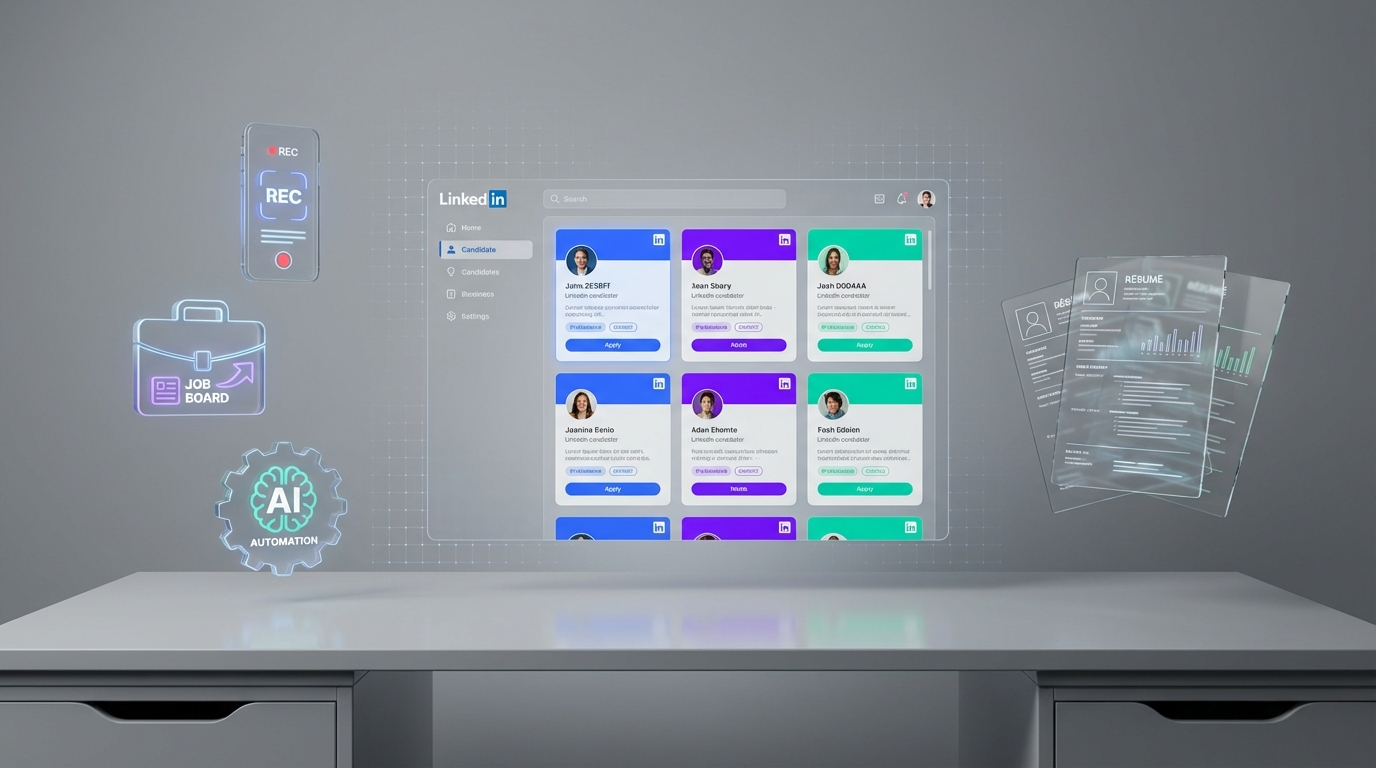
The best recruitment apps are the ones that reduce time spent on repetitive work while improving candidate response rates. In our day to day recruiting workflows, we see three “app” categories that matter most: a mobile recruitment app for fast review and follow up, apps that are hiring (job boards) for inbound volume, and an automation tool for outbound sourcing. If LinkedIn is a primary channel, StrategyBrain AI Recruiter can automate connecting and first messages, handle candidate Q&A 24/7 in any language, and collect résumés and contact details so recruiters can move straight to interview scheduling.
What “best recruitment apps” actually means in 2026
Most teams search for “best recruitment apps” expecting a single winner. In reality, recruiting is a workflow, so the best setup is usually a small stack that covers sourcing, outreach, screening, and handoff to interviews.
To keep decisions simple, we group recruiting apps into four buckets. Each bucket solves a different bottleneck, and you can mix and match based on hiring volume and role type.
- Outbound sourcing and outreach: tools that help you find candidates and start conversations at scale.
- Inbound applications: job board style apps that are hiring, where candidates apply to you.
- Pipeline management: ATS and CRM style tools, often with a mobile recruitment app experience.
- Coordination: messaging, scheduling, and follow up tools that reduce drop off.
Scope note: This article focuses on how to choose and combine app categories, plus one concrete automation option for LinkedIn. It does not attempt to list every vendor or claim feature by feature pricing for third party tools.
Quick selection checklist
If you want a fast way to decide what to implement first, use this checklist. We use it internally to avoid buying tools that look good in demos but do not change outcomes.
- Channel fit: Does the app match where your candidates actually respond, such as LinkedIn, job boards, or referrals?
- Speed to first touch: Can you contact candidates the same day, including after hours?
- Qualification support: Does it help you confirm interest and collect résumés and contact details?
- Mobile usability: Can you review, message, and move stages from a phone without friction?
- Compliance and security: Are credentials encrypted and is candidate data protected?
- Scalability: Can the workflow scale across multiple recruiters or multiple accounts?
How we evaluated recruitment apps (practical criteria)
We evaluate recruiting apps based on whether they remove real work from a recruiter’s day. That means focusing less on “feature count” and more on what happens between sourcing and a booked interview.
Criteria we prioritize
- Workflow coverage: sourcing, outreach, follow up, screening, and handoff.
- Consistency: whether the tool helps maintain a steady pipeline rather than bursts of activity.
- Candidate experience: response quality, clarity, and speed of answers.
- Operational control: visibility into conversations, status, and next steps.
Common pain points we watch for
- Manual follow up that depends on recruiter memory and calendar discipline.
- Time zone gaps where candidates reply outside working hours and go cold.
- Language friction when hiring globally and messages are misunderstood.
Top recruitment app options by use case
StrategyBrain AI Recruiter (LinkedIn outreach automation)
If your team relies on LinkedIn for sourcing, StrategyBrain AI Recruiter is designed to replace the repetitive first half of the workflow: connecting, introducing the role, answering questions, confirming interest, and collecting résumés and contact details.
In practice, this matters because LinkedIn outreach is not just sending messages. It is the back and forth that consumes hours, especially when you are hiring across time zones. AI Recruiter keeps conversations moving while you focus on final qualification and interviews.
What it does (as an “app” in your stack)
- Smart LinkedIn recruitment automation: automatically connects with candidates that match your search criteria and starts role specific conversations.
- 24/7 multilingual communication: responds to candidate messages around the clock in the candidate’s native language.
- Résumé and contact capture: requests and records résumés and contact details from interested candidates.
- Team scaling: supports managing more than 100 LinkedIn accounts for organizations that need high volume outreach.
How to use it (steps)
- Define the role package: provide company details, compensation, benefits, and the candidate search criteria you want to target.
- Authorize your LinkedIn account: connect the account you want to use for outreach.
- Let the AI run first touch and follow up: it connects, introduces the opportunity, and handles Q&A.
- Review interested candidates: the system collects résumés and contact details for candidates who want to proceed.
- Complete final qualification: recruiters review résumés and decide who to interview.
Limitations (honest boundaries)
- It does not replace final qualification: AI Recruiter identifies willingness to communicate or interview, but it does not decide whether a résumé fully matches job requirements.
- It is LinkedIn focused: if your hiring is primarily inbound from job boards, you may need a different primary tool.
Best for
- Corporate recruiters who need to reduce manual LinkedIn outreach and screening.
- Agency recruiters and headhunters who want to scale outreach without adding staff.
- HR leaders building global pipelines that require multilingual candidate communication.
Operational note: AI Recruiter states it encrypts LinkedIn credentials, isolates customer data, and does not use customer provided data to train AI models. Treat this as a starting point for your own security review.
Job board apps that are hiring (inbound applicants)
When people say “apps that are hiring,” they often mean job search and job board apps. These are useful when you want inbound volume, especially for roles with broad candidate availability.
The trade off is that inbound volume can create screening load. If your team is already stretched, pairing inbound with automation for outreach and follow up can prevent bottlenecks.
Best for
- High volume roles where speed matters more than niche targeting.
- Teams with a clear screening process and capacity to review applicants daily.
- Employers building brand visibility in a specific region.
What to look for in the mobile experience
- Fast applicant review: resume preview, filters, and shortlists.
- Messaging: ability to contact candidates quickly and track replies.
- Export or integration: clean handoff into your ATS or CRM.
ATS mobile apps (pipeline management on the go)
An ATS is an applicant tracking system, which is the system of record for candidates, stages, and hiring decisions. Many ATS platforms offer a mobile recruitment app so recruiters and hiring managers can review candidates, leave feedback, and move stages without being at a desk.
In our experience, ATS mobile features are most valuable when they reduce decision latency. If feedback takes 3 days, candidates go cold. A good mobile workflow keeps the process moving.
Best for
- Teams with multiple interviewers who need fast feedback loops.
- Hiring managers who approve shortlists and offers from a phone.
- Organizations that need audit trails and consistent process.
Common pitfalls
- Mobile that is view only: if you cannot message, tag, and move stages, it will not change outcomes.
- Fragmented notes: feedback stored in chat tools instead of the ATS creates risk and rework.
Messaging and scheduling apps (candidate coordination)
Coordination tools are not always labeled as recruiting apps, but they often deliver the fastest ROI. If candidates cannot find a time to talk, your pipeline stalls.
Best for
- Teams booking high volumes of screening calls.
- Roles with multiple interview rounds and panel scheduling.
- Recruiters who need structured follow up reminders.
When LinkedIn is the starting point, coordination still matters. StrategyBrain AI Recruiter can handle the early conversation and interest confirmation so scheduling happens only after a candidate is genuinely ready to proceed.
Industry experience vs performance: what to screen for
A common hiring question is whether industry experience matters more than performance. Sales recruiter Sam Lawson argues that prior industry experience is not always necessary and can sometimes inhibit progress, especially when you are trying to bring new energy and innovation into a territory.
We agree with the core idea for many commercial roles: it is often faster to teach product and domain context than it is to teach sales discipline and process. The practical implication for recruiting apps is that your screening workflow should capture evidence of performance, not just keywords.
Traits that often transfer across industries
- Several years of high performance in one or more industries.
- Territory building ability through prospecting or networking.
- Sales strategy and process mastery including prospecting, pipeline management, and expectation setting across 30, 60, and 90 days, plus 6 months and 1 year.
Why hiring only from your industry can hurt
- Pipeline potential: top performers can build relationships from scratch and may outperform “safe bet” hires.
- Sales innovation: creative sellers can bring new approaches into stagnant markets.
- Business intelligence: successful cross industry moves often correlate with adaptability and mental strength.
How this connects to recruiting automation
When you screen for performance, you need consistent early conversations that surface achievements and motivation. AI Recruiter can handle the initial outreach and Q&A on LinkedIn, confirm interview interest, and collect résumés and contact details. Recruiters can then spend their time validating achievements in depth, which is where human judgment matters most.
Quick comparison
| App category | Primary job | Speed impact | Best for |
|---|---|---|---|
| StrategyBrain AI Recruiter | Automate LinkedIn outreach, Q&A, interest confirmation, résumé and contact capture | High, reduces manual messaging and follow up | Outbound LinkedIn sourcing at scale, global hiring, multilingual candidate engagement |
| Job board apps that are hiring | Inbound applications | Medium, depends on screening capacity | High volume roles and employer brand visibility |
| ATS mobile recruitment app | Pipeline stages, feedback, approvals | Medium to high, reduces decision latency | Teams with multiple stakeholders and structured hiring process |
| Messaging and scheduling | Coordinate interviews and follow up | Medium, reduces drop off | Fast moving pipelines with many interviews |
FAQ
What are the best recruitment apps for recruiters who work mostly on LinkedIn?
If LinkedIn is your main sourcing channel, prioritize an outreach automation tool plus a system of record. StrategyBrain AI Recruiter is built for LinkedIn outreach and first round qualification, while an ATS or CRM tracks stages and decisions.
Is a mobile recruitment app enough to improve hiring speed?
A mobile recruitment app helps when delays come from approvals and feedback. If your bottleneck is outbound sourcing and follow up, mobile alone will not fix it. You will usually need an outreach workflow that keeps conversations moving.
What does “apps that are hiring” mean in recruiting searches?
Most of the time it refers to job board and job search apps where candidates apply to open roles. They are useful for inbound volume, but they can increase screening workload if you do not have a tight process.
Does StrategyBrain AI Recruiter replace recruiters?
No. It automates initial outreach and identifies willingness to communicate or interview, then collects résumés and contact details. Recruiters still review résumés, validate achievements, and make final qualification decisions.
Can StrategyBrain AI Recruiter communicate with candidates in different languages?
Yes. It is designed for 24/7 multilingual candidate messaging and can communicate in the candidate’s native language to reduce misunderstandings during early conversations.
How does AI Recruiter handle résumés and contact details?
When a candidate expresses interest, AI Recruiter requests a résumé and captures contact information shared in the conversation. It supports email submissions and LinkedIn file uploads, then surfaces what was received for recruiter review.
How should I screen candidates if they do not have direct industry experience?
For many sales roles, prioritize evidence of performance and process mastery over industry keywords. Look for territory building, prospecting discipline, and the ability to manage a sales cycle across 30, 60, and 90 days and beyond.
What security and privacy questions should I ask before adopting recruiting automation?
Ask how credentials are encrypted, whether data is isolated per customer, whether candidate data is used to train models, and what compliance claims are supported. AI Recruiter states it encrypts credentials, isolates data, and does not use customer data to train AI models.
Conclusion
The best recruitment apps are the ones that match your bottleneck. If you need inbound volume, start with apps that are hiring and make sure your screening process can keep up. If you need faster decisions, invest in an ATS with a strong mobile recruitment app experience. If your biggest time sink is LinkedIn outreach and follow up, StrategyBrain AI Recruiter can automate first touch, handle candidate Q&A 24/7 in any language, and collect résumés and contact details so you can focus on interviews and final qualification.
Next step: map your current workflow from sourcing to interview booking, identify the single slowest step, and choose one app category to fix that step first. Then measure response speed and interview conversion for 14 days before adding more tools.















