


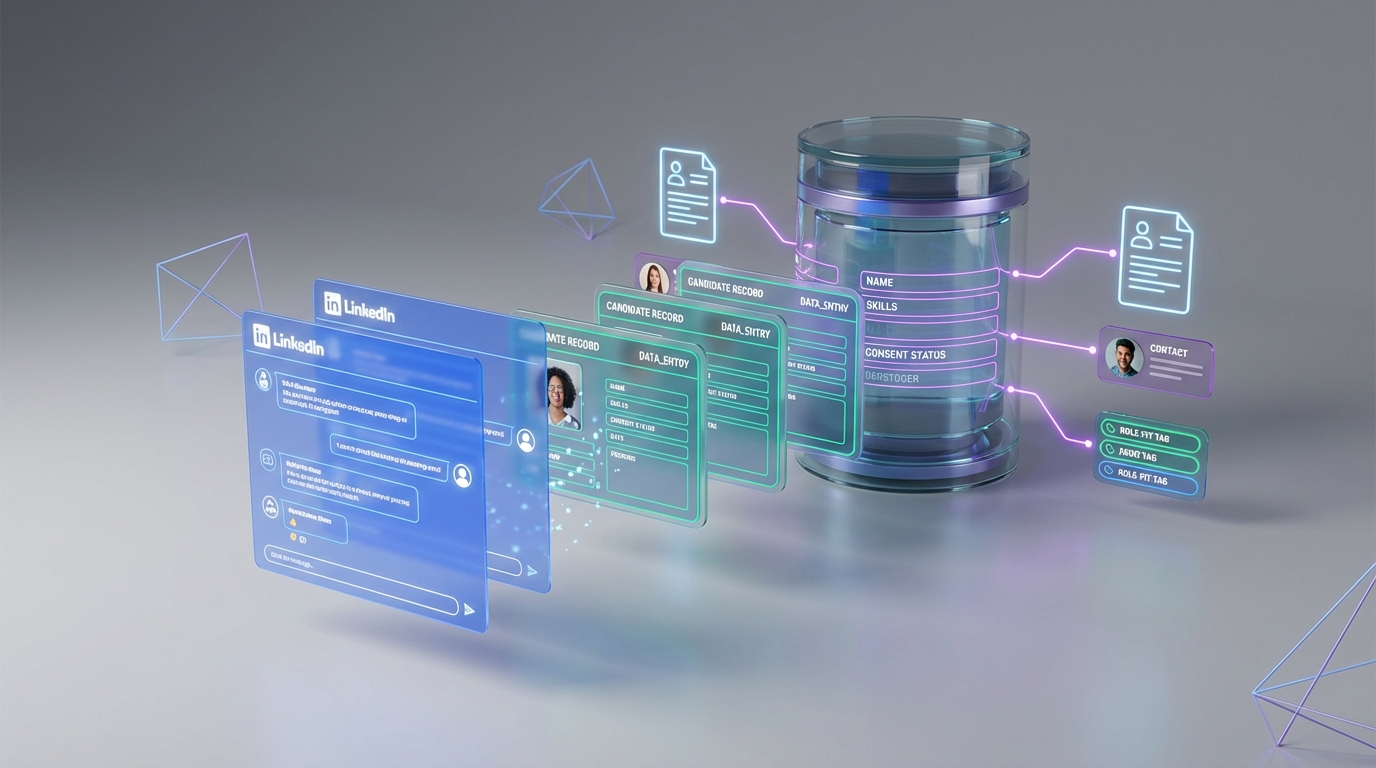
A candidate database for recruiters works best when it is built from permissioned sources, stored with consistent fields, and kept current through systematic outreach and follow up. The fastest way to make it “live” is to combine structured data capture (resume, contact details, role fit notes) with an always on messaging workflow that continuously converts conversations into records. In our day to day recruiting ops work, we see teams stall when they rely on one time free resume search or a one off resume finder for employers approach without a refresh loop. This guide shows a practical build plan, plus how StrategyBrain AI Recruiter can automate LinkedIn connecting, initial outreach, Q and A, interest confirmation, and resume and contact collection so recruiters can focus on final qualification and interviews.
Key Takeaways
- Define your database schema first: standardize fields for role, location, seniority, skills, source, consent status, and last contact date.
- Free resume search is a tactic, not a system: it can seed leads, but it does not maintain freshness or engagement by itself.
- Turn conversations into records: capture resumes and contact details only after interest is confirmed and permission is clear.
- Use automation for the repetitive layer: StrategyBrain AI Recruiter can handle LinkedIn outreach, follow up, multilingual messaging, and resume collection.
- Keep humans on final qualification: AI Recruiter confirms willingness to proceed, while recruiters validate true fit from the resume.
- Protect trust: encrypt credentials, isolate customer data, and avoid using candidate data to train models.
What a candidate database is (and is not)
A candidate database is a structured system that stores candidate records so you can search, segment, and re engage them over time. “Structured” means the same fields exist for every record, such as role family, location, skills, and last contact date. “Re engage” means you have a repeatable way to restart conversations when a new role opens.
It is not a folder of resumes, a spreadsheet that no one updates, or a one time export from a resume finder for employers. Those can be inputs, but they do not create a living database unless you add data standards and a refresh loop.
The minimum data model recruiters should standardize
Before you add more sourcing channels, standardize the record format. This is the part most teams skip, and it is why search results feel unreliable later.
Core fields (minimum viable schema)
- Identity: full name, preferred name, current title, current company.
- Contact: email, phone, preferred channel, time zone.
- Role fit tags: role family, seniority, key skills, must have certifications.
- Location constraints: city, country, remote or hybrid preference, work authorization notes.
- Source and consent: where the record came from, what permission you have to contact, and when it was granted.
- Engagement timeline: last contacted date, last response date, next follow up date.
- Artifacts: resume file status, portfolio links if provided, interview notes if applicable.
Operational definitions (so your team tags consistently)
- Qualified: meets must have requirements and is open to a conversation.
- Interested: explicitly confirms interest in the role and agrees to share a resume and contact details.
- Warm: responded within the last 30 days and is open to future roles.
- Cold: no response after your defined follow up sequence.
Method 1: Convert LinkedIn conversations into a database with StrategyBrain AI Recruiter (recommended)
If LinkedIn is a primary sourcing channel for you, the biggest bottleneck is not finding profiles. It is the repetitive work of connecting, introducing the role, answering questions, following up, and collecting resumes and contact details. This is where StrategyBrain AI Recruiter fits naturally into a candidate database workflow.
What StrategyBrain AI Recruiter does in the database workflow
- Automated connecting and outreach: it connects with candidates who match your search criteria and introduces the opportunity.
- Two way Q and A: it answers candidate questions about the role, company, compensation, and benefits using the information you provide.
- Interest confirmation: it confirms whether the candidate wants to proceed to an interview process.
- Resume and contact capture: for interested candidates, it requests a resume and captures contact details shared in messages.
- 24/7 multilingual messaging: it responds and follows up across time zones and in the candidate’s native language.
Steps
- Define your target profile: write down the search criteria you would normally use on LinkedIn, including role keywords, location, and seniority.
- Prepare the job information pack: include company context, compensation, benefits, and the interview process so the AI can answer questions accurately.
- Run outreach and follow up: let AI Recruiter handle connecting, initial messaging, and follow up while you monitor outcomes.
- Collect resumes and contact details: when candidates confirm interest, AI Recruiter requests a resume and captures email or phone details shared in chat.
- Human review and final qualification: recruiters review the resume for true fit and schedule interviews with shortlisted candidates.
Limitations (what we do not delegate)
- Final fit assessment: AI Recruiter confirms willingness to proceed, but it does not decide whether the resume fully matches job requirements.
- Bad inputs create bad outputs: if compensation, requirements, or process details are unclear, candidate Q and A will be less effective.
- Policy and platform constraints: you still need internal rules for messaging tone, frequency, and compliance.
Best For
- Recruiters who source heavily on LinkedIn and want a consistent pipeline refresh.
- Teams hiring across time zones or languages.
- Organizations managing multiple LinkedIn accounts and needing scalable outreach operations.
Method 2: ATS or CRM hygiene that keeps records usable
Even the best sourcing engine fails if your database is not searchable. The goal here is not “more fields.” The goal is consistent fields and predictable updates.
Steps
- Pick a single source of truth: decide whether your ATS, CRM, or a dedicated talent database is the system of record.
- Enforce required fields: make role family, location, seniority, and last contact date mandatory for active records.
- Set a refresh cadence: review stale records on a fixed schedule and either re engage or archive.
- Standardize tagging: use a controlled vocabulary for skills and role families to avoid duplicates.
Common failure points we see
- Duplicate records: the same person exists multiple times with different emails.
- Missing consent notes: teams cannot prove how the contact was obtained.
- No last touch date: recruiters cannot prioritize who to contact first.
Method 3: Use free resume search safely and ethically
Free resume search can help you seed a pipeline, especially for hard to fill roles. The risk is treating it like a complete candidate database for recruiters. A database is only valuable when it is current and permissioned.
Steps
- Document the source: record where the resume came from and what contact permission is implied or explicitly granted.
- Normalize the data: map the resume into your standard fields so it becomes searchable.
- Run a permission first outreach: your first message should confirm interest and permission to continue, then request updated resume and contact details if needed.
When this method is not ideal
- When you need rapid response and high engagement, because cold databases decay quickly.
- When you cannot verify consent or data provenance.
- When your team lacks time for follow up sequences.
Method 4: Referrals and alumni pools that stay warm
Referrals and alumni candidates often convert well because trust is pre loaded. The database challenge is that these candidates go stale if you only contact them when you have an urgent opening.
Steps
- Create a lightweight intake: capture role interests, location constraints, and preferred contact method.
- Segment by role family: keep tags simple so recruiters can search quickly.
- Schedule periodic check ins: confirm whether they are open to new opportunities and update resumes when they are.
Method 5: Events and content magnets that create inbound candidates
Inbound candidates are easier to keep warm because they opted in. The key is to capture structured data at the moment of interest, not weeks later.
Steps
- Offer a clear value exchange: for example, a salary guide, a skills webinar, or a hiring manager Q and A session.
- Collect structured fields: role family, location, seniority, and contact permission.
- Follow up quickly: within 24 hours, send the promised resource and ask a single qualifying question.
Quick Comparison
| Method | Speed to first usable records | Ongoing freshness | Best For |
|---|---|---|---|
| StrategyBrain AI Recruiter on LinkedIn | Fast once job info and criteria are ready | High with 24/7 follow up and multilingual messaging | Teams that need scalable outreach and consistent resume capture |
| ATS or CRM hygiene | Medium | Medium to high if refresh cadence is enforced | Organizations fixing searchability and duplicate records |
| Free resume search | Fast for lead lists | Low unless you run a follow up system | Seeding a pipeline for niche roles |
| Referrals and alumni pools | Medium | Medium if you schedule check ins | High trust hiring and repeatable roles |
| Events and content magnets | Medium | Medium to high with consistent programming | Employer brand driven hiring and long term pipelines |
FAQ
What is the difference between a candidate database and an ATS?
An ATS is primarily designed to manage applicants for open requisitions. A candidate database for recruiters is designed for long term search, segmentation, and re engagement, including people who are not currently applicants.
Is free resume search enough to build a candidate database?
No. Free resume search can help you find leads, but a database only becomes valuable when you standardize fields, track consent, and run a consistent outreach and refresh process.
How does StrategyBrain AI Recruiter help build a candidate database?
StrategyBrain AI Recruiter automates LinkedIn connecting, outreach, Q and A, follow up, and interest confirmation. When candidates want to proceed, it requests resumes and captures contact details so recruiters can review and move qualified candidates into interviews.
Does AI Recruiter decide whether a candidate is fully qualified?
No. AI Recruiter identifies willingness to communicate or interview and collects resumes and contact details. Recruiters still perform final qualification by reviewing the resume against job requirements.
Can AI Recruiter communicate with candidates in different languages?
Yes. AI Recruiter supports multilingual communication and can respond around the clock, which helps maintain engagement across time zones.
How does AI Recruiter collect resumes and contact details?
When a candidate expresses interest, AI Recruiter asks for a resume and captures contact details shared in LinkedIn messages. It supports email submissions and LinkedIn file uploads, and it marks resumes as received when they arrive.
How should recruiters store consent and privacy notes?
Store the source of the record, the date permission was granted, and the preferred contact method. Keep access limited to the hiring team and follow applicable privacy laws for your region.
How often should a candidate database be refreshed?
Set a fixed cadence based on hiring volume. Many teams start with a monthly review of stale records and a quarterly cleanup of duplicates and outdated contact details.
What is the biggest mistake recruiters make with candidate databases?
They collect resumes without a consistent data model and without tracking last contact date. That makes search unreliable and causes repeated outreach to the same people.
Conclusion
A candidate database for recruiters is not just a list of resumes. It is a structured, permission aware system that stays current because outreach and follow up are built into the workflow. If you want the fastest path to a living database, start by standardizing your fields, then choose a sourcing engine that reliably converts conversations into records.
If LinkedIn is central to your hiring, StrategyBrain AI Recruiter can take over the repetitive layer of connecting, messaging, Q and A, follow up, and resume and contact collection, while your team focuses on final qualification and interviews. Next step: document your minimum schema today, then run a two week pilot where every interested candidate is captured with the same fields and a clear last touch date.
Testing and results disclaimer: Workflow outcomes vary by role, market, messaging, and compliance requirements. Use automation responsibly and verify platform and privacy policies before deployment.














