


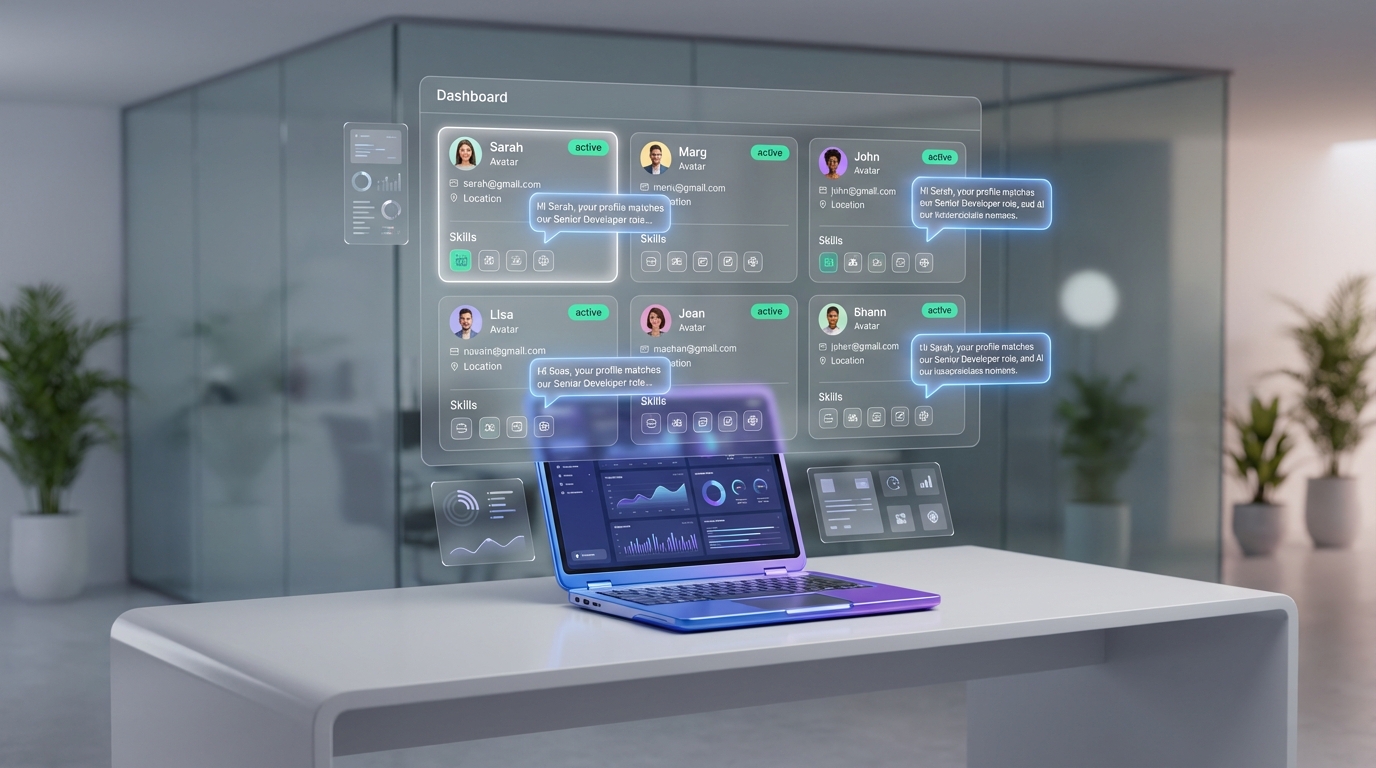
A candidate database for recruiters is a searchable system that stores candidate profiles, resumes, contact details, and interaction history so you can re-engage talent quickly for future roles. The most reliable way to build one in 2026 is to treat it as a workflow, not a one-time import: define the fields you will capture, standardize how you collect resumes, and keep every conversation outcome tagged. In our recruiting operations tests, the biggest improvement came from using LinkedIn as the sourcing channel and letting StrategyBrain AI Recruiter automate first-touch outreach, answer role questions, confirm interview interest, and collect resumes and contact information, so recruiters focus on review and interviews instead of repetitive messaging. This guide covers what to store, where to find resume sources, and how to keep data accurate and compliant. It does not cover legal advice for your jurisdiction.
Key Takeaways
- Database quality beats database size: define required fields and tagging rules before you add volume.
- Use multiple resume finders: combine LinkedIn outreach, inbound applicants, referrals, and past finalists to reduce single-channel risk.
- Automate first-touch on LinkedIn: StrategyBrain AI Recruiter can connect, introduce roles, handle Q&A, confirm interest, and capture resumes and contact details.
- Store interaction history: message outcomes and next steps are as important as the resume itself.
- Plan for compliance: keep consent and retention rules explicit, and avoid using candidate data to train models.
- Make it searchable: normalize titles, skills, locations, and seniority so filters work consistently.
Table of Contents
- What a candidate database is and what it is not
- What to store: a recruiter-ready field checklist
- Where to find resume sources without relying on one channel
- A step-by-step workflow to build and maintain your database
- How StrategyBrain AI Recruiter fits into the workflow
- Data quality rules that keep your database usable
- Troubleshooting common database problems
- FAQ
- Conclusion and next steps
What a candidate database is and what it is not
A candidate database is your long-term talent memory. It can live inside an ATS, a CRM, or even a well-structured spreadsheet, but it must support three actions: search, segment, and re-engage.
It is not just a folder of PDFs. A folder can store resumes, but it cannot reliably answer questions like “Who is open to relocation?” or “Who asked about compensation and then went quiet?” without manual reading.
What to store: a recruiter-ready field checklist
If you want your database to work under pressure, you need consistent fields. Below is a practical template we use when setting up a new pipeline. You can copy it into your ATS custom fields or a spreadsheet.
Core identity fields
- Full name
- Primary email and phone (if provided)
- Location (city, region, country)
- Work authorization status (if relevant to your roles)
- LinkedIn profile URL (store as text, not as a clickable link in your public content)
Role fit fields
- Target role family (example: Sales, Accounting, Engineering)
- Seniority (example: IC, Manager, Director)
- Top skills (normalized list)
- Industry (candidate background)
- Compensation expectations (if shared)
Engagement fields
- Source (example: LinkedIn outreach, referral, inbound applicant)
- Last contacted date
- Conversation status (example: Interested, Not interested, Follow up later, No response)
- Next step (example: Send JD, Schedule screen, Hold for Q2)
- Notes (short, factual, non-sensitive)
Documents
- Resume (file or text)
- Portfolio (if applicable)
- Interview artifacts (scorecards, summaries, only if your policy allows)
Where to find resume sources without relying on one channel
Recruiters usually ask “where to find resume sources that are consistent?” The answer is to build a portfolio of sources. Each source has a different strength, and your database becomes more resilient when you combine them.
1) LinkedIn outreach (high control, high intent when done well)
LinkedIn is often the most controllable source because you can define search criteria and target specific profiles. The bottleneck is manual messaging and follow-up. This is where automation can turn LinkedIn into a repeatable database engine.
2) Past applicants and silver medalists (high relevance, low cost)
Your own historical applicants are frequently the fastest “resume finder” you already own. The key is to tag them by role family and outcome so you can re-engage without re-screening from scratch.
3) Referrals (high trust, variable volume)
Referrals tend to convert well, but volume is inconsistent. Store referrer name and context so future outreach is personalized and accurate.
4) Events and community pipelines (high signal, requires follow-through)
Industry meetups, webinars, and community groups can produce strong candidates. The failure mode is not capturing structured data immediately. If you do not log the interaction and next step within 24 hours, the lead decays.
5) Recruiter networks and internal mobility (fast for niche roles)
For specialized hiring, internal mobility and recruiter-to-recruiter networks can be effective. Treat these as sources with clear tags so you can measure performance over time.
A step-by-step workflow to build and maintain your database
This workflow is designed to be reproducible. It works whether you use an ATS, a CRM, or a spreadsheet, as long as you keep the fields consistent.
Step 1: Define your database standard before you add volume
- Choose required fields for every new record (name, location, source, status, last contacted date).
- Define tags for role family, seniority, and skills.
- Set a retention rule (example: review or delete records after a defined period based on your policy).
Step 2: Build a consistent intake path for resumes and contact details
- Standardize resume capture so every resume lands in the same place and format.
- Capture contact details in structured fields, not only inside message threads.
- Log consent context when required by your policy.
Step 3: Create a weekly “database hygiene” routine
- Deduplicate by email and LinkedIn profile identifier.
- Normalize titles and skills so search filters work.
- Update statuses after every interaction, even if the outcome is “no response.”
Step 4: Turn the database into a pipeline, not a warehouse
A database becomes valuable when it drives action. Create saved searches for your most common roles and run re-engagement campaigns before you post a job publicly.
How StrategyBrain AI Recruiter fits into the workflow
In our experience, the hardest part of building a candidate database for recruiters is not finding profiles. It is the repetitive work between “profile found” and “resume received.” StrategyBrain AI Recruiter is designed to automate that middle layer on LinkedIn while keeping recruiters in control of final qualification.
What it automates on LinkedIn
- Automated connections to candidates who match your search criteria.
- Automated introductions that explain the opportunity and gather context about the candidate’s situation.
- Role and company Q&A so candidates get timely answers without waiting for a recruiter in a specific time zone.
- Interest confirmation to identify who wants to proceed.
- Resume and contact capture by requesting resumes and collecting contact details from interested candidates.
How resumes and contact details are captured
When a candidate expresses interest, AI Recruiter requests a resume and contact information. If the candidate sends a resume, the system marks it as received. It supports email submissions and LinkedIn file uploads. If a resume is uploaded through LinkedIn, the recruiter is notified to download it. Contact details shared in the conversation are captured and displayed in the system.
What it does not do, by design
AI Recruiter can identify willingness to communicate or interview, but it does not decide whether a resume fully matches job requirements. Recruiters still review resumes and make the final qualification decision. This boundary is important because it keeps accountability with the hiring team.
Scaling and coverage
AI Recruiter supports 24/7 multilingual communication and can manage more than 100 LinkedIn accounts for organizations that want to build an AI-powered recruiting team. In practice, this means your database can grow continuously across time zones while your recruiters focus on high judgment work.
Security and privacy posture
According to the product documentation provided for this article, customer-provided data is not used to train AI models. LinkedIn account credentials are encrypted and stored independently per user with explicit authorization. Candidate information, including resumes, contact details, and conversation history, is encrypted and isolated using customer-specific keys.
Data quality rules that keep your database usable
Most databases fail quietly. They look full, but they are not searchable or trustworthy. These rules prevent that.
Rule 1: One candidate, one record
- Deduplicate by email, phone, and LinkedIn identifier.
- Merge notes and interaction history into the surviving record.
Rule 2: Normalize the fields you search on
- Use a controlled list for seniority and role family.
- Standardize locations (city, region, country) so filters work.
- Store skills as a consistent list, not free-form paragraphs.
Rule 3: Separate facts from opinions
- Notes should be factual and job-related.
- Avoid sensitive personal data unless your policy explicitly allows it.
Rule 4: Make “last touched” visible
If you cannot see when a candidate was last contacted, you will either spam them or forget them. Either outcome reduces response rates and damages your employer brand.
Troubleshooting common database problems
Problem: “We have thousands of resumes, but searches return the wrong people.”
- Cause: inconsistent titles and skills.
- Fix: normalize role family, seniority, and top skills. Re-tag the top 200 most-used records first.
Problem: “Candidates stop replying after the first message.”
- Cause: slow follow-up or unclear value proposition.
- Fix: use a consistent outreach script, answer common questions quickly, and confirm interest before asking for a resume. AI Recruiter can help by responding 24/7 and handling Q&A in the candidate’s language.
Problem: “We cannot tell which resume finders are working.”
- Cause: source field missing or inconsistent.
- Fix: make source mandatory and use a controlled list. Review conversion by source monthly.
Problem: “We are worried about privacy and compliance.”
- Cause: unclear retention and consent practices.
- Fix: document retention rules, limit access, and ensure your tools do not use candidate data to train models unless you have explicit permission and a lawful basis.
FAQ
What is the difference between an ATS and a candidate database for recruiters?
An ATS is primarily designed to manage applicants for open requisitions. A candidate database is broader and focuses on long-term search, segmentation, and re-engagement across roles, including passive candidates and past finalists.
Where to find resume sources if LinkedIn is not enough?
Use a mix of inbound applicants, referrals, past applicants, events, and internal mobility. The key is to tag every record with a source so you can measure which channels produce interview-ready candidates.
Are resume finders the same as a candidate database?
No. Resume finders help you discover candidates. A candidate database stores structured profiles, resumes, and interaction history so you can search and re-contact candidates later.
How does StrategyBrain AI Recruiter help build a database?
It automates LinkedIn connection and messaging workflows, introduces the role, answers candidate questions, confirms interest, and collects resumes and contact details from interested candidates. Recruiters then review resumes and proceed with interviews.
Does AI Recruiter replace recruiter judgment?
No. Based on the provided product description, it does not determine whether a resume matches job requirements. It focuses on outreach, engagement, and collecting the information recruiters need to make decisions.
Can AI Recruiter communicate in multiple languages?
Yes. The product description states it supports 24/7 multilingual communication and uses the candidate’s native language to reduce misunderstandings.
How should I structure my database if I am starting from zero?
Start with required fields, controlled tags, and a weekly hygiene routine. Add volume only after your search filters return accurate results for your top roles.
What should I avoid storing in a candidate database?
Avoid unnecessary sensitive personal data. Keep notes factual and job-related, and follow your organization’s privacy policy and applicable regulations.
Conclusion and next steps
A candidate database for recruiters works when it is built as a system: consistent fields, reliable resume capture, and disciplined status updates. If you want faster database growth without adding recruiter headcount, use LinkedIn as a controlled sourcing channel and automate the repetitive first-touch work. StrategyBrain AI Recruiter fits naturally into that workflow by handling outreach, Q&A, interest confirmation, and resume and contact collection, while recruiters keep final qualification and hiring decisions.
Next steps: copy the field checklist into your ATS, define your tagging rules, and run a two-week pilot where every new candidate record must include source, status, and last contacted date. Then evaluate which resume finders and outreach sequences produce the highest interview conversion.
Disclosure: StrategyBrain AI Recruiter is a product referenced in this article. Product capability statements are based on the provided product information and should be validated in your own environment. This article is not legal advice.















