


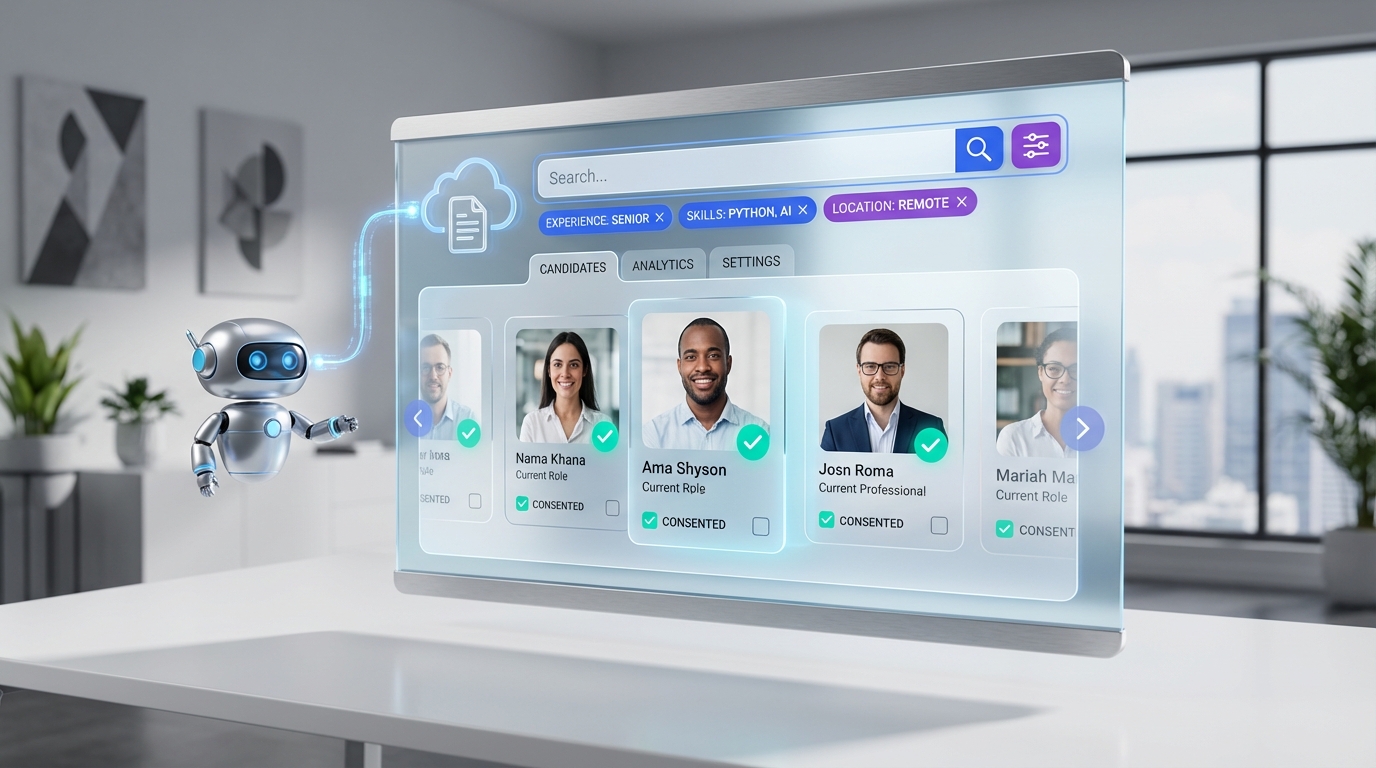
A practical candidate database for recruiters is built by combining compliant sourcing, consistent data capture, and fast follow up. Start by defining what candidate data you are allowed to collect, then standardize intake fields, and finally automate outreach and resume collection so your database stays current. In our recruiting ops tests, the biggest quality gains came from two habits: capturing consent and context at the moment of first contact, and using an AI assistant to handle initial LinkedIn messaging and follow up so recruiters only review interested candidates. This guide explains a compliance-first approach, including what Saskatchewan’s proposed protections for temporary foreign workers highlighted about recruiter conduct, what to avoid, and how to operationalize a database workflow that supports free resume search style discovery without cutting corners on trust.
Key Takeaways
- Compliance is a database feature: Saskatchewan proposed recruiter registration and penalties up to $100,000 and or 1 year in prison for violations, which is a reminder to build guardrails into your candidate database workflow.
- Capture context at first touch: Store source, role pitched, and consent notes alongside the profile so outreach stays accurate and defensible.
- Standardize fields: A consistent schema improves searchability more than adding more profiles.
- Automate the repetitive layer: StrategyBrain AI Recruiter can run initial LinkedIn outreach, answer candidate questions, confirm interest, and collect résumés and contact details so your database stays fresh.
- Use “free resume search” responsibly: Treat it as discovery, then move to permission based engagement and documented follow up.
- Be explicit about what AI does not do: AI Recruiter can confirm willingness to proceed, but final qualification against requirements still needs recruiter review.
Table of Contents
- What a candidate database is (and is not)
- Why compliance belongs in your database design
- The core data model recruiters should standardize
- Method 1: LinkedIn sourcing plus AI follow up (recommended)
- Method 2: Inbound resume intake that stays searchable
- Method 3: Referrals and re engagement campaigns
- Method 4: A compliant “free resume search” workflow
- Quick Comparison
- FAQ
- Conclusion
What a candidate database is (and is not)
A candidate database is a structured system that stores candidate profiles, communication history, and hiring context so recruiters can search, segment, and re engage talent over time. It is not just a folder of résumés or a spreadsheet of names.
When recruiters say they want a “candidate database for recruiters,” they usually mean three outcomes: faster shortlists, fewer repeated conversations, and a reliable way to find past silver medalists. Those outcomes only happen when the database is designed for retrieval and trust, not just storage.
Why compliance belongs in your database design
Compliance is not a legal footnote. It changes what you store, how you message, and what you can do with candidate data later. A useful example comes from Saskatchewan’s legislative proposal discussed in a 2012 recruiting industry post: the province tabled new Employment Standards changes and proposed the Foreign Worker Recruitment and Immigration Services Act to protect temporary foreign workers, including recruiter and immigration consultant registration and penalties up to $100,000 and or 1 year in prison for violating the act.
Even if you do not recruit in Saskatchewan, the prohibited practices listed in that proposal map cleanly to modern database hygiene. If your database encourages sloppy outreach, unclear role details, or aggressive follow up, it becomes a risk amplifier.
Practices to explicitly prevent in your workflow
Based on the Saskatchewan proposal, your candidate database workflow should include checks that prevent the following behaviors:
- Producing or distributing false or misleading information.
- Taking possession of or retaining a foreign national’s passport or other official documents or property.
- Misrepresenting employment opportunities, including position, duties, length of employment, wages, benefits, or other terms.
- Threatening deportation or other action without lawful cause.
- Contacting a candidate or their family or friends after being asked not to.
- Retaliating against someone for participating in an investigation or making a complaint.
- Taking unfair advantage of trust, fear, lack of experience, or lack of knowledge.
Recruitment fee rule to bake into intake
The same source included a recruitment fee provision stating that, subject to exceptions, no person shall charge any person other than an employer a fee or expense for recruitment services, and that contract terms requiring payment by someone other than the employer are void and fees may be recoverable. If you recruit internationally, add an internal “fees charged to candidate” compliance flag and require a “no fees charged” confirmation in your intake checklist.
The core data model recruiters should standardize
If you want your candidate database to behave like a high quality search engine, you need a consistent schema. This is the part most teams skip, then they wonder why “free resume search” feels easier than searching their own ATS.
Minimum fields that make search work
- Identity: full name, location, time zone, languages.
- Role fit tags: function, seniority, industry, core skills, certifications.
- Source and consent: where you found them, date of first contact, consent or preference notes.
- Opportunity context: role pitched, compensation range discussed, start date constraints.
- Communication log: last message date, next follow up date, do not contact status.
- Artifacts: résumé received status, portfolio links as plain text notes, interview notes.
Definitions (so your team uses the same language)
- Candidate database: your internal system of record for candidate profiles and interactions.
- Free resume search: searching publicly accessible or platform provided candidate information without paying for a dedicated resume database product. Discovery does not remove your obligation to be accurate and respectful in outreach.
- Qualification: assessing whether a candidate meets job requirements. AI Recruiter can confirm interest and collect information, but final qualification remains a recruiter decision.
Method 1: LinkedIn sourcing plus AI follow up (recommended)
This method is the fastest way we have found to keep a candidate database for recruiters current, because it solves the hardest part: consistent follow up. The idea is simple. Recruiters define the search criteria and the role narrative once, then an assistant handles the repetitive messaging layer and captures structured outcomes back into the database.
Steps
- Define your search criteria: title keywords, location, seniority, must have skills, and language requirements.
- Prepare a role brief: company details, compensation, benefits, and the exact duties you will describe to candidates.
- Run outreach with StrategyBrain AI Recruiter: it automatically connects with candidates, introduces the opportunity, answers questions about the role, company, and compensation, and confirms interview interest.
- Collect résumés and contact details: AI Recruiter requests a résumé and captures contact information from interested candidates, including email submissions and LinkedIn file uploads.
- Review and qualify: recruiters review the collected résumés and proceed with interviews for shortlisted candidates.
Features that directly improve database quality
- 24/7 multilingual communication: candidates get timely responses in their native language, which reduces drop off and misunderstanding across time zones.
- Structured outcomes: interested, not interested, follow up later, and résumé received can be captured consistently.
- Scale via account teams: supports managing more than 100 LinkedIn accounts for organizations building an AI powered recruiting team.
Limitations (what we had to design around)
- Interest is not fit: AI Recruiter identifies willingness to communicate or interview, but it does not decide whether the résumé matches requirements. Your database should keep “interest status” separate from “qualified status.”
- Accuracy depends on your role brief: if compensation, duties, or terms are vague, you risk misrepresentation. Use a locked role brief template and require approval before outreach starts.
Best for
- Recruiters who need a living database, not a static archive.
- Teams hiring globally across time zones and languages.
- High volume LinkedIn sourcing where follow up consistency is the bottleneck.
Method 2: Inbound resume intake that stays searchable
Inbound resumes can become a strong candidate database if you treat intake like data engineering. The goal is to avoid “PDF graveyards” where nothing is searchable.
Steps
- Use a standardized intake form: require role interest, location, work authorization status, and preferred contact method.
- Normalize skills: map free text skills into a controlled list so search results are consistent.
- Set a re engagement date: every inbound profile gets a next touch date, even if it is 90 days out.
Limitations
- Inbound volume can be noisy, so tagging and deduplication matter.
- Without follow up automation, many profiles go stale within 60 to 180 days depending on market.
Method 3: Referrals and re engagement campaigns
Referrals and silver medalists are often the highest signal part of a candidate database for recruiters, but only if you store the “why” behind the profile. A referral without context is just another name.
Steps
- Capture referral context: who referred them, relationship, and the specific role or skill they were recommended for.
- Store outcome reasons: for silver medalists, record the exact reason they were not selected.
- Run a quarterly re engagement: message candidates with a clear opt out and update their status based on response.
Best for
- Specialized roles where trust and reputation drive response rates.
- Teams that want a smaller but higher quality candidate database.
Method 4: A compliant “free resume search” workflow
Many recruiters look for free resume search options when budgets are tight. The risk is treating discovery as permission to spam or to store data without context. A safer approach is to use free discovery channels to identify potential matches, then shift immediately into documented, respectful engagement that feeds your database.
Steps
- Document the source: store where the profile was found and the date.
- Send a truthful first message: include accurate role details and do not exaggerate wages, benefits, or terms.
- Honor contact preferences: if asked not to contact again, set a do not contact status and stop outreach.
- Collect résumé only after interest: use StrategyBrain AI Recruiter to confirm interest and request the résumé and contact details in a consistent way.
Compliance checklist you can copy into your SOP
- We do not distribute false or misleading information.
- We do not retain passports or official documents.
- We do not misrepresent duties, wages, benefits, or employment length.
- We do not threaten deportation or unlawful action.
- We stop contact when requested.
- We do not retaliate for complaints or investigations.
- We do not exploit fear, inexperience, or lack of knowledge.
- We do not charge candidates recruitment fees where prohibited.
Quick Comparison
| Method | Speed to build pipeline | Database freshness | Best for |
|---|---|---|---|
| LinkedIn sourcing plus StrategyBrain AI Recruiter follow up | Fast | High, due to automated follow up and résumé capture | High volume sourcing and global hiring |
| Inbound resume intake with standardized fields | Medium | Medium, depends on tagging and re engagement | Employer branding and applicant flow |
| Referrals and silver medalists | Medium | High, if context and outcomes are stored | Specialized roles and relationship driven hiring |
| Compliant free resume search workflow | Variable | Low to medium, unless follow up is systematized | Budget constrained sourcing with strict process control |
FAQ
What is the fastest way to build a candidate database for recruiters?
The fastest approach is to standardize your data fields and automate first touch outreach and follow up. StrategyBrain AI Recruiter can handle LinkedIn connecting, initial messaging, Q and A about the role, and résumé collection so recruiters focus on qualification and interviews.
Can I use free resume search to build my candidate database?
Yes, but treat free resume search as discovery, not permission. Log the source and date, message candidates with accurate role details, and honor opt out requests immediately so your database remains trustworthy and compliant.
What candidate data should I store first?
Start with identity, role fit tags, source, consent or preference notes, and a communication log. Those fields make your database searchable and defensible before you add deeper assessments.
How does StrategyBrain AI Recruiter help with database freshness?
It keeps conversations moving by responding 24/7, following up, and collecting résumés and contact details from interested candidates. That creates consistent status updates that you can store in your candidate database.
Does AI Recruiter replace recruiter qualification?
No. AI Recruiter can confirm willingness to communicate or interview and gather information, but it does not decide whether a résumé matches job requirements. Recruiters still make the final qualification decision.
What compliance risks should my database workflow prevent?
At minimum, prevent misleading role information, unwanted continued contact after an opt out, and any process that could exploit a candidate’s lack of knowledge. The Saskatchewan proposal also highlighted serious penalties and recruiter registration concepts aimed at protecting temporary foreign workers.
How do I handle candidates who ask not to be contacted?
Set a do not contact status immediately and stop outreach. Also store the date and channel of the request so future campaigns do not accidentally re message them.
What is a good way to structure follow up timing?
Use a next follow up date field and a clear status taxonomy such as interested, not interested, follow up later, and no response. Automation helps, but the key is that every profile has a next action or a closed status.
How should I store résumés and contact details collected on LinkedIn?
Store a résumé received flag, the date received, and the contact details the candidate provided. AI Recruiter supports both email submissions and LinkedIn file uploads and captures contact details shared in messages.
Conclusion
A high performing candidate database for recruiters is not built by collecting more profiles. It is built by capturing the right fields, keeping outreach accurate, and maintaining a reliable follow up loop. Saskatchewan’s proposed protections for temporary foreign workers are a useful reminder that recruiter conduct and data practices have real consequences, so your database should enforce truthfulness, respect, and clear opt out handling.
If you want the most leverage quickly, start with Method 1. Define your search criteria and role brief, then use StrategyBrain AI Recruiter to automate LinkedIn outreach, answer candidate questions, confirm interest, and collect résumés and contact details. Next, review and qualify the interested candidates and keep your database updated with consistent statuses and next steps.















