


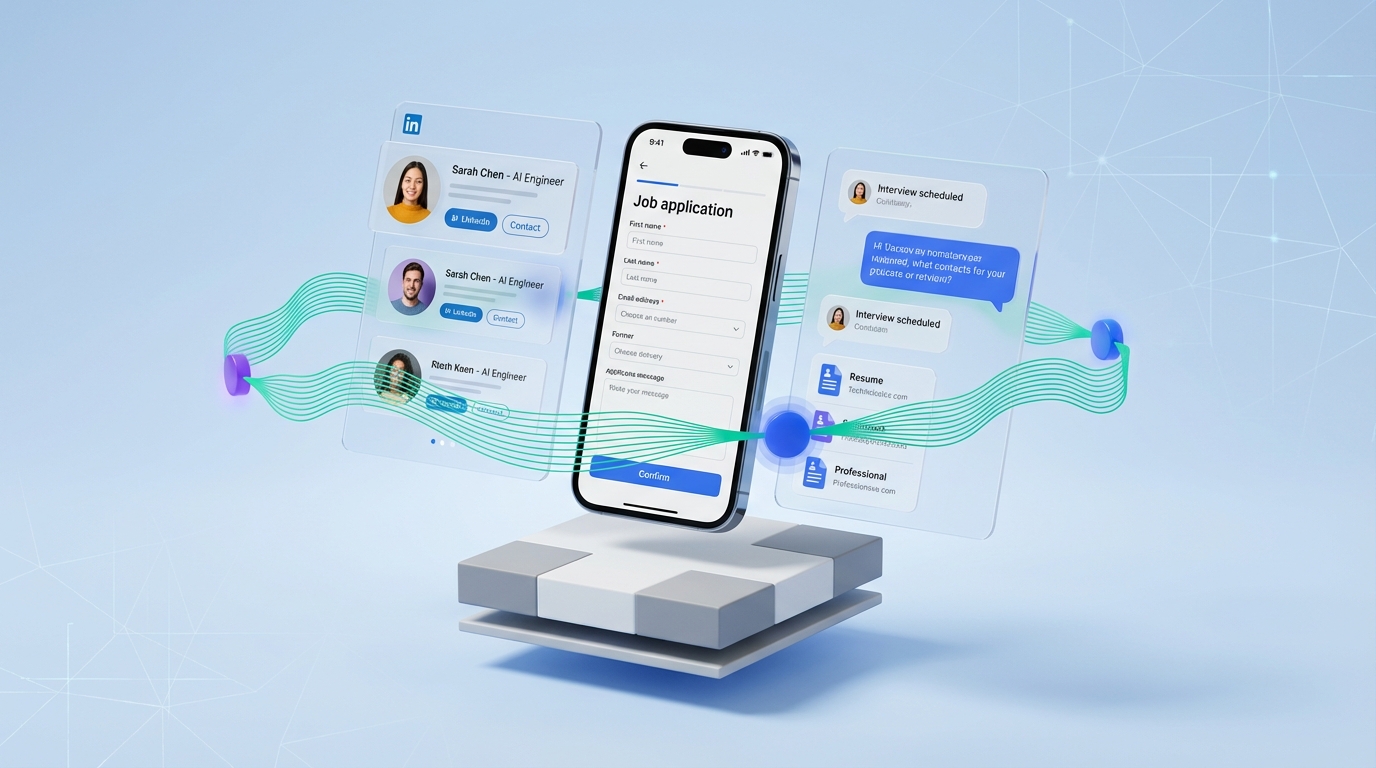
A reliable candidate database for recruiters in 2026 is not a single tool. It is a workflow that captures candidate intent, resumes, and contact details the moment a person engages, then keeps that data searchable and reusable across roles. In our recruiting ops reviews, the fastest improvements came from two changes: making every touchpoint mobile friendly for employed candidates, and automating first touch conversations on LinkedIn so resumes and contact details arrive already organized. StrategyBrain AI Recruiter fits into this workflow by handling LinkedIn outreach, answering role and compensation questions, confirming interview interest, and collecting resumes and contact information for your database. This guide covers mobile recruiting foundations, a practical database structure, and safe alternatives to risky “free resume lookup” and “resume lookup” shortcuts.
Key Takeaways
- Mobile first is a database strategy: if candidates cannot apply on a phone, you lose the resume before it ever reaches your system.
- SMS is a resilient capture channel: it helps when candidates have limited desktop access or inconsistent connectivity.
- Do not build your pipeline on “free resume lookup”: it often creates compliance and data quality risk; focus on consent based capture.
- StrategyBrain AI Recruiter can feed your database: it automates LinkedIn outreach and collects resumes and contact details from interested candidates.
- 24/7 multilingual messaging increases response coverage: AI Recruiter can communicate in the candidate’s native language across time zones.
- Scale with process, not headcount: AI Recruiter supports managing more than 100 LinkedIn accounts for team based outreach.
Table of Contents
- What a candidate database for recruiters actually is
- Mobile recruiting foundation: why it changes your database
- Method 1: Mobile ready capture on job pages and forms
- Method 2: SMS capture for low bandwidth candidates
- Method 3: LinkedIn automation with StrategyBrain AI Recruiter
- Method 4: Standardize your database schema and tagging
- Method 5: Governance, consent, and security
- Quick Comparison
- FAQ
- Conclusion
What a candidate database for recruiters actually is
A candidate database for recruiters is a structured system of record that stores candidate identity, contact details, resumes, conversation history, and status so you can search, segment, and re engage candidates for future roles. It is different from a pile of resumes in email because it supports repeatable retrieval and reporting.
In practice, your database is only as good as your capture points. If your capture points are slow, desktop only, or inconsistent, your database becomes incomplete and your recruiters fall back to manual “resume lookup” habits that do not scale.
Scope boundaries
- Covered: mobile recruiting capture, SMS workflows, LinkedIn outreach automation with AI Recruiter, a practical schema, and compliance basics.
- Not covered: legal advice, country specific retention schedules, or a full ATS vendor comparison.
Mobile recruiting foundation: why it changes your database
Mobile recruiting is not just a marketing improvement. It directly determines how many candidates enter your database and how complete their records are. A recruiting blog post by Kael Campbell dated April 25, 2013 argued that organizations without smartphone friendly recruiting options were falling behind and noted that a simple mobile version of a recruitment site can increase conversions and resume submissions. The same post described real world scenarios where employed candidates had limited desktop access and relied on mobile connectivity while commuting or working in remote locations.
That observation still holds in 2026. If your application flow breaks on a phone, your candidate database for recruiters will be biased toward candidates with time and desktop access, which is often the opposite of the talent you want to reach.
Method 1: Mobile ready capture on job pages and forms
This method improves the top of funnel so more candidates submit resumes into your database. It also improves data quality because candidates complete forms when they are motivated, not days later.
Steps
- Audit your mobile application path: open a job post on a phone, start an application, and confirm the entire flow works without pinch zoom or desktop only fields.
- Reduce form friction: keep required fields to the minimum needed to contact and route the candidate, then collect the rest later.
- Make resume upload resilient: accept common file types and allow candidates to submit a link or paste text if upload fails.
- Confirm capture immediately: send an instant confirmation message that includes the role name and next step so candidates trust the process.
Features
- Higher completion rate because the experience matches how candidates actually browse jobs.
- Cleaner records because the candidate enters data directly into your system.
- Faster time to first response because candidates can apply during commutes or breaks.
Limitations
- Does not solve outreach: mobile forms help inbound applicants, not passive candidates.
- Still needs governance: without consistent fields and tags, your database becomes hard to search.
Best For
- Teams that rely on inbound applicants and want more complete resume submissions.
- Recruiters hiring roles where candidates are often on site, traveling, or away from desktops.
Method 2: SMS capture for low bandwidth candidates
SMS is a practical bridge when candidates have limited internet access or prefer texting. The 2013 recruiting post referenced above described implementing text messaging through a database to stay in contact with candidates who had limited phone and internet access, and reported successful placements that began through text and mobile application forms.
Steps
- Create an opt in entry point: candidates text a keyword to start, then receive a consent message explaining what data you store.
- Collect minimum viable data: name, role interest, location, and a callback method.
- Request the resume: allow email submission or a file upload path when the candidate has connectivity.
- Write back to the database: store the SMS thread as conversation history tied to the candidate record.
Features
- Works on basic phones and in low bandwidth environments.
- Improves response speed because texting is low effort for candidates.
- Creates a searchable conversation trail when stored in your candidate database.
Limitations
- Compliance requirements: you need clear opt in and opt out handling.
- Data fragmentation risk: if SMS is not integrated, recruiters end up with notes in personal phones.
Best For
- Recruiting in field based industries where desktop access is inconsistent.
- Teams that need a backup channel when email response rates are low.
Method 3: LinkedIn automation with StrategyBrain AI Recruiter
If your candidate database for recruiters is missing passive talent, the gap is usually not storage. The gap is consistent outreach and follow up. StrategyBrain AI Recruiter is designed to automate the first touch and qualification conversation on LinkedIn so your database fills with candidates who have already expressed interest and shared contact details.
How it works in the database workflow
- Connect and introduce: AI Recruiter automatically connects with candidates that match your search criteria and introduces the job opportunity.
- Answer questions: it responds to questions about the role, company, and compensation so candidates do not stall waiting for a recruiter reply.
- Confirm interest: it checks whether the candidate wants to interview or continue the process.
- Collect resumes and contact details: for interested candidates, it requests a resume and captures contact information so recruiters can proceed with screening.
Steps
- Define your target search criteria: role title, location, seniority, and must have skills.
- Provide job context: company details, compensation, and benefits so the AI can answer consistently.
- Set the handoff rule: decide what “qualified enough” means for your team, such as interview interest plus a received resume.
- Review and finalize qualification: AI Recruiter does not decide final fit; recruiters review resumes and move candidates to interviews.
Features
- 24/7 multilingual communication so candidates get timely replies in their native language.
- Team scaling by supporting management of more than 100 LinkedIn accounts for coordinated outreach.
- Efficiency claims from product documentation: StrategyBrain states AI Recruiter can replace up to 90% of manual LinkedIn recruiting work and can lower costs to USD 2.40 per resume.
Limitations
- Not a final screening engine: it identifies willingness to communicate or interview, but recruiters still assess resume match.
- Requires clear job information: vague compensation or role scope leads to weaker candidate conversations.
Best For
- Recruiters who need a steady flow of passive candidates added to their database with conversation context.
- Teams hiring across time zones where follow up delays reduce response rates.
Method 4: Standardize your database schema and tagging
Even with strong capture, your candidate database for recruiters fails if records are inconsistent. The fix is a simple schema that every channel writes into, including mobile forms, SMS, and LinkedIn conversations.
A practical candidate record template
| Field | What it stores | Why it matters |
|---|---|---|
| Candidate ID | Unique internal identifier | Prevents duplicates across channels |
| Full name | Legal or preferred name | Search and communication accuracy |
| Primary contact | Email or phone | Enables follow up and scheduling |
| Resume status | Requested, received, missing | Pipeline visibility |
| Source channel | Mobile form, SMS, LinkedIn | Attribution and optimization |
| Role interest | Role family and level | Reuse for future openings |
| Conversation summary | Key notes and objections | Improves handoffs and candidate experience |
| Consent status | Opt in timestamp and method | Compliance and trust |
Steps
- Pick a controlled vocabulary: define standard tags for skills, locations, and role families.
- Normalize the intake: map every channel into the same fields so “resume received” means the same thing everywhere.
- Deduplicate weekly: merge records by email, phone, and LinkedIn profile identifier.
- Set re engagement triggers: for example, re contact candidates 90 days after “not now” if consent allows.
Limitations
- Requires discipline: schema only works if recruiters use it consistently.
- Needs integration planning: if your ATS and CRM are separate, decide which is the system of record.
Method 5: Governance, consent, and security
Many teams search for “free resume lookup” because it feels faster than building a real candidate database for recruiters. The tradeoff is risk: unclear consent, outdated data, and poor candidate experience. A better approach is to make consent based capture so your database is both usable and defensible.
Steps
- Document lawful basis and consent: store how and when the candidate agreed to be contacted.
- Limit access by role: recruiters see what they need; sensitive data is restricted.
- Set retention rules: define when to delete or anonymize inactive records.
- Protect credentials and data: use encryption and isolate customer data where possible.
How StrategyBrain AI Recruiter addresses privacy and security
According to StrategyBrain product documentation, AI Recruiter is designed to comply with privacy regulations in the European Union, United States, and Canada. The documentation also states that customer provided data is not used to train AI models, and that LinkedIn account credentials are encrypted and stored independently per user with explicit authorization.
Limitations
- This is not legal advice: confirm requirements with your counsel for your jurisdictions and data flows.
- Compliance is operational: tools help, but your team’s process determines outcomes.
Quick Comparison
| Method | Speed to capture | Cost | Best For |
|---|---|---|---|
| Mobile ready job pages and forms | Minutes per applicant | Varies by your stack | Inbound applicants and higher completion rates |
| SMS capture | 1 to 5 minutes per lead | Varies by provider | Low bandwidth candidates and fast follow up |
| StrategyBrain AI Recruiter on LinkedIn | Continuous, 24/7 messaging | Product specific | Passive candidate outreach and automated resume collection |
| Standardized schema and tagging | Ongoing | Internal time | Searchability and reuse across roles |
| Governance and compliance | Ongoing | Internal time and legal review | Trust, defensibility, and long term database quality |
FAQ
Is a candidate database for recruiters the same as an ATS?
No. An ATS is built to manage applicants for a specific requisition, while a candidate database is designed for long term search, segmentation, and re engagement across roles. Many ATS products include a database, but the workflow and data hygiene still matter.
Is “free resume lookup” a good way to build a database quickly?
Usually no. “Free resume lookup” and informal “resume lookup” approaches often produce outdated records and unclear consent. A consent based capture process through mobile forms, SMS opt in, and LinkedIn conversations is safer and typically yields higher quality data.
How does StrategyBrain AI Recruiter help populate my database?
It automates LinkedIn outreach and the initial conversation, then requests resumes and contact details from candidates who express interest. Recruiters review the collected resumes and proceed with final qualification and interviews.
Does AI Recruiter decide whether a candidate is a fit?
No. StrategyBrain states AI Recruiter identifies willingness to communicate or interview, but it does not determine whether the resume fully matches job requirements. Recruiters make the final fit decision.
Can AI Recruiter communicate with candidates in different languages?
Yes. StrategyBrain documentation describes 24/7 multilingual recruitment communication that uses the candidate’s native language to reduce misunderstandings and improve responsiveness across time zones.
How many LinkedIn accounts can a team manage with AI Recruiter?
StrategyBrain documentation states it supports managing more than 100 LinkedIn accounts, enabling organizations to build AI powered recruitment teams for scalable hiring.
What should I store first if my database is messy?
Start with identity, primary contact method, source channel, resume status, and a short conversation summary. Those fields make the database searchable and actionable even before you add deeper skill tagging.
What is the minimum mobile recruiting setup that still works?
A mobile friendly job page, a short application form that works on a phone, and an immediate confirmation message. If your audience has limited connectivity, add SMS opt in as a backup capture channel.
Conclusion
The fastest way to build a candidate database for recruiters is to improve capture at the moment candidates are ready to respond. Make your recruiting experience mobile friendly, add SMS for resilience, and standardize your schema so every channel writes into the same searchable record. If LinkedIn is a major source, StrategyBrain AI Recruiter can automate first touch outreach, handle candidate questions 24/7 in multiple languages, and collect resumes and contact details so your database grows with less manual work.
Next steps: run a phone based application audit today, define your candidate record template, and choose one channel to automate first. If your bottleneck is LinkedIn follow up, evaluate StrategyBrain AI Recruiter as the intake engine that feeds your database with consent based, conversation rich records.














