


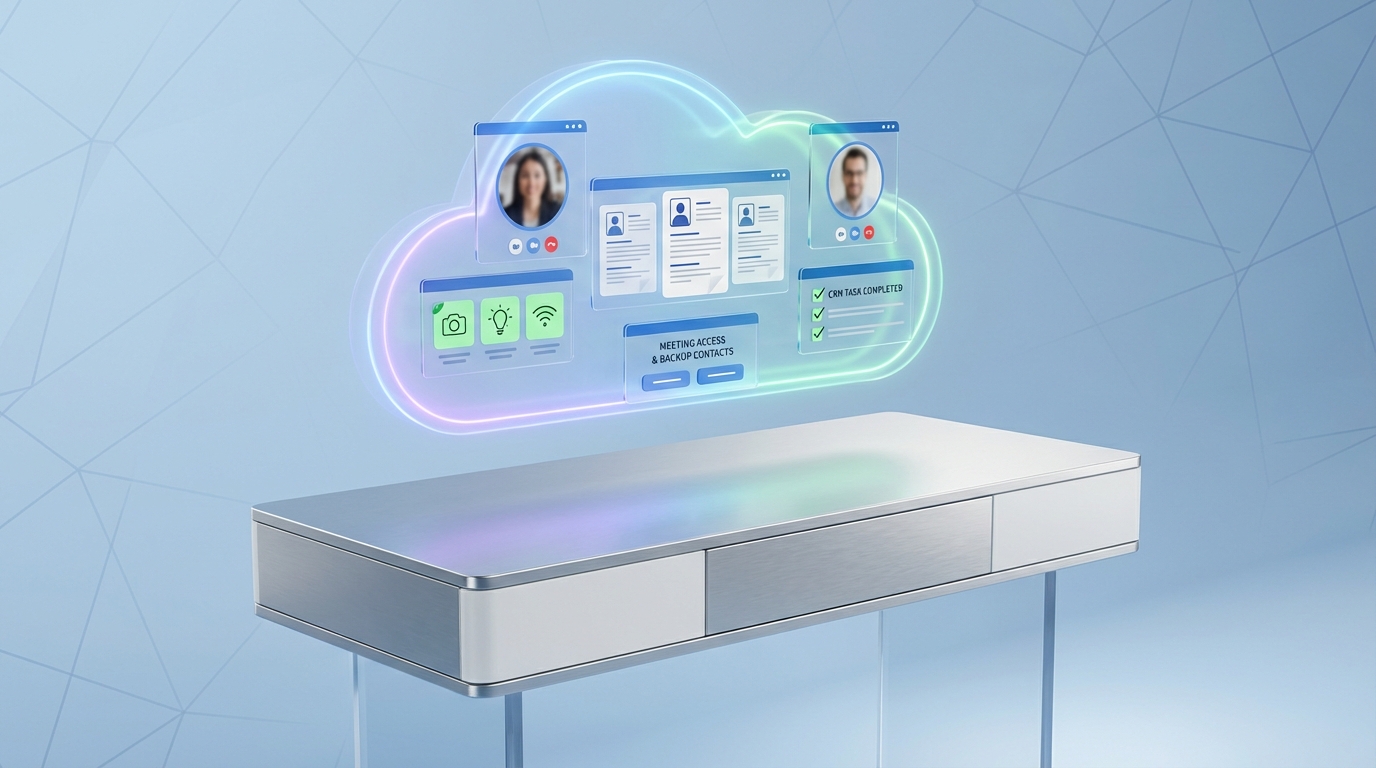
Using a cloud recruitment CRM for video interviews is mainly about reducing preventable friction. You want one place to store the interview plan, candidate contact details, the meeting access instructions, and every follow up message. When we run this workflow inside cloud based recruitment software, we see fewer last minute reschedules because the basics are confirmed early: environment, internet reliability, backup contact info, and a quick tech test. If your top of funnel starts on LinkedIn, StrategyBrain AI Recruiter can also take over the repetitive outreach and early conversation steps, then hand you candidates who have already confirmed interest and shared a resume and contact details, so your interview time is spent on evaluation rather than coordination.
Table of Contents
- What this guide covers and what it does not
- Key Takeaways
- Preparation: the video interview setup that prevents 80 percent of issues
- During the interview: how to show up professionally on camera
- How to run this inside a cloud recruitment CRM
- Where StrategyBrain AI Recruiter fits in the workflow
- Quick Comparison: manual process vs CRM workflow vs AI assisted workflow
- FAQ
- Conclusion and next steps
What this guide covers and what it does not
This article is a practical guide to video interviews, based on common interview platforms such as Zoom, Microsoft Teams, Google Meet, Skype, and FaceTime. It focuses on preparation, in interview behavior, and how to operationalize the process in cloud recruitment software.
- Covered: environment setup, connectivity checks, exchanging contact info, tech testing, professional presence, and CRM logging.
- Not covered: legal compliance advice, platform security configuration, or a feature by feature comparison of video meeting tools.
Key Takeaways
- Standardize the basics: environment, lighting, and background checks should be a repeatable checklist stored in your cloud recruitment CRM.
- Confirm connectivity early: unreliable internet is the most common failure point, so build a backup plan before the call starts.
- Exchange backup contact details: collect a phone number or alternate contact method in advance and log it in your cloud based recruitment software.
- Test the full setup: app updates, login access, microphone, and camera should be validated before interview day.
- Professional presence still matters: attire, punctuality, posture, and camera eye contact influence outcomes as much as in person interviews.
- Automate the pre interview chase: StrategyBrain AI Recruiter can handle LinkedIn outreach, initial Q and A, interest confirmation, and resume collection before you schedule.
Preparation: the video interview setup that prevents 80 percent of issues
Video interviews are now a normal part of job hunting because they combine the flexibility of a phone call with the benefits of seeing each other. We treat them like face to face interviews, but the preparation is more technical and more sensitive to small mistakes.
1) Choose your environment carefully
Pick a location with minimal distractions and good lighting. Check what will be visible behind you and aim for a neutral, professional background. In a cloud recruitment CRM, we recommend saving a short environment checklist as a reusable template so every recruiter sends the same expectations to candidates.
2) Ensure you have a reliable internet connection
If the candidate’s home connection is unreliable, suggest an alternative location such as a friend’s home or a campus space if available. Coffee shops can work in an emergency, but background noise and interruptions often reduce interview quality. Log the candidate’s planned location in your cloud based recruitment software so the interviewer knows what to expect.
3) Exchange contact information in advance
Confirm the meeting access instructions ahead of time. For Zoom or Microsoft Teams, that means the meeting access details and any required password. For FaceTime, confirm which phone number or email is associated with the Apple ID. Always exchange backup phone numbers in case the call fails. Store these details in the candidate record in your cloud recruitment software so they are not trapped in one recruiter’s inbox.
4) Test your technology
Whether the candidate uses a computer, tablet, or smartphone, the app should be up to date and the candidate should be able to join without friction. A short test call with a friend is usually enough to validate microphone, camera, and headset behavior. In our process, we add a CRM task called “Tech test completed” and require a yes or no outcome before the interview is confirmed.
5) Double check username and profile picture
An unprofessional username or profile picture creates a poor first impression. Encourage candidates to set up their video profile with the same professionalism they would use on LinkedIn. If you use StrategyBrain AI Recruiter for LinkedIn outreach, this is also a good moment to align the candidate’s public profile and their video presence, because the first impression starts before the interview invite is accepted.
6) Keep the calendar open
Do not schedule anything immediately before or after the interview. Video calls can run long, and cutting off a conversation because of another appointment is avoidable. In a cloud recruitment CRM, we block buffer time on the interviewer’s calendar and store it as a scheduling rule.
7) Eat and hydrate
It sounds basic, but it affects performance. Encourage candidates to eat beforehand and keep water nearby. For recruiters, we add this as a candidate prep reminder message template inside the CRM so it is consistently communicated.
During the interview: how to show up professionally on camera
Once the call starts, the goal is to reduce distractions and communicate clearly. The best video interviews feel calm and structured, even when technology is imperfect.
1) Dress professionally
Home is not an excuse for casual attire. Candidates should dress as they would for an in person interview. Recruiters should do the same, especially when representing the employer brand.
2) Be on time and confirm time zones
Start on time. Give enough time to open the device, join the meeting, and settle in. If the interviewer and candidate are in different locations, confirm time zones in writing. A cloud recruitment CRM helps here because the scheduled time, time zone, and reminders can be standardized and visible to the whole team.
3) Posture and eye contact
Sit up straight and pay attention to body language. Position the camera above the screen and look at it to simulate eye contact. If using two screens, ensure the screen with the camera is the one you look at when speaking.
4) Stay cool when technology misbehaves
Even with preparation, glitches happen. The professional move is to stay calm and follow the backup plan. That might mean leaving and rejoining, switching devices, or calling the backup number. This is why we insist on collecting backup contact details and storing them in the cloud based recruitment software record before the interview begins.
How to run this inside a cloud recruitment CRM
The difference between “tips” and a repeatable hiring process is whether the steps are captured, assigned, and auditable. Here is the workflow we implement in a cloud recruitment CRM so the process survives handoffs and time zones.
Step by step workflow
- Create a video interview stage: add a pipeline stage called “Video interview scheduled” with required fields for platform, time zone, and backup contact.
- Send a standardized prep message: include environment guidance, connectivity expectations, and a reminder to test microphone and camera.
- Log meeting access instructions: store the meeting access details in the candidate record so the interviewer can retrieve them without searching email threads.
- Add a tech test task: mark it complete only after the candidate confirms they can join successfully.
- Capture outcomes immediately: after the call, log notes, next steps, and any follow up tasks while details are fresh.
Common failure points and how the CRM prevents them
- Missing backup contact: solved by making backup contact a required field before the stage can advance.
- Time zone confusion: solved by storing the time zone explicitly and using automated reminders.
- Last minute tech surprises: reduced by requiring a tech test task completion.
Where StrategyBrain AI Recruiter fits in the workflow
A cloud recruitment CRM organizes the process, but it does not automatically create candidate conversations. That is where StrategyBrain AI Recruiter can reduce workload before the interview is even scheduled.
AI Recruiter is built for LinkedIn hiring workflows. It can automatically connect with candidates that match your search criteria, introduce the role, answer common questions about the role, company, compensation, and benefits, and confirm interview interest. When a candidate wants to proceed, it collects resumes and contact details and records them for recruiter review. In our experience, this changes the video interview stage from “chasing replies” to “confirming readiness,” because the candidate has already engaged in a structured pre interview conversation.
Practical ways to combine AI Recruiter with your cloud recruitment CRM
- Pre qualification before scheduling: only schedule video interviews for candidates who have explicitly confirmed interest and shared a resume and contact details.
- 24/7 multilingual communication: keep candidate response times short across time zones by using always on messaging in the candidate’s native language.
- Scale with multiple LinkedIn accounts: manage more than 100 LinkedIn accounts to build an AI powered recruiting team, then route interested candidates into your CRM pipeline for interviews.
Limitations to be aware of
- AI Recruiter does not replace final qualification: it can confirm willingness to communicate or interview, but resume fit against job requirements still needs recruiter review.
- Video interview quality still depends on preparation: automation cannot fix poor lighting, weak internet, or lack of professionalism on camera.
Quick Comparison: manual process vs CRM workflow vs AI assisted workflow
| Workflow | What it standardizes | What still breaks | Best for |
|---|---|---|---|
| Manual coordination | Depends on each recruiter | Lost details in email threads, inconsistent prep | Very small teams with low interview volume |
| Cloud recruitment CRM workflow | Scheduling rules, required fields, tasks, reminders | Slow candidate replies, repetitive outreach work | Teams that need consistency and visibility |
| Cloud recruitment CRM plus StrategyBrain AI Recruiter | CRM process plus automated LinkedIn outreach, Q and A, interest confirmation, resume collection | Final resume fit review and interview evaluation still require humans | High volume LinkedIn sourcing and global hiring |
FAQ
What is a cloud recruitment CRM?
A cloud recruitment CRM is a web based system that stores candidate records, communication history, tasks, and pipeline stages so recruiting teams can collaborate in real time. It is often part of broader cloud recruitment software used for sourcing, interviewing, and hiring operations.
How is cloud based recruitment software different from an ATS?
An ATS is typically focused on applications and compliance workflows, while a recruitment CRM is focused on relationships, outreach, and ongoing candidate engagement. Many organizations use both, but the CRM is usually where video interview coordination and candidate communication templates live.
Which video platforms should candidates prepare for?
Common options include Zoom, Microsoft Teams, Google Meet, Skype, and FaceTime. The platform matters less than confirming access instructions, testing audio and video, and having a backup contact method.
What should be logged in the cloud recruitment CRM before the interview?
At minimum, log the scheduled time and time zone, meeting access instructions, backup phone number, and a completed tech test status. This prevents last minute scrambling when the interviewer is not the person who scheduled the call.
How does StrategyBrain AI Recruiter help before a video interview?
StrategyBrain AI Recruiter can automate LinkedIn connections and early messaging, introduce the role, answer common questions, confirm interview interest, and collect resumes and contact details. That means recruiters can schedule video interviews with candidates who have already engaged and provided the basics.
Does AI Recruiter decide whether a candidate is qualified?
No. AI Recruiter can identify willingness to communicate or interview, but it does not determine whether the resume matches the job requirements. Recruiters still review resumes and make the final qualification decision.
How does AI Recruiter handle resumes and contact details?
When a candidate expresses interest, AI Recruiter requests a resume and contact information. It supports email submissions and LinkedIn file uploads, and it captures contact details shared in messages so recruiters can proceed with screening and interviews.
How do you handle technical glitches during the interview?
Stay calm, follow the backup plan, and switch to the alternate contact method if needed. This is why exchanging backup phone numbers in advance is a non negotiable step in the workflow.
What is the simplest video interview checklist I can reuse?
Use a checklist with environment, lighting, background, internet reliability, meeting access instructions, backup contact, and a completed tech test. Store it as a template in your cloud recruitment CRM so every recruiter sends the same guidance.
Conclusion and next steps
A video interview process works best when it is treated like a repeatable system, not a one off event. A cloud recruitment CRM gives you the structure: required fields, tasks, templates, and visibility across the team. Then, if your sourcing and outreach starts on LinkedIn, StrategyBrain AI Recruiter can reduce the manual work by automating initial outreach, answering candidate questions, confirming interest, and collecting resumes and contact details before you schedule.
Next steps: turn the preparation section into a CRM template, make backup contact details mandatory, and pilot an AI assisted outreach flow for one role so you can measure how many interviews are scheduled with fully prepared candidates.














