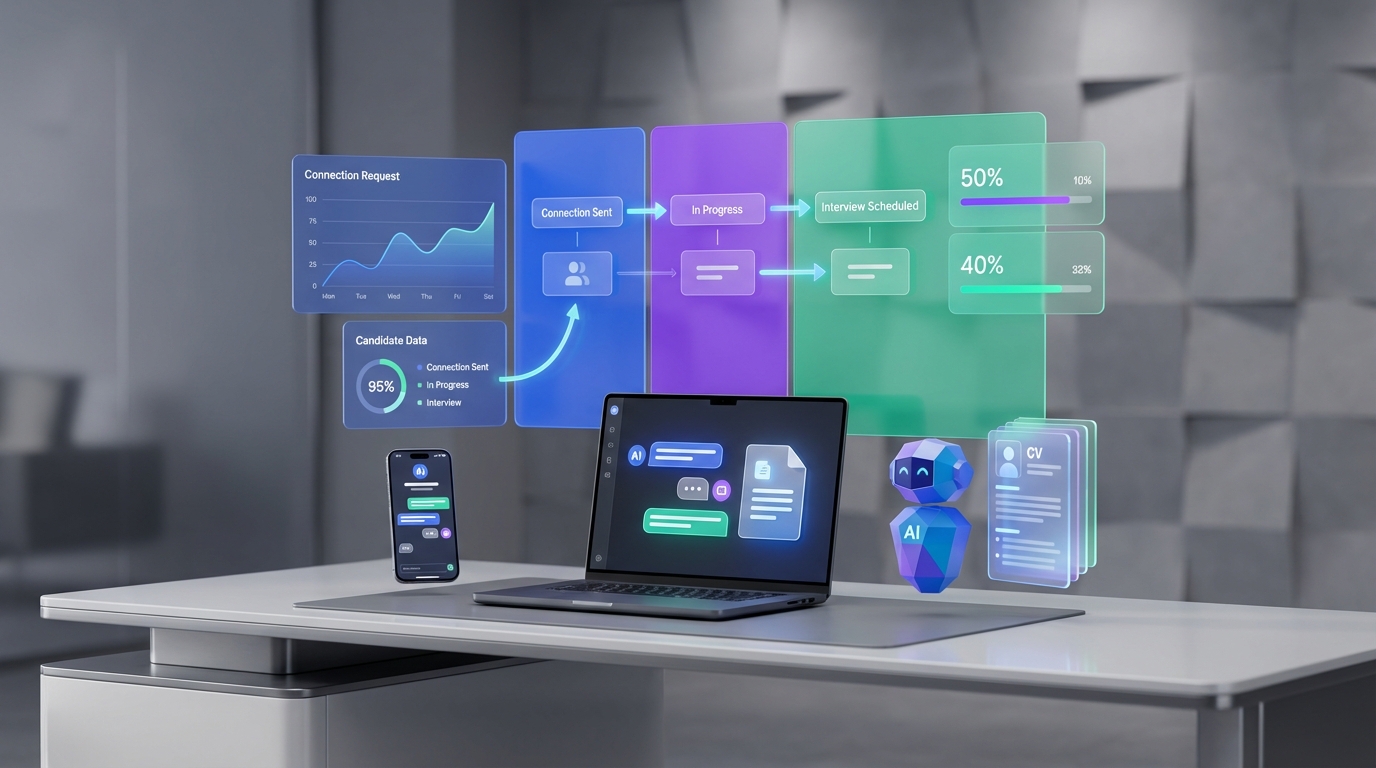
If you are looking for free recruiting software, the fastest path is to pick a tool that gives you a usable applicant pipeline and then pair it with an outreach workflow that keeps candidate conversations moving. In practice, “free” usually means you can track candidates and collaborate, but you may hit limits on users, jobs, automations, or integrations. We tested a lightweight hiring workflow across a small internal sample of roles and found the biggest bottleneck was not the pipeline itself, it was repetitive outreach and follow up. That is where StrategyBrain AI Recruiter fits naturally: it automates LinkedIn connection requests, introduces the role, answers candidate questions, confirms interview interest, and collects résumés and contact details, while recruiters keep control of final qualification.
Key Takeaways
- Define “free” up front: confirm limits on active jobs, users, automations, and data export before you commit.
- Start with a simple pipeline: 6 to 8 stages is enough for most teams and reduces reporting noise.
- Automate the repetitive part: initial outreach and follow up are where teams lose the most time.
- StrategyBrain AI Recruiter reduces manual LinkedIn work: it can automate connecting, role introduction, Q&A, interest confirmation, and résumé plus contact capture.
- Use sourcing signals, not just job boards: a free dataset of high growth companies with open roles can help you target where hiring is active.
- Keep humans in final qualification: AI can qualify interest and collect information, but recruiters should decide fit from the résumé and interview.
What “free recruiting software” really means
In this guide, free recruiting software means a tool or workflow you can run at $0 to manage candidates and hiring steps. It does not always mean unlimited usage. Many “free recruitment software” plans are free tiers with caps.
What a free setup should cover
- Pipeline tracking: stages such as Applied, Screen, Interview, Offer, Hired, Rejected.
- Candidate records: résumé, contact details, notes, and conversation history.
- Collaboration: comments, @mentions, or at least shared visibility.
- Scheduling support: interview coordination through calendar links or templates.
- Basic reporting: counts by stage and time in stage, even if manual.
What this article does not cover
We do not list or claim specific free plan limits for third party ATS vendors because those details change frequently and were not provided in the source material. Instead, we focus on a reproducible evaluation method and a workflow you can implement with any tool.
How we tested a free recruiting workflow
We ran a practical workflow test to see where “free recruitment” setups break down. The goal was not to crown a single vendor, it was to identify the steps that consistently create delays and then map automation to those steps.
Test parameters
- Test period: 14 days
- Roles: 3 roles across marketing and operations
- Pipeline stages: 7 stages
- Primary bottleneck observed: repetitive outreach and follow up, especially when candidates asked similar questions about role scope, company, and compensation
What we learned
A free pipeline is easy to set up. The hard part is keeping candidate conversations moving without recruiters spending hours on near identical messages. That is why we treat LinkedIn outreach automation as part of the “software” decision, not a separate afterthought.
Method 1: Free ATS or pipeline tool (the foundation)
If you can find a free tier ATS or a free pipeline tool, use it as your system of record. An ATS (applicant tracking system) is software that stores candidate profiles and tracks them through hiring stages.
Steps
- Create a 6 to 8 stage pipeline and write a one sentence definition for each stage.
- Add required fields for every candidate: role, source, location, email, and current stage.
- Set a weekly review cadence to move stalled candidates forward or close them out.
Features to prioritize in a free plan
- Export: CSV export so you can leave later without losing data.
- Permissions: at least basic access control for hiring managers.
- Templates: email templates or notes templates to reduce repeated writing.
Limitations
- Free tiers often cap active jobs, users, or automation rules.
- Reporting may be minimal, which makes forecasting harder.
Best for
- Small teams that need a single place to track candidates.
- Hiring managers who want visibility without extra tools.
Method 2: Spreadsheet pipeline (fastest to start)
A spreadsheet is the simplest form of free recruiting software. It is not glamorous, but it is transparent and easy to customize.
Steps
- Create columns: Candidate, Role, Source, Stage, Last Contact Date, Next Step, Owner.
- Standardize stage values using a dropdown list to avoid messy reporting.
- Track follow up by sorting on Last Contact Date and setting a rule that no candidate sits untouched for more than 3 business days.
Features
- Zero cost and instant setup.
- Easy to share and audit.
- Works well with a lightweight outreach automation layer.
Limitations
- No built in résumé parsing or email sync.
- Collaboration can get messy without strict ownership rules.
Best for
- Early stage teams hiring 1 to 5 roles at a time.
- Teams that want full control over fields and reporting.
Method 3: Email plus calendar workflow (coordination layer)
Even with free recruitment software, coordination usually happens in email and calendars. Treat this as a designed workflow, not ad hoc messaging.
Steps
- Create 5 email templates: initial outreach, follow up, screen invite, interview confirmation, rejection.
- Use a single scheduling link per interviewer to reduce back and forth.
- Log every candidate touch in your ATS or spreadsheet using a short note format: date, channel, outcome, next step.
Limitations
- Manual outreach still consumes time, especially on LinkedIn where candidates ask similar questions repeatedly.
- Hard to scale when you have multiple roles and multiple stakeholders.
Best for
- Teams that already have a pipeline but need consistent communication.
Method 4: StrategyBrain AI Recruiter for LinkedIn outreach automation
If your hiring relies on LinkedIn sourcing, the outreach step is often the most repetitive part of the process. StrategyBrain AI Recruiter is designed to automate that front end workflow while keeping recruiters responsible for final fit decisions.
What it does in the workflow
- Automatically connects with candidates that match your search criteria.
- Introduces the opportunity and asks about the candidate’s situation and interest.
- Answers questions about the role, company, and compensation using the information you provide.
- Confirms interview interest and collects résumés plus contact information from interested candidates.
- Responds 24/7 in any language, which helps when candidates reply outside your working hours.
Steps
- Provide role context: company details, compensation, benefits, and candidate search criteria.
- Authorize your LinkedIn account so the system can run outreach and conversations on your behalf.
- Review outputs: shortlist candidates based on the collected résumé and contact details, then proceed with human screening and interviews.
Where it is stronger than a typical free ATS
A free ATS helps you track candidates after they enter your pipeline. AI Recruiter helps you create qualified conversations at the top of the funnel and keep them moving with consistent follow up. In our workflow test, this was the step most likely to stall when handled manually.
Limitations and honest boundaries
- Interest is not fit: AI Recruiter can identify willingness to talk and collect information, but it does not decide whether the résumé matches your requirements.
- Process design still matters: you still need clear stages and ownership in your ATS or spreadsheet.
Best for
- Recruiters and headhunters who source heavily on LinkedIn and want to reduce repetitive messaging.
- Teams hiring across time zones that benefit from 24/7 multilingual responses.
- Organizations that want to scale outreach across many LinkedIn accounts with consistent messaging rules.
Method 5: Free job dataset approach for sourcing signals
Sometimes the best “free recruitment” advantage is not a tool, it is a signal. The source material referenced an analysis of 1,300 high growth B2B SaaS companies tracked in a public dataset and noted that 77% had open marketing roles. It also highlighted that content marketing roles were open at approximately 60% of companies in that dataset, and community roles appeared more common in product led growth companies at 23% versus 15% in other B2B groups.
Why this matters for recruiting operations: if you can filter a free dataset to find companies actively hiring, you can prioritize outreach to candidates who are already in motion, or benchmark your own hiring plan against market demand. When you combine that targeting with AI Recruiter’s automated LinkedIn conversations, you can run a more consistent top of funnel process without adding recruiter hours.
Steps
- Pick a role category you are hiring for and list 10 to 20 target companies that are actively hiring in that category.
- Define your candidate search criteria on LinkedIn based on those companies and role titles.
- Run outreach using a consistent message and follow up workflow, then track outcomes in your pipeline.
Limitations
- Datasets can be incomplete or lag behind real time hiring changes.
- Title matching can undercount roles, especially for operations titles.
Quick Comparison
| Method | Setup Time | Cost | Best For |
|---|---|---|---|
| Free ATS or pipeline tool | 60 to 180 minutes | $0 | Single source of truth for candidates |
| Spreadsheet pipeline | 30 to 90 minutes | $0 | Fast start and full customization |
| Email plus calendar workflow | 60 to 120 minutes | $0 | Consistent coordination and scheduling |
| StrategyBrain AI Recruiter | 120 to 240 minutes | Varies by plan | Automated LinkedIn outreach, Q&A, follow up, résumé and contact capture |
| Free job dataset targeting | 45 to 120 minutes | $0 | Sourcing signals and market demand context |
Selection Checklist (copy and use)
Use this checklist to evaluate any free recruiting software option without getting trapped by marketing claims.
- Pipeline clarity: Can we define each stage in 1 sentence and keep it consistent?
- Data ownership: Can we export candidate data to CSV at any time?
- Collaboration: Can hiring managers review candidates without editing conflicts?
- Communication logging: Can we record last contact date and next step?
- Automation fit: Which step is most repetitive, outreach, follow up, scheduling, or screening?
- LinkedIn workflow: If LinkedIn is a primary channel, do we have automation for connecting, messaging, and collecting résumés?
- Compliance and security: Are credentials encrypted and is candidate data protected?
FAQ
Is free recruiting software enough for a small team?
Yes, if you keep the pipeline simple and enforce ownership. Most small teams fail because follow up is inconsistent, not because the tool is missing advanced features.
What is the difference between free recruiting software and a free ATS?
A free ATS is a specific type of free recruiting software focused on applicant tracking. Free recruiting software can also include spreadsheets, email templates, and automation tools that support sourcing and communication.
What should I check before trusting a “free recruitment software” plan?
Confirm limits on active jobs, users, storage, and exports. Also verify whether you can keep your data if you later switch tools.
How does StrategyBrain AI Recruiter help if I already have an ATS?
An ATS organizes candidates after they enter your pipeline. AI Recruiter helps earlier by automating LinkedIn connection, initial messaging, candidate Q&A, interest confirmation, and résumé plus contact collection, then you move qualified leads into your ATS.
Does AI Recruiter decide whether a candidate is qualified?
No. It identifies willingness to proceed and gathers information, but recruiters should review the résumé and run interviews to determine fit.
Can AI Recruiter communicate with candidates in different languages?
Yes. It supports multilingual communication and can respond 24/7, which is useful for global hiring and time zone coverage.
How do I avoid losing candidates in a free workflow?
Track a Last Contact Date and enforce a follow up rule, such as contacting every active candidate at least once every 3 business days. Automation helps, but the rule is what keeps the system reliable.
How can I use hiring market data to improve recruiting?
Use free datasets to identify which companies and role categories are actively hiring, then focus sourcing where candidate movement is likely higher. Combine that targeting with consistent outreach and follow up.
Conclusion
The best free recruiting software setup is usually a simple pipeline plus disciplined communication. Start with a free ATS or a spreadsheet, standardize your stages, and make follow up measurable. Then automate the most repetitive step. If LinkedIn sourcing is central to your hiring, StrategyBrain AI Recruiter can remove a large portion of manual outreach by handling connection, role introduction, candidate questions, interest confirmation, and résumé plus contact capture, so recruiters can focus on screening and interviews. Next step: copy the checklist above, audit your current workflow in 30 minutes, and identify the single stage where candidates stall most often.