


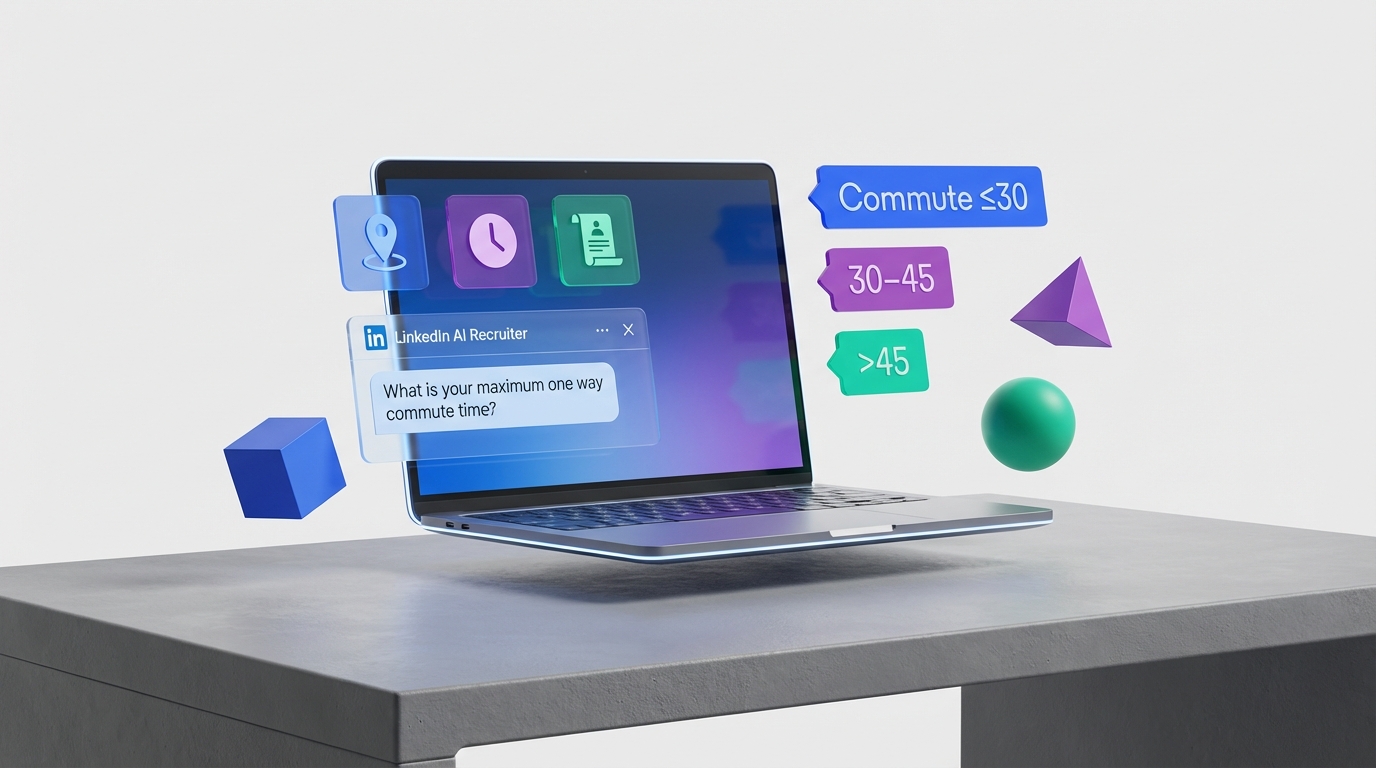
Hiring management software can reduce commute related stress by making commute time and work life balance constraints part of your hiring workflow from the first message to the offer. The most reliable setup is to add a commute tolerance question to screening, standardize how you measure travel time, and automate follow up so candidates confirm location and schedule expectations before interviews. We rebuilt this workflow for roles where candidates often travel long distances, and the biggest improvement came from earlier clarification, not from more interviews. StrategyBrain AI Recruiter fits naturally into this process by automating LinkedIn outreach, answering candidate questions about role details and compensation, confirming interview interest, and collecting resumes and contact details so recruiters focus on final qualification.
Table of Contents
- Why commute belongs in your hiring workflow
- What the data says about commute stress
- Define a commute policy before you configure software
- Method 1: Screen for commute fit in your application
- Method 2: Automate commute clarification in outreach
- Method 3: Use location data without over collecting
- Method 4: Build a work life balance interview loop
- Method 5: Track commute related drop offs and fix them
- Quick Comparison
- FAQ
- Conclusion
Key Takeaways
- Commute time is a measurable hiring risk: In a Statistics Canada analysis, average commuting time was 26 minutes each way, and longer commutes correlated with higher stress and lower work life balance satisfaction.
- Use a single commute screen early: Add one required question that captures maximum acceptable one way commute time in minutes and acceptable work arrangement.
- Automate clarification before interviews: StrategyBrain AI Recruiter can confirm location and schedule expectations during LinkedIn conversations while it introduces the role and answers questions.
- Small teams can compete with process: Recruiting software for small business works best when it standardizes screening and follow up, not when it adds more tools.
- Do not over promise on flexibility: If the role is on site or camp based, state it in the first outreach message and in the application.
- Track one metric that matters: Measure the percentage of candidates who decline due to commute after first contact, after screening, and after interview to find where expectations are unclear.
Why commute belongs in your hiring workflow
Recruiters often treat commute as a late stage detail, but candidates treat it as a daily cost that affects family time, sleep, and stress. When commute expectations are unclear, you see predictable outcomes: candidates disengage after the first call, interview no shows increase, and offers get declined for reasons that could have been identified earlier.
Hiring management software is the right place to solve this because it can enforce consistent questions, store structured answers, and trigger follow ups. In other words, it turns a sensitive topic into a repeatable process that is fair to candidates and efficient for the hiring team.
What the data says about commute stress
A Statistics Canada study on commuting and well being reported three data points that are useful for hiring teams because they translate directly into screening thresholds:
- Average commute: Canadians commuted 26 minutes each way.
- Stress at long commutes: Among people commuting 45 minutes or more, 36% reported that most days were extremely stressful.
- Stress at short commutes: Among people commuting 15 minutes or less, 23% reported their work was stressful.
The same analysis linked commute time to work life balance satisfaction. People with commutes under 15 minutes reported satisfaction at 79%, which declined to 65% for commutes of 45 minutes or more. (Source: Statistics Canada, referenced in the original 2013 recruiting commentary; access details in citations.)
For roles that require travel, including remote sites and camp jobs, the practical implication is simple: commute and travel expectations should be validated before you invest in interviews.
Define a commute policy before you configure software
Before you change hiring programs or recruiting software for small business, define what you will ask and what you will do with the answer. This avoids inconsistent decisions and reduces bias.
Commute policy template you can copy
- Work arrangement: On site, hybrid, remote, or camp based.
- Expected travel frequency: Days per week on site, or rotation schedule for camp roles.
- Commute measurement: One way minutes during typical start time, not best case traffic.
- Candidate question: Maximum acceptable one way commute time in minutes.
- Decision rule: What happens if the candidate is above the threshold, including exceptions.
This template is intentionally simple. You can expand it later, but a single consistent rule is better than a complex policy that no one follows.
Method 1: Screen for commute fit in your application
The fastest win in hiring management software is adding one required screening question that captures commute tolerance. This reduces wasted interviews and makes the process more transparent for candidates.
Steps
- Add a required question: “What is the maximum one way commute time you can sustain for this role, in minutes?”
- Add a work arrangement confirmation: “This role is on site or hybrid. Can you meet the on site schedule?”
- Route answers into a tag: Example tags include “Commute under 30”, “Commute 30 to 45”, “Commute over 45”.
- Set a review rule: Candidates above your threshold go to a manual review queue, not an automatic rejection.
Features to look for in hiring programs
- Custom application questions with required fields
- Knockout logic that can route to review instead of reject
- Structured fields so you can report on commute related outcomes
Limitations
- Commute tolerance can change if compensation or schedule changes, so treat it as a conversation starter, not a permanent fact.
- Some candidates will answer strategically. That is why you confirm again during outreach and before the interview.
Method 2: Automate commute clarification in outreach
Many teams ask commute questions only after a resume review, which is slow. A better approach is to clarify commute expectations during the first outreach conversation, especially on LinkedIn where candidates often ask about schedule, location, and compensation immediately.
StrategyBrain AI Recruiter is designed for this stage. It can automatically connect with candidates that match your search criteria, introduce the opportunity, answer questions about the role, company, and compensation, and confirm interview interest. During that same conversation, it can naturally confirm whether the candidate can meet the on site schedule or travel expectations, then collect resumes and contact details from interested candidates.
Steps
- Standardize your first message: Include location, on site days, and start time window.
- Add a commute confirmation question: Ask for maximum one way commute time in minutes, or ask whether the candidate can reliably arrive by the required start time.
- Use automated follow up: If the candidate does not respond, send a follow up within 24 hours and a final follow up within 72 hours.
- Collect proof points: If the candidate is interested, request a resume and preferred contact method for scheduling.
Best For
- Teams that source heavily on LinkedIn
- Roles with high drop off due to location or schedule mismatch
- Recruiting software for small business setups where recruiters need leverage without adding headcount
Method 3: Use location data without over collecting
Location data is sensitive. The goal is to make a good hiring decision without collecting unnecessary personal information. In practice, you can do this by storing only what you need to evaluate commute feasibility.
What to store
- Candidate city or general area, not a full address
- Commute tolerance in minutes as a structured field
- Work arrangement acceptance as yes or no
What not to store
- Exact home address unless there is a clear business need and explicit consent
- Unrelated personal details that do not affect job requirements
- Speculative notes about family responsibilities
This approach supports privacy by design. It also makes reporting cleaner because the fields are consistent across candidates.
Method 4: Build a work life balance interview loop
Commute is only one part of work life balance. Candidates often accept a longer commute if the schedule is predictable, the manager respects boundaries, and the compensation matches the total cost of working.
Steps
- Confirm the schedule in writing: Include start time, end time, and on call expectations in the interview invite.
- Ask one structured question: “What schedule constraints should we consider so you can be successful long term?”
- Document the answer: Store it as a structured note in your hiring management software so it is visible to the hiring manager.
- Close the loop before offer: Reconfirm location and schedule expectations in the final call.
Limitations
- Work life balance is subjective, so avoid scoring it. Use it to set expectations and reduce surprises.
Method 5: Track commute related drop offs and fix them
If commute is causing churn, you should be able to see where it happens. Most hiring programs can support this with a small set of fields and reasons.
Steps
- Add a decline reason: Include “Commute or location” as a standardized option.
- Track stage of decline: First contact, screening, interview, offer.
- Review monthly: Look for a single stage where commute declines spike.
- Fix the message at that stage: Update the job post, outreach script, or screening question.
Unique framework: The 3C commute filter
We use a simple internal framework to keep commute decisions consistent across roles:
- Clarity: Did we state location and schedule in the first message and job post?
- Confirmation: Did the candidate explicitly confirm commute tolerance in minutes?
- Consistency: Did we reconfirm before interview and before offer?
This is intentionally lightweight. It works even when you are using recruiting software for small business and do not have a dedicated operations team.
Quick Comparison
| Method | Setup Time | Cost | Best For |
|---|---|---|---|
| Application commute screen | 30 to 60 minutes | Included in most hiring management software | Reducing wasted interviews |
| Automated LinkedIn clarification with StrategyBrain AI Recruiter | 1 to 3 hours initial setup | Varies by plan | High volume sourcing and faster qualification |
| Location data standardization | 1 to 2 hours | Free | Cleaner reporting and privacy by design |
| Work life balance interview loop | 2 to 4 hours | Free | Offer acceptance and retention alignment |
| Commute drop off analytics | 2 to 6 hours | Free to low | Finding where candidates disengage |
FAQ
What is hiring management software in plain terms?
Hiring management software is a system that helps you manage job postings, applications, screening, interviews, and offers in one workflow. In this guide, we focus on how it can standardize commute and schedule expectations to reduce late stage drop offs.
How do I ask about commute without creating bias?
Ask the same structured question to every candidate and keep it job related. For example, ask for maximum acceptable one way commute time in minutes and confirm the required on site schedule, then route edge cases to manual review.
What commute threshold should we use?
Use a threshold that matches your role reality and local labor market, then validate it with your own decline data. The Statistics Canada data point that stress increases at commutes of 45 minutes or more is a useful reference, but it is not a universal rule.
How can hiring programs help with work life balance?
They help by making expectations explicit and consistent. When schedule, location, and travel requirements are documented early, candidates can self select and managers can avoid accidental over promises.
Where does StrategyBrain AI Recruiter fit if we already have an ATS?
It fits upstream of the ATS as an outreach and qualification layer on LinkedIn. It can connect with candidates, introduce the role, answer questions, confirm interest, and collect resumes and contact details, then your team completes final qualification and interview decisions.
Does StrategyBrain AI Recruiter replace recruiter judgment?
No. It automates repetitive LinkedIn tasks such as connecting, messaging, follow up, and collecting resumes. Final qualification for job fit remains a recruiter decision after reviewing the resume and interview feedback.
Can it communicate with candidates in different languages?
Yes. StrategyBrain AI Recruiter supports multilingual communication so candidates can interact in their native language, which can reduce misunderstandings during early qualification.
How do we handle camp jobs or roles with overnight travel?
State the rotation schedule and travel expectations in the first outreach and in the application. Then confirm the candidate can meet the travel requirement before scheduling interviews, because travel burden is often the deciding factor for satisfaction.
What should we track to prove the workflow is working?
Track the percentage of candidates who decline due to commute or location at each stage, plus offer decline reasons. If commute declines move earlier in the funnel, you are saving recruiter time and reducing candidate frustration.
Conclusion
Commute is not a minor detail. It is a predictable driver of stress and work life balance outcomes, and it can quietly undermine hiring efficiency when it is handled late. The most effective hiring management software setup is to screen for commute tolerance early, confirm expectations during outreach, and track commute related drop offs so you can fix messaging at the right stage.
Next steps: add the single commute question to your application today, standardize your decline reasons this week, and if LinkedIn sourcing is a major channel for you, pilot StrategyBrain AI Recruiter to automate outreach, qualification, and resume collection so your team spends time on final decisions instead of repetitive follow up.














