


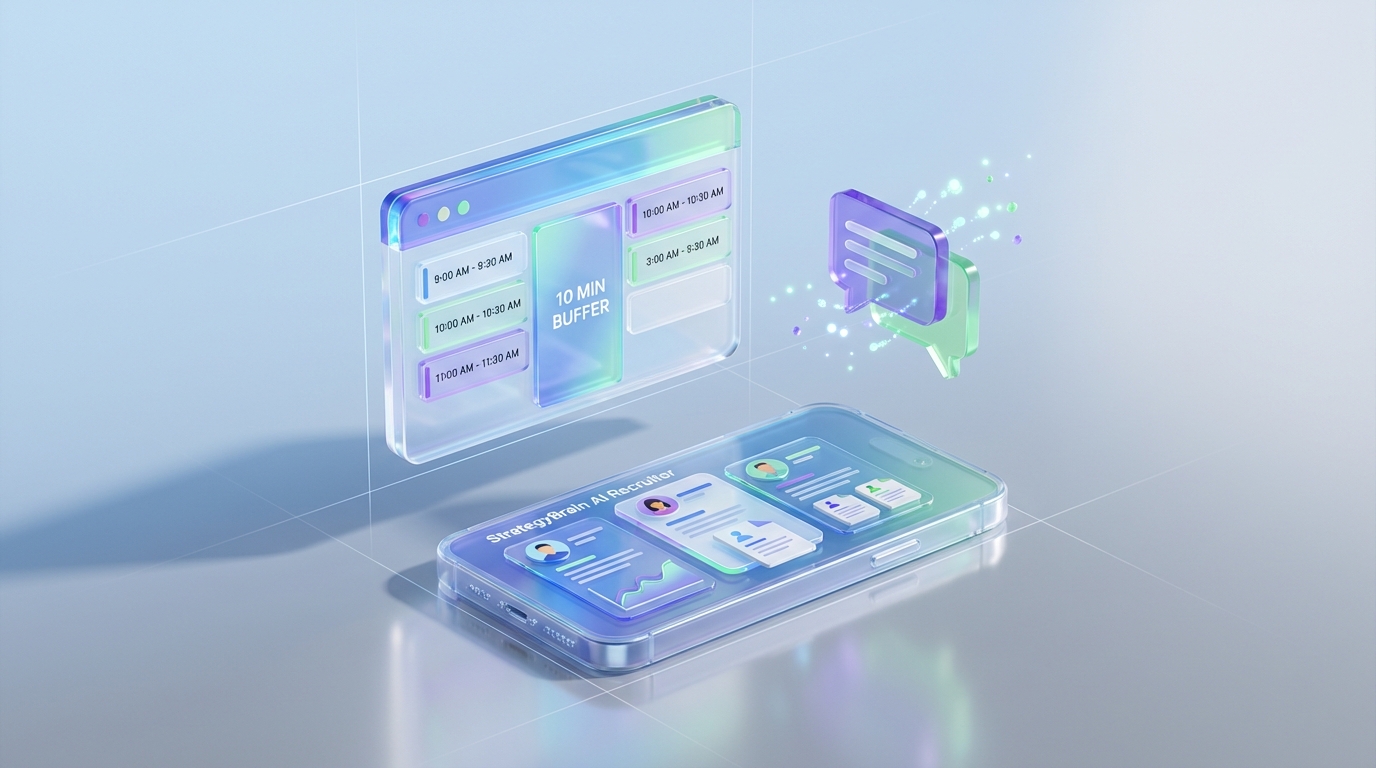
An interview scheduling app helps you book interviews faster by automating availability collection, time zone handling, reminders, and rescheduling. For small teams, the most reliable approach we have used is a simple scheduling workflow plus automated candidate messaging so you reduce back and forth and keep candidates engaged. In this guide, we share 5 practical methods to build an interview schedule that candidates actually confirm, including a lightweight calendar link workflow and an AI assisted approach using StrategyBrain AI Recruiter to handle LinkedIn outreach, qualification, and resume collection before you schedule. This article covers scheduling operations and coordination, not salary negotiation strategy.
Key Takeaways
- Fastest path to fewer no shows: send 3 time options plus a single scheduling link, then confirm in writing within 30 minutes.
- Best for small teams: use scheduling programs for small business that support time zones, buffers, and reminders by email and SMS.
- Reduce back and forth on LinkedIn: StrategyBrain AI Recruiter can automate initial outreach, answer role questions, confirm interest, and collect resumes before you schedule.
- Operational rule that matters: add a 10 minute buffer and a 24 hour reminder for every interview schedule.
- Compliance baseline: document consent, minimize data collected, and keep candidate data encrypted and access controlled.
- Most common failure: unclear next step after interest is confirmed, which causes drop off before the calendar invite is accepted.
What an interview scheduling app should do
When teams search for an interview scheduling app, they usually want fewer emails, fewer time zone mistakes, and fewer no shows. In practice, the best scheduling programs for small business solve four operational problems.
Core capabilities to look for
- Availability rules: working hours, minimum notice, and buffers between meetings.
- Time zone handling: candidate sees times in their local time zone, not yours.
- Reminders and confirmations: automated reminders plus a clear confirmation message.
- Rescheduling controls: candidate can reschedule within limits without restarting the process.
Definitions used in this guide
- Interview schedule: the set of booked interview slots, interviewers, and candidate confirmations for a role.
- Buffer: a fixed time block, such as 10 minutes, inserted before or after an interview to prevent overlap.
- Qualification: confirming interest and collecting basic information such as resume and contact details before scheduling.
Method 1: Calendar link workflow for quick booking
This is the simplest method and the one we recommend when you have a steady flow of candidates and a single interviewer. It works best when your interview schedule is mostly one on one calls.
Steps
- Create one interview event type with a fixed duration, such as 30 minutes, and add a 10 minute buffer.
- Set availability rules including minimum notice of 12 hours and a maximum of 6 interviews per day.
- Send one scheduling link after the candidate confirms interest and you have the correct email address.
- Confirm in writing by replying with the exact date, time, and time zone shown on the invite.
Features
- Low admin time: candidates self select a slot.
- Fewer time zone errors: the tool converts automatically.
- Easy rescheduling: candidates can move the meeting without a long email chain.
Limitations
- Drop off risk: if you send a link too early, some candidates never book.
- Not ideal for panels: coordinating multiple calendars needs more structure.
Best for
- Small business hiring with 1 interviewer per stage
- Roles with a consistent interview format
Method 2: Structured time option workflow for high response rates
If you are seeing slow replies, a structured message with a few options often performs better than a single link. We use this when candidates are passive or when the role requires extra context before they commit to a time.
Steps
- Send 3 time options in the candidate time zone, each on a different day.
- Ask one confirmation question such as “Which option works best for you” and request their phone number if you need SMS reminders.
- After they pick, send the calendar invite and include the agenda in 3 bullet points.
- Send a 24 hour reminder and a 2 hour reminder with the meeting link and contact method.
Copyable template
Subject: Interview scheduling
Message: Thanks for your interest. Here are 3 options for a 30 minute interview. Please reply with 1, 2, or 3 and confirm your time zone.
- Option 1: Tuesday 10:00
- Option 2: Wednesday 14:00
- Option 3: Friday 09:00
Once you choose, I will send the calendar invite with the meeting link and agenda.
Limitations
- More manual work: you still need to create the invite after they choose.
- Time zone diligence required: you must confirm the candidate time zone explicitly.
Best for
- Passive candidates who need context before booking
- Teams that want a controlled interview schedule
Method 3: AI assisted LinkedIn scheduling with StrategyBrain AI Recruiter
If your bottleneck is not the calendar tool but the time spent getting candidates to the point where scheduling makes sense, an AI assisted workflow can help. We have used StrategyBrain AI Recruiter to automate the repetitive LinkedIn steps that happen before scheduling, including connecting with candidates, introducing the role, answering common questions about the company and compensation, confirming interview interest, and collecting resumes and contact details. Once interest is confirmed, your interview scheduling app becomes the final step rather than the entire process.
Steps
- Define candidate search criteria and provide role details such as company context, compensation, and benefits.
- Let AI Recruiter run outreach and follow up so candidates get timely responses even outside business hours.
- Collect resumes and contact details from interested candidates, then review the shortlist.
- Send scheduling options using your interview scheduling app only after the candidate is ready to book.
What we found in real workflows
- Fewer stalled conversations: always on messaging reduces the gap between interest and booking.
- Cleaner handoff to scheduling: you schedule only after the candidate confirms intent and shares a resume.
- Global reach: multilingual communication helps when candidates prefer their native language.
Limitations and boundaries
- Not a final fit decision: AI Recruiter can confirm willingness to interview, but resume based qualification still requires recruiter review.
- Process design still matters: you need a clear rule for when to send the scheduling link and who owns the next step.
Best for
- LinkedIn heavy sourcing where messaging volume is the bottleneck
- Teams that want to scale outreach without adding recruiters
Method 4: Panel interview scheduling with role based templates
Panel scheduling fails when everyone uses a different process. A template based approach makes the interview schedule predictable and easier to coordinate.
Steps
- Create a panel template with required interviewers and a default duration, such as 45 minutes.
- Define interviewer roles such as hiring manager, peer, and cross functional partner.
- Use scheduling rules that require all panelists to be available, then offer the candidate 2 to 4 slots.
- Send one consolidated invite with the agenda and who they will meet.
Limitations
- Calendar complexity: more people means fewer available slots.
- Higher reschedule cost: one change affects multiple stakeholders.
Best for
- Mid stage hiring processes with structured evaluation
- Roles where multiple perspectives are required
Method 5: High volume hiring with batching and buffers
When you are hiring at volume, the interview scheduling app is only part of the system. The operational trick is batching interviews into predictable blocks and protecting recruiter time with buffers.
Steps
- Batch interview blocks such as Tuesday and Thursday mornings only.
- Set capacity limits such as 8 screens per day and 4 second round interviews per week.
- Standardize reminders with a 24 hour reminder and a 2 hour reminder.
- Use a reschedule policy that allows 1 self serve reschedule and then requires recruiter approval.
Quick checklist
- Confirm candidate time zone in writing
- Include meeting link and agenda in the invite
- Add a 10 minute buffer between interviews
- Send reminders at 24 hours and 2 hours
- Define who owns follow up if the candidate does not confirm
Quick comparison
| Method | Speed to book | Admin effort | Best for |
|---|---|---|---|
| Calendar link workflow | Fast | Low | Simple one on one interview schedule |
| 3 option workflow | Medium | Medium | Higher response rates with passive candidates |
| AI assisted LinkedIn workflow with StrategyBrain AI Recruiter | Fast after interest is confirmed | Low to medium | Scaling outreach and qualification before scheduling |
| Panel template scheduling | Medium | High | Structured interviews with multiple stakeholders |
| Batching and buffers | Medium | Medium | High volume hiring operations |
FAQ
What is the fastest way to build an interview schedule for a small team
The fastest approach is a single event type in your interview scheduling app with clear availability rules, a 10 minute buffer, and automated reminders. Pair it with a short confirmation message that repeats the exact date, time, and time zone.
Do scheduling programs for small business need SMS reminders
SMS reminders are helpful when candidates are mobile first or when you see late cancellations. If you use SMS, collect explicit consent and keep messages limited to logistics such as time, link, and reschedule instructions.
How do I avoid time zone mistakes
Use a tool that displays times in the candidate local time zone and ask the candidate to confirm their time zone in writing. Also repeat the time zone in the calendar invite title or description.
When should I send the scheduling link
Send the link after the candidate confirms interest and you have the correct email address. If you send it before interest is clear, booking rates often drop because the next step feels premature.
How can StrategyBrain AI Recruiter help before scheduling
StrategyBrain AI Recruiter can automate LinkedIn outreach, answer common role questions, confirm interview interest, and collect resumes and contact details. That means your interview scheduling app is used at the moment the candidate is ready to book, which reduces back and forth.
Does AI Recruiter replace recruiter screening
No. AI Recruiter can confirm willingness to communicate or interview and gather information, but final qualification against job requirements still requires recruiter review of the resume and context.
What should be included in every interview invite
Include the meeting link, interview duration, names and roles of interviewers, and a 3 bullet agenda. Add a reschedule instruction and a contact method for day of issues.
How do I handle rescheduling without losing candidates
Allow one self serve reschedule within defined limits and send an immediate confirmation after the change. If a candidate reschedules multiple times, switch to a manual confirmation workflow with 2 to 3 options.
What data should I avoid collecting in the scheduling step
Collect only what you need to run the interview schedule, typically name, email, time zone, and any accessibility needs. Avoid collecting sensitive personal data unless it is required and you have a clear legal basis and retention policy.
Conclusion
The best interview scheduling app setup is the one that removes back and forth, prevents time zone errors, and makes rescheduling predictable. Start with a simple calendar link workflow, add a structured 3 option message when response rates are slow, and consider StrategyBrain AI Recruiter when LinkedIn messaging and qualification are the real bottlenecks before scheduling. Next step: pick one method above, implement the checklist for your interview schedule, and review your confirmation and no show patterns after 14 days.














