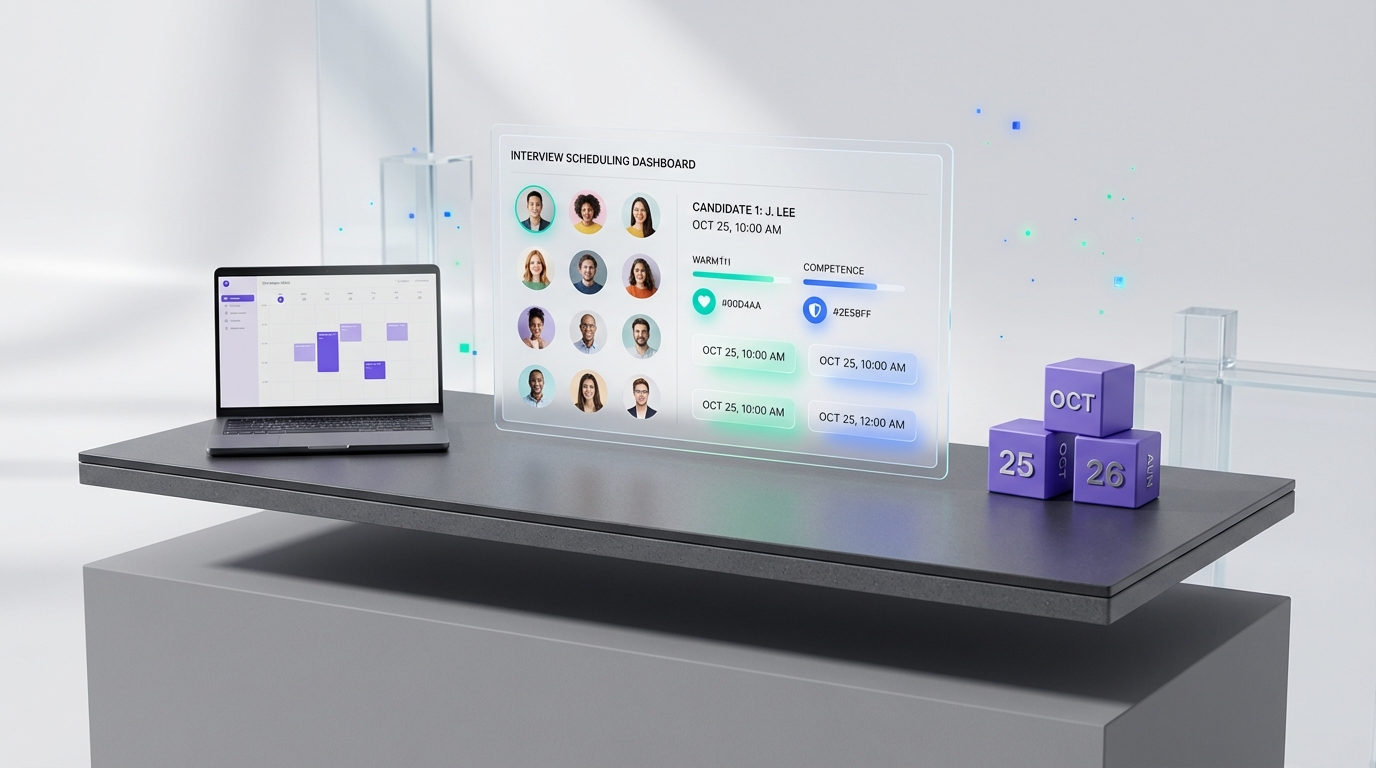
An interview scheduling app improves hiring outcomes when it supports two things people judge fastest: warmth and competence. Warmth is the perception that someone is trustworthy, likeable, and similar to us. Competence is the perception that someone can perform in a relevant domain. Scheduling is not “just admin.” The speed, clarity, and tone of scheduling messages can amplify or distort these signals, which is why a consistent scheduling workflow is a practical way to reduce bias and avoid losing strong candidates.
Table of Contents
- Why warmth and competence show up in scheduling
- What an interview scheduling app should standardize
- Method 1: Structured scheduling workflow (recommended)
- Method 2: Automate LinkedIn outreach to reduce scheduling waste
- Method 3: Use a two stage message sequence (competence then warmth)
- Method 4: Debias your process with consistent evaluation anchors
- Method 5: Adapt the workflow for a patient scheduling platform context
- Quick Comparison
- FAQ
- Conclusion
Key Takeaways
- Warmth and competence are fast judgments: candidates and hiring teams form impressions early, and scheduling is one of the earliest touchpoints.
- Standardization reduces bias: consistent templates, timelines, and follow up rules reduce “gut feel” decisions.
- Speed is a measurable signal: set a service level target such as first response within 1 business day and reschedule confirmation within 4 business hours.
- Automated outreach can protect recruiter time: StrategyBrain AI Recruiter can handle LinkedIn connecting, initial messaging, and interest confirmation before interviews are scheduled.
- Multilingual follow up expands reach: 24/7 multilingual messaging reduces time zone friction and missed replies.
- Use clear appointment language: avoid vague instructions and replace them with explicit next steps, including a plain text equivalent of “click here to view appointment.”
Why warmth and competence show up in scheduling
In the source material, the core idea is that people judge each other on two dimensions: warmth and competence. Those judgments happen quickly and often outside conscious control. In hiring, that creates two common failure modes.
- Competent but “cold” candidates can be perceived as threatening or untrustworthy, especially when they do not match the team’s preferred energy or communication style.
- Warm but less competent candidates can benefit from a “good feeling” that causes teams to overlook gaps.
Scheduling can unintentionally intensify both problems. For example, a slow or confusing scheduling process can make a competent candidate appear disengaged. Conversely, a very friendly back and forth can create a warmth halo that is not supported by evidence of competence.
What an interview scheduling app should standardize
An interview scheduling app is most useful when it enforces consistency. Consistency is not about being robotic. It is about making sure every candidate receives the same clarity, timing, and expectations so the team evaluates the right signals.
Standardization checklist
- Time to first scheduling touch: define a target such as 1 business day after shortlist decision.
- Time zone handling: always include the time zone in every proposed slot.
- Reschedule rules: define what happens after 1 no show, 2 no shows, or a late cancellation.
- Message templates: use the same structure for all candidates, with small personalization fields.
- Accessibility and format: include phone option, video option, and a clear agenda.
- Audit trail: keep a record of invites, confirmations, and changes.
Method 1: Structured scheduling workflow (recommended)
This method focuses on reducing bias by controlling the earliest impressions. It is the simplest way to make warmth and competence signals more accurate.
Steps
- Define the role specific competence anchors: list 3 to 5 competencies that must be demonstrated in the interview, such as financial modeling, stakeholder management, or data analytics communication.
- Define the warmth behaviors you will not over interpret: decide in advance that quietness, low extroversion, or different communication styles are not negative signals by default.
- Send a consistent invite message: include purpose, duration, format, and what to prepare.
- Offer 3 time options: provide three specific slots and a reschedule path.
- Confirm with a single source of truth: the calendar invite is the record. The message repeats the details in plain text.
Message template you can copy
Subject: Interview scheduling for [Role Title]
Message: Thanks for your interest in [Company]. We would like to schedule a [Duration] interview for the [Role Title] role. The interview will focus on [Competency 1], [Competency 2], and [Competency 3]. Please choose one of these options in [Time Zone]: [Option A], [Option B], [Option C]. If none work, reply with 2 alternatives. After you confirm, we will send the calendar invite and the meeting link. For your convenience, you can also use the appointment view in the invite, which is the same idea as “click here to view appointment,” but the details are included in this message as well.
Features
- Bias control: reduces reliance on gut feelings by standardizing early interactions.
- Candidate clarity: sets expectations so competence can be demonstrated reliably.
- Operational simplicity: works with most calendar systems.
Limitations
- Does not create candidate interest: it assumes the candidate is already engaged.
- Still requires follow up discipline: templates do not help if the team does not respond on time.
Best For
- Teams that want a simple, defensible scheduling process.
- Hiring managers who want interviews to focus on evidence of competence.
Method 2: Automate LinkedIn outreach to reduce scheduling waste
Scheduling breaks down when recruiters spend time coordinating with candidates who are not actually interested. In our experience reviewing recruiting workflows, the biggest time sink is not the calendar tool. It is the manual outreach and repeated follow up needed to confirm intent.
StrategyBrain AI Recruiter is designed to automate the early LinkedIn steps that happen before scheduling. It can connect with candidates that match your search criteria, introduce the opportunity, answer common questions about the role and compensation, confirm interview interest, and collect résumés and contact details from interested candidates. That means your interview scheduling app is used for candidates who have already signaled intent.
Steps
- Provide job and outreach inputs: share company details, compensation, benefits, and candidate search criteria.
- Let AI Recruiter run initial conversations: it handles connecting, messaging, and follow up.
- Review interested candidates only: recruiters review collected résumés and contact details.
- Schedule interviews with a consistent template: use Method 1 templates so warmth and competence signals are not distorted by inconsistent messaging.
Features
- 24/7 multilingual communication: supports global hiring across time zones and languages.
- Scalable operations: supports managing more than 100 LinkedIn accounts for AI powered recruiting teams.
- Clear handoff point: recruiters keep final qualification decisions after résumé review.
Limitations
- Not a final qualification engine: AI Recruiter confirms willingness to communicate or interview, but it does not decide résumé fit.
- Requires governance: teams should define messaging boundaries and approval rules for sensitive roles.
Best For
- Recruiters who rely heavily on LinkedIn outreach and want fewer manual follow ups.
- Teams hiring internationally who need multilingual candidate communication.
Method 3: Use a two stage message sequence (competence then warmth)
The source material includes a practical candidate tip that also applies to employer messaging: competence first, then warmth. In scheduling, that means your first message should be precise and role relevant, and your second message can be more relational.
Steps
- Message 1: competence clarity: confirm role, interview format, and what will be assessed.
- Message 2: warmth support: offer accommodations, answer logistics questions, and reduce anxiety.
- Message 3: reminder with plain text details: include time, time zone, location or link, and contact method.
Features
- Reduces misinterpretation: candidates are less likely to read ambiguity as coldness.
- Improves fairness: every candidate gets the same structure.
Limitations
- Needs discipline: if the team improvises, the benefit disappears.
Best For
- Hiring teams that want a human tone without sacrificing structure.
Method 4: Debias your process with consistent evaluation anchors
The source material highlights in group bias and the risk of hiring people who feel familiar rather than people who are capable. Scheduling is a good place to start debiasing because it is measurable and repeatable.
Steps
- Define what “good” looks like: write down the evidence you need for each competency.
- Separate warmth from competence in notes: use two labeled sections in interviewer notes so warmth impressions do not overwrite competence evidence.
- Use the same interview agenda: keep the same sections and time allocations for all candidates.
- Track scheduling metrics: measure response time, reschedule rate, and no show rate by role and stage.
Features
- More defensible decisions: decisions are tied to evidence, not vibes.
- Continuous improvement: metrics show where the process breaks.
Limitations
- Requires change management: interviewers must adopt the same note structure.
Best For
- Organizations hiring for complex roles where bias risk is high.
Method 5: Adapt the workflow for a patient scheduling platform context
The keyword set includes “patient scheduling platform.” Hiring and healthcare scheduling are different, but the operational principle is similar: clarity reduces anxiety and missed appointments. If your organization already uses a patient scheduling platform, you can borrow the same communication discipline for interviews.
Steps
- Use appointment style confirmations: send a confirmation that includes date, time zone, location, and what to bring.
- Provide a plain text appointment view: do not rely on a single button such as “click here to view appointment.” Repeat the details in the message body.
- Use reminders: send reminders at 24 hours and 2 hours before the interview.
Features
- Lower no show risk: reminders and clarity reduce missed interviews.
- Better candidate experience: candidates know exactly what will happen.
Limitations
- Not a substitute for sourcing: it improves attendance, not pipeline quality.
Best For
- Teams that already run appointment based operations and want the same reliability in hiring.
Quick Comparison
| Method | Primary goal | What it improves | Best for |
|---|---|---|---|
| Method 1: Structured scheduling workflow | Consistency | Fairness, clarity, early impressions | Most teams |
| Method 2: StrategyBrain AI Recruiter before scheduling | Pipeline efficiency | Less manual follow up, more interested candidates | LinkedIn heavy recruiting |
| Method 3: Two stage message sequence | Signal accuracy | Competence clarity plus human tone | Candidate experience focused teams |
| Method 4: Evaluation anchors | Debiasing | Evidence based decisions | Complex roles |
| Method 5: Patient scheduling platform style confirmations | Attendance | Lower no shows, fewer misunderstandings | Appointment driven orgs |
FAQ
What is an interview scheduling app in a recruiting workflow?
An interview scheduling app is a system that coordinates interview times, confirmations, reminders, and reschedules. In practice, it also standardizes communication so candidates receive consistent instructions and hiring teams reduce bias from inconsistent early interactions.
Why do warmth and competence matter before the interview even starts?
People form quick judgments about warmth and competence, often without realizing it. Scheduling messages are an early touchpoint, so delays or unclear instructions can distort perceptions before any real evidence is discussed.
How do I reduce in group bias during scheduling?
Use the same templates, timelines, and reschedule rules for every candidate. Also separate “warmth impressions” from “competence evidence” in interviewer notes so familiarity does not override performance signals.
How does StrategyBrain AI Recruiter fit with an interview scheduling app?
StrategyBrain AI Recruiter can automate LinkedIn connecting, initial outreach, follow up, and interest confirmation before scheduling. Your scheduling app then focuses on coordinating interviews for candidates who have already expressed interest and shared résumés or contact details.
Does AI Recruiter decide whether a candidate is qualified?
No. AI Recruiter confirms willingness to communicate or interview and collects information, but final qualification is done by recruiters after reviewing the résumé and role requirements.
How should I write “click here to view appointment” without relying on a button?
Include the appointment details directly in the message body: date, time, time zone, location or link, and contact method. You can still reference an appointment view in the invite, but the message should stand alone if the candidate cannot access the button.
Can a patient scheduling platform approach improve interview attendance?
Yes. Appointment style confirmations and reminders reduce missed interviews by lowering confusion and anxiety. The key is repeating details in plain text and sending reminders at consistent intervals.
What metrics should I track to know scheduling is working?
Track time to first scheduling touch, reschedule rate, no show rate, and time to confirm after a change request. These metrics are measurable and help you improve candidate experience without guessing.
Conclusion
The fastest way to make an interview scheduling app improve hiring quality is to treat scheduling as part of evaluation hygiene, not just calendar coordination. Warmth and competence judgments happen early, so your process should standardize timing, tone, and expectations to reduce bias. Next, reduce wasted scheduling effort by confirming candidate intent earlier in the funnel. If LinkedIn is a major sourcing channel for you, StrategyBrain AI Recruiter can automate outreach, follow up, multilingual communication, and interest confirmation so your team schedules interviews with candidates who are ready to engage. Your next step is to implement Method 1 templates, set response time targets, and pilot AI Recruiter for one role family to measure changes in response time and no show rate.