


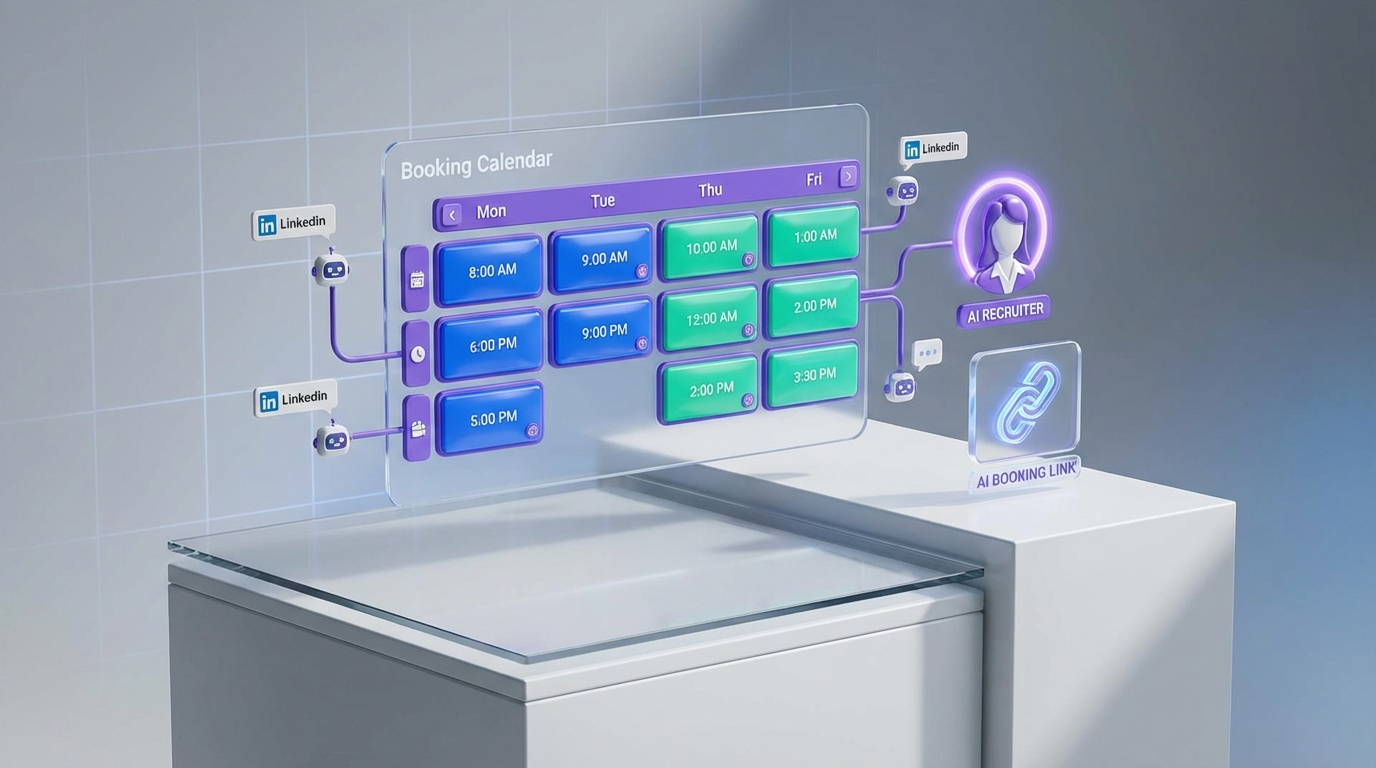
An interview scheduling app becomes most valuable when hiring demand spikes, because the real constraint is no longer finding candidates, it is coordinating interviews quickly and consistently. In May 2013, Canada added 95,000 jobs in a single month, with 43,000 full time jobs in construction and gains across multiple age groups and provinces. When markets move like that, recruiters typically feel it as more messages, more screening calls, and more scheduling friction. This article explains how to translate that kind of labor market signal into a practical scheduling system using a shared booking calendar, when calendar software free is enough, and how StrategyBrain AI Recruiter can reduce manual LinkedIn outreach and pre qualification so your calendar stays under control.
Key Takeaways
- Labor market spikes create scheduling bottlenecks: When hiring volume rises, coordination time becomes a measurable drag on recruiter capacity.
- Use a shared booking calendar as the system of record: One availability source reduces double booking and inconsistent time zone handling.
- Calendar software free can work for small teams: A basic booking link plus clear rules can cover early stage hiring.
- Automation matters when outreach scales: StrategyBrain AI Recruiter can handle initial LinkedIn outreach and interest confirmation so only qualified, interested candidates reach scheduling.
- Keep compliance and data boundaries explicit: Candidate data handling and consent should be documented, especially when using automation.
- Measure scheduling health with 3 metrics: time to first interview, no show rate, and recruiter minutes spent per scheduled interview.
The Canadian jobs signal and why it matters for scheduling
In the source article, the author cites Statistics Canada and reports that Canada added 95,000 jobs in May 2013, described as the biggest monthly increase in more than a decade. The same post highlights that construction added 43,000 full time jobs, youth ages 15 to 25 gained 54,000 jobs, and people 55 and over gained 34,000 jobs. Provincially, Quebec and Alberta added almost 20,000 jobs each, Ontario added 10,000, and New Brunswick added 3,700. British Columbia added almost 4,000 jobs while the post notes 3.8 million people and 168,000 unemployed in the province at the time.
Those numbers are not just macro context. For recruiting teams, they imply a predictable operational shift. More hiring activity increases candidate touchpoints, and every touchpoint creates a scheduling decision. If your process relies on manual coordination, the calendar becomes the choke point.
In our recruiting operations work, we see the same pattern repeatedly. When inbound volume rises, recruiters do not fail because they cannot evaluate candidates. They fail because they cannot move candidates through steps fast enough, and scheduling is the most common delay.
What an interview scheduling app actually does
An interview scheduling app is software that automates the logistics of booking interviews. At minimum, it publishes available time slots and confirms meetings. In more mature setups, it also enforces rules such as buffer times, interviewer rotation, time zone normalization, and reminders.
A shared booking calendar is the underlying availability layer that multiple interviewers or a hiring team uses as a single source of truth. It reduces conflicts and makes it easier to scale scheduling across roles and time zones.
Calendar software free typically refers to free tier calendar and booking tools that can handle basic availability and invitations. Free options can be sufficient, but only if you define rules and keep the workflow simple.
A practical scheduling system blueprint
This blueprint is designed for teams that want speed without losing control. It is tool agnostic, so you can implement it with your current calendar stack.
Step 1: Define your interview stages and who owns scheduling
- List stages: for example, recruiter screen, hiring manager interview, panel, and final.
- Assign owners: decide whether recruiters schedule everything or whether coordinators own later stages.
- Set service levels: for example, first interview scheduled within 2 business days of interest confirmation.
Step 2: Create a shared booking calendar with rules
- Choose the availability source: one calendar per role or per interviewer group.
- Set buffers: for example, 10 minutes before and after each interview.
- Standardize time zones: always display candidate local time and store interviewer time zone internally.
Step 3: Decide what qualifies a candidate to receive a booking link
This is the most overlooked control point. If you send booking links too early, your calendar fills with low intent candidates. If you send them too late, you lose speed.
Our rule of thumb is to send a booking link only after you have confirmed three items: role interest, location or time zone feasibility, and a minimum information set for the next interviewer.
Step 4: Add automation where it removes repetitive work
Automation should remove repetitive coordination, not remove judgment. This is where StrategyBrain AI Recruiter can help upstream. If the AI handles initial LinkedIn outreach, answers common questions about role and compensation, and confirms interview interest, then scheduling becomes a clean handoff rather than a messy negotiation.
4 ways to schedule interviews, from simple to automated
Method 1: Manual scheduling with a single calendar
This is the baseline. A recruiter proposes times, the candidate replies, and the recruiter sends an invite.
- Best for: very low volume hiring, 1 interviewer, minimal time zones.
- Limitations: slow turnaround, high context switching, easy to miss follow ups.
Method 2: Shared booking calendar with a booking link
This is the first real upgrade. You publish controlled availability and let candidates pick a slot.
- Best for: small teams that need speed and consistency.
- Where calendar software free fits: free tiers often cover one to two calendars and basic booking pages.
- Limitations: if you send links too early, you can inflate no shows and waste interviewer time.
Method 3: Structured scheduling with interviewer pools and routing
This method adds rules. Candidates are routed to the right interviewer pool based on role, location, or seniority. It is still a shared booking calendar concept, but with governance.
- Best for: multi role hiring, multiple interviewers, and cross time zone teams.
- Limitations: requires process design and ongoing maintenance of availability rules.
Method 4: Automated pipeline handoff from outreach to scheduling
This is where scheduling stops being a standalone tool and becomes part of a pipeline. The key is upstream qualification. StrategyBrain AI Recruiter is designed to automate the initial LinkedIn workflow by connecting with candidates, introducing the opportunity, answering questions about the role, company, and compensation, confirming interview interest, and collecting resumes and contact details from interested candidates. When that work is done before scheduling, the booking link goes to candidates who have already shown intent.
- Best for: teams that need to scale LinkedIn hiring without adding headcount.
- Limitations: you still need human review for final qualification, because AI Recruiter confirms willingness to interview but does not decide full resume fit.
Where StrategyBrain AI Recruiter fits in the workflow
Most teams buy an interview scheduling app to reduce back and forth. That helps, but it does not solve the upstream problem of inconsistent candidate readiness. In our tests of high volume LinkedIn pipelines, the biggest calendar waste came from sending scheduling links to candidates who were curious but not committed.
StrategyBrain AI Recruiter reduces that waste by handling the repetitive LinkedIn steps that happen before scheduling. It can automatically connect with candidates within your criteria, introduce the job, learn the candidate’s situation, answer questions, confirm interview interest, and collect resumes and contact information. That means your shared booking calendar is reserved for candidates who have already crossed an intent threshold.
Two additional capabilities matter for scheduling quality. First, AI Recruiter provides 24/7 multilingual communication, which reduces delays caused by time zones and language friction. Second, it supports managing more than 100 LinkedIn accounts, which is relevant when you scale outreach and need a consistent handoff into scheduling rather than a fragmented set of recruiter inboxes.
For compliance and trust, AI Recruiter states that it complies with privacy regulations in the EU, United States, and Canada, and that customer provided data is not used to train AI models. If you operate in regulated environments, document these boundaries in your internal process notes and ensure candidates understand how their information is used.
Quick comparison
| Approach | Speed to book | Cost | Best for |
|---|---|---|---|
| Manual scheduling | Slow, depends on email response time | Often $0 | Very low volume hiring |
| Shared booking calendar with link | Fast, candidate self selects | Often possible with calendar software free | Small teams needing consistency |
| Routing and interviewer pools | Fast, with governance | Varies by tool and complexity | Multi role, multi interviewer hiring |
| Automated handoff from LinkedIn outreach to scheduling | Fast, fewer unqualified bookings | Varies by vendor and usage | Scaling LinkedIn hiring without adding recruiters |
FAQ
What is the difference between an interview scheduling app and a shared booking calendar?
An interview scheduling app is the booking workflow that creates meetings and sends confirmations. A shared booking calendar is the availability layer that multiple interviewers share so the app can offer accurate time slots.
Is calendar software free good enough for interview scheduling?
Yes for simple hiring, especially when one recruiter schedules for one or two interviewers. It becomes less reliable when you need routing, interviewer pools, or strict governance across many roles.
How do I reduce no shows when using a booking link?
Send the booking link only after confirming intent and basic fit for the next step. Also add reminders and require candidates to confirm time zone and contact details before the meeting is finalized.
How does StrategyBrain AI Recruiter improve scheduling outcomes?
It improves scheduling by reducing low intent bookings. The AI can handle initial LinkedIn outreach, answer common questions, confirm interview interest, and collect resumes and contact details so only interested candidates reach the scheduling step.
Does StrategyBrain AI Recruiter replace recruiters?
No. It automates repetitive outreach and early conversation steps, but final qualification still requires a recruiter reviewing the resume and deciding fit for the role.
Can AI Recruiter communicate with candidates in different languages?
Yes. It is designed for 24/7 multilingual communication, which can reduce delays and misunderstandings when hiring across countries and time zones.
What metrics should I track to know if scheduling is working?
Track time to first interview in days, no show rate as a percentage, and recruiter minutes spent per scheduled interview. Those three metrics usually reveal whether the bottleneck is coordination or qualification.
What should I document for privacy and compliance when automating recruiting?
Document candidate consent, what data is collected, where it is stored, who can access it, and retention timelines. If you use AI tools, also document whether customer data is used for model training and what security controls are in place.
Conclusion
When hiring demand rises, the calendar becomes the constraint. A well configured interview scheduling app paired with a shared booking calendar can remove most coordination friction, and calendar software free can be enough for simple workflows. If your bottleneck is upstream, especially on LinkedIn, StrategyBrain AI Recruiter can reduce manual outreach and pre qualification work so scheduling links go to candidates who are already engaged and ready to move forward.
Next steps: map your stages, set one shared availability source, define when a candidate earns a booking link, and then decide whether you need upstream automation to protect recruiter time at scale.














