


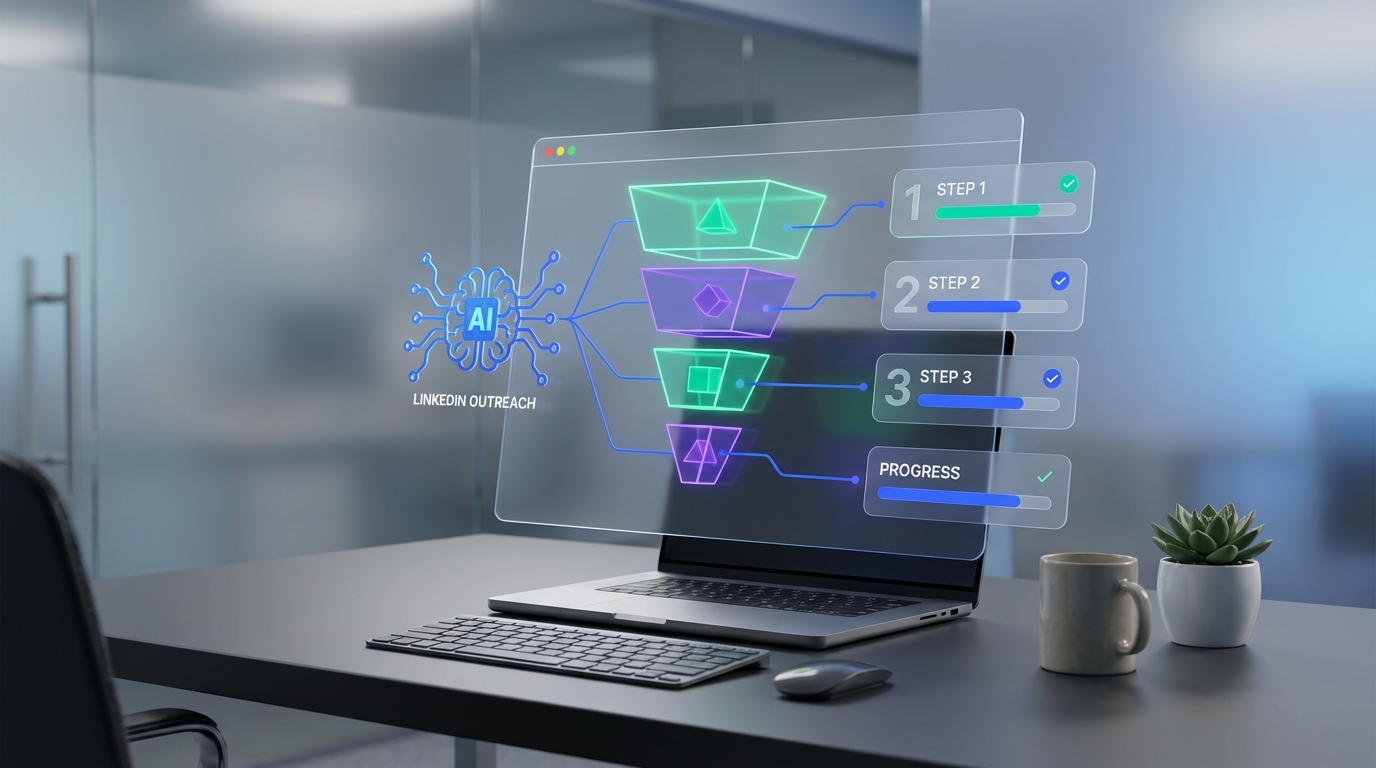
To stop losing strong candidates, use placement agency software to reduce friction in your hiring flow. The fastest wins are simple: shorten long application forms, offer low effort inquiry options, and automate follow up so busy candidates do not fall through the cracks. I have seen employers unintentionally block good applicants by asking for too much information too early, including one employer with a 50 question application form. This guide shows what to change first, how to rebuild your intake into a conversion friendly process, and where StrategyBrain AI Recruiter fits when you want LinkedIn outreach, Q and A, and resume collection handled automatically. Scope note: this is employer side process design and automation, not a ranking of the top 10 employment agencies.
Key Takeaways
- Long forms reduce conversions: A 50 question application is a real example of avoidable candidate drop off.
- Collect less upfront: Move detailed questions to later steps after interest is confirmed.
- Add faster entry points: Email alerts and SMS style inquiry options reduce friction on mobile.
- Chatbots work when implemented carefully: They can gather information while keeping completion rates higher.
- StrategyBrain AI Recruiter automates LinkedIn outreach: It connects, introduces roles, answers questions, and collects resumes and contact details.
- Operational impact can be large: StrategyBrain AI Recruiter is designed to replace up to 90% of manual LinkedIn recruiting work and can lower costs to USD 2.40 per resume (vendor stated).
Table of Contents
- Why employers lose great candidates
- What placement agency software should fix first
- Method 1: Rebuild your application into a funnel
- Method 2: Add low friction entry points
- Method 3: Use chatbots with guardrails
- Method 4: Automate LinkedIn outreach with StrategyBrain AI Recruiter
- Quick Comparison
- FAQ
- Conclusion
Why employers lose great candidates
Great people are in demand in every economy. Even when work slows down, strong candidates are often busy with family, health, and skill upgrades. That is why the employer experience matters. If your process feels like paperwork, many employed candidates simply will not start.
The clearest signal is form length. I have personally encountered an employer application with 50 questions. On a phone, that is not an application. It is a drop off machine. The lesson is not that you should collect less forever. The lesson is that you should collect information in the right order.
What placement agency software should fix first
Placement agency software is any system that helps a recruiting team manage intake, communication, and candidate movement through stages. In staffing industry software, the highest leverage improvements usually happen before the ATS stage, at the moment a candidate decides whether to engage.
Focus on three outcomes:
- Lower time to first response: candidates should receive a helpful reply quickly, even outside business hours.
- Lower effort to express interest: the first step should feel easy on mobile.
- Higher continuity: follow up should be consistent so interested candidates do not go cold.
Method 1: Rebuild your application into a funnel
Think of your application like a conversion funnel. The first step should confirm basic fit and intent. The later steps can collect detail once the candidate is engaged.
Steps
- Cut the first step to essentials: name, email or phone, role of interest, and one screening question.
- Move deep questions to step two: work history, certifications, and availability can come after the candidate opts in.
- Use multi step forms: you can still collect a lot of information, but in smaller chunks that feel manageable.
- Make it mobile first: test the entire flow on a phone before you publish it.
Features to look for in staffing industry software
- Multi step intake: progressive disclosure instead of one long page.
- Auto save: candidates can return without losing progress.
- Conditional questions: only ask what is relevant to the role.
Limitations
- Shorter does not mean better screening: you still need a structured evaluation later.
- Stakeholder alignment is required: hiring managers often want every detail upfront.
Best For
- Employers who get traffic but low completed applications
- Teams hiring skilled roles where employed candidates are the target
Method 2: Add low friction entry points
When candidates are busy, they want a quick way to raise their hand. Two practical options mentioned in the source material are email based career alerts and SMS or texting style inquiry options.
Steps
- Add career alerts: let candidates subscribe by email so you can re engage them later.
- Add a short inquiry option: a minimal form that asks what role they want and how to contact them.
- Respond fast: speed matters more than perfection at this stage.
Limitations
- More channels require discipline: if you add SMS style inquiries, you must staff follow up or automate it.
- Compliance varies by region: confirm consent requirements for messaging.
Method 3: Use chatbots with guardrails
Form length has been studied for years, and modern chatbots and multi step forms can collect information while keeping conversions higher. The key is careful implementation. A chatbot should reduce effort, not create a new obstacle.
Steps
- Define the chatbot job: answer common questions and capture interest, not full qualification.
- Keep questions short: one question per message, with clear choices when possible.
- Hand off cleanly: when a candidate is interested, route them to a recruiter or a structured next step.
Limitations
- Bad scripts hurt trust: vague or repetitive bot messages can reduce response rates.
- Not every role fits: highly regulated roles may require different disclosures and consent steps.
Method 4: Automate LinkedIn outreach with StrategyBrain AI Recruiter
If your bottleneck is LinkedIn outreach and follow up, this is where StrategyBrain AI Recruiter can function as placement agency software for the top of your funnel. Instead of asking recruiters to manually connect, introduce roles, answer questions, and chase resumes, AI Recruiter automates the initial outreach and qualification conversation on LinkedIn.
What it does in the workflow
- Connects with candidates who match your targeted search criteria.
- Introduces the opportunity and learns about the candidate work situation.
- Answers questions about the role, company, compensation, and benefits using the information you provide.
- Confirms interview interest and collects resumes and contact information from interested candidates.
Why it pairs well with shorter applications
Short applications reduce friction on your site. AI Recruiter reduces friction in direct messaging. Together, they address the two most common drop off points I see: candidates who do not want to fill out long forms, and candidates who do not want to wait for a reply.
Operational capabilities (vendor stated)
- 24/7 multilingual communication: responds around the clock in the candidate native language.
- Team scaling: supports managing more than 100 LinkedIn accounts to build AI powered recruitment teams.
- Efficiency claims: designed to replace up to 90% of manual LinkedIn recruiting work and lower LinkedIn recruiting costs to as little as USD 2.40 per resume.
Limitations and honest boundaries
- It does not decide final fit: AI Recruiter identifies willingness to communicate or interview, but it does not determine whether a resume fully matches job requirements.
- You still need a recruiter review step: recruiters should review collected resumes and then proceed with screening and interviews.
Quick Comparison
| Approach | Primary goal | Speed impact | Best for |
|---|---|---|---|
| Shorten and split application forms | Increase completed applications | Immediate once deployed | High traffic roles with low completion rates |
| Email career alerts | Re engage passive candidates | Fast setup | Building a pipeline over weeks |
| SMS style inquiry option | Reduce mobile friction | Fast setup | Field roles and on the go candidates |
| Chatbot with guardrails | Collect info without long forms | Medium | High volume roles with repetitive questions |
| StrategyBrain AI Recruiter on LinkedIn | Automate outreach, follow up, resume capture | Fast once configured | Teams sourcing on LinkedIn and struggling with response follow up |
FAQ
Is placement agency software only for staffing firms?
No. Employers can use placement agency software concepts to improve candidate conversion, communication, and handoffs, even if they are not an agency. The core idea is managing the journey from first interest to interview.
How long should a job application be in 2026?
There is no universal number, but the practical rule is that the first step should be short enough to complete on a phone in one sitting. If you need more detail, collect it in later steps after the candidate opts in.
What is the biggest red flag in an application process?
A very long form early in the process is a common red flag. The source example of a 50 question application illustrates how easily employers can lose employed candidates who are short on time.
Do chatbots actually help recruiting?
They can, when implemented carefully. A chatbot should reduce effort, answer common questions, and route interested candidates to a clear next step. Poorly designed bots can frustrate candidates and reduce trust.
How does StrategyBrain AI Recruiter work with LinkedIn recruiting?
StrategyBrain AI Recruiter automates the initial LinkedIn workflow: it connects with candidates, introduces the role, answers questions using your job and company details, confirms interest, and collects resumes and contact information for recruiter review.
Does StrategyBrain AI Recruiter replace recruiters?
No. It is designed to replace repetitive outreach and follow up tasks, not the final evaluation. Recruiters still review resumes and decide who advances to interviews.
Can StrategyBrain AI Recruiter communicate in multiple languages?
Yes. The product description states it can communicate in any global language and provide 24/7 responses, which is useful for international hiring and time zone coverage.
Is candidate data used to train AI models?
The product description states that customer provided data is not used to train AI models and that data is encrypted and isolated per customer. You should still validate your own compliance requirements before deployment.
Does this article list the top 10 employment agencies?
No. The phrase top 10 employment agencies is a related search, but this article focuses on employer side process improvements and automation choices, not agency rankings.
Conclusion
If you want better hires, stop making great candidates work so hard to show interest. Start by shortening and splitting your application, then add low friction entry points like alerts and quick inquiries. If LinkedIn outreach is your bottleneck, StrategyBrain AI Recruiter can act as a practical layer of placement agency software by automating connections, messaging, Q and A, and resume collection so recruiters can focus on interviews and final qualification.
Next step: audit your current application on a phone, count how many fields appear before a candidate can submit, and decide what can move to step two. Then map where automation can remove manual follow up from your workflow.














