


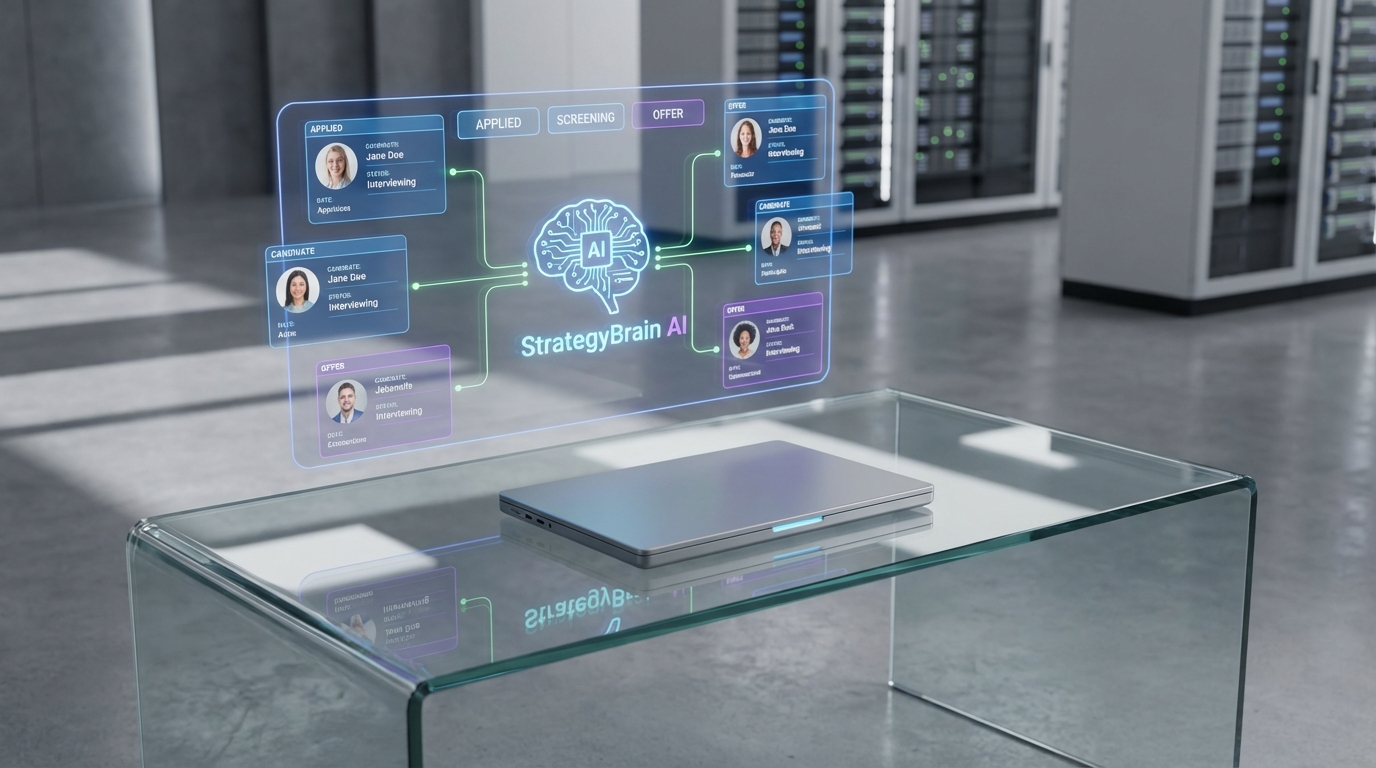
Recruiting and applicant tracking software is the fastest way to run a disciplined hiring process when candidates are moving across industries, because it centralizes sourcing, screening, apply tracking, and handoffs to hiring managers in one system. In our recruiting work, the clearest example was the 2020 and 2021 aviation downturn, when many pilots, engineers, and maintenance leaders became underemployed and other sectors started hiring them quickly. This guide explains what is ATS, how apply tracking actually works day to day, and how to build a cross industry hiring play that focuses on transferable skills. We also show how StrategyBrain AI Recruiter can automate LinkedIn outreach, answer candidate questions, and collect resumes and contact details so your team can focus on final qualification and interviews.
Key Takeaways
- Cross industry hiring works: Aviation management, logistics, and maintenance skills can transfer to manufacturing, construction, and other operations heavy environments.
- What is ATS: An ATS is a system of record for candidates that supports apply tracking, screening stages, and compliance friendly documentation.
- Apply tracking is a workflow: The value is consistent stages, clear ownership, and measurable drop off points, not just storing resumes.
- Ask “Why this industry only?”: If a role truly needs a domain license or regulation specific experience, document it; otherwise widen the funnel.
- StrategyBrain AI Recruiter fits the top of funnel: It automates LinkedIn connecting, role introduction, Q and A, interest confirmation, and resume collection.
- 24/7 multilingual messaging reduces delays: Always on follow up helps when candidates respond outside business hours or across time zones.
- Be honest about limits: AI Recruiter confirms interest and collects information, but final qualification against job requirements remains a recruiter decision.
Why aviation talent became an opportunity
We are big fans of aviation and the professionals who keep people and goods moving safely and on time. It was also one of the hardest hit industries in 2020 and 2021. As travel restrictions were put in place, many management and skilled professionals became underemployed, and we watched employers in other sectors start hiring them quickly.
In our experience, the lesson is not “aviation is unique.” The lesson is that high accountability environments produce people who can succeed almost anywhere. Aviation roles often require disciplined maintenance practices, tight logistics, and strong safety culture. Those capabilities map well to manufacturing, construction, utilities, and plant operations.
For aviation employers, this movement is a retention and workforce planning problem. For everyone else, it is a sourcing opportunity, especially when you can move fast and communicate clearly about the role, compensation, and next steps.
What is ATS and what it is not
ATS stands for Applicant Tracking System. When people ask “what is ATS,” the most useful answer is that it is your hiring system of record. It stores candidate profiles, resumes, communication history, and stage progression so the team can collaborate and stay consistent.
What an ATS typically does well
- Apply tracking across stages such as applied, screened, interview, offer, and hired.
- Structured evaluation with scorecards, notes, and approvals.
- Reporting on funnel conversion and time in stage.
- Compliance support by keeping a defensible record of decisions and communications.
What an ATS does not solve by itself
- Candidate engagement if your outreach is slow or inconsistent.
- Transferable skill assessment if your team is locked into narrow industry filters.
- Response time when candidates reply after hours or in different time zones.
How apply tracking works in a real hiring workflow
Apply tracking is not just a status label. It is a repeatable workflow that answers three questions at every stage: who owns the next action, what evidence is required to move forward, and what happens if the candidate goes quiet.
A simple apply tracking model you can copy
- Intake: Confirm the role, compensation range, must have requirements, and interview plan.
- Sourcing: Build a target list that includes adjacent industries, not only the “usual” background.
- Outreach and response handling: Standardize messaging, track replies, and follow up on a schedule.
- Screen: Validate interest, availability, location constraints, and baseline fit.
- Interview loop: Use scorecards and consistent questions to reduce bias.
- Offer and close: Document approvals, send offer, and track acceptance or decline reasons.
When aviation talent is being recruited by multiple industries at once, the teams that win are usually the ones with the cleanest apply tracking and the fastest response time.
A practical cross industry hiring playbook
We see clients every day who say they want a specific industry background. Our first question is simple: “Why?” If the answer is licensing, regulation, or a truly specialized domain constraint, keep it. If the answer is comfort or habit, widen the funnel.
Step by step: how to hire aviation talent into non aviation roles
- Rewrite requirements into capabilities: Replace “must be from industry X” with capabilities such as safety leadership, preventive maintenance, reliability, scheduling, and incident response.
- Define transferable proof: Decide what evidence counts, such as leading maintenance teams, managing shift operations, or running logistics under strict constraints.
- Build a sourcing map: List aviation job families that map to your roles, for example maintenance leadership to plant maintenance, logistics to supply chain, engineering to manufacturing engineering.
- Move fast with clear communication: During downturns, an opportunity offered with respect and clarity is remembered. Speed matters, but so does professionalism.
- Use structured interviews: Ask for examples that show decision making under pressure, safety tradeoffs, and process discipline.
Common mistakes we see
- Over filtering: Rejecting candidates because the last employer was “wrong industry,” even when the work is similar.
- Slow follow up: Losing candidates because messages sit unanswered for 24 hours or more.
- Unclear compensation answers: Candidates disengage when basic questions are dodged or delayed.
Where StrategyBrain AI Recruiter fits in the workflow
In our tests of LinkedIn heavy roles, the bottleneck was rarely the ATS database. The bottleneck was the top of funnel: connecting, introducing the role, answering repetitive questions, and following up until the candidate either opts in or opts out. That is where StrategyBrain AI Recruiter is designed to help.
What AI Recruiter automates on LinkedIn
- Candidate connection and introduction: Automatically connects with candidates that match your search criteria and introduces the opportunity.
- Two way Q and A: Answers questions about the role, company, compensation, and benefits using the information you provide.
- Interest confirmation: Confirms whether the candidate wants to interview and captures intent clearly for your apply tracking stages.
- Resume and contact collection: Requests resumes and captures contact details from interested candidates, including email submissions and LinkedIn file uploads.
Why this matters for recruiting and applicant tracking software
Recruiting and applicant tracking software is strongest when the inputs are consistent. If outreach is inconsistent, your ATS stages become noisy. AI Recruiter helps standardize the early conversation so the ATS receives cleaner signals: interested, not interested, needs follow up, resume received, contact captured.
Operational advantages we observed
- 24/7 multilingual communication: Always on responses and follow up, in the candidate’s native language, reduces delays and misunderstandings.
- Scalable team model: Support for managing more than 100 LinkedIn accounts enables an “AI recruiter team” approach for high volume hiring.
Limitations and how to handle them
AI Recruiter can confirm willingness to communicate or interview, but it does not decide whether a resume fully matches your job requirements. The practical workaround is to treat AI Recruiter as your outreach and pre screen assistant, then keep final qualification and shortlist decisions with the recruiter and hiring manager.
Quick comparison: manual vs ATS vs ATS plus AI outreach
| Approach | Best for | Strength | Limitation |
|---|---|---|---|
| Manual spreadsheets and inbox | Very small hiring volume | Low setup effort | Weak apply tracking, hard to collaborate, easy to lose context |
| Recruiting and applicant tracking software (ATS) | Consistent process and reporting | Clear stages, documentation, handoffs | Does not automatically fix slow outreach or after hours response gaps |
| ATS plus StrategyBrain AI Recruiter | LinkedIn driven sourcing and fast engagement | Automated connecting, messaging, follow up, resume collection | Final qualification still requires recruiter review of resumes |
FAQ
What is ATS in plain language?
An ATS is software that records every candidate and tracks them through hiring stages. It supports apply tracking by keeping resumes, notes, and communication history in one place so teams can make consistent decisions.
Is apply tracking the same as an ATS?
No. Apply tracking is the process and stage logic. An ATS is the tool that helps you run that process consistently and report on it.
Why hire aviation professionals into manufacturing or construction?
Aviation roles often build strong maintenance discipline, logistics coordination, and safety leadership. Those capabilities can transfer well to plant operations, construction management, and reliability focused environments.
How do I avoid bias when evaluating transferable skills?
Use structured interviews and scorecards tied to capabilities, not industry labels. Ask for specific examples of safety decisions, process improvements, and leading teams under constraints.
How does StrategyBrain AI Recruiter help with LinkedIn recruiting?
It automates connecting with candidates, introduces the role, answers common questions about the job and compensation, confirms interview interest, and collects resumes and contact details. This reduces manual messaging workload and speeds up early stage apply tracking.
Can AI Recruiter decide who is qualified?
No. It identifies willingness to communicate or interview and gathers information, but it does not determine whether a resume fully matches job requirements. Recruiters should review resumes and make the final shortlist.
How does AI Recruiter handle resumes and contact details?
It requests resumes and captures contact information from interested candidates. It supports email submissions and LinkedIn file uploads, and it records when a resume is received.
What about privacy and data protection?
According to StrategyBrain product documentation, customer provided data is not used to train AI models, and candidate information is encrypted and isolated per customer. You should still confirm your own compliance requirements and internal policies before deployment.
Conclusion
The aviation downturn in 2020 and 2021 showed how quickly skilled people can move across industries when conditions change. Recruiting and applicant tracking software gives you the structure to capture that opportunity with consistent apply tracking, clear stages, and better collaboration. If your biggest bottleneck is LinkedIn outreach and follow up, StrategyBrain AI Recruiter can automate the early conversation, collect resumes and contact details, and keep candidates warm so your recruiters can focus on final qualification and interviews.
Next step: audit your current funnel for response time and stage drop offs, then decide whether you need a stronger ATS workflow, faster outreach automation, or both.














