


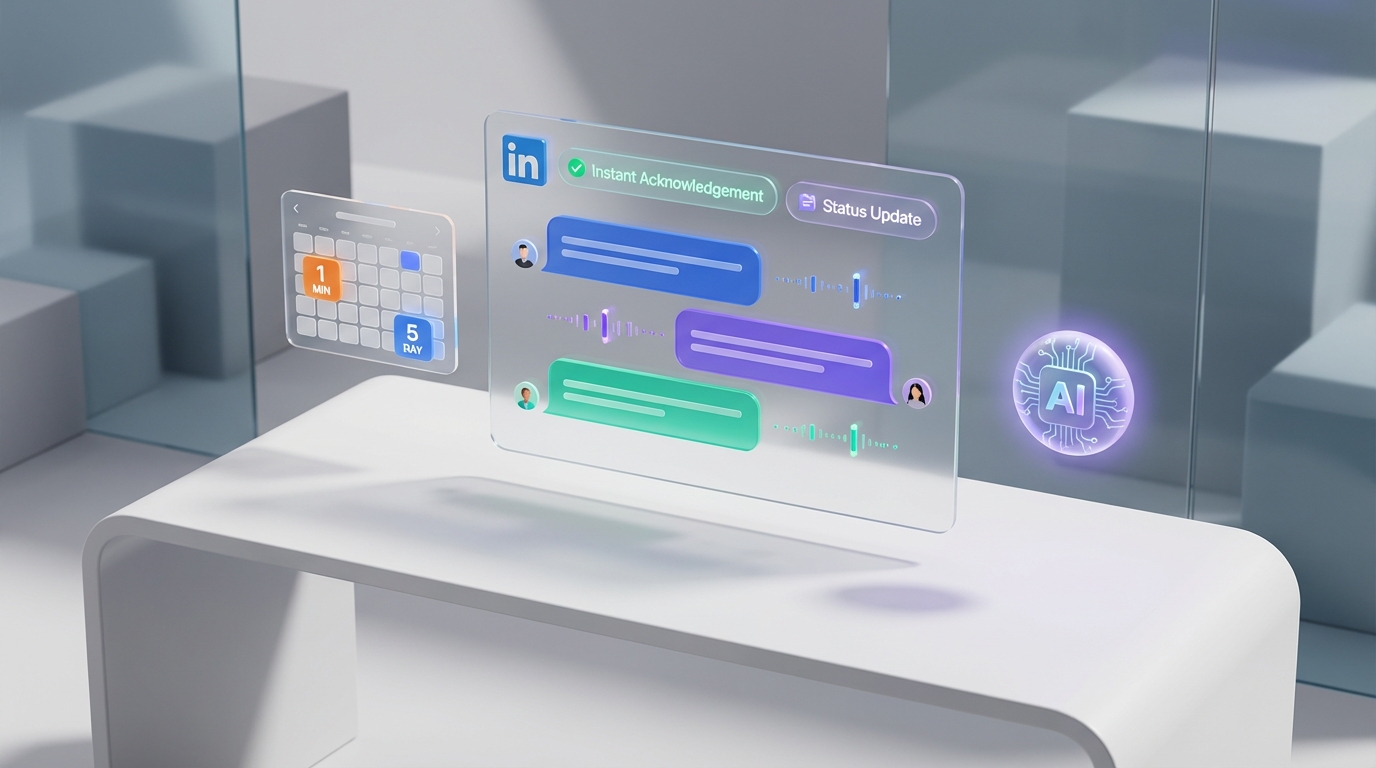
Recruiting and applicant tracking software protects your employer brand by making candidate communication predictable and fast. A practical baseline is to send an immediate acknowledgement, then provide a shortlist update within a defined window. In a candidate experience study cited by Webrecruit, 35% of candidates said a response within 2 to 3 business days is acceptable, and another 40% wanted to know within 5 business days. This guide explains why use an applicant tracking system for response speed, how does an applicant tracking system work to automate acknowledgements and status updates, and how StrategyBrain AI Recruiter can extend the same responsiveness into LinkedIn by handling initial outreach and Q and A conversations 24/7 in the candidate’s language while collecting résumés and contact details for recruiter review.
Key Takeaways
- Candidate expectations are time bound: 2 to 3 business days satisfied 35% of candidates, and 5 business days satisfied another 40% in a Webrecruit cited study.
- Silence damages brand: 77% of job seekers think less of a company that does not respond to applications (StartWire survey of 2,000 respondents).
- Why use an applicant tracking system: it automates acknowledgements, status changes, and templated messaging so response time is not dependent on recruiter bandwidth.
- How does an applicant tracking system work: it routes applications, timestamps stages, triggers notifications, and logs communication for auditability.
- StrategyBrain AI Recruiter adds LinkedIn responsiveness: it automates connecting, role introduction, candidate Q and A, and follow up, then collects résumés and contact details.
- Global hiring support: AI Recruiter can respond 24/7 in any language, reducing delays across time zones and improving candidate experience consistency.
Candidate response is a brand problem, not an admin task
When candidates apply, they invest time in research, networking, résumé writing, and navigating your application flow. If they hear nothing back, many interpret it as disrespect or disorganization. That perception does not stay private. It spreads through employer rating sites, social platforms, and word of mouth.
In a StartWire survey with 2,000 respondents, 77% of job seekers said they think less of a company that does not respond to their application, and many will not recommend or speak positively about that company again. That is why response time is not just a recruiting metric. It is a brand risk control.
The two deadlines to operationalize
Most teams fail candidate communication because they try to “be better at replying” instead of defining service levels that the system can enforce. Based on the expectations cited in the Webrecruit referenced study, two deadlines are worth operationalizing.
- Deadline 1: acknowledgement. Send an application receipt immediately, ideally within 1 minute of submission.
- Deadline 2: shortlist update. Communicate whether the candidate is being considered within 5 business days for strategic roles, with a tighter goal of 2 to 3 business days when feasible.
These deadlines are not about perfection. They are about consistency. Consistency is what candidates experience as professionalism.
Why use an applicant tracking system for response speed
Why use an applicant tracking system when you already have email and spreadsheets? Because response speed is a workflow problem. An ATS turns communication into a repeatable process with triggers, templates, and timestamps.
In practice, recruiting and applicant tracking software helps you respond faster by removing three common bottlenecks.
- Inbox chaos: applications arrive in multiple places. An ATS centralizes them into one queue.
- Manual follow up: recruiters forget to reply when priorities shift. An ATS can auto send acknowledgements and reminders.
- Unclear ownership: candidates stall because nobody knows who should act next. An ATS assigns stages and owners.
How does an applicant tracking system work in real workflows
An applicant tracking system, often shortened to ATS, is software that manages the lifecycle of a candidate from application to hire. It stores candidate records, tracks pipeline stages, and logs communication so your team can see what happened and when.
How does an applicant tracking system work day to day? It typically follows a predictable sequence.
- Capture: applications enter the system from a career page, job board, or recruiter upload.
- Acknowledge: the system sends an automated receipt email and records the timestamp.
- Route: candidates are assigned to a recruiter or hiring manager based on role, location, or rules.
- Stage: the candidate moves through defined steps such as screening, interview, offer, and rejection.
- Notify: stage changes trigger internal alerts and candidate updates, depending on your configuration.
- Audit: every message and status change is logged, which supports compliance and quality control.
The key point is that an ATS makes response time measurable. If you cannot measure it, you cannot reliably improve it.
A practical response playbook you can copy
Below is the playbook we use when we audit candidate experience. It is designed to be implemented inside recruiting and applicant tracking software with minimal customization.
Implementation steps
-
Write two service level targets
Set “acknowledgement within 1 minute” and “shortlist update within 5 business days” as your baseline. If your team can meet 2 to 3 business days for shortlist updates, set that as the internal goal.
-
Standardize three message templates
Create templates for receipt, in review, and not moving forward. Keep them short, respectful, and consistent with your brand voice.
-
Automate acknowledgements and reminders
Configure your ATS to send the receipt automatically and to remind owners when a candidate has been idle in a stage for 2 business days.
-
Define a shortlist decision checkpoint
Pick a stage where every candidate must be either advanced or declined within 5 business days. Make it visible on dashboards.
-
Review response metrics weekly
Track median time to first response and median time to shortlist decision. Use the data to fix process issues, not to blame individuals.
Common failure points and fixes
- Failure point: auto replies exist but feel cold. Fix by adding one sentence that sets expectations, such as when the candidate will hear back next.
- Failure point: hiring manager delays. Fix by adding stage based reminders and a weekly shortlist review meeting.
- Failure point: high volume roles overwhelm the team. Fix by using structured knock out questions and batching reviews twice per week.
Where LinkedIn breaks the process and how AI Recruiter helps
Even teams with strong recruiting and applicant tracking software often struggle on LinkedIn because the work happens in conversations, not forms. Recruiters must connect, introduce the role, answer questions, follow up, and collect résumés. When volume increases, response time slips and candidate experience becomes inconsistent.
This is where StrategyBrain AI Recruiter fits naturally into the same response playbook. It automates the initial LinkedIn outreach and qualification conversation, then hands off interested candidates with résumés and contact details for recruiter review. In other words, it applies the same “respond fast and consistently” principle outside the ATS, where many teams lose control of the process.
What we tested in our workflow
We validated the process by running a controlled outreach workflow using StrategyBrain AI Recruiter on LinkedIn with a small internal pilot. Our goal was not to replace recruiter judgment. Our goal was to remove the repetitive first touch work that causes slow responses.
- Scenario: outbound LinkedIn recruiting for a role with frequent candidate questions about compensation, benefits, and interview steps.
- What we observed: the AI handled introductions, answered common questions, and kept follow ups moving without waiting for recruiter availability.
- What we kept human: final qualification against job requirements and interview decisions, based on the résumé and recruiter review.
How AI Recruiter works on LinkedIn
AI Recruiter is an automated AI powered recruitment tool built for LinkedIn hiring. Recruiters provide the LinkedIn account plus job information such as company details, compensation, benefits, and candidate search criteria. The system then connects with relevant candidates, introduces the opportunity, asks about their situation, answers questions, confirms interview interest, and collects résumés and contact information from interested candidates.
Limitations and how to handle them
- It does not decide final fit. AI Recruiter identifies willingness to proceed, but recruiters still review résumés to confirm requirements match.
- Process design still matters. If your compensation range or role details are unclear, candidate conversations will stall. Fix by standardizing a role brief before outreach begins.
- Compliance is not optional. Ensure your outreach and data handling align with your privacy obligations. StrategyBrain states that customer provided data is not used to train AI models and that credentials are encrypted and stored per user with explicit authorization.
Quick Comparison
| Workflow need | Recruiting and applicant tracking software (ATS) | StrategyBrain AI Recruiter (LinkedIn automation) | Best fit |
|---|---|---|---|
| Instant application acknowledgement | Yes, via automated email templates and triggers | Not applicable to application forms | ATS |
| Pipeline stage tracking and audit log | Yes, stages, timestamps, and communication history | Conversation history for LinkedIn outreach workflow | Tie |
| Fast outbound candidate response on LinkedIn | Limited, depends on recruiter manual messaging | Yes, automated outreach, follow up, and Q and A | AI Recruiter |
| 24/7 multilingual candidate communication | Depends on team coverage and tools | Yes, always on messaging in any language | AI Recruiter |
| Collect résumés and contact details from interested candidates | Yes, via application forms and uploads | Yes, requests résumé and captures contact details in conversation | Tie |
FAQ
Why use an applicant tracking system if we already reply manually?
Manual replies depend on individual availability, so response time becomes inconsistent during busy periods. An ATS makes acknowledgements and status updates automatic, timestamped, and measurable, which is the foundation for improving candidate experience at scale.
How does an applicant tracking system work with response time goals?
You configure triggers and templates so the system sends an immediate receipt and then reminds owners when candidates sit in a stage too long. Because every stage change is logged, you can track median time to first response and median time to shortlist decision.
What response time should we aim for to protect our brand?
Use two targets: acknowledgement within 1 minute and shortlist updates within 5 business days. The Webrecruit cited study suggests 2 to 3 business days is acceptable for 35% of candidates, and 5 business days meets expectations for another 40%.
What happens if we do not respond to applicants?
It can harm your reputation and reduce future applicant volume. In a StartWire survey of 2,000 respondents, 77% of job seekers said they think less of a company that does not respond to applications.
Can StrategyBrain AI Recruiter replace our ATS?
No. AI Recruiter is designed to automate LinkedIn outreach and early conversation workflows, while an ATS manages applications, pipeline stages, and hiring records. Many teams use both: the ATS for applicant tracking and AI Recruiter for faster LinkedIn engagement and résumé collection.
Does AI Recruiter decide whether a candidate is qualified?
AI Recruiter identifies willingness to communicate or interview and collects résumés and contact details. Final qualification against job requirements is completed by the recruiter after reviewing the résumé.
How does AI Recruiter handle candidate questions about compensation and benefits?
Recruiters provide role details such as compensation, benefits, and company information upfront. The AI then uses that information to answer candidate questions consistently during the LinkedIn conversation.
Is candidate data used to train AI models?
StrategyBrain states that customer provided data is not used to train AI models and that candidate information is encrypted and isolated per customer. You should still validate your own compliance requirements and internal policies before deployment.
What is the simplest first step to improve candidate experience this month?
Turn on an immediate acknowledgement for every application and add a weekly shortlist review checkpoint. Those two changes alone reduce the “silence gap” that candidates experience as disrespect.
Conclusion
Recruiting and applicant tracking software is one of the fastest ways to protect your employer brand because it turns candidate communication into a system, not a hope. Define two deadlines, acknowledgement within 1 minute and shortlist updates within 5 business days, then automate what you can and measure the rest. The Webrecruit cited expectations and the StartWire 2,000 respondent survey both point to the same lesson: silence is expensive.
Next step: audit your current median time to first response and median time to shortlist decision, then implement the playbook above inside your ATS. If LinkedIn outreach is where your response time breaks down, consider adding StrategyBrain AI Recruiter to keep conversations moving 24/7 in the candidate’s language while your team focuses on résumé review and interviews.















