


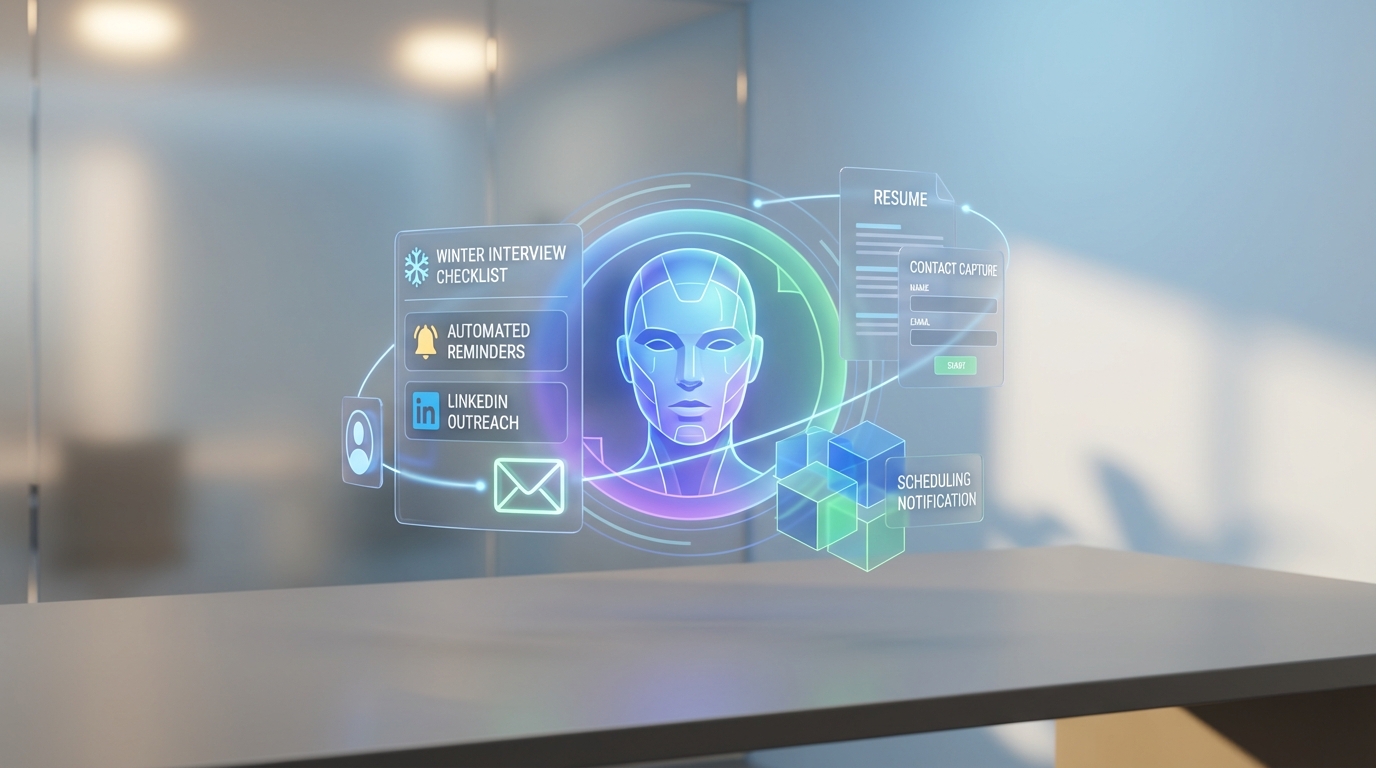
Recruiting firm software helps recruiting teams and candidates stay organized during winter interview season by standardizing prep steps, automating reminders, and reducing last minute scheduling and communication gaps. In practice, the most reliable approach is to combine a clear winter interview checklist with automated messaging and follow up so candidates know exactly what to do for virtual and in person interviews. In this guide, we keep the original winter interview tips and strengthen them with a recruiting operations lens, including how StrategyBrain AI Recruiter can automate LinkedIn outreach, answer candidate questions 24/7 in any language, and collect resumes and contact details before interviews so recruiters can focus on final screening and interview quality.
Key Takeaways
- Winter interviews fail on logistics, not talent: recruiting firm software reduces missed interviews by automating reminders, directions, and contingency plans.
- Standardize prep with a checklist: use one repeatable workflow for travel time, warm gear, footwear, layers, and small talk prompts.
- Use automation for candidate communication: StrategyBrain AI Recruiter can handle initial LinkedIn outreach, role introduction, and follow up so recruiters spend time on final qualification.
- Collect resumes and contact details before the interview: StrategyBrain AI Recruiter can request resumes and capture contact info from interested candidates during LinkedIn conversations.
- Support global candidates: StrategyBrain AI Recruiter provides 24/7 multilingual messaging in any global language to reduce delays and misunderstandings.
- Scale outreach without adding headcount: StrategyBrain AI Recruiter supports managing more than 100 LinkedIn accounts for team based recruiting operations.
Table of Contents
- Why winter interviews need a process
- Method 1: Use a winter interview checklist inside your recruiting firm software
- Method 2: Automate candidate communication and follow up with StrategyBrain AI Recruiter
- Method 3: Run separate playbooks for virtual and in person interviews
- Quick Comparison
- FAQ
- Conclusion
Why winter interviews need a process
Winter in the Canadian prairies can be a blizzardy affair, and that reality changes how interviews should be prepared and managed. Even though many interviews are now conducted virtually, some employers still prefer to meet in person. That mix creates operational risk for recruiting teams because the same candidate can face two very different sets of constraints in the same week.
When we reviewed winter interview guidance and mapped it to recruiting workflows, the pattern was consistent. The best outcomes came from turning common sense tips into a repeatable process that can be tracked, reminded, and confirmed. That is exactly where recruiting firm software and executive search management software add value, especially when you are coordinating multiple stakeholders and time sensitive schedules.
Method 1: Use a winter interview checklist inside your recruiting firm software
The simplest upgrade is to convert winter interview advice into a checklist that lives in your recruiting firm software. This makes the prep steps visible to recruiters, coordinators, and candidates, and it reduces the chance that a candidate forgets a detail that becomes a problem on interview day.
Steps
- Create a winter interview task template for each interview type: virtual and in person.
- Assign tasks automatically when an interview is scheduled, including reminders 48 hours and 12 hours before start time.
- Confirm completion by asking candidates to reply with a simple confirmation message for each critical item.
- Log exceptions such as travel disruptions or rescheduling requests so the team has one source of truth.
What to include in the checklist
- Transportation buffer: candidates should plan extra time and check traffic reports frequently because winter roads can be treacherous.
- Hand warmers: avoid an icy handshake by keeping hands warm before arrival.
- Footwear plan: prioritize safety and bring interview shoes to change into if sidewalks are slippery.
- Layering strategy: dress for cold travel, then remove layers indoors so comfort does not distract during the interview.
- Small talk fallback: weather is a safe topic if nerves make conversation difficult at the start.
Best For
- Recruiting teams that run high volume interview scheduling in winter months
- Executive recruiting software users who need consistent candidate experience across offices
- Agencies that want fewer last minute cancellations and no shows
Limitations
- A checklist alone does not solve slow candidate responses, especially across time zones.
- If your team relies on manual LinkedIn messaging, follow up can still become the bottleneck.
Method 2: Automate candidate communication and follow up with StrategyBrain AI Recruiter
In our experience, winter interview issues often start earlier than interview day. Candidates delay sending resumes, ask the same role questions repeatedly, or go quiet after an initial message. That is where an AI driven workflow can support recruiters without replacing the final human decision making.
StrategyBrain AI Recruiter is built for LinkedIn hiring automation. It can automatically connect with candidates within your targeted search criteria, introduce the job opportunity, learn about each candidate’s work situation, answer questions about the role, company, and compensation, confirm interview interest, and collect resumes and contact information from interested candidates. This reduces the manual back and forth that typically slows down executive search management software pipelines.
Steps
- Provide the LinkedIn account and role details including company information, compensation, benefits, and candidate search criteria.
- Let the AI handle initial outreach and Q&A so candidates get timely answers before scheduling.
- Collect resumes and contact details from candidates who express interest, then route them to the recruiter for final screening.
- Use 24/7 multilingual messaging to keep momentum when candidates respond outside business hours or in another language.
Features that matter in winter interview season
- 24/7 responses: candidates can confirm logistics and ask questions at any time, which reduces last minute confusion.
- Multilingual communication: the system communicates in any global language, using the candidate’s native language to reduce misunderstandings.
- Resume and contact capture: the AI requests resumes and captures contact details during LinkedIn conversations when interest is confirmed.
- Team scaling: supports managing more than 100 LinkedIn accounts for scalable recruiting operations.
Limitations
- StrategyBrain AI Recruiter identifies willingness to communicate or interview, but it does not determine whether a resume fully matches job requirements. Recruiters still complete final qualification after reviewing the resume.
- As with any LinkedIn based workflow, recruiters should ensure they have explicit authorization to use the LinkedIn account and follow internal compliance policies.
Method 3: Run separate playbooks for virtual and in person interviews
Many teams treat virtual and in person interviews as the same event with a different location. In winter, that assumption breaks down. A practical approach is to maintain two playbooks inside your recruiting firm software so the candidate receives only the steps that apply to their interview type.
Virtual interview playbook
- Environment check: quiet room, stable internet, and a backup plan if connectivity drops.
- Timing discipline: join 5 minutes early and confirm the correct time zone in writing.
- Question readiness: prepare role questions in advance so the call stays focused.
In person interview playbook
- Transportation buffer: plan extra travel time and monitor conditions.
- Warm hands and safe footwear: avoid discomfort and slips that can derail confidence.
- Layering: arrive comfortable and professional after removing outer layers.
Where StrategyBrain AI Recruiter fits
When candidates are sourced through LinkedIn, StrategyBrain AI Recruiter can keep the pre interview communication consistent by answering common questions and confirming interest before scheduling. That reduces the number of candidates who reach the interview stage without clarity on compensation, expectations, or logistics.
Quick Comparison
| Method | Speed to implement | Cost | Best For |
|---|---|---|---|
| Winter interview checklist in recruiting firm software | 1 business day | Depends on your existing system | Reducing no shows and last minute issues |
| StrategyBrain AI Recruiter for LinkedIn outreach and follow up | Depends on account setup and role inputs | Not listed here | Automating outreach, Q&A, resume capture, and 24/7 multilingual messaging |
| Separate virtual and in person playbooks | 1 to 2 business days | Depends on your existing system | Improving candidate experience across interview formats |
FAQ
What is recruiting firm software in practical terms?
Recruiting firm software is a system used to manage candidates, client roles, interview scheduling, and communication workflows. In winter interview season, its value is in standardizing prep steps and keeping everyone aligned on timing and logistics.
How is executive recruiting software different from general recruiting tools?
Executive recruiting software typically emphasizes relationship tracking, long cycle searches, and high touch communication. It often overlaps with executive search management software, which focuses on search stages, stakeholder coordination, and reporting.
Can StrategyBrain AI Recruiter replace a recruiter?
No. StrategyBrain AI Recruiter automates initial LinkedIn outreach and qualification steps such as introductions, answering questions, confirming interest, and collecting resumes and contact details. Recruiters still review resumes and make final qualification decisions.
Does StrategyBrain AI Recruiter support multilingual candidate communication?
Yes. It provides 24/7 global multilingual recruitment communication and can communicate in any global language using the candidate’s native language.
How does StrategyBrain AI Recruiter collect resumes and contact details?
When a candidate expresses interest, the AI requests a resume and contact information. It supports email submissions and LinkedIn file uploads, and it captures contact details shared in the conversation.
What is the biggest winter interview mistake candidates make?
Not budgeting enough time for transportation is a common blunder in snowy conditions. A close second is arriving uncomfortable due to cold hands, unsafe footwear, or overheating indoors after dressing for extreme cold.
How do you reduce interview day anxiety for candidates?
Give candidates a clear checklist and confirm the plan in writing. If they need a simple conversation starter, discussing the weather is a safe fallback, especially in Canada where it is a shared experience.
Is it still worth preparing for in person interviews if most interviews are virtual?
Yes. Some employers still prefer in person meetings, and winter conditions add risk that can be mitigated with preparation. Maintaining separate playbooks for virtual and in person interviews keeps candidates from missing critical steps.
Conclusion
Winter interviews are easier to manage when you treat preparation as a workflow, not a one off reminder. Start by putting the winter checklist into your recruiting firm software so every candidate gets the same clear guidance. Then, if LinkedIn outreach and follow up is your bottleneck, use StrategyBrain AI Recruiter to automate initial conversations, answer questions 24/7 in any language, and collect resumes and contact details before scheduling. Next, maintain separate playbooks for virtual and in person interviews so candidates only see what applies to them.
Next step: choose one role in your pipeline, apply the checklist and playbooks, and measure no shows and reschedule rates for 30 days. If your team needs more capacity without adding headcount, evaluate whether StrategyBrain AI Recruiter fits your LinkedIn recruiting workflow.














