


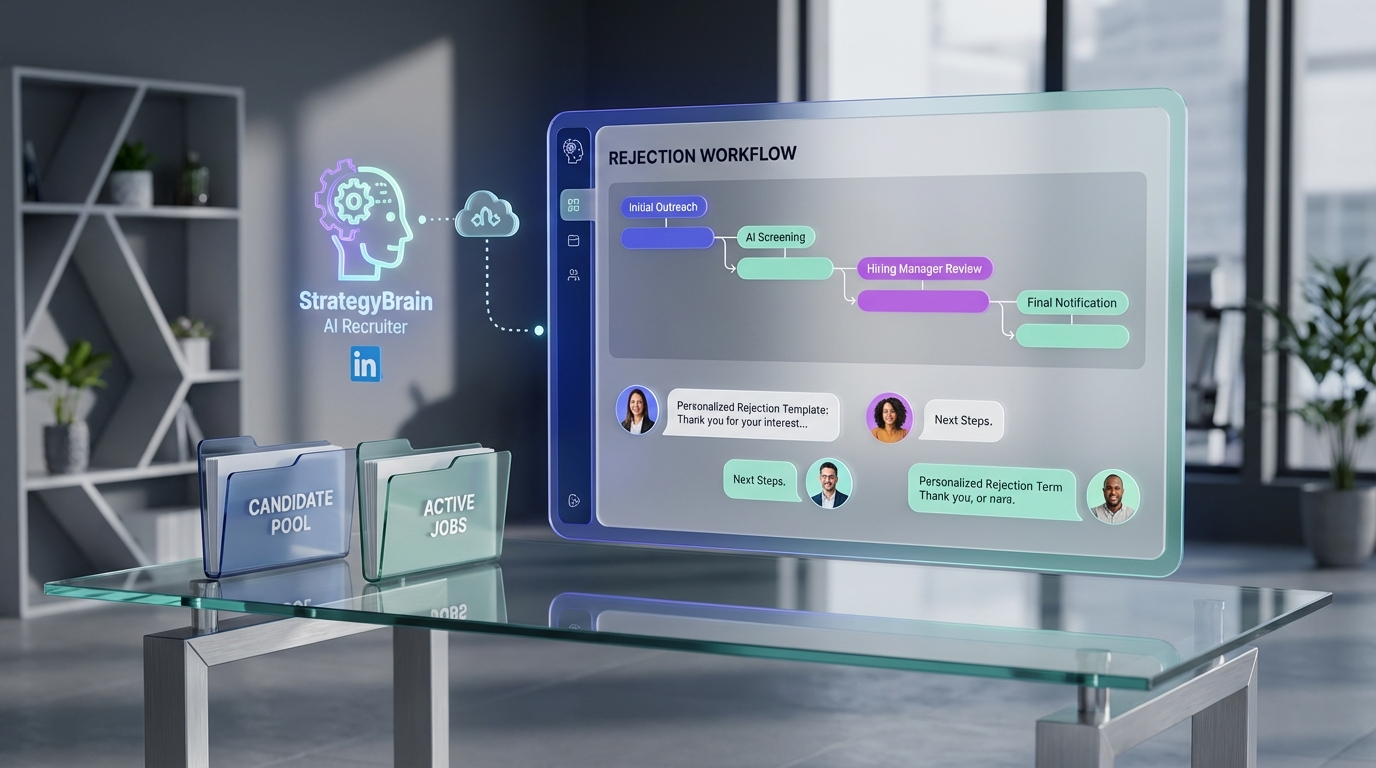
To reject candidates without hurting your employer brand, use a recruitment management system to enforce two things: speed and human clarity. In practice, that means you set a rejection timeline you can actually meet, you send the right message variant for the right scenario, and you keep a simple process for staying in touch with strong candidates. This guide covers a repeatable rejection workflow inside a hiring management system, plus how StrategyBrain AI Recruiter can reduce manual LinkedIn outreach and early qualification work so recruiters have the time to deliver more thoughtful, personalized rejections.
Key Takeaways
- Timeliness protects brand: define a rejection SLA in your recruitment management system and track it per stage.
- Personalization beats generic templates: use scenario based templates, then add 1 to 2 candidate specific lines.
- Clarity reduces frustration: state the decision, the stage, and the next step in 3 sentences.
- Encouragement keeps doors open: invite strong candidates to reapply and tag them for future roles.
- Feedback is optional but powerful: give one actionable improvement when appropriate and safe.
- Automation should free time for empathy: StrategyBrain AI Recruiter can handle early LinkedIn conversations so recruiters can focus on candidate experience.
Why rejection quality matters in recruitment management
Candidate rejection is not a side task. For many applicants, your hiring process is their first real interaction with your company, and the rejection moment is where trust is either preserved or lost. A recruitment management system is useful here because it turns “we should respond quickly and kindly” into measurable steps, owners, and timestamps.
In our experience auditing hiring workflows, rejection problems usually come from process gaps, not bad intentions. Recruiters get busy, hiring managers delay decisions, and candidates sit in silence. The fix is to design rejection as a first class workflow with clear service levels and message standards.
A rejection workflow you can run inside a recruitment management system
Below is a practical workflow you can implement in most hiring management system setups. It is designed to be reproducible and easy to audit.
Steps
- Define a rejection SLA per stage
Set a specific time limit for each stage, for example after application review, after screening, and after interviews. Store the SLA in your recruitment management system as a rule, not a suggestion, and report on SLA misses weekly.
- Choose the channel by stage
Use email for early stage rejections and consider phone for late stage finalists when feasible. Record the channel used in the system so your team can stay consistent.
- Use a scenario tag before sending
Tag each rejection with a scenario such as “does not meet minimum requirements,” “needs more experience,” or “not a fit for this role right now.” This tag determines which template variant is used.
- Personalize 1 to 2 lines
Add a short, specific note that proves the candidate was seen. Keep it factual and respectful. Your system should require a short personalization field for interview stage rejections.
- Close the loop with a next step
End with one clear next step: reapply later, join a talent community, or no further action. If you offer a way to stay in touch, make sure it is real and operationally supported.
- Log the outcome and set follow up tasks
Mark the candidate status, store the message version, and create a follow up task for strong candidates. This is where recruitment management becomes pipeline building, not just record keeping.
What this workflow covers and what it does not
- Covers: rejection timing, message quality, documentation, and talent pipeline follow up.
- Does not cover: legal advice, jurisdiction specific compliance requirements, or detailed compensation negotiation scripts.
Scenario based templates that still sound human
Generic rejection letters often feel cold because they read like a system notification. A better approach is to maintain a small library of templates that match real scenarios, then allow light customization. This keeps your tone consistent while still being personal.
Template structure (recommended)
- Sentence 1: thank you and acknowledge effort.
- Sentence 2: clear decision and stage.
- Sentence 3: brief reason category, not a debate.
- Sentence 4: encouragement and next step.
- Sentence 5: sign off and optional contact path.
Example variants (edit to match your voice)
Variant A: Does not meet minimum requirements
Thank you for taking the time to apply for the role. After reviewing your application, we will not be moving forward at this stage. For this position, we need experience that more closely matches the minimum requirements listed. We appreciate your interest and encourage you to apply again if your experience aligns with future openings.
Variant B: Needs more experience
Thank you for your time and for speaking with our team. We have decided not to proceed to the next step. We were impressed by your strengths, but we are prioritizing candidates with deeper experience in the core responsibilities of this role. We hope you will consider applying again as you continue to grow in this area.
Variant C: Strong candidate, not selected
Thank you for the time you invested in our interview process. We have made a final decision and will not be extending an offer for this role. This was a competitive process, and your background stood out positively. With your permission, we would like to stay in touch about future opportunities that may be a better match.
Implementation tip inside a hiring management system
Store templates as “approved message variants” tied to scenario tags. Require recruiters to select a scenario tag before sending, then prompt for a short personalization field for interview stage candidates. This is a simple control that improves candidate experience without adding much time.
Encouragement and feedback without overpromising
Encouragement is not fluff. It is a way to end the interaction with dignity and keep the relationship intact. When appropriate, constructive feedback can also help candidates improve and can reduce the chance of a negative perception of your process.
When to give feedback
- Best time: after interviews, especially when the candidate asks for it.
- Keep it narrow: give 1 actionable improvement, not a full performance review.
- Stay factual: focus on role requirements and observable interview content.
When not to give feedback
- Early stage volume: it is rarely scalable to provide individualized feedback to every applicant.
- High risk situations: if your organization has policies limiting feedback, follow them.
Staying in touch with strong candidates
One of the most overlooked benefits of recruitment management is that rejected candidates can still be future hires. If a candidate was strong, treat the rejection as a transition into a talent pipeline.
Simple talent community process
- Tag the candidate
Add a tag such as “silver medalist” or “future fit” in your recruitment management system.
- Record what they are good for
Write 1 sentence on role types, seniority, and location preferences.
- Set a follow up date
Create a task for 30 days, 60 days, or the next hiring cycle.
- Send a lightweight check in
Keep it short and respectful. Confirm interest and availability rather than restarting the whole process.
Where StrategyBrain AI Recruiter fits in the process
Candidate rejection quality improves when recruiters have time to do it well. That is where automation should help. StrategyBrain AI Recruiter is designed for LinkedIn hiring workflows by automating early stage outreach and initial qualification conversations, then handing off interested candidates with collected résumés and contact details for recruiter review.
Practical impact on your recruitment management workflow
- More time for high touch moments: when early LinkedIn messaging is automated, recruiters can spend more time on interview stage communication, including thoughtful rejections.
- 24/7 multilingual communication: candidates can receive timely responses across time zones and languages, which reduces delays that often lead to poor candidate experience.
- Scalable team operations: the product supports managing more than 100 LinkedIn accounts, which can expand sourcing capacity without forcing recruiters to rush candidate communications.
Important limitation to plan for
StrategyBrain AI Recruiter can identify willingness to communicate or interview, but it does not make the final determination of résumé fit. Your hiring management system should still route the final qualification decision to a recruiter or hiring manager, and your rejection workflow should reflect that ownership.
How we recommend connecting the pieces
- Use AI Recruiter for LinkedIn outreach and early qualification
Let the AI handle initial introductions, role Q and A, and interest confirmation.
- Sync outcomes into your recruitment management system
Track which candidates are interested, which provided résumés, and which declined. This keeps your pipeline reporting accurate.
- Reserve human time for interview stage communication
Use the time saved to improve interview scheduling, decision speed, and rejection quality.
Common mistakes that damage employer brand
- Silence after interviews: candidates interpret delays as disrespect. Use system reminders and SLAs.
- Over templated language: templates are fine, but add a human line for interview stage candidates.
- Vague outcomes: avoid unclear phrasing. State the decision directly and politely.
- No path for strong candidates: if you say “stay in touch,” your recruitment management system must support follow up tasks.
- Inconsistent channels: switching between email and phone without a rule creates perceived unfairness.
FAQ
What is a recruitment management system in plain terms?
A recruitment management system is software and process controls that help teams manage hiring steps from sourcing to decision, including communication, documentation, and reporting. It is often used alongside or inside an ATS, but the key idea is consistent workflow management.
How fast should we reject candidates?
Set a stage based SLA you can meet consistently. Early stage candidates should hear back quickly, and interview stage candidates should receive a clear update as soon as a decision is made. The most important factor is consistency and transparency.
Should rejection be by email or phone?
Email is usually appropriate for early stages. For late stage finalists, a phone call can be more respectful when feasible, followed by a short written confirmation for clarity and record keeping.
Can we use templates without sounding robotic?
Yes. Use scenario based templates and add 1 to 2 candidate specific lines, especially after interviews. Your hiring management system can enforce this by requiring a short personalization field.
Is it safe to give candidates feedback?
It depends on your company policy and jurisdiction. When you do provide feedback, keep it factual, role related, and limited to 1 actionable point. If your policy restricts feedback, focus on encouragement and clarity instead.
How does StrategyBrain AI Recruiter help candidate experience?
It automates early LinkedIn outreach and qualification conversations, including timely follow ups and multilingual messaging. That reduces recruiter workload so the team can spend more time on high touch communication, including respectful rejections.
Does StrategyBrain AI Recruiter decide who is qualified?
No. It can confirm interest and collect résumés and contact details, but final qualification against job requirements should be done by a recruiter or hiring manager.
How do we keep rejected finalists warm for future roles?
Tag them in your recruitment management system, record what roles they fit, and set a follow up task with a specific date. Then send a short check in message rather than restarting from scratch.
Conclusion
Rejecting candidates well is a process problem you can solve. A recruitment management system makes it measurable through timelines, scenario based templates, and follow up tasks for strong candidates. If you also reduce manual workload in early stages, you create the time needed for empathy and clarity. StrategyBrain AI Recruiter can automate LinkedIn outreach and initial qualification so your team can focus on the moments that candidates remember most, including respectful rejections that protect employer brand.
Next step: pick 3 rejection scenarios, write 3 message variants, set a stage based SLA, and run a 14 day audit of SLA compliance and candidate responses.















