


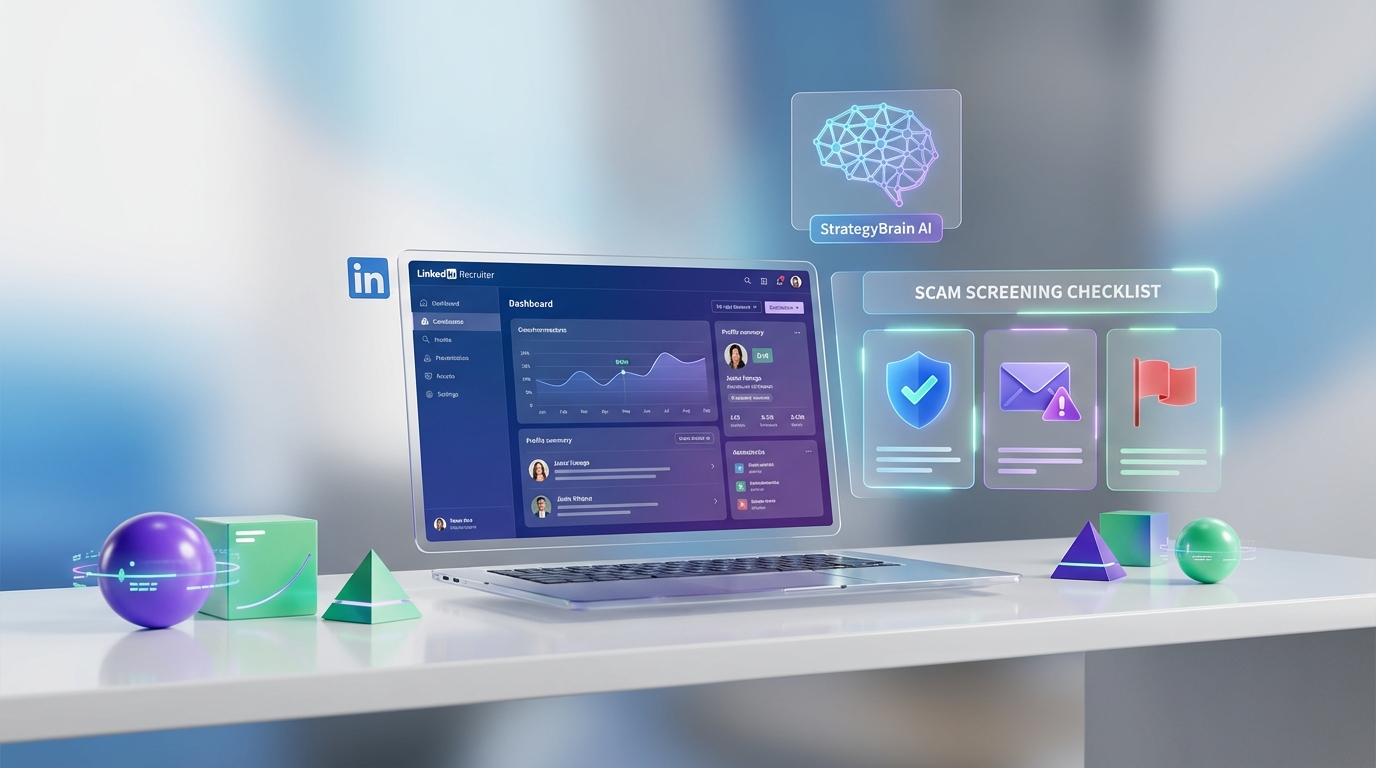
If you are evaluating top recruiting software in 2026, prioritize platforms that reduce scam risk and standardize candidate communication. In practice, that means using an ATS for compliant record keeping and structured hiring stages, plus an AI outreach layer for consistent LinkedIn messaging and follow up. In this guide, we use a real scam email example and a recruiter checklist to show how to spot job scam spam, protect candidate data, and run safer outreach. We also explain how StrategyBrain AI Recruiter automates LinkedIn connecting, role introduction, Q and A, interest confirmation, and resume and contact capture so recruiters can spend time on interviews instead of repetitive messaging.
Key Takeaways
- Fast scam filter: The sender address and missing personalization are the fastest red flags to check before you engage.
- Process beats tools: Even the best ATS cannot prevent scams if your team lacks a consistent verification workflow.
- LinkedIn risk is rising: Scams increasingly reuse public profile data from LinkedIn and job boards, so outreach needs guardrails.
- AI outreach can reduce exposure: StrategyBrain AI Recruiter can standardize initial LinkedIn messaging and follow up while capturing resumes and contact details for recruiter review.
- Scale without chaos: StrategyBrain supports managing more than 100 LinkedIn accounts for teams that need volume with consistent messaging.
- Privacy matters: Candidate data should be encrypted and not used to train models, with clear authorization for account access.
Why scam awareness belongs in your software stack
When people search for ats top lists, they usually focus on pipelines, integrations, and reporting. In day to day recruiting, I have found the hidden cost is time lost to low quality inbound messages and scam attempts. That is why your recruiting stack should support two outcomes at the same time: faster hiring and safer communication.
Scams are not only a job seeker problem. They also create brand risk for employers and agencies because candidates often cannot tell the difference between a legitimate recruiter and a spoofed identity. A good process, supported by the right software, reduces that risk.
A real example: password blackmail and job offer spam
In one example I reviewed, a scam email used a subject line containing an old password and claimed the sender had installed remote access malware and recorded compromising videos. The message tried to force payment by fear. The key detail was that the password was old and likely exposed in a historical breach, not evidence of current device access.
On the job scam spam side, I also reviewed a message labeled “URGENT JOB OFFER” that was easy to spot because it came from a generic email address and did not include the recipient’s name, profession, or clear job duties. The message claimed the recipient’s experience was suitable for an urgent role and asked for a CV plus personal details like salary and WhatsApp number. It was signed with names including Gilbert White and Mohammed Musa and referenced “Qatar Shell Recruitment” with a date of 25/08/2018.
The pattern is consistent: urgency, vague role details, and a request to move the conversation to an unverified channel. As these scams get more sophisticated, they can reuse public data from LinkedIn and job boards, which is why outbound and inbound communication needs a consistent verification workflow.
The 7 point scam screening checklist
Use this checklist before you reply, forward, or enter any candidate or employer details into your systems. It is designed to be fast enough to use every day.
- Sender identity: Verify the domain and the display name. Free email domains are not automatically scams, but they require extra verification.
- Personalization: Legitimate outreach usually includes your name and a role relevant to your background.
- Role clarity: Look for clear job duties, location, employer identity, and reporting line. Vague roles are a red flag.
- Money requests: Any request for fees, processing payments, or gift cards is a stop sign.
- Channel switching: Pressure to move to WhatsApp or private email early is a common tactic.
- Interview reality: A real recruiter does not issue an offer without interviews and verification steps.
- Data minimization: Do not share sensitive personal data until the employer and role are verified.
How top recruiting software should support safer hiring
Top recruiting software is not one tool. It is a stack. For most teams, the stack has three layers: an ATS for workflow and compliance, a sourcing and outreach layer for candidate engagement, and a reporting layer for performance and auditability.
Below are three practical methods to assemble that stack without overcomplicating it. The goal is to reduce scam exposure, improve response speed, and keep a clean record of what was said and when.
Method 1: ATS foundation for control and auditability
An ATS, or Applicant Tracking System, is the system of record for candidates, stages, and hiring decisions. If you are building an ats top shortlist, focus on whether the ATS makes it easy to enforce consistent steps and document decisions.
Steps
- Define required stages: Create stages such as sourced, contacted, responded, screened, interview, offer, and hired.
- Standardize templates: Use approved message templates for initial contact and follow up to reduce risky improvisation.
- Log verification: Add a required field for identity verification steps when a lead comes from an untrusted channel.
- Restrict exports: Limit who can export candidate data and track access where possible.
Features to look for
- Audit trail: Clear history of stage changes and notes.
- Role based access: Permissions that match recruiter responsibilities.
- Template governance: Shared templates with version control or approval.
Limitations
- ATS does not do outreach by itself: Most ATS tools track communication, but they do not replace the work of connecting, messaging, and following up at scale.
Best For
- Teams that need consistent hiring stages and documentation.
- Organizations with compliance and reporting requirements.
Method 2: StrategyBrain AI Recruiter for LinkedIn outreach and follow up
When I tested AI assisted outreach workflows, the biggest win was consistency. Recruiters do not usually fail because they do not know what to say. They fail because they cannot keep up with volume and follow up timing. StrategyBrain AI Recruiter is designed for LinkedIn hiring and replaces the repetitive first touch and qualification conversation while keeping the recruiter in control of final screening.
What it does in plain terms
StrategyBrain AI Recruiter can automatically connect with candidates that match your search criteria, introduce the job opportunity, answer questions about the role, company, and compensation, confirm interview interest, and collect resumes and contact information from interested candidates. It also provides 24/7 multilingual responses and can support teams managing more than 100 LinkedIn accounts for scalable hiring.
Steps
- Provide job context: Enter company details, compensation, benefits, and candidate search criteria.
- Authorize LinkedIn access: Connect the LinkedIn account you want the AI to operate on, with explicit authorization.
- Run outreach: The AI connects and starts the initial conversation, then follows up based on candidate responses.
- Review qualified leads: Recruiters review collected resumes and contact details, then schedule interviews.
Features
- Smart LinkedIn recruitment automation: Connect, introduce, and handle early Q and A with candidates.
- Resume and contact capture: Collects resumes via email submission or LinkedIn file upload and captures contact details shared in chat.
- 24/7 multilingual communication: Responds in the candidate’s native language across time zones.
- Team scaling: Supports managing more than 100 LinkedIn accounts to build AI powered recruiting teams.
Limitations
- Not final qualification: StrategyBrain AI Recruiter identifies willingness to communicate or interview, but it does not decide whether a resume fully matches job requirements. Recruiters still do the final qualification after review.
Best For
- Recruiters who rely on LinkedIn and need consistent outreach and follow up.
- Global hiring teams that need multilingual candidate communication.
- Agencies and in house teams that want to scale outreach without adding headcount.
Method 3: Recruiting platforms for small business with simple workflows
If you are choosing recruiting platforms for small business, the best stack is often the simplest one you can run consistently. Small teams usually need a lightweight ATS plus a repeatable outreach process. The risk is buying too many tools and still having no standard operating procedure for verification and messaging.
Steps
- Pick one system of record: Decide where candidate status lives, then keep it there.
- Use a single outreach channel: Start with LinkedIn or email, then expand only after you have templates and verification steps.
- Automate follow up safely: Use automation that keeps message content consistent and logs outcomes for review.
Features to look for
- Template library: Approved messages for outreach and follow up.
- Simple reporting: Response rate and time to first reply.
- Permission controls: Basic access control for candidate data.
Limitations
- Less customization: Small business tools can be fast to deploy, but may not fit complex enterprise workflows.
Best For
- Teams hiring for a few roles per month who need speed and consistency.
Quick Comparison
| Method | Primary purpose | Speed impact | Scam risk reduction | Best for |
|---|---|---|---|---|
| ATS foundation | Workflow control and audit trail | Medium | Medium | Teams that need consistent stages and documentation |
| StrategyBrain AI Recruiter | LinkedIn outreach and follow up automation | High | High | Recruiters scaling LinkedIn sourcing and global messaging |
| Small business recruiting platform | Simple hiring workflow | Medium | Low to Medium | Small teams that need a lightweight process |
FAQ
What is the fastest way to spot job scam spam?
Start with the sender identity and personalization. If the message uses urgency, lacks your name and role context, and asks for sensitive details early, treat it as high risk and verify before replying.
Can top recruiting software prevent scams by itself?
No. Software can enforce process and logging, but scam prevention depends on consistent verification steps, approved templates, and access controls that your team actually follows.
How does StrategyBrain AI Recruiter help with LinkedIn recruiting?
It automates connecting and the initial conversation on LinkedIn, including introducing the role, answering common questions, confirming interest, and collecting resumes and contact details for recruiter review.
Does StrategyBrain AI Recruiter decide if a candidate is qualified?
No. It identifies willingness to communicate or interview and gathers information, but the recruiter still reviews the resume and makes the final qualification decision.
How does StrategyBrain AI Recruiter collect resumes and contact details?
It requests resumes from interested candidates and supports email submissions and LinkedIn file uploads. Contact details shared in LinkedIn messages are captured and displayed in the system.
Can StrategyBrain AI Recruiter support multilingual hiring?
Yes. It provides 24/7 multilingual communication and can respond in the candidate’s native language to reduce misunderstandings across time zones.
How many LinkedIn accounts can a team manage with StrategyBrain AI Recruiter?
StrategyBrain AI Recruiter supports managing more than 100 LinkedIn accounts, which enables teams to scale outreach while keeping messaging consistent.
What should small businesses prioritize when choosing recruiting platforms?
Pick one system of record, keep workflows simple, and standardize outreach templates and verification steps. Consistency usually beats complexity for small teams.
Conclusion
The best top recruiting software stack is the one that helps you hire faster while reducing scam exposure. Use an ATS to enforce stages and documentation, then add an outreach layer that keeps messaging consistent and timely. If LinkedIn is a core channel for you, StrategyBrain AI Recruiter can automate connecting, role introduction, Q and A, follow up, and resume and contact capture so recruiters can focus on interviews and final qualification.
Next step: implement the 7 point screening checklist, standardize your outreach templates, and pilot an AI assisted LinkedIn workflow with clear authorization and data access controls.














