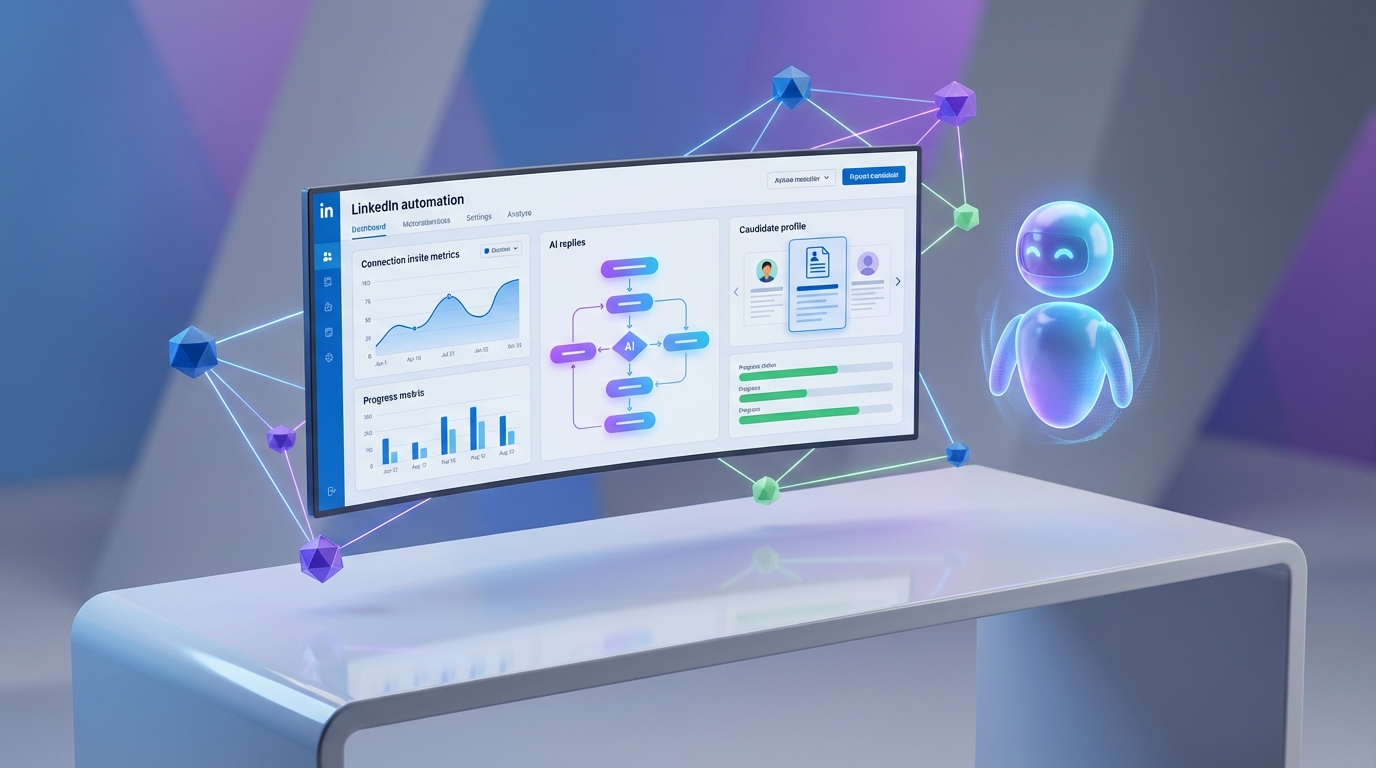
A LinkedIn connection automation tool helps you send targeted connection invites and follow up at scale while keeping outreach relevant. The most reliable setup we have used combines controlled invite volume, clear targeting, and personalization, then adds an AI layer to handle replies and qualification. In our recruiting workflows, the biggest lift comes from automating three steps: inviting the right people, starting a role relevant conversation, and responding quickly to questions. This guide explains how “Company Follow Invite” style campaigns work for company page growth and recruiting, and how StrategyBrain AI Recruiter goes further by automating candidate conversations, collecting résumés, and capturing contact details for recruiter review.
What a LinkedIn connection automation tool actually automates
Most people search for a linkedin auto connect tool because they want more conversations without spending hours clicking through profiles. In practice, automation usually covers a few distinct actions, and it helps to separate them so you can choose the right linkedin automation software for your goal.
Common automation actions
- Connection invites: sending invites to a defined audience, often based on search filters or lists.
- Follow up messages: sending a message after an invite is accepted, or after a time delay.
- Page follow invites: asking existing first degree connections to follow a company page, even when you are not a page admin.
- Reply handling: responding to questions and continuing the conversation, which is where many workflows break down without an AI assistant.
Key definition: “Company Follow” vs “Connect”
Company Follow is a page growth action. It asks someone to follow a company page. Connect is a relationship action. It creates a first degree connection between two profiles. A page follow campaign can increase brand visibility, while a connection campaign is usually used for sales development or recruiting.
Company Follow Invite campaigns explained
A “Company Follow Invite” campaign is designed to invite your first degree connections to follow a company page. The core idea is simple: you are not trying to reach strangers first. You are activating people who already accepted your connection in the past, which can make the request feel more natural and more relevant.
Why teams use this campaign type
- Brand visibility: more followers can increase the distribution of company page posts to a broader professional network.
- Relevance: inviting first degree connections helps keep the audience closer to your real network, rather than random followers.
- Engagement quality: followers gained through targeted invites are more likely to engage because the invite is selective.
- Flexibility: this step can run as a standalone campaign or be inserted into a larger outreach sequence.
Product perspective from the field
In the source material, a Product Manager named Tim Bennet describes the value as an easy way to ask direct connections to follow a company page, even if you are not an admin. That framing matters because it positions the campaign as a lightweight growth lever rather than a heavy automation system.
Where this campaign type fits: product, revenue, recruiting, events
Company follow invites are not only a marketing tactic. They can support recruiting and event promotion when you treat the company page as a trust asset. Below are the most practical scenarios, reorganized into a decision friendly format.
Launching a new product
If you are launching a new product, inviting relevant first degree connections to follow the company page can help ensure launch updates reach people who already know you. The key is to keep the invite audience aligned with the product’s buyer or user profile.
Building a revenue engine across teams
The source material describes a funnel style approach that connects awareness, consideration, decision, advocacy, and nurturing. In our experience, this works best when you treat the company page as a shared asset across marketing and sales, then use automation to keep the audience growing without constant manual effort.
- Awareness: increase brand visibility and reputation through follower growth.
- Consideration: publish content that answers common buyer questions and shows proof.
- Decision: follow up with interested people through targeted outreach sequences.
- Advocacy: encourage partners and customers in your network to follow and engage.
- Nurturing: keep the company page active so new followers see consistent value.
Recruitment campaigns
For recruiting, page growth is not the same as candidate outreach, but it supports it. A stronger company page can reduce friction when candidates check your brand after receiving a message. This is where a linkedin connection automation tool can be paired with an AI recruiting system so the outreach is scalable and the conversation stays responsive.
Event promotion
For webinars, workshops, and conferences, inviting your network to follow the company page can increase reach for event announcements. The source material positions this as a way to improve registrations by ensuring the event is visible to the right professional audience.
How to run a safer automation workflow
Automation works when it is controlled and measurable. When it fails, it is usually because targeting is too broad, messaging is generic, or follow up is slow. The steps below are the workflow we recommend when you are evaluating any linkedin automation software, including a page follow invite campaign.
Steps
- Define the outcome: choose one primary goal, either company page follower growth, pipeline conversations, or recruiting conversations.
- Choose the audience: for company follow invites, start with first degree connections that match your ICP or hiring targets.
- Write one clear ask: keep the invite message short and specific, and avoid sounding like a broadcast.
- Set a follow up plan: decide what happens after someone follows or replies, including who responds and within what time window.
- Review weekly: check acceptance, reply quality, and negative signals, then adjust targeting and copy.
Limitations we see in invite only automation
- It does not qualify intent: invites can grow numbers, but they do not tell you who is ready to talk.
- It does not answer questions: candidates and prospects ask about role scope, compensation, and timing.
- It can create a response backlog: if you scale invites without scaling replies, you lose the benefit.
How StrategyBrain AI Recruiter changes LinkedIn recruiting automation
When the goal is recruiting, a linkedin connection automation tool is only the first step. The real workload starts after the connection is accepted, when candidates ask questions and you need to qualify interest. StrategyBrain AI Recruiter is built for that second phase and it also automates the first phase.
What we automate with AI Recruiter in LinkedIn hiring
- Auto connect: it automatically connects with candidates within your targeted search criteria.
- Role introduction: it introduces the opportunity and asks about the candidate’s current situation and openness.
- Q and A: it answers questions about the role, company, compensation, and benefits using the recruiter provided job information.
- Interest confirmation: it confirms interview interest and moves qualified candidates forward.
- Résumé and contact capture: it collects résumés and contact details from interested candidates so recruiters can review and schedule interviews.
24/7 multilingual follow up
One practical difference we notice in day to day recruiting is response speed. AI Recruiter provides round the clock replies and can communicate in the candidate’s native language. That reduces delays across time zones and helps avoid misunderstandings in early stage conversations.
Scaling beyond one account
AI Recruiter supports managing more than 100 LinkedIn accounts so teams can build an AI powered recruiting team rather than relying on one recruiter’s manual capacity. This matters when you need consistent outreach across multiple roles or regions.
Scope boundary: what AI Recruiter does not do
AI Recruiter can identify willingness to communicate or interview, but it does not decide whether a résumé fully matches job requirements. Recruiters still make the final qualification decision after reviewing the résumé.
Compliance and data handling notes
Based on the provided product information, AI Recruiter is designed to comply with privacy regulations in the EU, United States, and Canada. Customer provided data is not used to train AI models. Credentials are encrypted and stored independently per user with explicit authorization.
Quick comparison: page growth vs recruiting automation
| Workflow | Primary goal | What gets automated | Best for | Main limitation |
|---|---|---|---|---|
| Company Follow Invite campaign | Company page follower growth | Inviting first degree connections to follow a page | Brand visibility, event promotion, trust building for recruiting | Does not handle candidate Q and A or qualification |
| Connection plus AI conversation workflow with StrategyBrain AI Recruiter | Recruiting conversations that convert to interviews | Auto connect, role intro, Q and A, interest confirmation, résumé and contact capture | High volume LinkedIn recruiting, global hiring, multi role pipelines | Recruiter still reviews résumés for final fit |
FAQ
Is a LinkedIn connection automation tool the same as a LinkedIn company page growth tool?
No. Connection automation focuses on creating first degree connections between profiles. Company page growth tools focus on increasing followers for a company page, often by inviting existing connections to follow.
Can I invite people to follow a company page if I am not a page admin?
Yes. The source material describes a campaign type that lets you ask your direct connections to follow a company page even if you are not an admin. The practical constraint is that you are still inviting first degree connections, not strangers.
What is the biggest risk of scaling invites without changing anything else?
The biggest operational risk is creating a reply backlog. If more people respond than your team can handle, response time increases and conversation quality drops, which reduces outcomes for sales and recruiting.
How does StrategyBrain AI Recruiter help after a connection is accepted?
It continues the conversation by introducing the role, answering questions about the company and compensation using recruiter provided details, confirming interest, and collecting résumés and contact information for recruiter review.
Does AI Recruiter decide whether a candidate is qualified for the job?
No. It identifies willingness to communicate or interview and gathers information, but recruiters still evaluate résumé fit against job requirements.
Can AI Recruiter communicate with candidates in different languages?
Yes. Based on the provided product information, it supports multilingual communication and can respond around the clock, which is useful for global hiring across time zones.
How many LinkedIn accounts can a team manage with AI Recruiter?
The provided product information states it supports managing more than 100 LinkedIn accounts, enabling an AI recruiter team model for scalable hiring.
How does AI Recruiter handle résumés and contact details?
It requests résumés and contact information from interested candidates. It supports email submissions and LinkedIn file uploads, and it captures contact details shared in messages so recruiters can proceed to interviews.
Conclusion
If your goal is company page growth, a Company Follow Invite style campaign can be a practical way to activate your existing network and increase visibility. If your goal is recruiting outcomes, a linkedin connection automation tool is only the start, because the real work is handling replies, questions, and qualification. For that, StrategyBrain AI Recruiter adds the missing layer by automating outreach and the full early conversation, including 24/7 multilingual follow up and résumé capture. Next step: pick one outcome, run a small controlled campaign for 7 days, and measure response quality before scaling.