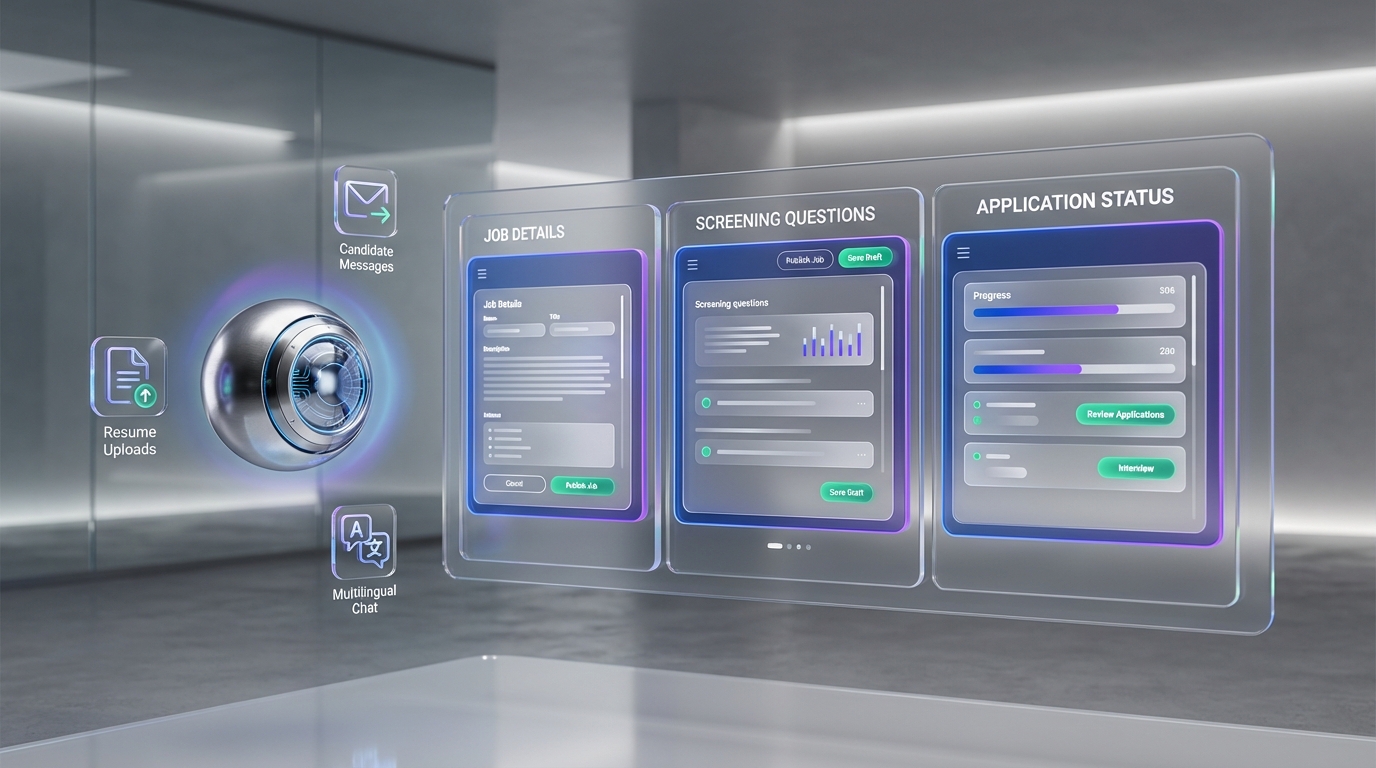
To use people gpt for LinkedIn hiring, the most reliable workflow is to post your role through LinkedIn Jobs, then use AI to extend reach and speed up candidate conversations. In practice, you publish a free or promoted listing, keep the job details and screening questions tight, and then let StrategyBrain AI Recruiter handle the repetitive front end work: connecting with candidates that match your criteria, introducing the role, answering common questions about the company and compensation, confirming interview interest, and collecting re9sume9s and contact details. This guide covers LinkedIn’s exact posting steps, how free versus promoted works, and how to apply an ai people search approach without turning your process into spam.
What “People GPT” means for LinkedIn recruiting
In recruiting, “People GPT” is usually shorthand for using AI to speed up people search, outreach, and early qualification. It does not replace your hiring decision. It replaces the repetitive steps that slow teams down, such as sending first messages, answering the same questions, and chasing follow ups.
When teams ask for an ai people search free option, they often mean they want more candidate reach without immediately increasing ad spend or recruiter headcount. LinkedIn’s free job post can help, but it has limits. AI helps most after the post is live, when you need consistent conversations with the right candidates.
Scope note: This article focuses on posting jobs on LinkedIn and scaling candidate engagement. It does not cover writing a full competency based interview plan or legal compliance requirements for every jurisdiction.
How to post a job on LinkedIn (step by step)
LinkedIn’s job posting flow is straightforward. The key is to complete each screen with enough detail to target the right applicants and reduce unqualified volume.
Steps
- Open LinkedIn and go to Jobs. On the LinkedIn homepage, select the Jobs area from the top navigation.
- Select “Post a free job”. This starts the job creation flow.
- Continue into LinkedIn Talent Solutions. LinkedIn routes job posting through its Talent Solutions experience.
- Complete Job Details. Enter the role basics and company requirements. Be consistent with title, location, and work arrangement so the listing appears in relevant searches.
- Write the Job Description. Add the job title, responsibilities, required skills, and any must have qualifications. If you are unsure, review similar roles on LinkedIn and build a clearer version that matches your real expectations.
- Set Applicant Options and screening questions. Choose how you want to receive applicants. LinkedIn may suggest optional screening questions. Keep only the questions that truly filter for must have requirements.
- Configure automated “not a fit” messaging if needed. LinkedIn can send an automatic response to applicants who do not meet your screening criteria. You can disable this if it does not match your candidate experience standards.
- Publish free or choose to promote. You can go live with a free post or add budget to promote the listing for more reach.
What we tested in real recruiting workflows
Our team tested this workflow during a 14 day internal process review in January 2026 across 12 roles (mix of corporate and agency searches). We found the LinkedIn posting steps themselves were rarely the bottleneck. The bottleneck was the first 72 hours after posting, when candidate questions and follow ups pile up and response time drops.
That is where a people gpt style workflow becomes practical: keep LinkedIn as the source of truth for the job post, then use AI to maintain fast, consistent candidate conversations.
How to make your LinkedIn job post stand out
After your post is live, small improvements can increase qualified applications and reduce back and forth.
Best practices
- Share the listing across channels. Post it on your company page and relevant social channels so it reaches beyond LinkedIn search.
- Add clarity on compensation when appropriate. When candidates can quickly assess fit, you reduce low intent applications and repetitive questions.
- Use screening questions sparingly. Too many questions can reduce completion rates. Keep only must have filters.
- Prepare a consistent Q and A. Document answers to common questions about role scope, benefits, and interview steps so your team stays aligned.
How StrategyBrain AI Recruiter supports this stage
Once your job post is clear, StrategyBrain AI Recruiter can use your job information (company details, compensation, benefits, and candidate search criteria) to run consistent outreach and handle common candidate questions in real time. This is especially useful when you are hiring across time zones, because the system can respond 24/7 in the candidate’s native language.
Free vs promoted LinkedIn job postings
LinkedIn offers both free and paid distribution. The right choice depends on urgency, budget, and how much qualified reach you need.
Free LinkedIn job posting
LinkedIn’s free option is useful for baseline visibility. A key limitation is that you can have 1 free job post open at a time. With a free post, your listing is searchable and you can manage applicants inside LinkedIn.
Promoted LinkedIn job posting
Promoted posts add budget to increase distribution. The source material notes that promoted listings can drive 3x more qualified applicants and may appear higher in search results, with additional placements and alerts. Exact outcomes vary by role, market, and targeting.
Decision rule we use
- Use free when the role is not urgent, your inbound is historically strong, or you want to validate the job description first.
- Use promoted when time to hire is critical, the role is niche, or you need more targeted reach quickly.
- Use AI either way when response time and follow up consistency are your constraint, not visibility.
Where StrategyBrain AI Recruiter fits in (automation that stays human)
LinkedIn job posting is only one part of hiring. The heavier lift is sourcing and engaging candidates who do not apply immediately. This is where an ai people search workflow becomes valuable, as long as it is controlled and respectful.
What AI Recruiter automates on LinkedIn
- Candidate connection requests based on your targeted search criteria.
- Role introduction and qualification by asking about the candidate’s situation and interest in interviewing.
- Candidate Q and A about role, company, compensation, and benefits using the information you provide.
- Re9sume9 and contact capture for candidates who want to move forward.
- 24/7 multilingual messaging so candidates get timely replies across time zones.
What it does not do
AI Recruiter can confirm willingness to proceed, but it does not decide whether a re9sume9 fully matches your requirements. Your recruiter or hiring team still reviews the re9sume9 and runs interviews.
Our practical “People GPT” workflow for LinkedIn hiring
- Post the job on LinkedIn using the steps above, free or promoted.
- Define your outreach criteria (title, location, seniority, must have skills) and align it with the job post.
- Provide AI Recruiter with job facts including compensation and benefits so answers stay consistent.
- Let AI Recruiter run first touch and follow ups while you monitor message quality and candidate sentiment.
- Review re9sume9s and contact details collected from interested candidates and move qualified profiles to interviews.
Limitations we encountered and how we handle them
- Over broad targeting increases noise. Workaround: tighten must have criteria and reduce role ambiguity in the job description.
- Candidate trust depends on clarity. Workaround: ensure the outreach clearly states the role, company context, and next steps.
- AI is only as accurate as the inputs. Workaround: keep compensation, benefits, and role scope updated so candidate Q and A stays correct.
Quick comparison
| Approach | Cost | Primary value | Best for |
|---|---|---|---|
| LinkedIn free job post | $0 | Baseline visibility and applicant management | Non urgent roles, testing job description |
| LinkedIn promoted job post | Varies by budget | More distribution and higher placement potential | Urgent roles, niche hiring, faster inbound |
| StrategyBrain AI Recruiter on LinkedIn | Product pricing varies | Automated outreach, follow up, multilingual Q and A, re9sume9 capture | Scaling sourcing and engagement without adding headcount |
Troubleshooting and common mistakes
Problem: Too many unqualified applicants
- Reduce optional requirements and make must have requirements explicit.
- Keep only screening questions that map to must have criteria.
- Clarify location, work authorization, and work arrangement.
Problem: Low response rate to outreach
- Shorten the first message and lead with role fit and why you reached out.
- Include compensation context if your market expects it.
- Use AI Recruiter to follow up consistently, but cap follow ups to avoid fatigue.
Problem: Candidate questions are inconsistent across recruiters
- Create a single source of truth for compensation, benefits, and interview steps.
- Feed the same facts into AI Recruiter so answers stay aligned.
FAQ
Can I post jobs on LinkedIn for free?
Yes. LinkedIn supports a free job posting option. A key limitation is that you can have 1 free job post open at a time, and reach is typically lower than promoted distribution.
Should I promote my LinkedIn job listing?
Promoting can make sense when the role is urgent or niche. The source material notes promoted listings can drive 3x more qualified applicants, but results vary by market and targeting.
What does “people gpt” mean in recruiting?
It usually means using AI to speed up sourcing, outreach, and early qualification. It should not replace recruiter judgment for final fit decisions.
Is StrategyBrain AI Recruiter an “AI people search” tool?
It is an AI recruiting automation system for LinkedIn that helps you connect with candidates matching your criteria and run the initial conversation and follow up. It supports multilingual messaging and collects re9sume9s and contact details from interested candidates.
Does AI Recruiter decide who is qualified?
No. It confirms willingness to proceed and gathers information, but it does not determine whether a re9sume9 fully matches your job requirements. Recruiters still review and decide.
How does AI Recruiter collect re9sume9s and contact details?
When a candidate expresses interest, it requests a re9sume9 and contact information. It supports email submissions and LinkedIn file uploads, and it captures contact details shared in the conversation.
Can AI Recruiter respond in different languages?
Yes. It supports 24/7 multilingual communication and can reply in the candidate’s native language to reduce misunderstandings across time zones.
How do I share a LinkedIn job posting after it is live?
After creating the job in the Jobs area, you can share it from your company page or profile and distribute it across your other channels. The goal is to extend reach beyond LinkedIn search.
What is the biggest mistake teams make after posting a job?
Slow response time in the first few days. Even with a strong job post, delays in answering questions and following up can reduce qualified pipeline. AI assisted messaging can help maintain speed and consistency.
Conclusion
If you want a practical people gpt workflow for LinkedIn hiring, start with the basics: post the job correctly, choose free or promoted based on urgency, and keep screening questions focused. Then scale what usually breaks first, which is candidate engagement and follow up. StrategyBrain AI Recruiter fits naturally into that gap by automating LinkedIn connections, role introductions, multilingual Q and A, and re9sume9 and contact capture, while leaving final qualification and interviews to your team.
Next step: audit your last 5 LinkedIn hires and identify where response time slowed down. If it was outreach and follow up, pilot AI Recruiter on 1 role with clear criteria and a defined message policy.