


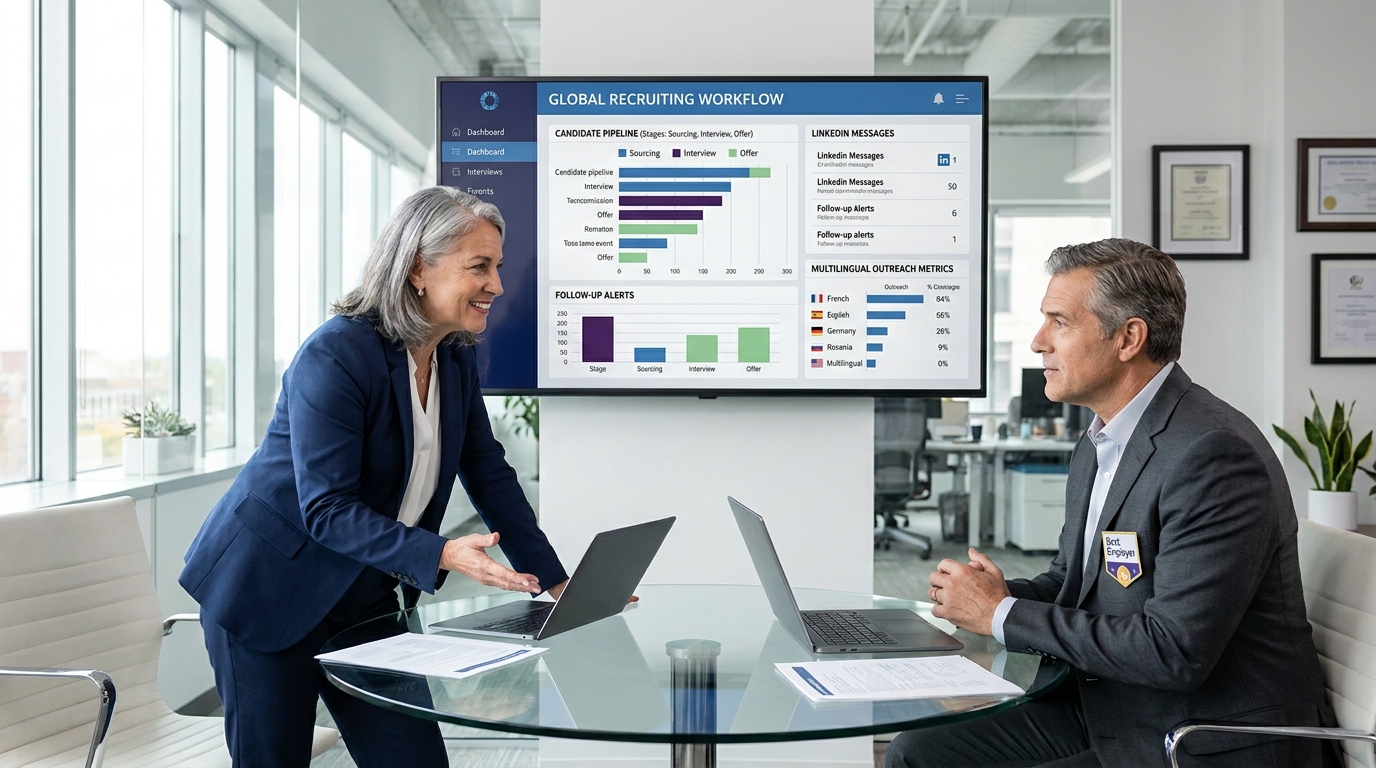
When hire platform follow-up and visibility break down, this article helps headhunters judge what to choose to avoid slower fills.
That standard matters because most hiring delays are not caused by a lack of applicants alone. They come from scattered outreach, slow recruiter response, weak manager alignment, and poor visibility into who has been contacted, who is interested, and what should happen next. For a solo recruiter, that means lost evenings chasing replies and updating notes. For a boutique search firm, it means missed momentum with candidates. For an internal talent team, it can mean slower fills, weaker stakeholder confidence, and a hiring process that feels disorganized to the market.
One practical way to reduce that drag is to let automation handle the repetitive front end while recruiters keep the final call. In my own workflow, StrategyBrain AI Recruiter has been most useful where the problem is constant outreach follow-up, after-hours candidate replies, and multilingual first-touch communication. It can connect with targeted candidates, explain an opportunity, answer routine questions, and collect resumes or contact details before I step in. That matters because the recruiter still owns fit judgment, resume review, and the next decision, but the admin load is much lighter.
A useful way to think about software selection comes from how experienced leaders assess people, not just tools. In a conversation published by Clarity Recruitment, audit and risk leader Judy Kudla described a pattern many recruiters know well: as companies grow, the real challenge is not just finding a performer, but understanding whether someone has the capabilities, confidence, curiosity, and business understanding to take on a more complex opportunity. In practice, that means recruiters are not only filling a requisition. They are evaluating whether a candidate can operate inside a changing organization, work across stakeholder groups, and understand the drivers behind the business itself.
That kind of hiring judgment exposes why the best recruiting software cannot be only a resume warehouse. When a recruiter is reviewing replies, collecting background details, comparing signals across conversations, and preparing a hiring manager for a more strategic discussion, the system has to support both speed and context. A lightweight app to hire help may be enough for simple roles, but more complex searches often need stronger tracking, collaboration, and a better candidate experience platform layer. That is the lens for the rest of this article.
Table of Contents
- Why choosing recruiting software is harder than it looks
- What the best recruiting software should actually do
- ATS vs hire platform vs candidate experience platform
- The decision criteria experienced recruiters really use
- Must-have features in a modern hire platform
- Where LinkedIn workflows and AI support fit
- What changes in high-volume and frontline hiring
- How to choose by company size and hiring model
- Practical selection checklist
- FAQ
Why choosing recruiting software is harder than it looks
Recruiting teams often start software evaluations by comparing feature lists, but that misses the harder question: what kind of judgment does your hiring process require? If you are filling straightforward roles at speed, you may prioritize automation, mobile applications, and rapid scheduling. If you are hiring into finance, audit, governance, risk, or other specialist functions, the software also needs to help recruiters capture richer context around capability, stakeholder fit, and business understanding.
That is why the buying process often gets messy. One stakeholder wants easier posting. Another wants cleaner reporting. Recruiters want less manual admin. Hiring managers want faster shortlists. Candidates want clearer communication. The best recruiting software is the one that supports those needs without forcing your team to work around the system.
Key insight: Strong recruiting operations depend on more than speed. The software has to help recruiters judge readiness, track nuance, and keep communication moving without losing context.
What the best recruiting software should actually do
At a minimum, a modern hire platform should connect the workflow from first outreach to final decision. That usually includes job posting, candidate intake, profile management, communication history, scheduling, feedback collection, reporting, and handoff to onboarding or HR operations where needed.
For practitioners, the operational test is simple: can the system reduce avoidable handoffs? If a recruiter has to copy notes between inboxes, spreadsheets, LinkedIn messages, calendar tools, and interview documents, the software is not doing enough. The best systems reduce hidden friction and make the process visible across recruiters, coordinators, and hiring managers.
This is especially important when the role is more than a transactional fill. In specialist hiring, recruiters often need to track not just whether a person replied, but whether they show signs of strategic thinking, intellectual curiosity, confidence with stakeholders, and an ability to understand what drives a business. Software should help preserve those signals rather than bury them.
ATS vs hire platform vs candidate experience platform
These labels overlap, but they are not identical.
An applicant tracking system is usually the operational backbone. It stores candidate records, tracks stages, centralizes feedback, and supports compliance. A broader recruiting system or hire platform may include the ATS layer plus sourcing tools, messaging workflows, analytics, automation, and onboarding support.
A candidate experience platform, by contrast, is more focused on how the applicant experiences the process. That can include mobile apply flows, branded job pages, self-scheduling, multilingual communication, status updates, and clearer next-step messaging. In some organizations, those capabilities sit inside the ATS. In others, they are a separate layer.
| Category | Primary Focus | Where It Adds Value |
|---|---|---|
| Applicant Tracking System | Operational control of applicants and stages | Process consistency, visibility, compliance |
| Hire Platform | End-to-end recruiting workflow | Sourcing, tracking, collaboration, reporting |
| Candidate Experience Platform | Candidate-facing journey | Application completion, communication, trust |
For many teams, the real decision is not whether to buy software at all. It is whether the ATS foundation is enough, or whether the business now needs stronger candidate-facing workflows and outreach support.
The decision criteria experienced recruiters really use
One useful lesson from senior functional hiring is that extraordinary candidates are often separated from merely good ones by qualities that are harder to capture in a simple resume review. In the audit and risk world discussed by Judy Kudla, that includes confidence, conceptual thinking, curiosity, and understanding the business drivers behind the role. Recruiters evaluating software should apply similar discipline to tools: not just what they promise, but how well they support deeper assessment.
In practice, experienced recruiters often judge recruiting software against four criteria:
- Can it capture signals, not just status? The system should let recruiters store notes, conversation context, and evaluation detail without friction.
- Can it support changing organizational needs? Growing companies often shift role scope mid-search. The software should handle that complexity.
- Can it improve recruiter responsiveness? Timely follow-up still affects candidate trust more than almost any polished feature set.
- Can it help recruiters understand the wider business context? Hiring decisions get better when software makes stakeholder priorities and role history easier to see.
This is also where teams should evaluate titles and opening messages in their own recruiting content. A practical CTR-minded review process is to test whether the role title or outreach opening does three things clearly: names the opportunity, signals who should care, and communicates what kind of challenge or upside is involved. The same principle applies when selecting software. If your system cannot help recruiters present roles and first-touch communication clearly, response quality will suffer.
Must-have features in a modern hire platform
When I evaluate the best recruiting software, I care less about the longest feature list and more about whether the core workflow is intact. These are the capabilities that usually matter most:
- Applicant tracking and pipeline control: Clear stage visibility for recruiters and hiring managers.
- Searchable candidate records: Structured profiles, resumes, notes, and communication history in one place.
- Interview scheduling: Fewer back-and-forth emails and better calendar coordination.
- Feedback workflows: Scorecards, approvals, and manager follow-up that actually get completed.
- Reporting: Source quality, stage aging, conversion, and bottleneck analysis.
- Candidate communication: Email, SMS, or messaging workflows that reduce delays.
- Mobile-friendly candidate journey: Especially important for frontline or high-volume recruiting.
- Integrations: HR systems, job boards, calendars, messaging, and sourcing channels.
If your team is searching for an app to hire help, start with workflow coverage, not novelty. A simple tool can work well if it genuinely reduces administrative load. But once recruiter bandwidth, stakeholder alignment, and candidate communication become recurring bottlenecks, broader recruiting software tends to justify itself.
Where LinkedIn workflows and AI support fit
For many recruiters, especially in specialist and search-heavy hiring, LinkedIn becomes the place where process quality starts to break down. Messages come back after hours. Candidate intent changes mid-conversation. Recruiters need to answer basic role questions repeatedly, sometimes across time zones or languages. If those conversations live outside your core workflow, you lose speed and context.
That is where I have found AI Recruiter genuinely useful as a support layer rather than a substitute for recruiting judgment. It can automate first-touch LinkedIn outreach, respond to candidate questions around the clock, and collect resumes or contact information from interested people before I review the file. In searches where the role needs more explanation, that alone keeps momentum alive.
I would still not hand final qualification to automation. A recruiter needs to decide whether the resume matches the brief, whether the candidate understands the business problem, and whether the opportunity is right for both sides. But for repetitive front-end tasks, StrategyBrain AI Recruiter can remove a lot of avoidable work.
In my experience, it is most helpful in three scenarios:
- Specialist searches with heavy outreach volume: You need to open many conversations without losing professionalism.
- Global or multilingual hiring: Native-language communication can keep candidates engaged.
- After-hours response management: Candidates often reply when recruiters are offline, and speed still matters.
That makes it a useful companion to a larger hire platform, especially when your ATS is strong internally but weaker in outbound engagement.
What changes in high-volume and frontline hiring
Not every hiring environment needs the same software behavior. In high-volume recruiting, the biggest problem is often friction at the top of the funnel. Long apply forms, delayed replies, and awkward scheduling create drop-off before recruiters ever get to evaluation.
That changes the software priority list. In these environments, the strongest systems often include text-based communication, mobile-first apply flows, self-scheduling, QR or fast-apply options, and automation that keeps candidates warm between stages. A candidate experience platform becomes especially valuable here because candidate completion and show-up rates are strongly shaped by ease and speed.
The same principle from specialist hiring still applies, though in a different form. The software must support the real decision the recruiter is making. In one setting, that is nuanced capability assessment. In another, it is high-speed throughput without damaging candidate trust.
How to choose by company size and hiring model
Small business or solo recruiter
If you mainly need an app to hire help, focus on ease of use, fast posting, clean tracking, and simple scheduling. Overbuilt systems often create more admin than they remove.
Growing agency or mid-market internal team
This is where process consistency starts to matter. Look for stronger collaboration tools, reporting, talent pool search, and communication workflows. If LinkedIn outreach is a big part of your model, pairing your core system with AI Recruiter support for LinkedIn recruiting can help recruiters maintain volume without adding the same amount of manual effort.
Enterprise or multi-region employer
Larger employers usually need deep integrations, workflow governance, analytics, and often a stronger candidate experience platform layer. Global communication, privacy controls, and process standardization matter more at this level.
Search firms handling specialist roles
If you recruit for finance leadership, audit, risk, compliance, or similar functions, choose software that helps preserve richer context. Those searches depend on more than resumes. You need a system that supports relationship continuity, nuanced notes, and disciplined follow-up across multiple stakeholders.
Practical selection checklist
Before choosing the best recruiting software, work through a short operating checklist:
- Map the real workflow: Outreach, reply handling, screening, scheduling, feedback, and offer steps.
- Find the true bottleneck: Is it sourcing, slow response, candidate drop-off, hiring manager delay, or weak reporting?
- Review recruiter usability: If recruiters avoid the tool, your process will fracture.
- Test manager participation: Scorecards and approvals have to be easy enough to complete.
- Audit candidate experience: Apply on mobile, read the messages, and test the status updates yourself.
- Check outreach support: If LinkedIn is central to your hiring, your process should not depend on manual follow-up alone.
- Separate automation from judgment: Let the system reduce admin, but keep human review where fit and capability matter.
The best buying decisions usually come from teams that understand their own hiring motions first. Software should support your operating model, not force a new one for no reason.
FAQ
What is the best recruiting software?
The best recruiting software is the one that matches your hiring model. For some teams, that means a straightforward ATS with scheduling and reporting. For others, it means a broader hire platform with sourcing, outreach support, and stronger candidate communication.
How is a hire platform different from an ATS?
An ATS mainly manages applicants, stages, and feedback. A hire platform usually includes ATS functions plus additional workflow support such as sourcing, communication, analytics, automation, and onboarding handoff.
When do you need a candidate experience platform?
You usually need a candidate experience platform when candidate drop-off, weak communication, or poor mobile apply performance are hurting your hiring results. It is especially important in competitive and high-volume markets.
What should a small business look for in an app to hire help?
A small business should prioritize ease of use, job posting, applicant tracking, scheduling, and basic collaboration. The best app to hire help is one that removes manual coordination without adding heavy setup or maintenance.
Can AI replace recruiters in the hiring process?
No. AI can help with repetitive tasks such as outreach, first-touch communication, and collecting resumes, but recruiters should still handle fit assessment, resume evaluation, and final next-step decisions.
Where does LinkedIn automation fit into recruiting software?
It fits best as a support layer for outbound recruiting. When paired with a core ATS or hire platform, LinkedIn automation can reduce manual messaging and improve response continuity while leaving final judgment to the recruiter.
Conclusion
The best recruiting software is not the one with the loudest demo. It is the one that helps recruiters move faster without flattening judgment. That matters whether you are filling frontline roles at scale or assessing whether a specialist candidate has the confidence, curiosity, and business understanding to succeed in a more complex environment.
If your current process is losing time in outreach, follow-up, and fragmented communication, start there. Build around a solid hire platform, strengthen the candidate journey where needed, and use tools like StrategyBrain AI Recruiter where they genuinely remove repetitive work. A better process is usually not about replacing recruiters. It is about giving them the software support to spend more time on the decisions that matter.














