Mixed-role recruiters can use this article to judge which ai hiring software fixes upstream workflow gaps before scheduling delays cost speed and trust.
That matters because most interview delays are not caused by a lack of candidates. They come from fragmented recruiter work: outreach in one place, résumé review in another, interview booking in email threads, and status updates stuck in someone’s inbox. For a small agency owner, that means slower submissions and a weaker client impression. For an independent recruiter, it means losing evenings to follow-up. For an in-house talent lead, it means good applicants cool off while the team is still trying to line up calendars.
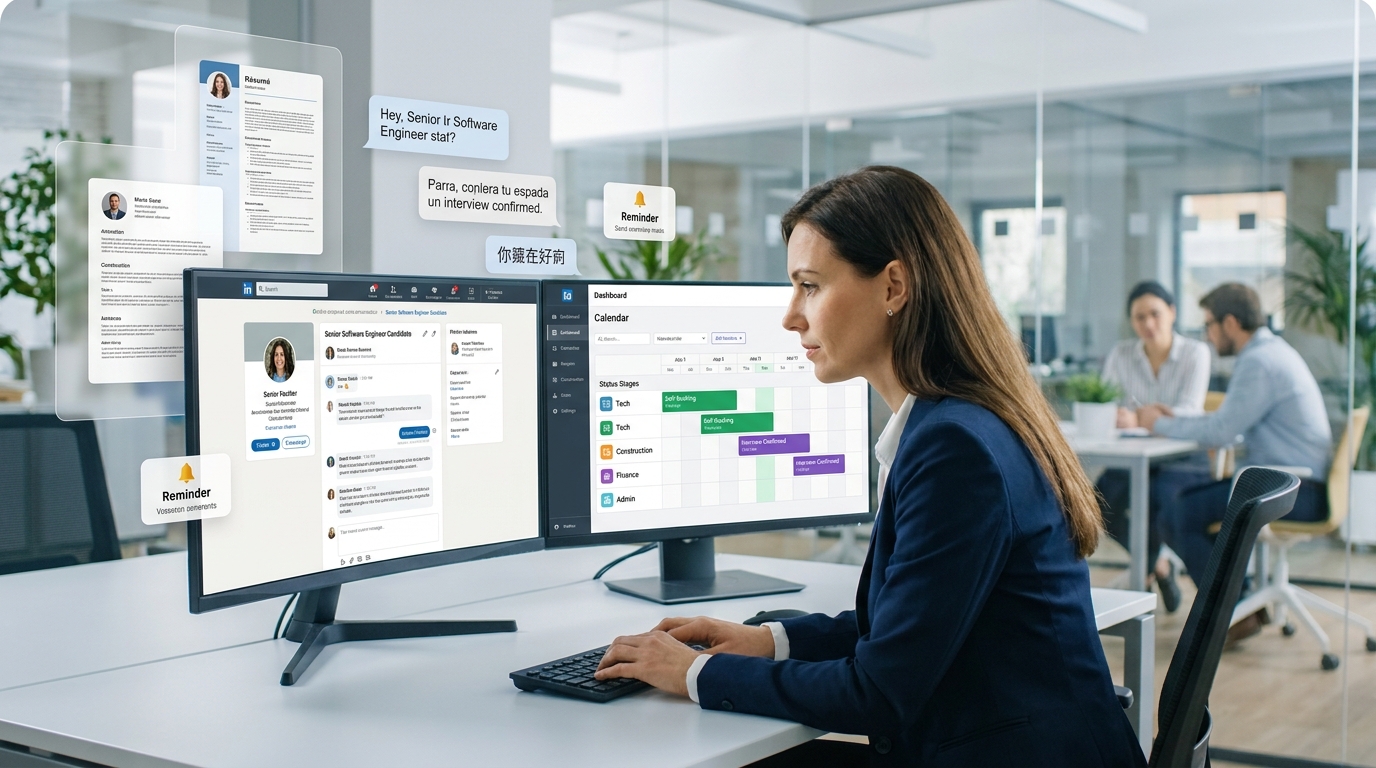
In my own workflow, I have found that StrategyBrain AI Recruiter helps most before the interview is even booked. It handles repetitive LinkedIn outreach, keeps candidate conversations moving after hours, and supports multilingual replies when candidates are in different markets. That does not replace recruiter judgment; I still review the résumé, decide who is truly worth advancing, and choose the next step. But it removes a lot of the dead time that usually makes automated interview scheduling feel harder than it should.
A useful way to see the problem is to look at a market like Regina, Saskatchewan. It is a city with a stable hiring base across government, agriculture, natural resources, finance, construction, and professional services, with growing activity in technology as well. In a market like that, recruiters are not working one narrow req type. They may be lining up office support talent, specialized technical hires, construction staff, executive candidates, or immigration-linked placements at the same time, each with different stakeholders and speed expectations.
Once that mix expands, the recruiter’s day turns into a chain of actions: checking which role needs priority, replying to an interested candidate, collecting a résumé, updating a candidate stage, confirming whether a hiring manager can meet this week, and then rescheduling because one panelist is suddenly unavailable. That is the real opening case for automated interview scheduling. The issue is not only booking a slot. It is whether your workflow can support varied hiring across sectors without letting communication gaps slow down the process.
That is why this topic sits at the intersection of ai hiring software, video interview platforms, and even the search for video interview software free. Teams do not just need a calendar link. They need a process that can handle candidate communication, self-scheduling, interview format choices, and recruiter control in one practical system. The rest of this article focuses on how to evaluate that system the way an experienced recruiter actually would.
Table of Contents
- Why Mixed Hiring Markets Expose Scheduling Weakness
- What Automated Interview Scheduling Actually Means
- Where AI Hiring Software Fits Better Than Standalone Scheduling
- AI Hiring Software vs. Video Interview Platforms
- How Automated Interview Scheduling Works in Practice
- Features That Matter Most for Recruiters
- How I Use AI Recruiter Before Scheduling Starts
- What to Know About Video Interview Software Free Options
- Common Hiring Use Cases
- Common Mistakes to Avoid
- How to Evaluate the Right Software
- FAQ
Why Mixed Hiring Markets Expose Scheduling Weakness
Recruiters in broad local markets rarely hire for just one pattern of role. One search may involve executive or technical talent, another may involve construction staffing, and another may require support for newcomers or internationally mobile candidates. That diversity was obvious in the Regina recruiter landscape, where firms cover everything from office and management support to engineering, warehousing, sales, legal, logistics, and immigration-linked hiring.
The lesson is larger than one city. When a recruiting team serves multiple functions, industries, and candidate types, scheduling friction compounds fast. A simple live interview process may work for one role, but not for a high-volume opening, a specialist search, or a candidate who is still employed and only replies late at night. That is where ai hiring software becomes more than a convenience. It becomes a way to keep the workflow coherent while the hiring mix gets more complex.
Key insight: The more varied your req load is, the less useful standalone scheduling becomes. Recruiters need a workflow that keeps candidate communication, interview booking, and next-step decisions connected.
What Automated Interview Scheduling Actually Means
Automated interview scheduling is the use of software to handle interview invites, candidate self-scheduling, calendar checks, reminders, and rescheduling without constant recruiter back-and-forth. In stronger ai hiring software, scheduling is not isolated. It usually sits inside a broader flow that may include sourcing, screening, transcripts, scorecards, reminders, and candidate stage management.
That distinction matters in real recruiting operations. A team may think it has a scheduling problem, when the deeper issue is that the process before scheduling is still manual and scattered. If recruiters are still chasing LinkedIn replies, waiting on résumé collection, or copying notes between tools, booking automation alone will not solve much.
In practice, recruiters looking for automated interview scheduling are usually looking for three things at once:
- A faster way to get qualified candidates to interview-ready status
- A cleaner way to let candidates choose available times
- A more reliable way to keep hiring managers and recruiters aligned
That is why the conversation often overlaps with video interview platforms and ATS workflows rather than staying limited to calendar utilities.
Where AI Hiring Software Fits Better Than Standalone Scheduling
Standalone scheduling tools are fine when the problem is narrow. If your recruiters already have clean candidate records, timely hiring manager feedback, and consistent interview plans, a simple booking layer may be enough.
But many recruiters do not work in that environment. Agencies juggle multiple clients. In-house teams manage competing req priorities. Independent headhunters source actively on LinkedIn and often receive candidate replies outside normal hours. In those cases, ai hiring software adds value because it starts solving the workflow before the interview invitation goes out.
That is also why I treat scheduling as a downstream quality signal. If a team cannot move from first candidate interest to interview booking without manual cleanup, the root issue is usually workflow design, not just booking mechanics.
AI Hiring Software vs. Video Interview Platforms
Video interview platforms are often the first category teams review because they make interviews easier to run remotely. They may support live virtual interviews, asynchronous responses, or one-way formats that remove the need to coordinate everyone at the same time.
AI hiring software, by contrast, usually aims to connect more of the recruiter’s path to the interview. It may support outreach, candidate communication, interview readiness, reminders, summaries, structured scoring, and scheduling triggers.
| Category | Main Strength | Scheduling Value | Best Fit |
|---|---|---|---|
| Video interview platforms | Interview delivery and flexibility | Reduces same-time coordination, especially with asynchronous formats | Teams mainly improving interview access |
| AI hiring software | Workflow automation across hiring stages | Connects communication, screening, booking, reminders, and follow-up | Teams with scattered recruiter workflows |
| ATS-centered recruiting tools | Pipeline control and recordkeeping | Keeps interviews tied to stages, approvals, and team visibility | Organizations with multi-step hiring processes |
If your challenge starts after a candidate is shortlisted, a video tool may help. If your challenge starts much earlier, broader ai hiring software is usually the better lens.
How Automated Interview Scheduling Works in Practice
Most automated interview scheduling flows follow the same operational sequence:
- Candidate reaches a trigger point: an application is reviewed, sourcing interest is confirmed, or screening is completed.
- Availability is checked: the system reviews approved time windows across recruiters and interviewers.
- The candidate self-schedules: a booking link or interview workflow presents valid time slots.
- The format is assigned: live virtual, asynchronous, or one-way video is chosen based on the role and stage.
- Reminders go out automatically: both candidate and interview team receive clear details.
- Post-interview actions are logged: scorecards, notes, summaries, and next steps stay attached to the candidate record.
The real operational benefit is continuity. Recruiters do not want a booking event that lives outside the rest of the process. They want each interview to remain visible inside the hiring timeline.
Features That Matter Most for Recruiters
When I evaluate tools, I care less about automation slogans and more about whether the system removes real recruiter friction. These are the features that consistently matter most.
1. Candidate self-scheduling
This is the core feature. Good self-scheduling removes email loops and gives candidates flexibility, especially those who are already employed or in another time zone.
2. Calendar integrations
Calendar sync is what makes self-scheduling trustworthy. Without it, double-booking and outdated availability create more work than they save.
3. Automated reminders and rescheduling
Reminders reduce no-shows, but rescheduling support matters just as much. In real hiring, panels change, managers travel, and candidates need flexibility.
4. Asynchronous options
For some roles, asynchronous interviews lower scheduling pressure dramatically. This is one reason video interview platforms remain relevant even when a team adopts broader workflow software.
5. Structured evaluation support
Booking interviews faster is only useful if the team can also review them consistently. Scorecards, summaries, and transcripts help keep decisions comparable.
6. ATS connectivity
If interview records do not remain linked to the candidate profile, recruiters end up doing manual admin again.
7. Multilingual candidate communication
For cross-border recruiting or diverse labor markets, multilingual support can prevent misunderstandings long before the interview stage.
How I Use AI Recruiter Before Scheduling Starts
My own experience with AI Recruiter has been most useful in the stage that many scheduling articles skip: the period between first outreach and confirmed interview interest. In active sourcing, that is where a lot of recruiter time disappears. Candidates reply late, ask basic but necessary role questions, switch languages, or go quiet until after work hours.
Using StrategyBrain AI Recruiter, I found the biggest gain was not that it made final hiring decisions for me, because it does not. The gain was that it kept the top of funnel moving. It could continue candidate conversations on LinkedIn, answer routine role questions, and collect résumés or contact details from interested people while I focused on evaluating fit and deciding who should move forward. That made the handoff into automated interview scheduling much cleaner.
For recruiters working markets with mixed role types, that matters. A technical candidate, an operations hire, and an internationally mobile applicant do not all move at the same speed. The multilingual and after-hours communication support described in the conversation examples is especially useful when candidate availability does not match recruiter working hours. I still own the shortlist, résumé judgment, and interview decision, but the workflow becomes more responsive before scheduling starts.
What to Know About Video Interview Software Free Options
Searches for video interview software free are common, but recruiters should read that phrase carefully. In this category, free often means limited plan, short trial, or restricted access to core features.
If you are evaluating video interview software free options, check:
- How many interviews or candidates are included
- Whether self-scheduling is part of the free tier
- Whether asynchronous interviews are available
- Whether transcripts, scorecards, or branding controls are restricted
- Whether calendar and ATS integrations are included
- Whether the tool can support your actual hiring volume
For very small teams, a free option can be a useful test environment. For most agencies and growing in-house teams, it should be treated as an evaluation path, not long-term infrastructure.
Common Hiring Use Cases
High-volume hiring
When recruiters are handling many similar roles, self-scheduling and one-way video interviews can remove a large amount of repetitive coordination.
Specialist and executive recruiting
For harder-to-fill roles, speed matters, but so does candidate experience. Flexible scheduling and clear communication are often more important than aggressive automation.
Cross-time-zone hiring
Distributed hiring is where workflow gaps become obvious. Candidates respond when they can, hiring managers work on different schedules, and delays multiply quickly.
Agency recruiting across sectors
This is the strongest echo of the Regina example. When a recruiter is covering construction one day, office support the next, and technical hiring after that, the workflow must adapt without creating new admin.
Common Mistakes to Avoid
- Treating scheduling as the whole problem: often the bottleneck starts in sourcing or qualification.
- Ignoring candidate communication: if messages stall, the calendar never becomes the true issue.
- Letting hiring managers work outside the system: that creates avoidable reschedules and lost visibility.
- Assuming free tools will scale: many video interview software free options are too limited for serious use.
- Skipping structured evaluation: faster interviews do not help if the team still reviews candidates inconsistently.
How to Evaluate the Right Software
To evaluate interview scheduling well, start with one real workflow instead of a feature sheet. Use an actual role and ask where time is lost before, during, and after interview booking.
| Evaluation Area | Question to Ask | Why It Matters |
|---|---|---|
| Pre-interview workflow | How does the system move a candidate from interest to interview-ready? | Shows whether the tool solves upstream recruiter friction |
| Scheduling quality | Can candidates self-book and reschedule easily? | Determines whether coordination really improves |
| Interview flexibility | Does it support live and asynchronous formats? | Helps match different role types and candidate availability |
| Communication support | Does it reduce after-hours and multilingual bottlenecks? | Important for sourced and cross-market hiring |
| Recruiter control | Does the recruiter still control shortlist and next-step decisions? | Protects judgment and process quality |
| Integration depth | Does it connect to calendars and candidate records cleanly? | Prevents duplicate admin |
| Free-plan clarity | Is free actually usable or just a trial? | Avoids wasted evaluation time |
A practical test is to run one sourced candidate through the entire sequence: first contact, question handling, résumé collection, interview invitation, self-scheduling, reminder delivery, and post-interview feedback. That reveals much more than a demo ever will.
FAQ
How does automated interview scheduling work?
It uses workflow triggers, calendar integrations, candidate self-scheduling, reminders, and reschedule handling to reduce manual coordination. In stronger ai hiring software, it also connects records and interview follow-up.
How do video interview platforms help with scheduling?
Video interview platforms reduce the need for same-time availability by supporting virtual live interviews or asynchronous formats, which is especially useful in early-stage screening.
What is the difference between AI hiring software and video interview tools?
Video interview tools focus mainly on delivering interviews. AI hiring software usually covers more of the recruiter workflow, including communication, screening support, scheduling, and evaluation steps.
Is video interview software free usually enough for recruiters?
Usually not for long-term use. Video interview software free options often work best for trials, small teams, or process testing rather than mature hiring operations.
Can AI replace recruiter judgment in interview scheduling?
No, and it should not. Good systems reduce repetitive admin and keep communication moving, but recruiters should still decide who advances, how fit is assessed, and what the next hiring step should be.
Where does AI Recruiter help most in this process?
It helps most before scheduling begins by keeping candidate outreach and follow-up moving, including after-hours communication and résumé collection, so the recruiter receives cleaner interview-ready handoffs.
Conclusion
Automated interview scheduling is most valuable when recruiters stop treating it as a calendar problem and start viewing it as a workflow problem. That is the real lesson from mixed hiring environments like Regina’s recruiter market: when role types, stakeholders, and candidate situations vary, the weak point is rarely just booking time. It is the handoff between outreach, interest, résumé review, interview readiness, and team coordination.
The best ai hiring software supports that full path. It can work alongside video interview platforms, help teams assess whether video interview software free options are enough, and give recruiters a more reliable way to move from candidate interest to confirmed interview. If you evaluate software through that lens, you will make better decisions than if you start with scheduling features alone.