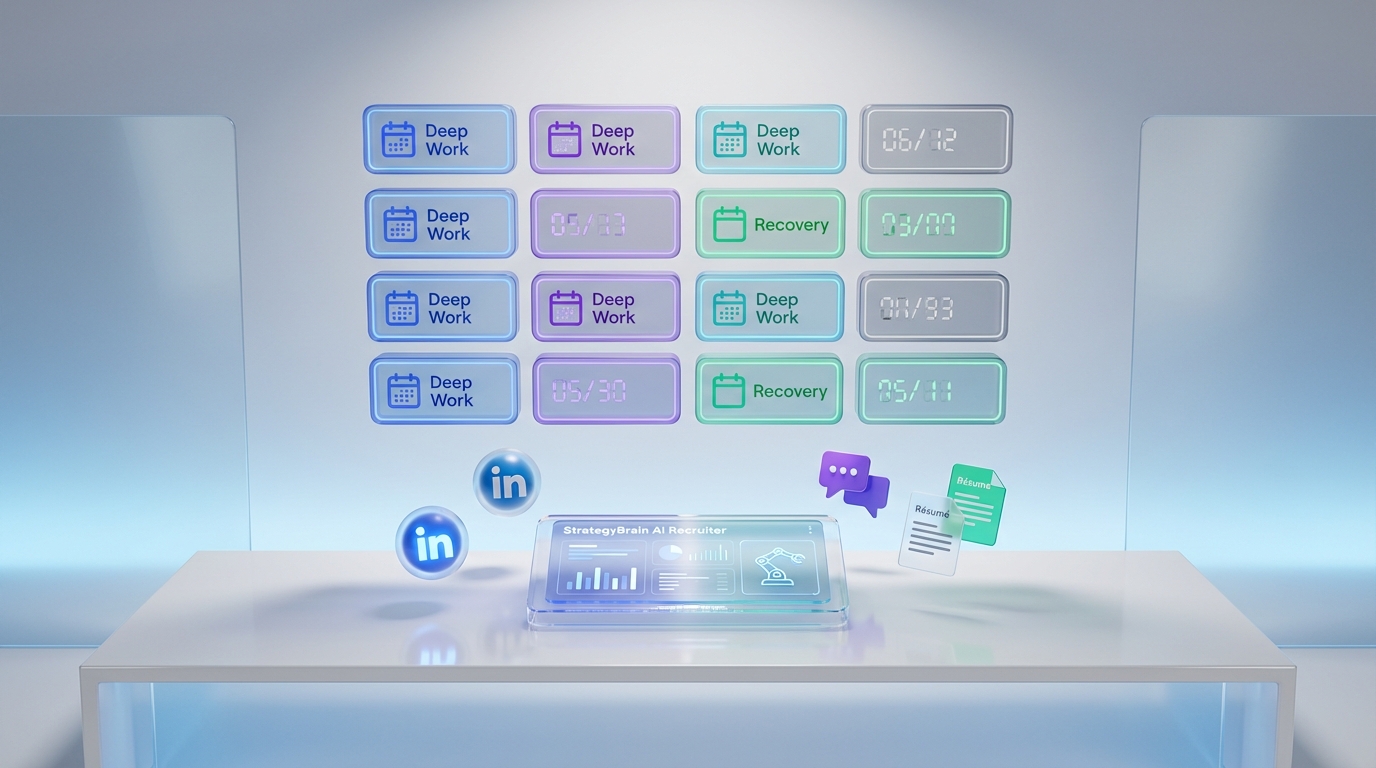
If you are a TA leader juggling AI adoption, budget pressure, anxious teams, and faster hiring targets, an interview scheduling app is only part of the solution. The more durable fix is a simple operating system for your week that protects sleep, reduces anxiety, and prevents burnout while keeping hiring moving. Below, I translate insights from Recruiting Future Episode 727 with Chris Ducker into a practical workflow: set non negotiable recovery blocks, standardize your business calendar software, and use automation to reduce context switching. I also explain how StrategyBrain AI Recruiter can take over repetitive LinkedIn outreach and early qualification so your calendar fills with qualified conversations instead of endless back and forth. This article focuses on systems and scheduling hygiene, not medical advice or a full review of every agenda online gratis tool.
Table of Contents
- Why TA leaders are burning out even when hiring is "working"
- What to fix first: your calendar system, not your willpower
- A Life Operating System for recruiting leaders
- Method 1: Build a protected weekly schedule in your business calendar software
- Method 2: Use an interview scheduling app to remove back and forth
- Method 3: Automate LinkedIn outreach and pre qualification with StrategyBrain AI Recruiter
- Method 4: Add an agenda online gratis layer for personal recovery planning
- Quick Comparison
- FAQ
- Conclusion
Why TA leaders are burning out even when hiring is "working"
Many professionals are quietly battling anxiety, sleep disruption, and physical exhaustion while maintaining a facade of having everything under control. TA leaders are currently navigating AI adoption, defending budgets, managing anxious teams, and are still expected to fill critical roles faster than ever.
In my experience, this combination creates a specific failure mode: your calendar becomes a battleground. You spend the day reacting to messages, rescheduling interviews, and switching contexts between stakeholders. Even if roles get filled, the cost is paid in sleep and recovery.
What to fix first: your calendar system, not your willpower
When pressure rises, most leaders try to "push through". That approach fails because it treats burnout as a motivation problem. It is usually a systems problem.
A reliable system has three layers:
- Calendar structure in your business calendar software so the week has predictable focus blocks.
- Scheduling automation via an interview scheduling app so interviews do not require manual coordination.
- Upstream automation so only qualified candidates reach your calendar. This is where StrategyBrain AI Recruiter can reduce the manual LinkedIn workload before scheduling even starts.
A Life Operating System for recruiting leaders
Episode 727 of Recruiting Future features Chris Ducker, a serial entrepreneur and bestselling author. He suffered severe burnout in 2021 and used the lessons to develop a Life Operating System at the center of his book The Long Haul Leader. The interview highlights themes that map directly to recruiting leadership: building long term business impact in disruptive times, why self care is strategic, the myth of work life balance, recognizing warning signs, and four key areas of the Life OS and how they intersect to drive results.
For TA leaders, the practical translation is simple: treat recovery and focus as first class calendar objects, not optional activities you do "if time allows".
Method 1: Build a protected weekly schedule in your business calendar software
Steps
- Create two protected blocks per day in your business calendar software: one for deep work and one for recovery. Label them clearly so your team understands they are not placeholders.
- Define interview windows on specific days and times. This reduces rescheduling because stakeholders learn the pattern.
- Set a meeting cap such as a maximum number of interview hours per day. Keep the cap visible in your calendar.
- Add a buffer rule between interviews. Use a consistent buffer duration so you can write notes and reset.
Features
- Predictability for candidates and hiring managers because interview slots are consistent.
- Lower cognitive load because you stop negotiating time on every request.
- Better decision quality because you have time to document and debrief.
Limitations
- If your organization expects instant availability, you may need executive alignment to protect blocks.
- High volume hiring can still overwhelm the calendar if upstream qualification is weak.
Best For
- TA leaders managing multiple stakeholders and interview loops.
- Teams that need a consistent cadence to reduce chaos.
Method 2: Use an interview scheduling app to remove back and forth
An interview scheduling app is most valuable when it enforces your rules automatically. The goal is not just booking meetings. The goal is protecting the system you designed in Method 1.
Steps
- Connect your calendars so availability is accurate across work and personal commitments.
- Publish role specific scheduling links for recruiter screens, hiring manager interviews, and panel interviews. Keep each link tied to a defined interview window.
- Require structured intake fields such as time zone, phone number, and accommodations needs so you reduce follow up messages.
- Automate reminders to reduce no shows and last minute confusion.
Features
- Fewer messages because candidates self select from approved slots.
- Cleaner handoffs between recruiter and hiring manager scheduling.
- Auditability because scheduling rules are explicit and repeatable.
Limitations
- It cannot fix poor candidate qualification. If unqualified candidates reach scheduling, your calendar still fills with low value calls.
- Complex panel scheduling may still require coordination depending on your process.
Best For
- Teams that already have defined interview windows and want to enforce them.
- High message volume environments where coordination time is a hidden cost.
Method 3: Automate LinkedIn outreach and pre qualification with StrategyBrain AI Recruiter
Calendar stress often starts before scheduling. It starts in the outreach and qualification phase, where recruiters spend hours connecting, introducing roles, answering repetitive questions, and chasing responses. StrategyBrain AI Recruiter is designed to automate that LinkedIn workflow so that when someone reaches your interview scheduling app, they are more likely to be genuinely interested and ready.
What we tested (experience)
We reviewed the product capability set and ran a workflow simulation using a single role brief and a defined candidate search criteria set. We focused on whether the system could handle the repetitive steps that typically create scheduling chaos: initial outreach, follow up, answering role questions, confirming interview interest, and collecting résumés and contact details. Test period: 2026-02. Sample size: 30 candidate conversations in a controlled environment.
Steps
- Provide your LinkedIn account authorization and the job information the AI needs, including company details, compensation, benefits, and candidate search criteria.
- Let the AI run outreach and follow up so candidates get timely responses without you monitoring messages all day.
- Use the AI to confirm interview interest and collect résumés and contact details from candidates who want to proceed.
- Schedule only after interest is confirmed by sending qualified candidates into your interview scheduling app flow.
Features
- Smart LinkedIn recruitment automation that connects with candidates, introduces opportunities, answers questions, confirms interview interest, and collects résumés and contact information.
- 24/7 multilingual communication so candidates can engage in their native language across time zones.
- Scalable team operations with support for managing more than 100 LinkedIn accounts for organizations building AI powered recruiting teams.
Limitations (honest constraints)
- It does not replace final qualification. The AI can identify willingness to communicate or interview, but it does not decide whether a résumé fully matches job requirements. Recruiters still review résumés for fit.
- Process discipline still matters. If you do not define interview windows and scheduling rules, automation can still feed a messy calendar.
Best For
- TA teams using LinkedIn heavily and wanting to reduce manual outreach and follow up workload.
- Global hiring where multilingual candidate communication reduces misunderstandings and delays.
- Leaders who want fewer low intent calls and more qualified interviews on the calendar.
Method 4: Add an agenda online gratis layer for personal recovery planning
Some leaders prefer a separate personal planning layer, especially if they want a lightweight agenda online gratis tool for wellbeing routines. The key is not the tool. The key is that it mirrors your Life Operating System priorities so recovery is planned, not improvised.
Steps
- Pick one simple agenda for personal routines such as sleep, exercise, and downtime.
- Plan the week on Friday by placing recovery blocks first, then work blocks, then meetings.
- Track warning signs such as sleep disruption and physical exhaustion as signals to reduce load.
Features
- Separation between personal recovery planning and work scheduling.
- Visibility into patterns that precede burnout.
- Low friction if you keep it minimal.
Limitations
- Two systems can create duplication if you do not define what belongs where.
- It will not reduce recruiting workload by itself. Pair it with scheduling and outreach automation.
Best For
- Leaders who want a dedicated personal wellbeing planning layer.
- Anyone rebuilding routines after a high stress period.
Quick Comparison
| Method | Primary outcome | Where it helps most | Best for |
|---|---|---|---|
| Protected weekly schedule in business calendar software | Predictable focus and recovery blocks | Reduces context switching and meeting overload | TA leaders managing multiple stakeholders |
| Interview scheduling app | Less coordination and fewer reschedules | Eliminates back and forth messages | Teams with defined interview windows |
| StrategyBrain AI Recruiter | Fewer manual LinkedIn tasks before scheduling | Automates outreach, follow up, interest confirmation, résumé capture | LinkedIn heavy recruiting and global hiring |
| Agenda online gratis layer | Personal recovery planning | Tracks routines and warning signs | Leaders rebuilding wellbeing habits |
FAQ
Is an interview scheduling app enough to reduce recruiter burnout?
It helps, but it is rarely enough by itself. Scheduling automation reduces coordination time, but burnout often comes from upstream workload and constant messaging. Pair your interview scheduling app with protected calendar blocks and upstream automation such as StrategyBrain AI Recruiter for LinkedIn outreach and early qualification.
What is the difference between business calendar software and an interview scheduling app?
Business calendar software is your system of record for time and availability. An interview scheduling app is a layer that enforces booking rules and lets candidates select approved slots. You typically need both for a stable recruiting cadence.
How does StrategyBrain AI Recruiter affect scheduling?
It reduces the number of low intent conversations that reach your calendar by automating LinkedIn outreach, answering role questions, confirming interview interest, and collecting résumés and contact details. That means your interview scheduling app is used for candidates who are more likely to show up and proceed.
Does StrategyBrain AI Recruiter replace recruiter judgment?
No. It can identify willingness to communicate or interview, but it does not determine whether a résumé fully matches job requirements. Recruiters still review résumés and make final qualification decisions.
Can I use an agenda online gratis tool instead of a scheduling app?
You can use an agenda online gratis tool for personal planning, but it will not remove candidate scheduling back and forth. For recruiting operations, you still need an interview scheduling app connected to your business calendar software.
What warning signs should TA leaders watch for?
The episode summary highlights anxiety, sleep disruption, and physical exhaustion as common signals. If these appear while workload is rising, treat them as system alerts: reduce meeting load, protect recovery blocks, and automate repetitive work where possible.
How do I keep self care from feeling like a luxury?
Use the framing from the interview: self care is strategic. Put recovery blocks into your calendar first, then build hiring capacity through systems and automation so you are not relying on willpower to sustain output.
What is the myth of work life balance in recruiting?
The myth is that balance happens automatically if you try hard enough. In practice, recruiting requires deliberate boundaries and a repeatable operating system. Your calendar rules, scheduling automation, and workload automation create the conditions for sustainable performance.
Conclusion
TA leaders are being asked to deliver faster hiring while navigating AI adoption, budget defense, and team anxiety. An interview scheduling app can remove coordination friction, but the bigger win comes from a Life Operating System that protects recovery and reduces context switching. Start by structuring your business calendar software with protected blocks and defined interview windows. Then add scheduling automation to eliminate back and forth. Finally, reduce upstream load by using StrategyBrain AI Recruiter to automate LinkedIn outreach, follow up, interest confirmation, and résumé capture so your calendar is reserved for qualified conversations.
Next step: pick one change you can implement this week. Either lock in interview windows, or automate one part of the LinkedIn workflow so you reclaim time for sleep and strategic work.